

Webvify vs Swing2App: Which Web-to-App Solution Is Right for You?
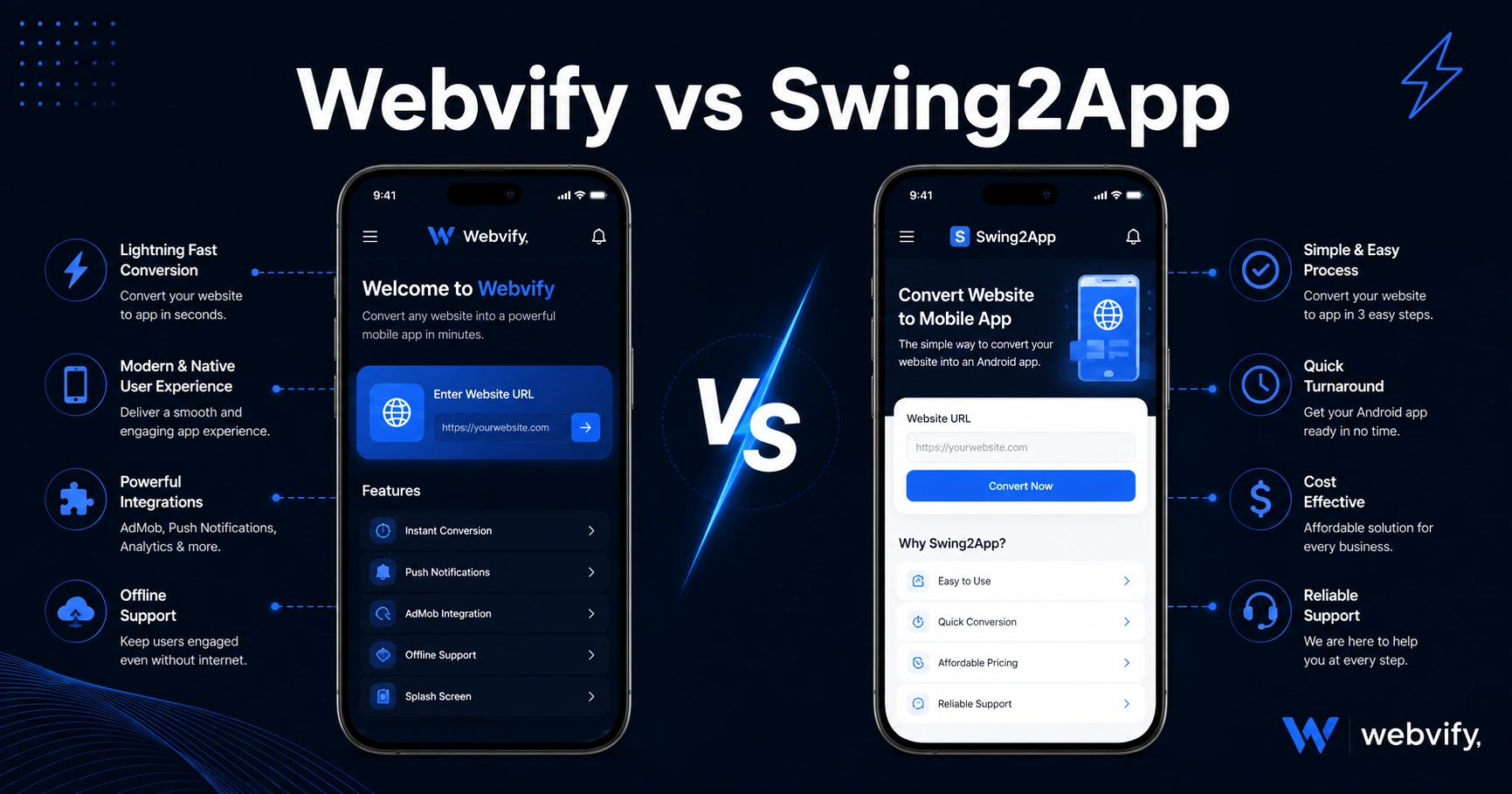
Comparing Webvify vs Swing2App? Here's what each actually handles—App Store submission, website wrapping, and ownership—so you pick the right one.
Inside this article
Most web-to-app tools get you 80% of the way there. The missing 20%—navigating App Store review, setting up developer accounts, and handling rejections—is where most business owners get stuck.
If you're comparing Webvify and Swing2App, you're looking at two tools that convert websites into mobile apps. They approach the same outcome very differently, and that difference matters once your app needs to pass Apple and Google's review process and stay live.
What Is Swing2App?
Swing2App is a South Korean platform that lets you create mobile apps without writing code. It offers two main modes: a widget-based drag-and-drop builder where you design your app interface from scratch, and a WebView mode that wraps your existing website URL into an app shell.
In WebView mode, Swing2App packages your website into an app file. You choose a template, enter your URL, configure navigation, and export a build. That build is then submitted to the App Store and Google Play—but that submission step is largely your responsibility. You'll need your own Apple Developer and Google Play accounts, and you'll navigate the review process yourself.
Swing2App has multiple subscription tiers with different feature sets. Push notifications, advanced customization, and commercial publishing options sit behind higher-tier plans. If your subscription lapses, some functionality tied to their infrastructure may be affected.
What Is Webvify?
Webvify is a done-for-you service: it takes your existing website, wraps it into a fully branded native app, and manages everything from building to submitting on the App Store and Google Play—under your own developer accounts.
You don't touch Xcode. You don't fill out Apple's Data Privacy questionnaire manually. You don't respond to reviewer rejections. Webvify's team handles the submission, manages the back-and-forth with Apple or Google if issues arise, and delivers your app live in the stores. Once it's live, an admin panel lets you manage push notifications and app settings without technical help.
The approach mirrors what companies like Uber and Airbnb use—a WebView wrapper that loads your existing website inside a native container—but without the developer overhead.
Webvify vs Swing2App: Who Handles App Store Submission?
This is the question that separates Webvify vs Swing2App at a practical level.
With Swing2App, you receive a build file. Getting that file approved and live on the App Store is a separate task the platform doesn't complete for you. Apple rejects roughly 40% of first submissions—often for technical reasons like Guideline 4.2 (minimum functionality) or Guideline 2.1 (App Completeness), plus metadata compliance issues. If you've never submitted an app before, this process is slow and frustrating.
With Webvify, submission is included in the service. The platform exists precisely for business owners who want an app live without learning Apple's developer portal.
For most SMB owners, this distinction is the entire decision. If you're comfortable navigating App Store Connect, understanding provisioning profiles, and iterating through reviewer feedback, Swing2App's DIY approach works. If that sounds like a foreign language, a done-for-you service removes that barrier entirely.
Website Wrapping vs. Rebuilding Content
In Swing2App's WebView mode, you paste your site URL and it creates an app shell. This is similar in concept to what Webvify does. But Swing2App's primary product is its drag-and-drop builder—a separate content system where you build your app's pages, menus, and sections inside their editor.
If you already have a working website—Shopify, WordPress, Webflow, or a custom-built site—rebuilding that content inside Swing2App's editor creates a second system to maintain alongside your existing site. Every time your website changes, the Swing2App version doesn't update automatically. You'd maintain two parallel versions of your content.
Webvify wraps your existing website directly. Update your website and the app reflects it immediately—no separate content management, no duplication of effort. Your website is still the single source of truth.
This matters most for businesses where the website is the product: e-commerce stores, service businesses with booking systems, content platforms where articles and pages update regularly. If you've already gone through a no-code app builder comparison and landed on the website-wrapping approach, Webvify is built specifically for that path.
Platform Ownership and Long-Term Costs
Swing2App hosts part of your app's functionality on their infrastructure. If you cancel your subscription, some features may be affected, and transitioning away requires rebuilding elsewhere.
Webvify submits your app under your own Apple Developer and Google Play accounts. The app listing, your user reviews, and your download history belong to you—not to Webvify's infrastructure. If you ever change providers, your App Store presence stays intact.
For businesses building long-term mobile channel equity, ownership of your App Store listing matters more than it initially seems. Your review count and rating carry real conversion weight on the listing page—losing them by switching providers is a real cost.
Who Should Choose Swing2App?
Swing2App works well for developers or technically confident users who want hands-on control of the app-building process, are comfortable managing App Store submission themselves, and want access to a drag-and-drop interface for custom app layouts.
It's also worth considering if you want to experiment with app design before committing to a submission—the builder interface makes it easy to prototype without a developer.
Who Should Choose Webvify?
Webvify is the right fit if you already have a working website and want it live on the App Store and Google Play without hiring a mobile developer or learning the submission process.
If you run a Shopify store and want a dedicated iOS app, or if you have a WooCommerce site and want push notifications that reach customers at 60–90% open rates instead of email's 20–30%, Webvify handles both the conversion and the submission. You can also review how to choose the right mobile app builder to understand the decision framework before committing to either platform.
The same applies for service businesses—restaurants, salons, healthcare providers—who want a branded app without the overhead of managing two content systems or navigating reviewer feedback.
FAQ
Does Swing2App handle App Store submission for you?
Swing2App provides the app build file, but App Store and Google Play submission is primarily the user's responsibility. You'll need to create your own developer accounts ($99/year for Apple, $25 one-time for Google), complete Apple's privacy and compliance requirements, and manage any reviewer back-and-forth. Webvify includes submission as part of its service, handling the full end-to-end process so you don't interact with App Store Connect or Google Play Console.
Can I wrap my existing website with Swing2App without rebuilding content?
Yes, Swing2App offers a WebView mode where you enter your website URL and it creates an app wrapper. However, Swing2App's main product is its drag-and-drop app builder—WebView mode is a secondary feature. Webvify is specifically built for website-to-app conversion and treats the WebView approach as the primary method, with submission included. If keeping your existing website as the single source of truth matters to you, Webvify is the more direct solution.
What happens to my app if I stop using the service?
With Swing2App, some app functionality tied to their infrastructure may be affected if your subscription lapses. With Webvify, your app is submitted under your own Apple and Google developer accounts, so it continues to exist in the stores independently. Your reviews, downloads, and App Store listing all remain yours even if you stop using Webvify's service.
Ready to get your website live on the App Store and Google Play without the submission overhead? Webvify handles the entire process end-to-end—from build to approval to admin panel.