

Webvify vs Swiftspeed: Which Web-to-App Service Is Right for You?
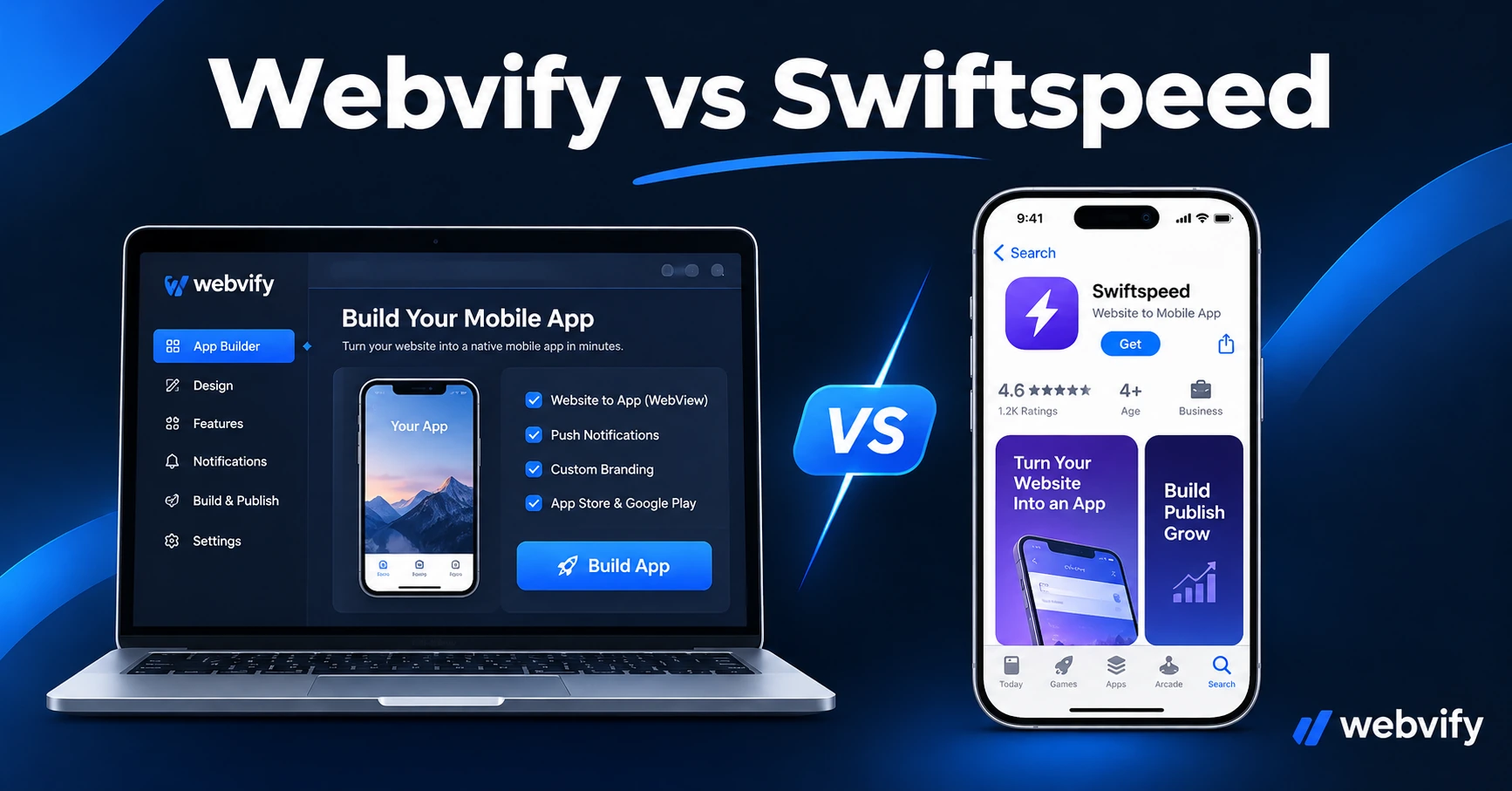
Webvify vs Swiftspeed: a head-to-head comparison. See which one handles App Store submission, what each costs, and which fits your business best.
Inside this article
Swiftspeed converts your website into a mobile app — but once the build is done, submitting it to the App Store is on you. For many small business owners, that's where the process quietly breaks down.
Both Webvify and Swiftspeed wrap your existing website into a branded mobile app. The difference is what happens next.
What Swiftspeed Does (and Where It Stops)
Swiftspeed is a self-service web-to-app platform that lets you configure a WebView app from your website URL, choose a color scheme, and generate an app file for iOS or Android. It's built for users who are comfortable navigating developer tools.
The platform provides the app binary — but Apple and Google review processes, developer account setup, and compliance requirements are your responsibility. That means:
- Creating and verifying an Apple Developer account ($99/year)
- Navigating App Store Connect: certificates, provisioning profiles, screenshots
- Completing Google Play's Data Safety form, content rating questionnaire, and 12-tester closed testing requirement
- Handling any rejection notices from Apple or Google on your own
For developers or technical founders, Swiftspeed can be a fast, low-cost starting point. For non-technical business owners, the submission step is where momentum stalls.
What Webvify Does Differently
Webvify is a done-for-you web-to-app service. You provide the website URL; Webvify handles the full workflow — build, App Store compliance, submission, and publishing under your own developer accounts.
That includes:
- Building the WebView app with your branding
- Preparing all App Store Connect assets (screenshots, descriptions, metadata)
- Submitting to both Apple App Store and Google Play under your own developer accounts — you own the listing
- Managing the back-and-forth with Apple or Google on any review notes
- Providing an admin panel so you can send push notifications and manage the app after launch without touching Xcode or Android Studio
The core difference is who does the submission work. With Swiftspeed, that work is yours. With Webvify, it's included.
App Store Submission: Why It's the Hardest Part
Most small businesses underestimate how much work the App Store submission step involves. Apple's review process covers more than 100 guidelines, and WebView apps face specific scrutiny under Guideline 4.2 (Minimum Functionality) — apps that do nothing beyond what a website already does are at risk of rejection.
Getting past Guideline 4.2 typically means adding push notifications or other native features that justify the app's existence on a user's device. Setting these up correctly inside a WebView wrapper requires knowledge of Xcode entitlements, Apple Developer provisioning, and the App Store Connect metadata workflow.
Google Play has its own friction points: the mandatory Data Safety form, the content rating questionnaire, and the 12-tester, 14-day closed testing requirement for new developer accounts. If you're not already registered as a Google Play developer, you'll spend the first two weeks recruiting 12 testers before Google will let you publish to production.
Services like Webvify absorb all of this — including the edge cases. If you want to compare alternatives beyond these two platforms, this guide to Swiftspeed alternatives covers the main options.
Pricing: What You're Actually Paying For
Swiftspeed offers a low entry price — but that price covers the app generation tool, not the submission process. When you factor in the time (or freelancer cost) of handling App Store submission yourself, the real cost of a "cheap" DIY platform often exceeds the sticker price.
Webvify charges a flat fee that covers the full end-to-end service: build, submission, admin panel, and ongoing support. You're not paying per feature — you're paying to have the whole process handled.
| Webvify | Swiftspeed | |
|---|---|---|
| App build | ✓ | ✓ |
| App Store submission | ✓ Done for you | ✗ Your responsibility |
| Google Play submission | ✓ Done for you | ✗ Your responsibility |
| App under your developer account | ✓ | Varies |
| Push notifications | ✓ | Varies by plan |
| Admin panel | ✓ | Limited |
| Rejection handling | ✓ | ✗ |
The comparison isn't just about price — it's about which parts of the process you're able and willing to own.
Which Service Is Right for Your Business?
Swiftspeed makes sense if you:
- Have a developer or technical co-founder who can handle App Store submission
- Want to control the full build process and are comfortable with Xcode and Android Studio
- Are building an internal tool where App Store approval isn't required
- Are comfortable managing developer accounts and responding to review notes yourself
Webvify makes sense if you:
- Don't have a developer and want the app live without learning App Store logistics
- Have been rejected before and want an experienced team to handle the compliance
- Want both iOS and Android published under your own developer accounts without doing it yourself
- Need a push notification system and admin panel that works out of the box
For non-technical SMB owners — restaurants, salons, service businesses, e-commerce stores — the done-for-you model saves the weeks typically spent learning Apple's submission workflow. For a technical founder who already manages developer accounts, Swiftspeed's self-service approach is a reasonable trade-off at a lower price point.
If you're weighing whether a fully managed service is worth it, this comparison of self-service vs. done-for-you web-to-app platforms walks through the decision framework in detail.
Frequently Asked Questions
Does Swiftspeed submit your app to the App Store?
No. Swiftspeed generates the app binary, but App Store and Google Play submission is the user's responsibility. You'll need to manage Apple Developer and Google Play Console accounts, handle compliance requirements, and respond to any review notes from the stores. Webvify's service includes end-to-end submission as part of the package.
How long does it take to get an app live with Webvify vs Swiftspeed?
With Webvify, most apps are live within 5–10 business days, since the team handles the full submission and review process. With Swiftspeed, the timeline depends on how quickly you can complete Apple and Google's requirements — for first-time submitters, this often takes 2–4 weeks, including Google's 14-day closed testing period for new accounts.
Can I switch from Swiftspeed to Webvify later?
Yes. If you've already built and submitted an app via Swiftspeed, Webvify can take over management and handle updates, rejection fixes, and ongoing compliance. The transition doesn't require rebuilding the app from scratch.
Ready to get your app live without the App Store headache? Start with Webvify today.