

Webvify vs Shopney: Which Is Right for Your Shopify Store?
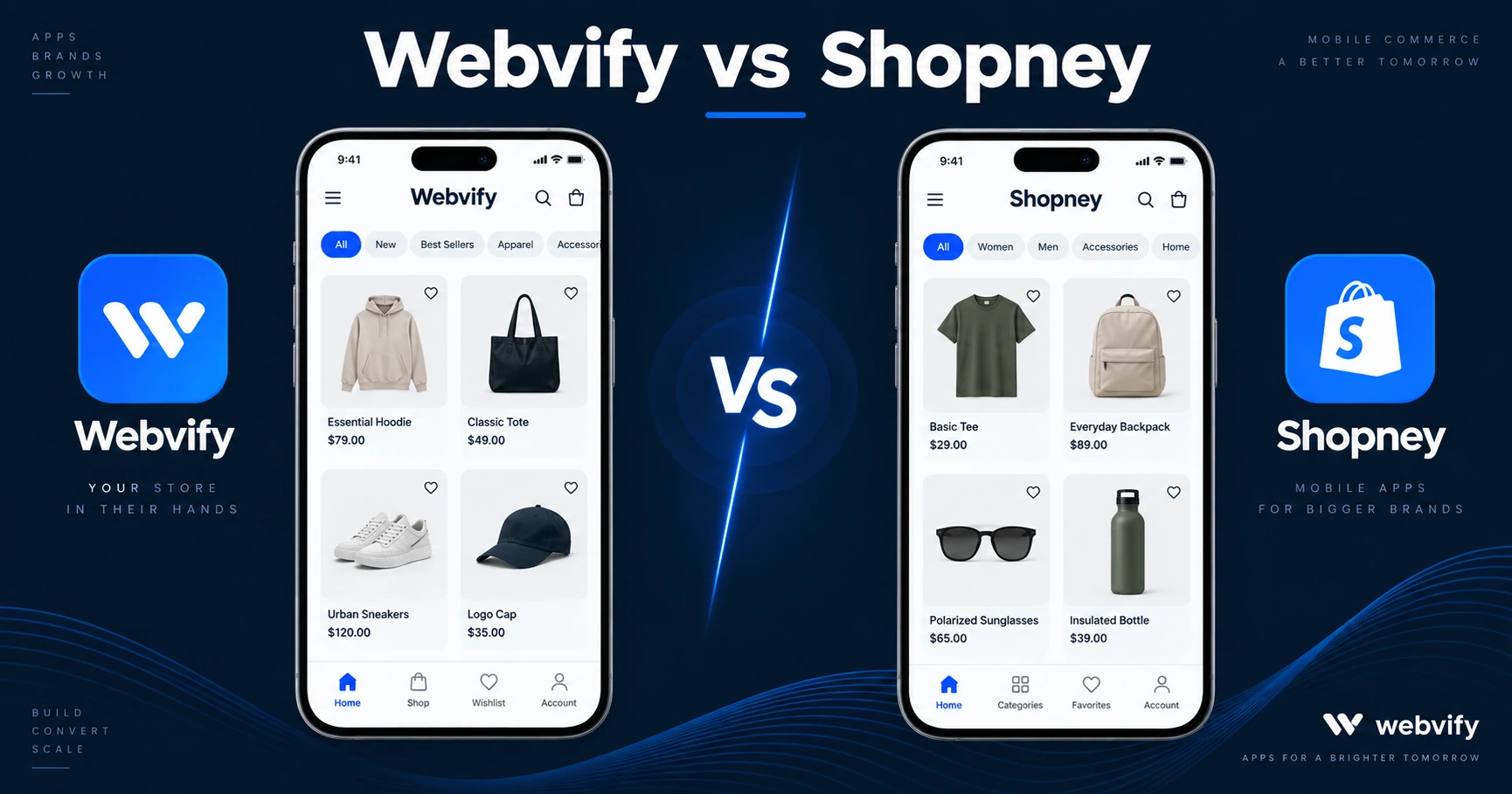
Webvify vs Shopney compared: pricing, setup time, App Store submission, and what each does best for Shopify stores. Pick the right one in 5 minutes.
Inside this article
Your Shopify store already has a mobile website. The question is whether mobile web is enough — or whether a branded app on the App Store changes the equation. And if it does, whether you want to build that app yourself or have it done for you.
That's the real Webvify vs Shopney comparison.
What Does Shopney Offer?
Shopney is a Shopify-specific mobile app builder. It connects to your Shopify store via the Storefront API and generates a native mobile app. You get pre-built design templates, drag-and-drop customisation, and push notification support — all tied directly to your product catalogue.
The setup works like this: you select a template, customise it inside the Shopney builder, then export the app to submit to the App Store and Google Play yourself. Shopney provides the app file; the submission process is yours to manage.
Pricing starts at approximately $149/month. Apple Developer Program ($99/year) and Google Play Console ($25 one-time) accounts are additional costs you set up independently.
The value is clear for stores that want a native app look and feel — custom product cards, branded splash screens, app-specific animations — and have the time or technical resources to handle submission.
What Does Webvify Offer?
Webvify takes a different approach. It converts your existing Shopify store — exactly as it looks and functions today — into a fully branded mobile app using a WebView wrapper. Your store loads inside a native app container. The app is then submitted to both the App Store and Google Play under your brand, by the Webvify team, under your own developer accounts.
No rebuilding product pages. No re-entering collections. No redesigning checkout.
After launch, you manage push notifications, settings, and updates through an admin panel — no developer required.
For Shopify stores selling physical goods, the WebView approach has no Apple IAP complications. Shopify Payments works normally inside a WebView context, which means no rejection risk related to payment processing. (Digital product or subscription sellers should check Apple's Guideline 3.1.1 — Webvify handles this routing.)
The Key Difference: Who Handles App Store Submission
Most Shopify store owners underestimate this step.
Getting an app approved on the App Store for the first time involves navigating App Store Connect, preparing compliance screenshots across at least three screen sizes, writing a privacy policy URL, completing data safety declarations on Google Play, and passing Apple's review cycle — which can take 24–72 hours per submission and sometimes returns with rejections requiring code-level changes.
With Shopney, that process is yours. The app is ready; getting it live is not their job.
With Webvify, submission is included in the service. The team handles App Store Connect, the review cycle, and any rejection responses. You receive a notification when your app is live.
If submission complexity matters to you, this is the deciding factor. For a full look at how other Shopify-focused app builders handle the same problem, see the Tapcart alternatives guide.
Setup Time: What to Expect
Shopney:
- Template selection and customisation: 3–8 hours
- Developer account creation: 1–2 hours
- First Apple submission and review: 7–21 days (including potential rejections)
- Google Play submission: 3–7 days
Webvify:
- Since your Shopify store is already live, there's no content to rebuild
- Webvify team handles the build and both store submissions
- Typically days to two weeks to a live app
The gap is most pronounced on the Apple side. Apple's first-time review for WebView apps has specific guidelines — Guideline 4.2 for minimum functionality, Guideline 3.1.1 for digital goods — that are easy to fail without prior experience. If you want a full checklist before submitting, this iOS app guide for Shopify covers every step.
Push Notifications: Both Platforms Support Them
Push notifications are one of the main reasons Shopify store owners want an app in the first place. Both Shopney and Webvify support them.
Shopney has a native push dashboard built around Shopify events — cart abandonment, order updates, and custom campaigns. Webvify's admin panel lets you send push notifications to your subscriber list without a developer.
For most stores, both options deliver the same practical outcome: the ability to reach customers on the lock screen at 60–90% open rates, compared to 20–30% for email.
Services like Webvify are built specifically so you get that outcome without managing the technical setup yourself. See how Webvify works for Shopify stores →
Who Is Each Tool Built For?
Shopney is built for Shopify merchants who want maximum design control over a native app experience and are comfortable handling the technical steps — or have a developer who can. If your brand depends on a custom UI that goes beyond your existing Shopify theme, Shopney gives you that flexibility.
Webvify is built for Shopify store owners who want a published app without managing the process. If your store already works well on mobile, a WebView wrapper delivers App Store presence, push notifications, and the home screen icon — without asking you to learn Apple's developer portal.
FAQ
Is a WebView Shopify app approved by Apple?
Yes. Apple approves WebView apps when they meet Guideline 4.2 (Minimum Functionality) — meaning the app provides genuine utility beyond a browser shortcut. A Shopify store with products, cart, and checkout meets this standard. Webvify's apps are built to pass Apple's review requirements, and the team handles any rejection responses.
Does Shopney include App Store submission?
Shopney does not include App Store submission in its standard plans. You are responsible for submitting the app to Apple and Google Play. That means setting up an Apple Developer account ($99/year) and a Google Play Console account ($25 one-time), plus managing the review process yourself.
What happens if Apple rejects the app?
With Webvify, rejection handling is part of the service — the team responds to Apple's feedback and resubmits. With Shopney, you manage the rejection yourself: reading Apple's guidelines, making the required changes, and resubmitting through App Store Connect.
Ready to get your Shopify store on the App Store and Google Play — without managing the submission process? See how Webvify works →