

Webvify vs Glideep: Which Web-to-App Service Is Right for You?
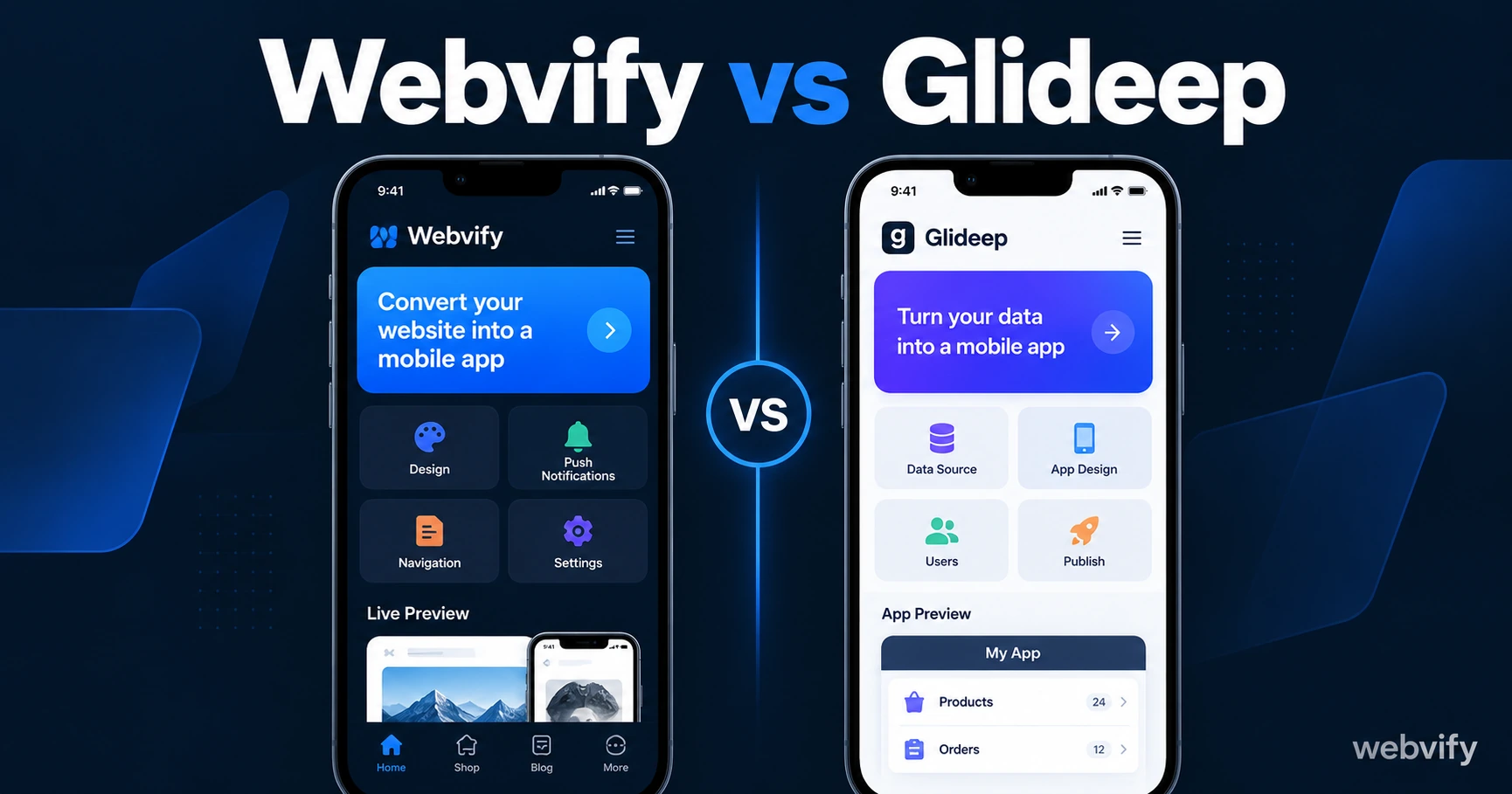
Webvify vs Glideep compared: App Store submission, build limits, pricing, and who handles the hard part. Find the right web-to-app service for your business.
Inside this article
Turning your website into a mobile app without a developer sounds simple enough — until you realize the hard part isn't building the app binary. It's getting it approved on the App Store, keeping it compliant, and managing it after launch.
Both Webvify and Glideep convert your existing website into a native iOS and Android app without writing code. But they're built around very different assumptions about how much you want to handle yourself.
What Is Glideep?
Glideep is a self-service web-to-app builder that wraps your website in a Flutter WebView shell and generates signed iOS and Android app files. You paste in your URL, configure branding (icon, splash screen, colors), and Glideep builds signed IPA and AAB files ready for submission.
Monthly plans start at $39.99/month for both platforms, with 3 builds per platform per month. An annual plan at $429.99 gives you 35 builds per platform per year. You'll also need an Apple Developer account ($99/year) and a Google Play account ($25 one-time) — both are required to publish.
Glideep handles the technical signing and uploads the build to TestFlight, but App Store Connect submission — managing the review process, responding to rejections, configuring store listing metadata — remains your responsibility. An optional "App Deployment service" add-on provides full end-to-end submission support, but it costs extra.
What Is Webvify?
Webvify is a done-for-you web-to-app service. You submit your website URL, and Webvify builds the WebView app, handles Apple and Google developer account setup, submits to the App Store and Google Play, manages the review process end-to-end, and hands you access to an admin panel for post-launch management.
There's no self-service build tool to learn, no App Store Connect to navigate, and no rejection handling to manage on your own. The entire workflow — from build to live app — is handled by the Webvify team.
Webvify vs Glideep: Key Differences at a Glance
| Feature | Webvify | Glideep |
|---|---|---|
| App Store submission | ✅ Included, done-for-you | ⚠️ You submit; add-on available |
| Developer accounts needed | No | Yes ($99/year Apple + $25 Google) |
| Build limits | None (managed service) | 3/month on monthly plan |
| Post-launch admin panel | ✅ Included | ❌ Not included |
| Rejection handling | ✅ Handled by Webvify | ❌ Your responsibility |
| Self-service editor | No | Yes |
| App technology | WebView | Flutter WebView |
App Store Submission: The Part Most Tools Leave to You
App Store submission is where most web-to-app tools hand the problem back to you. Glideep's base plan is no different: it generates the signed app file and uploads it to TestFlight, but you're responsible for everything that follows.
That includes setting up your App Store Connect listing (screenshots, descriptions, privacy policy, review notes), responding to Apple's reviewer questions, navigating rejections, and managing the release once approved. Guideline 4.2 Minimum Functionality and Guideline 3.1.1 in-app purchase rules are the two most common rejection triggers for WebView apps.
For a non-technical business owner, submission is the bottleneck — not the build itself. Services like Webvify handle the entire App Store and Google Play submission process end-to-end, so you never need to log into App Store Connect.
If submission complexity is your main concern, see our step-by-step guide on how to submit your app to the App Store without a developer before choosing a platform.
Build Limits: What Happens After You Go Live
Glideep's monthly plan includes 3 builds per platform per month. For most businesses, 3 builds sounds like enough — but it fills up faster than expected.
First submissions rarely get approved without at least one revision. A rejection from Apple, a fix, and a resubmission means 2 builds used before the app is live. Then if you update your splash screen, push a new binary for an annual compliance requirement (Google Play requires targeting a new Android API level each year), or change your icon, each is another build credit gone.
The annual plan gives 35 builds per platform — roughly the same as the monthly plan spread over a year, at a lower monthly cost, but the ceiling is still real.
Webvify operates as a managed service without build limits. Because your existing website loads inside the app via WebView, content changes on your site appear in the app automatically without triggering a new build. App-level updates — compliance changes, new native features — are handled by the Webvify team as part of the service.
Who Each Service Is Best For
Choose Glideep if:
- You're technical (or have a developer available) and want control over the build pipeline
- You want a self-service tool to experiment with before committing to a managed service
- Your website is already mobile-optimized and you understand App Store guidelines
- Cost per month is the primary driver and you're comfortable owning the submission process
Choose Webvify if:
- You're a non-technical business owner who wants the app live without learning App Store compliance
- You've had a previous rejection and need expert handling
- You want ongoing management — annual compliance updates, push notification setup — without doing it yourself
- You want a post-launch admin panel to control your app after it's live
For context on how both options fit within the broader web-to-app market, see our no-code mobile app pricing comparison for 2026.
Frequently Asked Questions
Is Glideep fully managed or do I still have to submit the app myself?
On Glideep's standard plans, you submit the app yourself. Glideep generates the signed app file and uploads it to TestFlight, but App Store Connect management — the store listing, review process, and rejection handling — is your responsibility. Glideep offers an optional "App Deployment service" add-on for full submission support, but this costs extra and is separate from the base subscription.
Do I need my own Apple Developer account to use Glideep?
Yes. Glideep requires your own Apple Developer account ($99/year) and Google Play account ($25 one-time) to publish. Webvify handles developer account setup as part of its done-for-you service, so you don't need to create accounts before getting started.
What happens if my app gets rejected by Apple?
With Glideep's base plan, you review Apple's rejection notes, make the required changes, and resubmit — which uses another build credit. With a managed service like Webvify, rejection handling is included: the team responds to Apple's reviewer, makes the required adjustments, and resubmits on your behalf.
Ready to get your app live without navigating App Store Connect yourself? Webvify handles everything — build, submission, rejection handling, and admin panel — so you can focus on your business.