

Webvify vs. BuildFire: Which Web-to-App Solution Is Right for You?
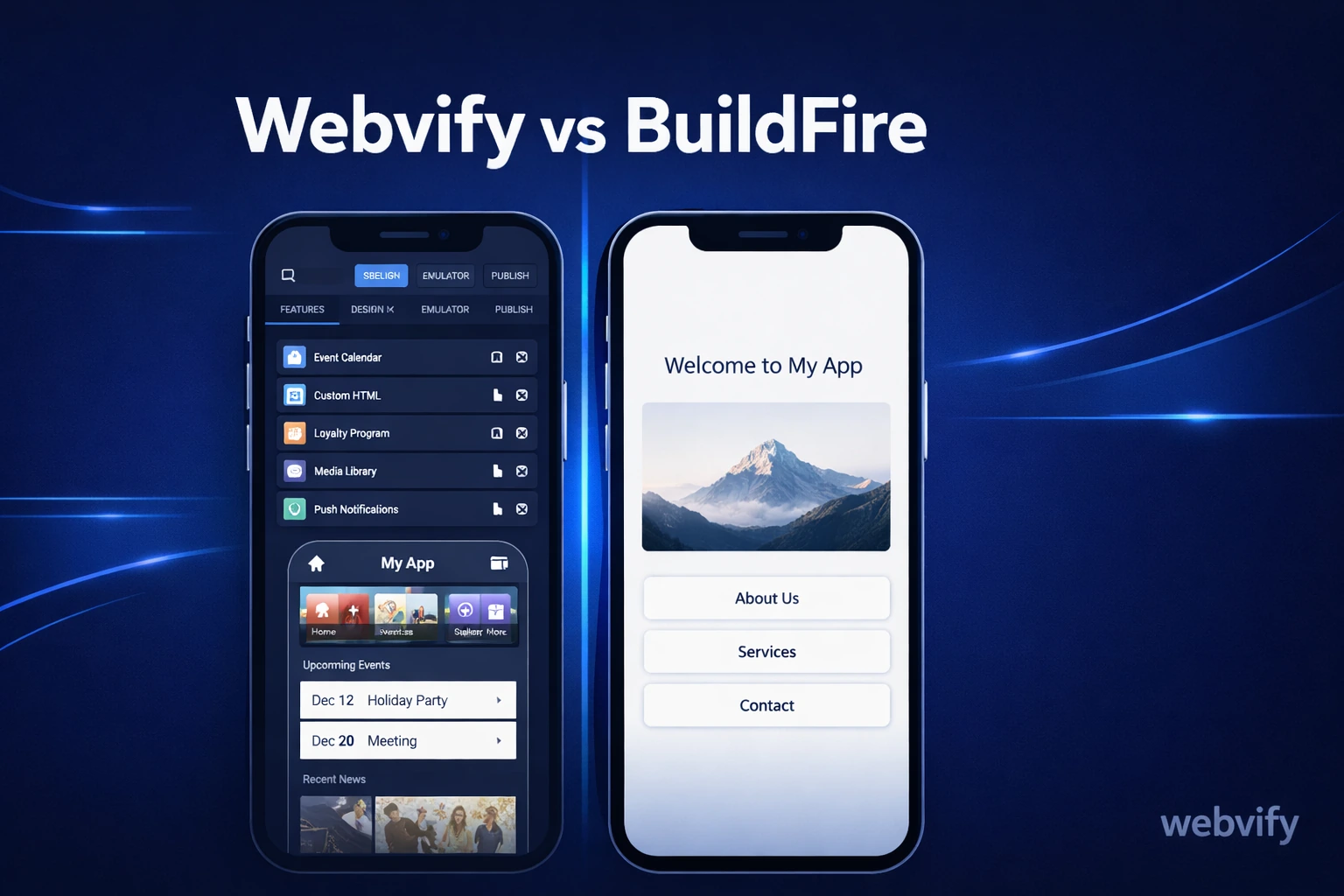
Webvify vs BuildFire: what each platform actually delivers, who handles App Store submission, what you'll pay, and which fits your situation.
Inside this article
BuildFire starts at $159/month — and submitting your finished app to the App Store isn't included in that price. Most small business owners discover this after they've already built everything inside the platform.
If you're comparing Webvify vs BuildFire, the surface-level features look similar: both let you create a mobile app without writing native code. But the underlying model is completely different, and that gap becomes obvious when it's time to get your app live on the App Store.
What Is BuildFire?
BuildFire is a mobile app builder built around a plugin-based CMS. You create your app by selecting from hundreds of pre-built modules — content feeds, loyalty programs, push notifications, in-app purchases — and assembling them inside BuildFire's editor. The result is a native iOS and Android app hosted on BuildFire's infrastructure.
The trade-off: your existing website doesn't transfer over. You rebuild your content inside BuildFire's system, which creates a second platform to maintain alongside your site.
What Is Webvify?
Webvify converts your existing website into a fully branded mobile app using a WebView wrapper. Your website runs inside a native app shell — complete with push notifications, custom splash screens, and a home screen icon — without requiring you to recreate any content.
Updates you make to your website automatically appear in your app. There's no separate content system to manage, and Webvify handles the entire App Store and Google Play submission process end-to-end.
Webvify vs BuildFire: The Core Difference
The key question when comparing these platforms is whether you want to wrap what you've already built, or rebuild everything inside a new system.
BuildFire requires you to recreate your content inside their editor. Your menu, articles, product catalog, event listings — all of it needs to be re-entered inside BuildFire's CMS. Every update you make to your website afterward needs to be repeated inside the app separately. For a business already managing a website, that's a significant ongoing overhead.
Webvify takes the opposite approach. Your app loads your actual website directly, so your existing content is your app content. There's nothing to migrate and nothing to duplicate. If your site works well on mobile, your app is ready.
BuildFire's plugin ecosystem is genuinely powerful for businesses that need deep native functionality — complex loyalty programs, offline content libraries, or enterprise-grade integrations. For a business owner who wants their existing website on the App Store quickly and without complexity, that feature depth adds cost and setup time that doesn't solve the core problem.
If you're a web developer looking to offer apps to clients without rebuilding sites from scratch, this guide on upselling mobile apps to web clients covers how the webview approach fits into a client workflow.
Who Actually Handles App Store Submission?
This is where most comparisons between web-to-app platforms miss the real question.
Getting on the App Store requires an Apple Developer account ($99/year), app binary preparation, compliance with Apple's review guidelines, and the ability to respond to rejection feedback — which happens on roughly 40% of first-time submissions. Google Play requires its own account, its own binary, and its own policies.
BuildFire provides the app. Submission is yours to handle. Their documentation points you to guides, but you manage the developer accounts, interpret Apple's rejection notices, and resubmit until it's approved. For someone who has never done this before, the process alone can take weeks.
Webvify handles submission as part of the service — from registering your developer accounts to preparing the binary and responding to Apple's review team directly. If Apple rejects your app for a policy issue, Webvify handles the fix and resubmission without requiring you to open Xcode or read through Apple's developer documentation.
For non-technical business owners, this difference is the one that actually determines whether the app gets launched or stalls. This breakdown of the App Store submission process shows exactly what's involved if you want to understand the full scope.
Webvify vs BuildFire: Pricing and Ownership
BuildFire pricing starts at $159/month ($1,908/year) for the Starter plan, $299/month for Growth, and custom pricing for Enterprise. Developer account fees, App Store submission, and custom integrations are not included. The ongoing monthly fee also means your app is hosted on BuildFire's infrastructure — if you cancel, the app stops working.
Webvify operates on a project-based model rather than a monthly SaaS subscription. Pricing is available at webvify.app. Critically, Webvify submits your app under your own Apple and Google developer accounts. You own the app outright — it remains live on the App Store regardless of your ongoing relationship with Webvify. There's no platform dependency and no monthly fee to keep your app running.
For businesses thinking about long-term cost, that ownership model changes the calculation significantly compared to any subscription-based builder.
Which Platform Is Right for You?
BuildFire makes sense if:
- You need deep native features that your website can't provide (offline content, complex loyalty systems, enterprise integrations)
- You have technical resources to manage developer accounts and App Store submission
- You're prepared to rebuild and maintain your content in a second system
- You have budget for sustained monthly platform fees
Webvify makes sense if:
- You have an existing website and want to get it on the App Store without rebuilding anything
- You want App Store submission handled end-to-end — no developer accounts, no Xcode, no Apple rejections to manage yourself
- You want your website and app to stay in sync automatically
- You want to own your app outright under your own developer accounts
For most small business owners looking for a BuildFire alternative that handles the full process, Webvify removes the two biggest obstacles: content migration and App Store submission.
Frequently Asked Questions
Does BuildFire support converting an existing website directly?
BuildFire's platform is built around its plugin-based CMS, not around WebView wrapping. While they offer a web content module, their system is optimized for apps built from scratch inside their editor — not for converting an existing site as-is. If you want to convert your current website without rebuilding its content, a WebView-based solution is a closer fit for that use case.
What happens to my BuildFire app if I cancel?
BuildFire apps are hosted on their infrastructure. Canceling your subscription typically takes your app offline. Webvify apps are published under your own Apple and Google developer accounts, so the app remains live on the App Store whether or not you continue working with Webvify — you own the listing outright.
How long does it take to get a Webvify app live on the App Store?
Apple's review process typically takes 24–72 hours once a submission is complete. Webvify's team handles account setup, app preparation, and submission — so the timeline from sign-up to live app on the App Store is typically measured in days, not weeks, assuming your website is mobile-ready.
Ready to get your existing website live on the App Store without rebuilding it or managing the submission process yourself? Start at webvify.app →