

Webvify vs AppSheet: Which Is Right for Your Business?
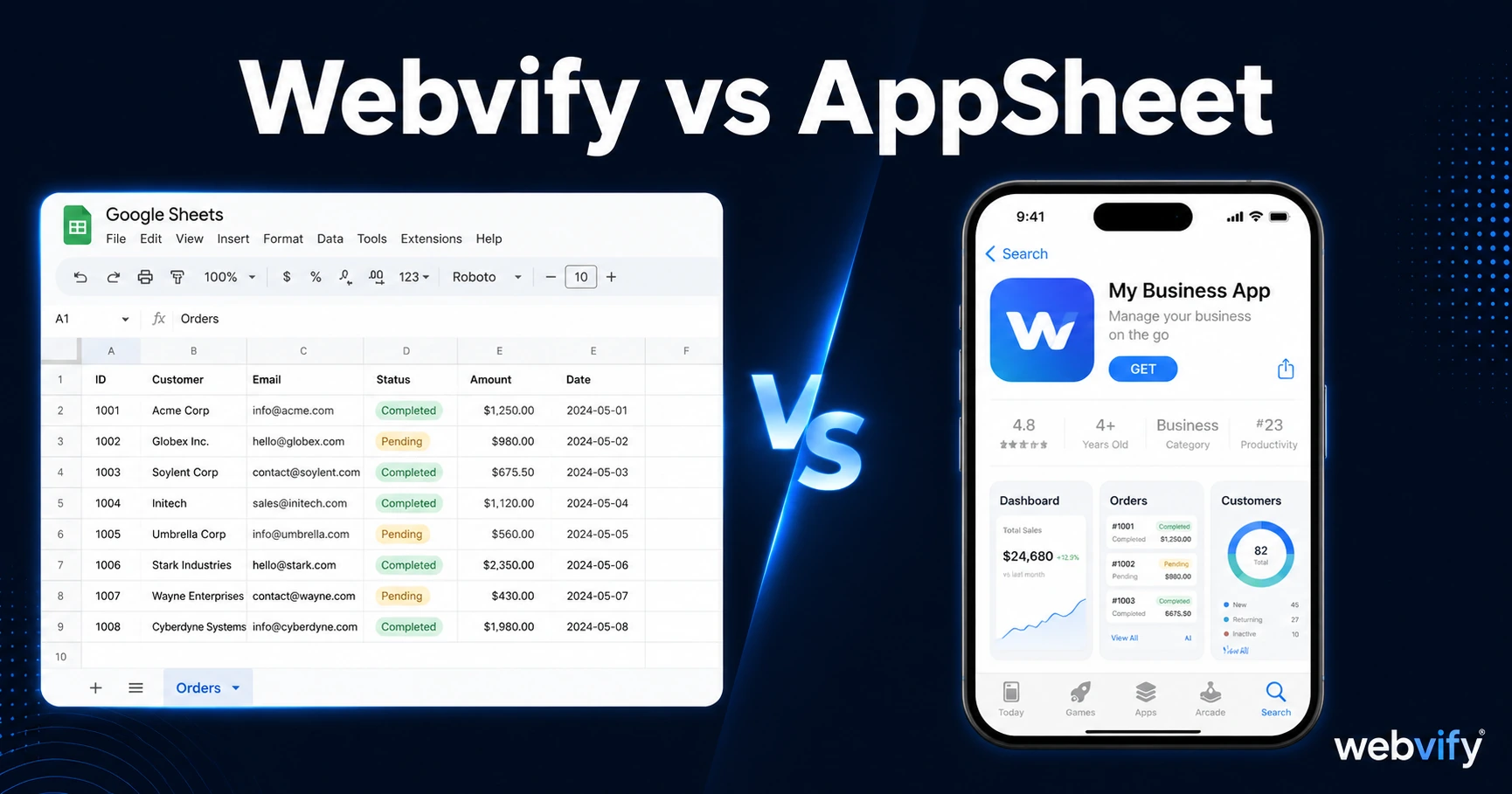
Comparing Webvify and AppSheet? They solve different problems. Here's how to tell which one fits your situation — and why many SMBs pick the wrong one.
Inside this article
AppSheet is free to start, backed by Google, and can produce a mobile app in a day. The problem is it builds from spreadsheets — not from the website you already have.
Webvify and AppSheet Are Not the Same Category
Most comparison searches assume two products are solving the same problem. With Webvify and AppSheet, they're not.
AppSheet is a data-to-app builder. You connect a Google Sheet, Salesforce CRM, SQL database, or Google Form, and AppSheet generates a UI on top of it. The result is an app for internal use cases: inventory tracking, field service checklists, staff scheduling, inspection forms. It's excellent at this. Google acquired it in 2020 precisely because it solves the enterprise form-and-workflow problem without writing code.
Webvify is a web-to-app converter. You give it your existing website URL, and it wraps that site into a fully branded iOS and Android app — published to the App Store and Google Play under your business name. The value is that you don't rebuild anything. Your website already exists. Webvify packages it and handles the App Store submission process end-to-end.
The question "Webvify vs AppSheet?" usually comes from business owners looking for a mobile app. The key question is: do you already have a website?
What AppSheet Builds — and What It Doesn't
AppSheet is powerful for structured data workflows. A logistics company tracking delivery routes. A property manager logging maintenance tickets. A restaurant chain doing ingredient inventory across 20 locations. These are internal operational tools, and AppSheet handles them well.
What AppSheet does not do is turn your existing website into a customer-facing mobile app. If you run a yoga studio with a Mindbody booking page, a coffee shop with an online ordering site, or a Shopify store, AppSheet cannot wrap that into an App Store app. It starts from data sources, not from web pages.
You'd also need to recreate your content. Every product listing, page, form, and piece of information your website already has would need to be re-entered into AppSheet or connected via API. For most small businesses, that's weeks of work — producing something that doesn't even look like your brand.
What Webvify Builds — and What It Doesn't
Webvify takes your existing website and converts it into a WebView mobile app: a native shell that loads your website, gives customers a branded app icon, and adds capabilities your mobile site can't provide — push notifications, App Store discoverability, and home screen presence.
Services like Webvify handle the entire process end-to-end: the app build, App Store and Google Play submission, and an admin panel you use to manage it after launch. You don't need a developer, you don't learn Xcode, and your website stays exactly as it is. If you're not sure which tool category fits your situation, this guide on choosing a mobile app builder walks through the decision framework.
What Webvify doesn't do is replace internal business tools. If you need staff scheduling software, a CRM, or a custom data entry workflow, a web-to-app converter isn't the right fit. That's where AppSheet genuinely wins.
The Rebuild Tax Every Business Should Understand
One of the biggest hidden costs in the "let's build an app" conversation is the rebuild tax.
If you use AppSheet, you're not building on top of your website — you're building a second system. Your website stays your website. Your AppSheet app becomes its own separate thing to maintain, update, and keep in sync. When you change your pricing, update your menu, or add a new service, you update your website and then update AppSheet. Two systems, double the maintenance.
With a web-to-app approach, there's no rebuild tax. The app loads your website. Update the website once, and the app reflects it automatically. If you already have a well-built site, you're packaging what you already have — not starting over.
For most small business owners comparing no-code tools, this maintenance split is the real decision factor. It's the same reason comparison articles like Webvify vs Glide keep coming back to the same question: are you starting from a website, or starting from scratch?
App Store Submission: The Step That Stops Most Businesses
Publishing an app to the App Store and Google Play requires an Apple Developer account ($99/year), an AAB file for Android, compliance with App Store guidelines, and a review process that takes anywhere from 24 hours to a week.
AppSheet can assist with Google Play deployment on certain plans, but the compliance requirements — the content rating questionnaire, Data Safety form, API target level — are still your responsibility to navigate. App Store (iOS) deployment from AppSheet is more limited and depends heavily on your plan tier.
Webvify is built specifically for the App Store submission use case. The service handles packaging, compliance review, and submission under your own Apple and Google developer accounts, so the app appears under your business name — not a third-party publisher. First-submission rejection rates hover around 40% for businesses navigating App Store guidelines without guidance. That's the gap this kind of managed service fills.
Which Tool Is Actually Right for You?
Here's a simple filter.
If you're solving an internal workflow problem — staff management, inventory, inspection checklists, field team coordination — AppSheet is the right category. It's free to start, deep on data operations, and Google's enterprise backing is a real advantage at scale.
If you're trying to give your customers a mobile app that reflects your brand, sends push notifications, and appears on the App Store — and you already have a website — a web-to-app converter like Webvify is the right category. You're not rebuilding anything. You're packaging what already works.
The mistake most small business owners make is spending weeks in the wrong category. AppSheet is a strong internal operations tool that gets misread as a customer app builder. Webvify is a customer-facing app service that gets compared to tools requiring a full content rebuild. They're solving different problems for different situations.
Is AppSheet free?
AppSheet has a free tier for personal use and small teams, but business-ready features — push notifications, App Store deployment, larger user limits — require paid plans starting around $5 per user per month. For customer-facing apps with unlimited external users, costs scale quickly.
Can AppSheet publish to the App Store?
AppSheet supports Google Play deployment on certain plans, but iOS App Store publishing has more limitations and requires navigating Apple's compliance requirements without end-to-end support. It's primarily designed for internal workforce apps rather than customer-facing branded apps.
What's the fastest way to get my website into the App Store?
Using a web-to-app service is the fastest path. You provide your website URL, and the service handles the build, compliance check, and App Store submission. Most businesses are live on both stores within 10–14 days without writing any code.
Your website is already built. Get it on the App Store without starting over. Start with Webvify →