

Webvify vs Appbrew: Which Is Right for Your Shopify Store?
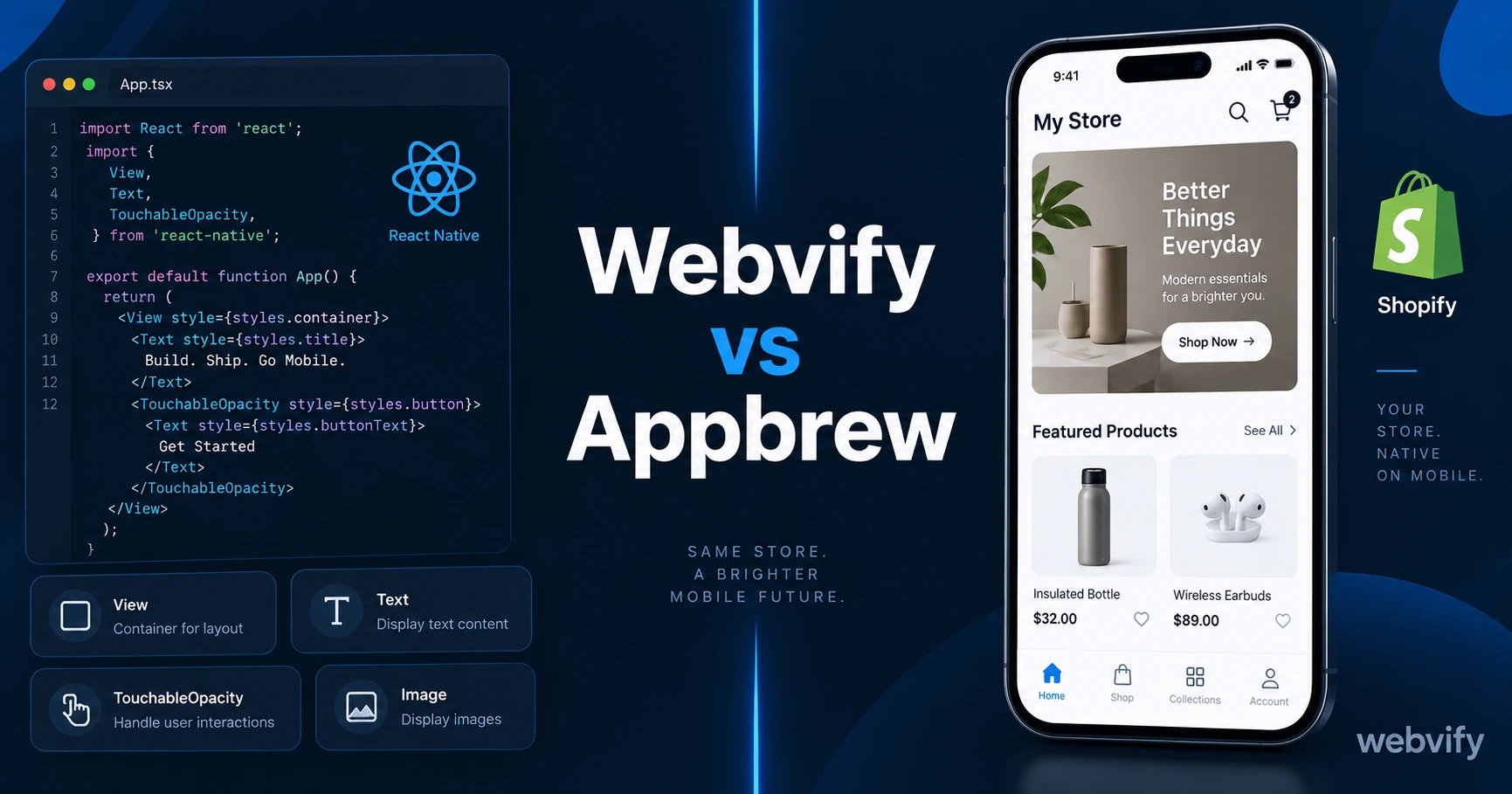
Webvify vs Appbrew for Shopify: React Native app vs WebView wrapper. Compare setup, compatibility, push notifications, and submission to find the right fit.
Inside this article
Appbrew and Webvify both put your Shopify store on the App Store. What they do to get there is completely different — and that difference matters more than the monthly price.
The Webvify vs Appbrew decision comes down to one question: do you want a rebuilt version of your store in a native app, or do you want your existing store wrapped and published as-is?
Two Different Approaches to the Same Problem
Appbrew builds a React Native app from your Shopify store. Their platform pulls product data, collections, cart, and checkout through Shopify's Storefront API and renders everything in a native mobile UI built inside their editor. The result looks like a purpose-built app because, technically, it is one.
Webvify wraps your existing Shopify storefront in a WebView container — a lightweight shell that runs your actual website as a mobile app. Your current Shopify theme, third-party apps, and customizations all work exactly as they do on the web. Nothing gets rebuilt.
This single architectural difference shapes every other comparison: setup time, third-party app compatibility, post-launch maintenance, and what breaks when you update your store.
Setup and Launch Time
With Appbrew, you configure your app inside their builder. You create a home screen layout, set up navigation, choose how products and collections display, and upload your brand assets. Their drag-and-drop tools make this manageable — but plan on days to weeks to get everything looking right, especially if your store has custom design elements.
With Webvify, your Shopify store is the app. There is no layout to rebuild. You connect your store URL, set your push notification preferences, and Webvify handles the App Store and Google Play submission from there. Most stores go live in days, not weeks.
If you need speed — a launch in days rather than a build project — the WebView approach wins on time alone.
Webvify vs Appbrew: Third-Party App Compatibility
This is where the architectural difference becomes concrete.
Appbrew's React Native approach means Shopify apps that rely on JavaScript injections, web-rendered embeds, or custom browser behavior may not work inside the native container. Custom product configurators, certain loyalty program widgets, review apps that inject custom UI — these can break or behave unexpectedly. Shopify apps built on the Storefront API tend to work fine; apps that depend on your storefront's DOM or JavaScript environment often don't.
Webvify's WebView approach means every app that works on your Shopify site works in the app. Your Klaviyo pop-ups, your subscription app, your custom checkout scripts — all of it renders exactly as it does on the web. If you've invested in a stack of Shopify apps you rely on, WebView compatibility is zero-risk.
If your store runs specialized Shopify apps that make your customer experience distinctive, verify compatibility with Appbrew before committing. With Webvify, there is nothing to verify.
Push Notifications
Both platforms support push notifications, which is the core retention mechanism for any mobile app — with push open rates running 60–90% compared to 20–30% for email, this is where the real ROI lives.
Appbrew offers push notifications with tight Shopify-native triggers: cart abandonment, back-in-stock alerts, price drop notifications. These are pulled directly from Shopify events and work well out of the box for stores focused on automated e-commerce flows.
Webvify supports push notifications for cart abandonment, promotional campaigns, and custom broadcasts. If your retention strategy relies on manual campaign pushes and standard abandonment flows, both platforms cover this equally. If you need deep automated triggers tied to Shopify's native events, Appbrew may offer more pre-built sequences.
For a full breakdown of what push notifications can do for a Shopify store, the Shopify push notifications guide covers this in detail.
App Store Submission and Ongoing Maintenance
Both platforms handle App Store and Google Play submission, which removes the biggest technical barrier for most Shopify owners. You do not need to touch Xcode, Android Studio, or either developer portal.
The difference is what happens after submission. With Appbrew, you manage app updates inside their builder. When you update your Shopify theme or install a new app, you need to check whether the change affects your Appbrew layout — a separate maintenance step.
With Webvify, updates to your Shopify store automatically reflect in the app. Add a product, change your homepage banner, install a new app — the mobile version stays in sync with zero additional effort. There is no second system to maintain.
Services like Webvify handle the full process end-to-end — build, submission, and post-launch management — so your store and app stay aligned without extra work on your part.
Pricing
Both platforms operate on monthly subscription models. Appbrew is a self-service builder; you configure and manage the app yourself after the initial setup. Webvify is a done-for-you managed service; the build, submission, and ongoing updates are handled for you.
Check each platform's current pricing before deciding — rates change. What to compare beyond price: what level of ongoing involvement is expected from you, what happens if your Shopify theme changes, and who owns the App Store listings (make sure it's your developer accounts, not the platform's).
For a broader view of how Shopify mobile app builders compare, the Best Shopify Mobile App Builders 2026 guide covers the full landscape.
Which Should You Choose?
Choose Appbrew if: you want a fully native app experience, your store has simple or standard Shopify apps, and you're comfortable spending time in their builder to configure the layout.
Choose Webvify if: you want your existing Shopify store published exactly as-is, you rely on third-party apps that need WebView compatibility, or you want a fully managed process with no second system to maintain.
Most Shopify owners who already have a working, customized store find the WebView approach faster to launch and simpler to maintain. You've already built the store — the question is whether you want to rebuild it again inside someone else's editor.
Frequently Asked Questions
What is the difference between Appbrew and Webvify for Shopify?
Appbrew builds a React Native app that reconstructs your Shopify store in a native mobile UI using Shopify's Storefront API. Webvify wraps your existing Shopify site in a WebView container, so your current theme and apps work as-is. Appbrew requires rebuilding your layout in their editor; Webvify requires no rebuilding and works with everything already on your store.
Does Appbrew work with all Shopify apps?
Not always. Apps that rely on JavaScript injections, web-rendered embeds, or custom browser behavior may not work inside Appbrew's React Native container. Apps built on Shopify's Storefront API or native Shopify features are better supported. If your store relies on specialized third-party apps, verify compatibility before committing.
Which is faster to launch — Appbrew or Webvify?
Webvify is generally faster because there is no layout to rebuild. Since your existing Shopify store becomes the app, setup involves connecting your store URL and configuring push notifications rather than recreating your store design inside a new editor. Most Webvify stores go live in days; Appbrew setup typically takes longer depending on how much layout configuration is involved.
Your Shopify store is already built. Getting it on the App Store doesn't have to mean starting over. Turn your Shopify store into a mobile app with Webvify →