

Webvify vs. Adalo: Which Is Right for Your Business?
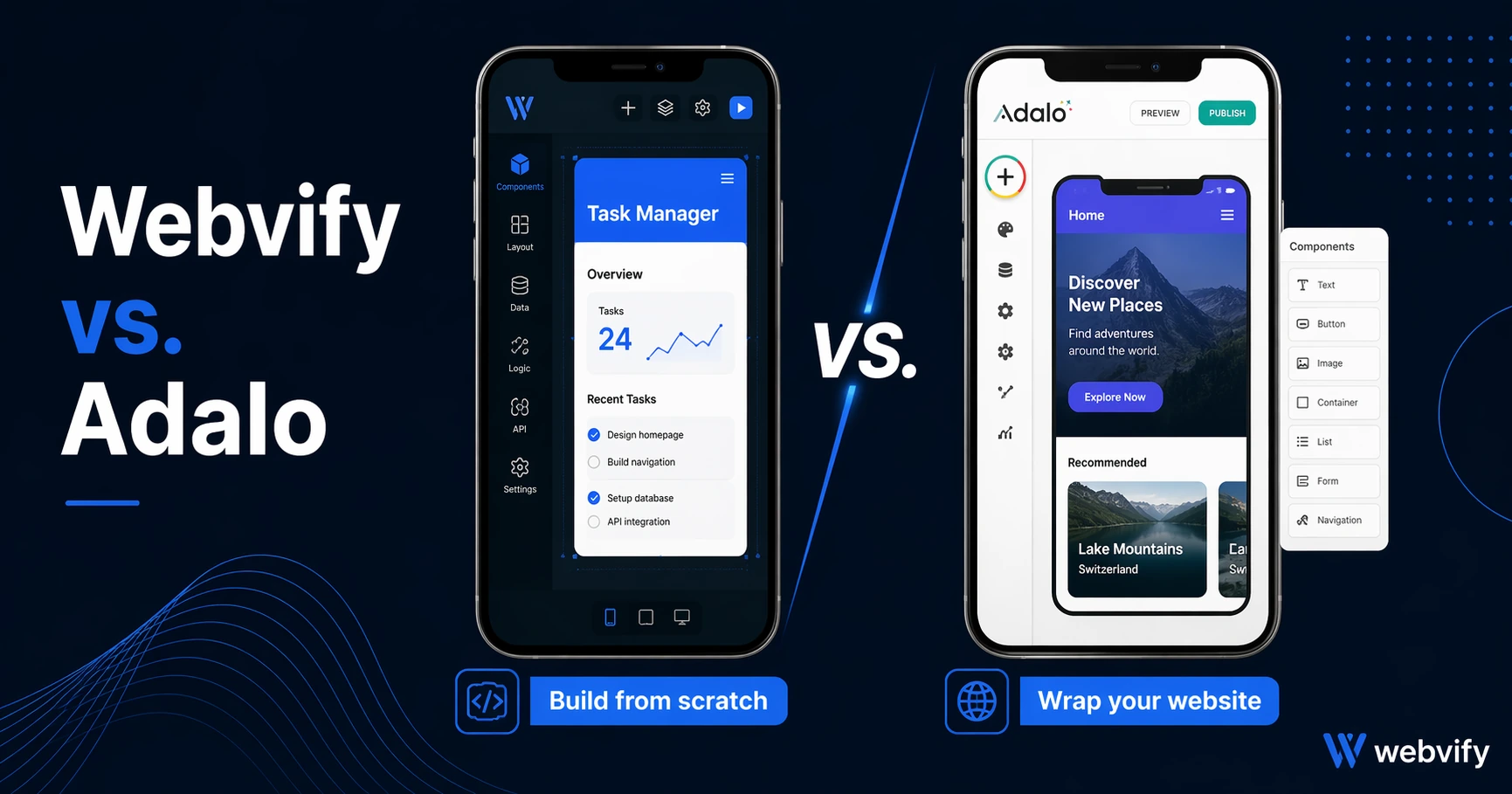
Adalo builds native apps from scratch. Webvify turns your existing website into a mobile app. Here's which tool actually fits your situation.
Inside this article
You already have a website. Your products are listed, your booking form is live, your content is there. Then you open Adalo and realize — you have to recreate all of it from scratch inside a drag-and-drop native app builder.
That's the core tension between Adalo and Webvify. They're solving different problems. Adalo is a no-code native app builder for teams that want to design a custom app from the ground up. Webvify converts your existing website into a mobile app without touching a line of code or rebuilding any content.
What Adalo Does
Adalo is a no-code platform for building native mobile apps. You drag and drop components — lists, buttons, forms, databases — and assemble your app inside Adalo's editor. Once built, it can be published to the App Store and Google Play.
Adalo's strength is flexibility. If you're building a custom app that doesn't have an existing website to pull from — say, a marketplace, a social feed, or a members-only platform with a database you're designing from scratch — Adalo gives you the tools to do it without writing code.
The tradeoff: everything lives inside Adalo. Your content, your database, your user logic. If you have an existing website with years of product listings, blog posts, or booking functionality already built into it, none of that transfers. You start over.
App Store submission is also the user's responsibility. Adalo provides the build files and documentation, but the submission process — creating an Apple Developer account, navigating App Review, handling rejections — is yours to manage.
What Webvify Does
Webvify takes a different approach. Instead of building a new app inside a proprietary editor, Webvify wraps your existing website in a native mobile shell and publishes it to the App Store and Google Play as a fully branded app.
Your website becomes your app. The content, the design, the functionality — it's all already there. Webvify adds the mobile layer: push notifications, native navigation, app icons, splash screens, and the App Store presence.
The entire process is handled end-to-end. Webvify builds the app, handles App Store and Google Play submission, and gives you an admin panel to manage push notifications and settings after launch. You don't touch Xcode or the Apple Developer portal.
If you've looked at alternatives like Webvify vs. GoodBarber, you'll notice the same pattern: tools that require rebuilding your content inside a new system add a second maintenance burden you didn't sign up for. Webvify sidesteps this entirely because your website is the single source of truth.
The Core Difference: Build New vs. Wrap Existing
This is the decision that matters most.
Choose Adalo if: You're building a custom app from scratch — one that has its own database, unique user flows, or functionality that doesn't exist on a website yet. Adalo gives you the flexibility to design that experience visually without writing code.
Choose Webvify if: You already have a working website and want it in the App Store. You don't want to rebuild your content in a new system, and you want someone else to handle the technical process of getting it published.
Most business owners with an existing web presence — restaurants, retailers, coaches, service businesses, e-commerce stores — fall into the second category. They don't need a custom-built app. They need their website available as an app their customers can download.
Services like Webvify exist specifically for this use case: turn what's already working on the web into a presence on the App Store and Google Play, without the overhead of building something new from scratch.
App Store Submission: Who Handles It?
This is often overlooked when comparing app builder tools.
With Adalo, submission is your job. You'll need an Apple Developer account ($99/year), you'll submit the build through App Store Connect, and if Apple rejects it — which happens — you'll need to navigate the response. For non-technical business owners, this step is where projects most often stall.
With Webvify, submission is handled as part of the service. The technical process of meeting App Store guidelines, responding to reviewer feedback, and getting the app live is managed for you. Your involvement is reviewing and approving the app before it goes public.
If you've been through the submission process on another platform and found it frustrating, this distinction matters more than any feature comparison. (If you're curious how the process works, this guide covers it step by step.)
Pricing and Long-Term Cost
Adalo's pricing starts around $36/month for basic plans and scales up based on features and data usage. This is a subscription to their platform — and because your app's database and content live inside Adalo, your app's continuity is tied to your subscription.
Webvify uses a different model: a done-for-you service that includes the build, App Store submission, and admin panel setup. Because Webvify publishes the app under your own developer accounts, the app stays yours even if you ever stop working with Webvify. No lock-in to a proprietary database.
For businesses that already have a website and just need an app, the ongoing maintenance costs are also lower with Webvify — you maintain one system (your website) instead of two (your website and your Adalo app).
FAQ
Is Adalo good for turning an existing website into an app?
Adalo is designed for building new apps from scratch, not wrapping existing websites. If you have a working website, you would need to recreate your content and functionality inside Adalo's editor — a significant time investment. For businesses that want their existing website in the App Store without rebuilding, a WebView-based service like Webvify is a better fit.
Does Adalo handle App Store submission?
Adalo provides the app build and documentation, but App Store and Google Play submission is the user's responsibility. This includes creating and managing developer accounts, navigating the review process, and handling any rejections. If you want someone to manage this process end-to-end, look for a service that includes submission as part of the offering.
What happens to my Adalo app if I cancel my subscription?
Because your app's data and content live inside Adalo's platform, cancelling your subscription affects access to your app's backend. This platform dependency is worth considering for long-term planning. Apps published through Webvify are submitted under your own Apple and Google developer accounts, so the app continues to live in the stores regardless of your service relationship.
Which Should You Choose?
If you're starting from zero — no existing website, a new app concept, custom database logic — Adalo is worth exploring. It's a capable no-code builder for that specific use case.
If you already have a website and want it in the App Store without rebuilding anything, Adalo is the wrong tool. You'd spend weeks recreating what your website already does — for a result Webvify can deliver in days.
Webvify converts any website — Shopify, WordPress, Squarespace, custom — into a fully branded mobile app, submits it to both stores, and hands you an admin panel to manage it. No rebuilding, no dealing with App Review, no second system to maintain.