

Vercel to Mobile App: iOS & Android Live in Days (No Rewrite)
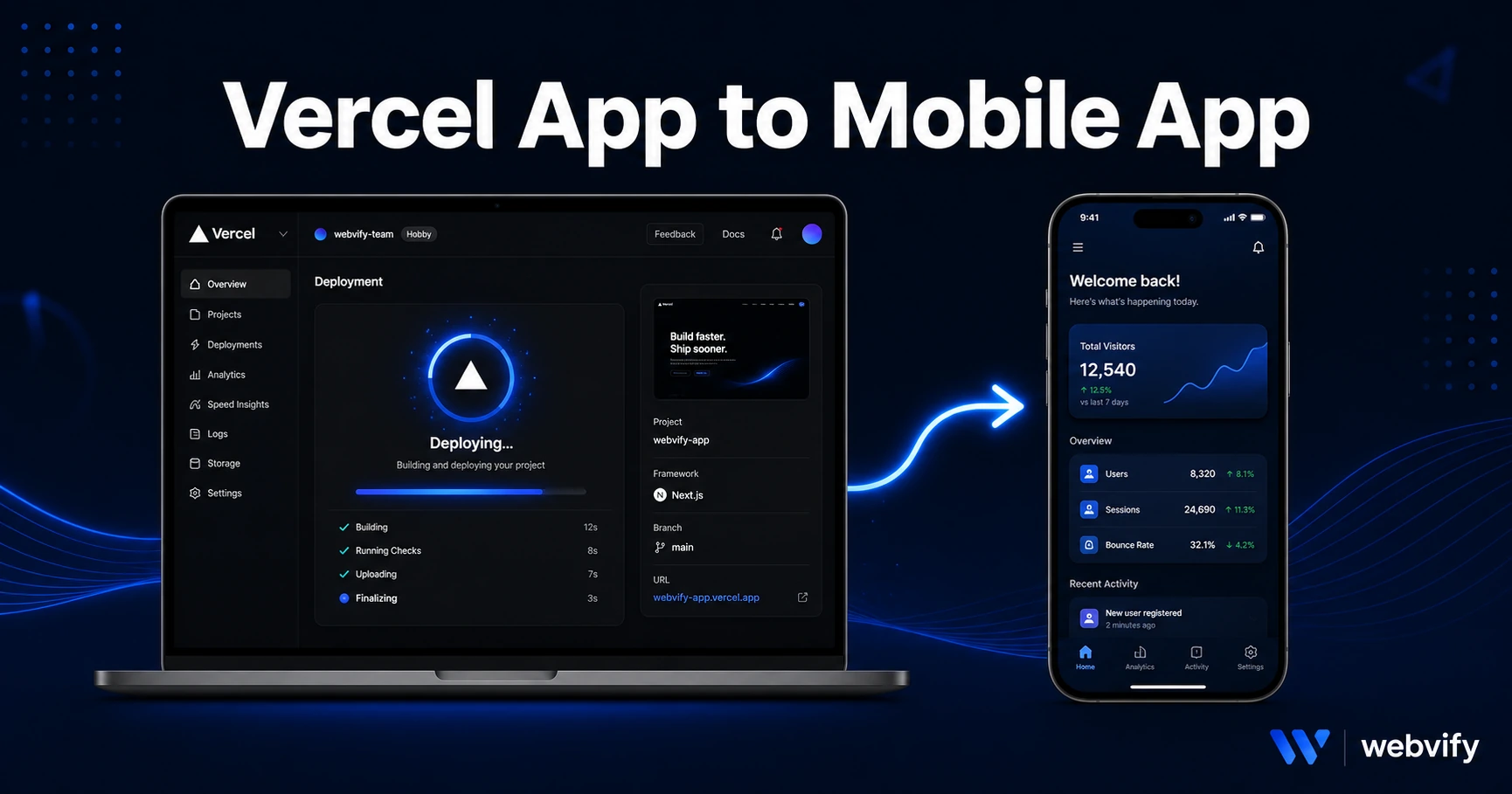
Vercel gives you a URL — the App Store needs a native binary. Here's the exact process to wrap your Vercel app as a native iOS and Android app, live in days.
Inside this article
Vercel deploys your web app in 30 seconds. Getting it onto the App Store without doing that takes months — unless you already know about WebView wrappers.
The good news: if your Vercel app loads in a browser, it can be in the App Store and Google Play within days. No React Native rewrite, no Xcode expertise required.
Why a Vercel Deployment Isn't Already a Mobile App
Vercel gives you a URL. The App Store wants a native binary — an .ipa file (iOS) or .aab file (Android). Those are two completely different things, and Vercel has no built-in export path to either.
This isn't a Vercel limitation — it's how mobile distribution works. Apple and Google review apps as installable packages, not web links. Every app you've ever installed from the App Store was submitted as a binary, not a URL.
A WebView wrapper bridges this gap. It's a thin native shell — built in Swift or Kotlin — that loads your Vercel URL inside a native app container. From the outside, it looks and behaves like any other app on the device. From the inside, it's just your existing web app. You keep your Vercel deployment pipeline exactly as it is; the wrapper just gives it an App Store address.
Three Things You Need Before You Start
Before you can turn your Vercel app into a mobile app, check these three requirements:
1. A custom domain. Your *.vercel.app subdomain will get your submission rejected under Apple's Guideline 2.1 (App Completeness). The app needs to load from a domain you own — something like app.yourdomain.com pointed at your Vercel deployment. This is a five-minute DNS setup if you haven't done it yet.
2. Mobile responsiveness. Open your Vercel app on a real phone and check it. If the layout breaks at 390px width, fix it before submitting. Apple reviewers use actual iPhones — a desktop-only UI gets rejected under Guideline 4.2 (Minimum Functionality). Most Next.js or modern React apps are already responsive; this is mainly a risk if you're working with legacy CSS or fixed-width layouts.
3. No in-app payment flows on iOS. If your Vercel app sells digital goods or subscriptions, Apple's Guideline 3.1.1 requires those transactions to go through Apple's payment system at a 30% fee — or not happen inside the app at all. The simplest fix: redirect any payment button to an external browser. Services like Webvify configure this for you automatically; if you're doing it yourself, use target="_blank" links for purchase flows or gate the feature behind a web-only toggle on iOS. Physical goods and free apps aren't affected.
How to Convert Your Vercel App Into a Mobile App
The process has four main stages:
Stage 1 — Set up your domain. Add a custom domain to your Vercel project (Settings → Domains). Point your DNS, wait for propagation, and confirm the app loads from app.yourdomain.com. This is your mobile app's address.
Stage 2 — Build the WebView wrapper. The wrapper is a native app that loads your URL in a full-screen WebView. It handles push notifications, deep linking, splash screens, and App Store metadata. You can build this yourself (you'll need an Apple Developer account, Xcode, and a few days of work) or use a service like Webvify, which builds and submits it for you — you never touch Xcode.
Stage 3 — Configure App Store assets. Both Apple and Google require screenshots, an app icon, a privacy policy URL, and metadata before they'll accept a submission. The privacy policy is non-negotiable — even a basic one covering data collection will do. If you don't have one, generate it for free at any compliance tool and host it on your domain.
Stage 4 — Submit and wait. Apple reviews typically take 24–48 hours. Google Play reviews are faster, often under 24 hours. First-time submissions get extra scrutiny; expect one revision request even with a clean app. If you want a complete pre-submission checklist, the app store rejection prevention guide covers every guideline WebView apps commonly hit.
Vercel-Specific Gotchas to Watch
A few things catch Vercel developers off guard:
Vercel preview URLs break submissions. If you accidentally point your wrapper at a vercel.app preview deployment instead of your custom domain, Apple will reject it immediately. Always use the production custom domain as the load URL.
Next.js App Router and WebViews play well together. If your Vercel app is built on Next.js with the App Router, server components, or API routes, none of that conflicts with the WebView approach. The wrapper loads your site like a browser — it doesn't care about your framework. For a deeper look at framework-specific setup, the Next.js to mobile app guide covers the routing edge cases in detail.
OAuth and social login may need adjustment. If your app uses Google Sign-In or GitHub OAuth, those flows sometimes block embedded WebView contexts for security reasons. The fix is to use ASWebAuthenticationSession on iOS (which opens a system browser for auth) or switch to a cookie-based session approach. Services that handle this end-to-end configure this by default.
Updates deploy instantly. This is the advantage: when you push to Vercel, your mobile app users see the change on next load — no App Store update required. You only need to resubmit when you change the native wrapper itself (push notification setup, icon, splash screen, new permissions).
What Happens After Submission
Once your app is approved, it's live on the App Store and Google Play under your name and branding. Users download it, install it, and interact with your Vercel app in a native shell.
At that point you can add push notifications (requires native configuration in the wrapper), enable deep links to specific routes in your app, and track installs through App Store Connect and Google Play Console.
The biggest post-launch win most Vercel developers don't expect: App Store search discovery. Your app now appears in searches that have nothing to do with Google. A user searching for tools in your category finds your app on the App Store before they'd ever find your Vercel URL.
FAQ
Can I submit a Vercel app to the App Store myself?
Yes, but you need an Apple Developer account ($99/year), Xcode on a Mac, and working knowledge of the submission process. The wrapper code itself is straightforward; the friction is configuring signing certificates, provisioning profiles, and screenshots to Apple's specs. If you don't want to touch Xcode, services like Webvify handle the entire submission under your own developer accounts.
Will Apple reject my Vercel app because it's a WebView?
Apple approves WebView apps every day — the App Store has millions of them. Rejection happens when the app fails specific guidelines: using a vercel.app subdomain instead of a custom domain (2.1), having non-functional UI on iPhone (4.2), or processing digital payments outside Apple's system (3.1.1). Fix those three and the review is straightforward.
How long does it take to get a Vercel app on the App Store?
With a custom domain already set up and a responsive layout, the timeline is typically 3–7 business days: 1–2 days to build and configure the wrapper, 1–2 days for App Store review, 1 day buffer for any revision requests. Google Play is usually faster. If you're using a done-for-you service, that timeline holds even without Xcode experience.
Your Vercel app is already most of the way to being a mobile app — you just need the native packaging to get it through the App Store's front door. Webvify handles the full process end-to-end — build, submit, and admin panel — so you ship faster and stay focused on your product.