

Next.js Mobile App: Publish to iOS & Android Without Rewriting
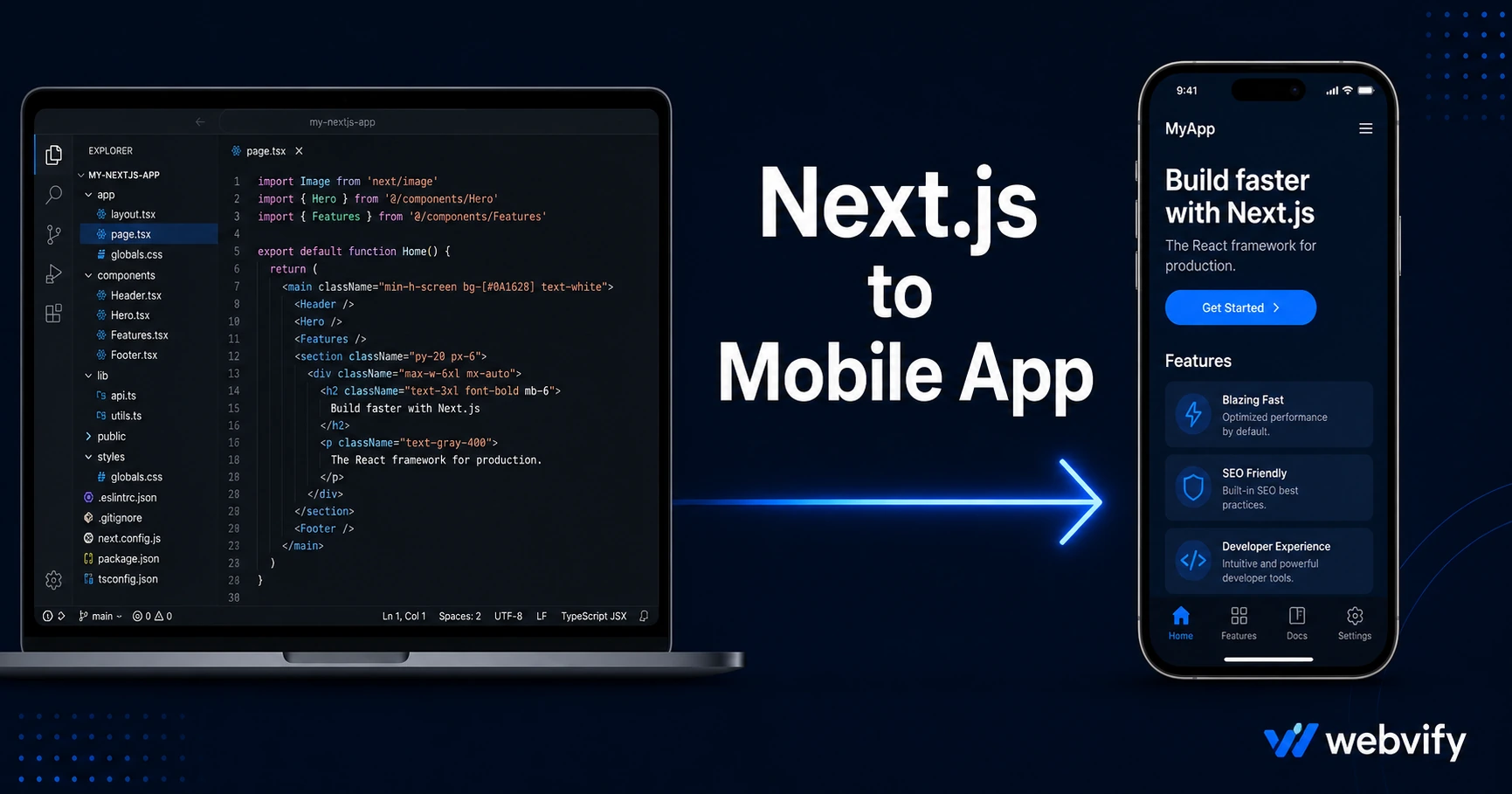
Next.js has no native App Store export. This guide shows the WebView wrapper path to publish your Next.js project on iOS and Android — no Swift, no Kotlin, no full rewrite.
Inside this article
Next.js powers millions of production apps — but none of them ship directly to the App Store. The platform has no native mobile export, which means your polished Next.js project lives in a browser tab while your competitors sit on users' home screens.
This guide covers exactly how to convert your Next.js app to a mobile app for iOS and Android, what to watch for along the way, and how to get it live in the App Store and Google Play without writing a line of Swift or Kotlin.
Why Next.js Has No Built-In Mobile Export
Next.js is a React framework built for the web. Whether you're running a static export, a server-rendered site on Vercel, or a custom Node.js server, the output is always a URL — not an .ipa or .aab file that Apple and Google accept.
The App Store requires a native binary — a compiled app package with a valid provisioning profile, signing certificate, and privacy manifest. Next.js doesn't produce any of these. That's not a flaw in the framework. It was designed for web delivery, not store distribution.
So the gap isn't in your codebase. The gap is in the packaging step.
What a Next.js Mobile App Actually Looks Like
The most practical approach for teams with a working Next.js app is a WebView wrapper. The wrapper is a lightweight native shell — a real iOS and Android app — that loads your existing Next.js URL inside a WebView component.
From the outside, it looks and behaves like a native app: its own App Store listing, an icon on the home screen, and push notification support. Updates to your Next.js codebase propagate instantly without resubmitting to the stores.
This is the same pattern used by independent SaaS founders and enterprise portals alike. Services like Webvify build the wrapper for you — fully branded, submitted under your own developer accounts, and compliant with App Store guidelines from the start.
What You Need Before Converting Your Next.js App to Mobile
Before the wrapping process can start, three things need to be in place.
A custom domain. Apple's Guideline 2.1 (App Completeness) rejects apps pointing at development URLs or Vercel subdomains like myapp.vercel.app. Your app must be accessible at a domain you own — app.yourproduct.com works; yourproduct.vercel.app does not.
A mobile-responsive UI. The WebView renders your existing Next.js frontend. If your layout breaks on small screens, the app breaks too. Test your app at a 390px-wide viewport before submission.
No in-app payment flows for digital goods. Apple's Guideline 3.1.1 requires that purchases of digital content — subscriptions, premium features, downloadable files — go through Apple's payment system, not Stripe or Paddle. If your Next.js app sells digital goods, those purchase flows need to redirect to an external browser. Physical goods and services are exempt.
If you've gone through this with another framework before, the requirements are the same — for a full breakdown, see How to Publish Your Vibe-Coded App to the App Store.
How to Convert Your Next.js App to iOS and Android
The process has four phases.
Phase 1: Prepare your deployment. Make sure the app is live at a stable custom domain. On Vercel, add your custom domain in the project settings. On self-hosted setups, confirm SSL is valid and the domain resolves cleanly.
Phase 2: Build the native wrapper. A WebView wrapper is a native iOS and Android project configured to load your URL. It includes your app's icon, splash screen, name, bundle ID, and push notification entitlements. Building it yourself requires Xcode on a Mac for the iOS binary and Android Studio for the Google Play package.
Phase 3: Set up developer accounts. You need an Apple Developer account ($99/year) for the App Store and a Google Play Developer account ($25 one-time) for Google Play. Submitting under your own accounts means the app is listed under your brand.
Phase 4: Submit for review. Apple's review typically takes 24–48 hours. Google Play is usually under three days for a new app. The most common rejection for WebView apps is Guideline 4.2 (Minimum Functionality) — reviewers expect more than a website wrapper. A Next.js app with real features, user authentication, or meaningful content passes this consistently.
For a step-by-step look at the submission process itself, see How to Submit Your App to the App Store Without a Developer.
If you'd rather skip Xcode entirely, Webvify handles the wrapper build, signing, and submission end-to-end — including managing App Store feedback if the first submission comes back with questions.
Next.js-Specific Gotchas to Watch For
Vercel subdomains will get rejected. *.vercel.app URLs don't pass App Completeness review. Configure your custom domain before submitting.
API routes work fine. Next.js API routes (/api/...) are server-side and called by your client code the same way they are in a browser. No changes needed.
OAuth popups break in WebViews. If your app uses social login providers that open a popup window (Google, GitHub), those flows can fail in a WebView context. Switch to redirect-based auth and ensure the callback URL stays on your domain.
App Router and static exports both work. Whether you're using Next.js App Router with server rendering or a static export, the WebView loads whatever your deployment URL serves. No Next.js-specific code changes are required.
Push notifications need the native layer. Browser push APIs don't work for App Store push notifications — they only function in browsers. The native wrapper handles push registration via APNs (Apple) and FCM (Google). Your Next.js backend sends notifications through the standard APIs, and the wrapper delivers them to the lock screen.
Frequently Asked Questions
Can I convert a Next.js app with server-side rendering to a mobile app?
Yes. SSR works fine in a WebView wrapper. The wrapper loads your URL exactly as a browser would, so server-rendered pages display correctly. The only requirement is that the URL is stable and accessible at a custom domain — not a preview URL or local server.
Does my Next.js app need to be finished before I convert it?
No. The WebView approach means you can update your Next.js codebase at any time after launch without resubmitting to the stores. Many teams start with an MVP and keep shipping features after the app is live.
How long does the App Store review take for a Next.js app?
Apple's review typically takes 24–48 hours for a new app. The most common delay is a request for a demo account if your app has login-protected content. First-time submissions occasionally take up to seven days. Google Play is generally faster.
Your Next.js app is already most of the way there. Getting it into the App Store is a packaging and submission problem — not a development problem. Webvify converts your existing app into a fully branded mobile app and handles the submission end-to-end.