

How to Get a Mobile App for Your Thinkific School (Without a Developer)
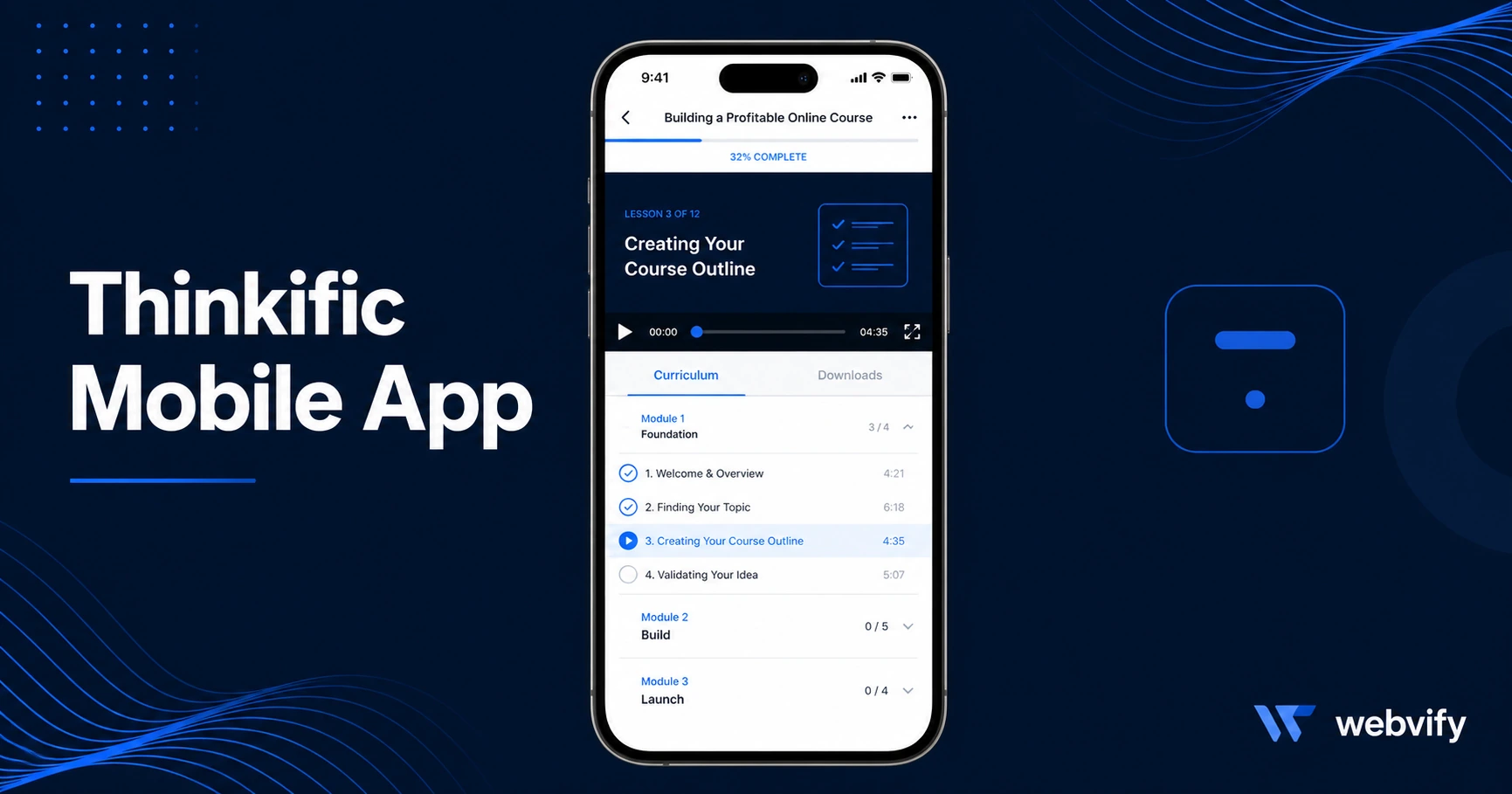
Thinkific has no branded App Store export. Here's how to wrap your school as a native iOS and Android app, avoid the IAP rejection trap, and get live in days.
Inside this article
Thinkific has 50,000+ course creators on its platform — and none of them can publish their own branded mobile app on the App Store. That gap is exactly where course creators lose students they already have.
If you've been searching for a way to get your Thinkific school on iOS and Android with your own name and logo, this guide covers exactly how it works, what the approval risks are, and how to get it done without hiring a mobile developer.
Why Thinkific Course Creators Want Their Own Mobile App
Thinkific does have a student-facing mobile app. The problem is it's the Thinkific app — not yours. Your students log in through a generic platform interface, alongside thousands of other schools. There's no home screen icon with your brand, no push notifications from you, no App Store listing under your name.
A branded thinkific mobile app changes the experience entirely. Students tap your app on their home screen, get your push notifications, and associate the whole experience with your brand — not a third-party platform. That difference matters more than most creators realize, especially for course completion rates, which average below 15% industry-wide. Push notifications alone can meaningfully move that number.
There's also a business case: App Store presence signals credibility in a way a website link doesn't. An app listed under your school's name on the App Store looks like an established product, not a side project.
The Problem: Thinkific Has No App Store Export
Thinkific is a hosted SaaS platform. It gives you a subdomain (or custom domain), a course builder, payment processing, and a student portal — but no way to package and export your school as a standalone binary for Apple or Google review.
This is the same situation as Kajabi, Teachable, LearnDash, and every other hosted course platform: the web product is solid, but the "publish to app store" step simply doesn't exist inside the platform.
The workaround that thousands of creators use is a WebView wrapper. The concept is straightforward — a native iOS/Android shell loads your Thinkific school's URL, handles the App Store packaging, passes Apple and Google review, and gets submitted under your own developer accounts. Students download and see your branded app. Everything from enrollment to lesson delivery runs on your existing Thinkific school.
The catch is the packaging and submission process itself, which has one major rejection risk you need to know about before you start.
The IAP Trap: Why Thinkific Apps Get Rejected on iOS
Apple has a rule — Guideline 3.1.1 — that requires any digital content or subscription purchased inside an iOS app to go through Apple's in-app purchase system. Apple takes 30% of every transaction processed that way.
For a Thinkific creator, this creates a problem the moment a student tries to enroll through the app. Your enrollment flow processes payments via Stripe or PayPal — both of which violate Guideline 3.1.1 for digital goods on iOS. Apple will reject the app.
The fix is simple but not obvious: redirect all purchase and enrollment flows to an external browser instead of completing them inside the app. This is the same approach Udemy, Coursera, and every major online education platform uses. The app itself becomes a delivery and retention tool — lessons, community, push notifications — while enrollment happens outside the WebView.
Practically, this means any "Enroll" or "Buy" button in the app should open Safari or Chrome rather than processing inside the WebView shell. A properly configured WebView wrapper handles this automatically by intercepting certain URL patterns and routing them to the external browser.
If you're building an online course mobile app for Thinkific students, getting this configuration right at the start saves you a rejection cycle that can take 1–2 weeks to recover from.
Services like Webvify handle this end-to-end — the IAP redirect configuration is part of the setup, not something you need to figure out yourself. They also manage the Apple Developer and Google Play account requirements, binary packaging, and the submission itself.
What the Submission Process Actually Looks Like
Getting a thinkific iOS app approved isn't just about the binary. Apple reviews require a live developer account ($99/year Apple Developer Program) and a Google Play account ($25 one-time for Android). Both accounts take 1–3 business days to activate for new registrations.
Beyond the accounts, the submission includes:
Privacy policy. You need a privacy policy URL that covers your data practices — this is required by both stores. Most Thinkific creators already have one on their website; it just needs to be linked in the app metadata.
App description and screenshots. Apple requires at least one screenshot per screen size. These should show the course library view, a lesson screen, and your community or profile view if applicable.
Content rating. Google Play requires you to complete a content rating questionnaire. For an education app with no mature content, this is straightforward — typically a PEGI 3 or Everyone rating.
Review test account. Apple reviewers need to log in and verify the app works. You'll need to provide a test student account with access to at least one complete course.
The review itself typically takes 24–48 hours for Apple and 3–7 days for Google Play on first submission. Both have become faster in recent years for straightforward WebView apps that pass the initial automated checks.
If you want a step-by-step walkthrough of the submission form itself, the App Store submission guide → covers each section in detail.
What to Look for in a Thinkific App Service
If you're evaluating services for getting your Thinkific school on iOS and Android, these are the questions that matter:
Who handles the App Store submission? Many WebView tools generate the binary but leave submission to you. If you've never navigated the Apple Developer Portal or Google Play Console, that's where most creators get stuck. Look for a service that submits under your accounts on your behalf.
Is the IAP redirect included? Ask directly whether the Thinkific-specific IAP redirect (payment and enrollment flows to external browser) is configured by default or requires custom development. It should be standard.
Do you own the developer accounts? Your app should be published under your Apple Developer and Google Play accounts, not the service provider's. If the provider closes or changes pricing, you shouldn't lose your app.
Post-launch management. What happens when you update your Thinkific school? Ideally, content changes update automatically through the WebView. You only need a new app version submission for structural changes. Confirm this before committing.
For course creators who want the whole process handled — from building the wrapper to submitting to both stores to managing post-launch updates — an end-to-end service is usually faster than piecing it together yourself.
If you're also thinking about what a mobile app can do for your student retention beyond just having an App Store listing, the guide to mobile apps for online coaches → covers the push notification and engagement side in more depth.
FAQ
Can I get my Thinkific school on the App Store without a developer?
Yes. A WebView wrapper packages your existing Thinkific school as a native iOS and Android app without writing any mobile code. The submission process requires an Apple Developer account ($99/year) and a Google Play account ($25), both of which you can register yourself. Services that handle end-to-end submission remove the technical barrier entirely.
Will Apple reject my Thinkific app?
The most common rejection reason is including in-app purchase flows (enrollment, payment) that route through Stripe or PayPal. Apple requires digital subscription payments to use Apple's IAP system. The fix is redirecting all enrollment URLs to an external browser. Apps configured correctly with this redirect pass review without issues — it's the same pattern Udemy and Coursera use.
How long does it take to get a Thinkific mobile app live?
If your developer accounts are active, the build and submission process typically takes 3–7 business days. Apple review alone is usually 24–48 hours. New Apple Developer account activation adds 1–3 days if you haven't registered yet. Total time from start to live app is typically 1–2 weeks.
Get Your Thinkific School on iOS and Android
Your Thinkific school is already built. The app is the next step — a branded home screen presence, push notifications to students who've gone quiet, and an App Store listing that makes your school look like the established product it is.
Webvify converts your Thinkific school into a fully branded iOS and Android app and handles the complete submission process — including the IAP redirect configuration, App Store packaging, and publishing under your own developer accounts.