

How to Get a Mobile App for Your Teachable School (Without a Developer)
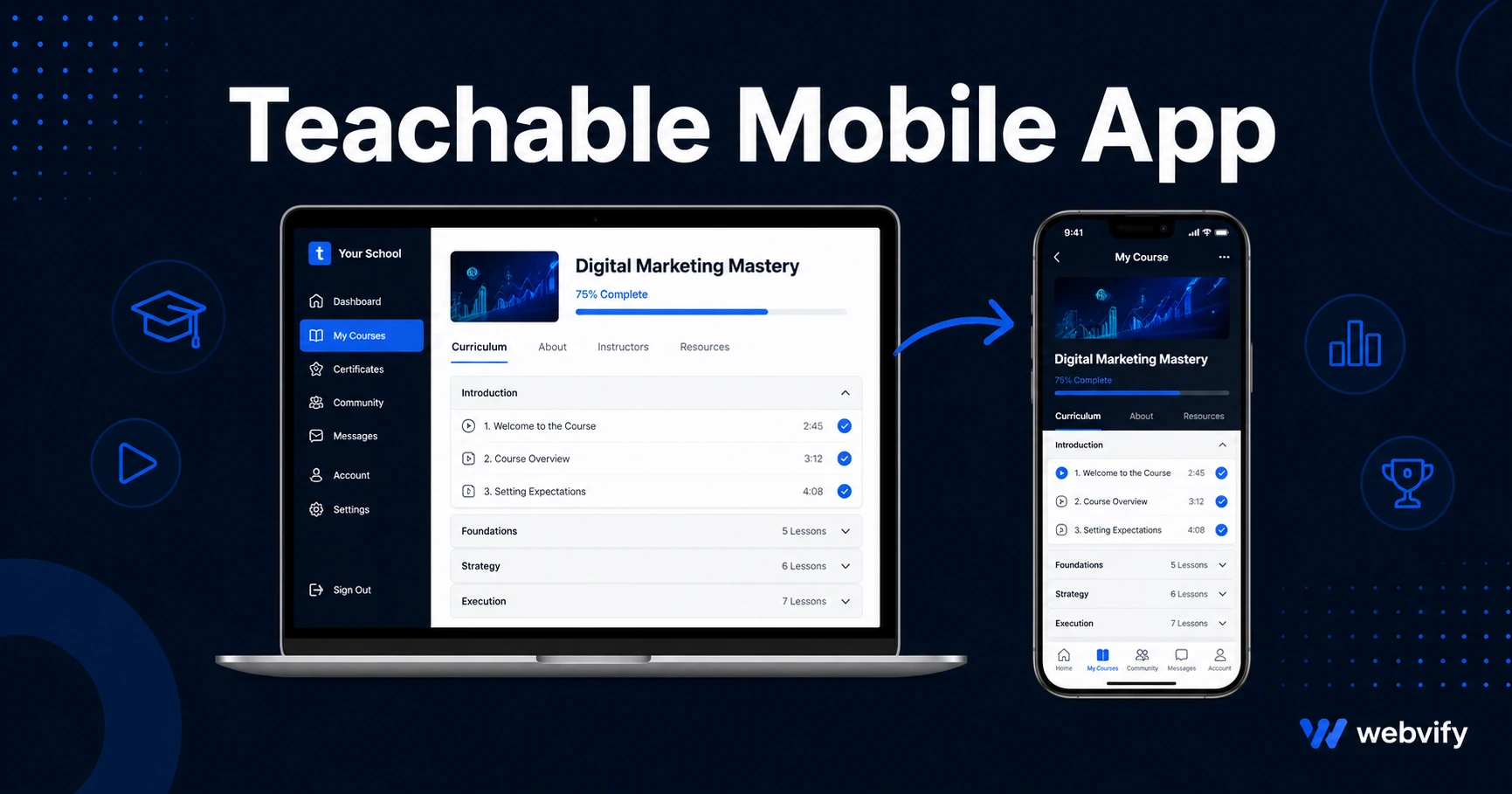
Want a mobile app for your Teachable school? Here's the App Store bottleneck most creators hit, how Apple's IAP rule works, and how to go live in days — no developer needed.
Inside this article
Teachable has no "Export to App Store" button. That's not a missing feature — it's a deliberate platform boundary. But your students still open their phones a hundred times a day and they expect an app.
The good news: you don't need to rebuild your Teachable school from scratch to get one. Here's exactly how it works, what trips people up, and how to get your Teachable mobile app live without hiring a developer.
Why Teachable Doesn't Come With a Mobile App
Teachable is a hosted course platform. It runs entirely in the browser — your course content, quizzes, video lessons, and checkout pages are all web-based. That's a feature, not a bug: it means you can update your curriculum from anywhere without touching code.
But the App Store and Google Play don't distribute websites. They distribute native apps — packaged binaries that run on iOS and Android. Teachable has no mechanism to generate those for you, and building one from scratch typically runs $50,000–$150,000 and six to twelve months of development time.
This is the gap most Teachable creators discover only after they start asking for an app.
The App Store Path for Teachable Schools
The standard approach for getting a Teachable school on the App Store is a WebView wrapper: a lightweight native app shell that loads your Teachable school URL inside it. From the outside, it looks and behaves exactly like a native app — your students download it from the App Store or Google Play, see your branding on the icon and splash screen, and log in to your courses the same way they do on desktop.
The wrapper handles:
- App Store and Google Play packaging
- Push notification delivery
- Home screen presence and branded icon
- Native navigation gestures (swipe back, scroll behavior)
Your Teachable content — every lesson, quiz, live session, and download — stays exactly where it is. You're not migrating anything.
This is the same pattern used by many large platforms when they need to ship a branded app fast. It works because Teachable's web app is already responsive and mobile-optimized.
The One Rule That Trips Up Most Teachable Course Creators
Here's where things get serious: Apple's App Store Guideline 3.1.1.
Apple requires that any digital content purchased inside an iOS app goes through Apple's in-app purchase (IAP) system — at a 30% commission. That means if a student can tap "Enroll Now" inside your Teachable app, pay for a course, and receive digital content, Apple expects 30% of that transaction.
Teachable uses Stripe for payments. Stripe is not Apple IAP. If you ship a Teachable mobile app with active enrolment flows visible inside the app, Apple will reject it during review.
The fix is straightforward, and it's the same pattern Udemy, Coursera, and most subscription-based learning platforms use: redirect enrollment to a browser.
In practice, this means:
- Enrolment buttons or "Buy Course" links inside the app open in Safari or Chrome, not inside the app itself
- Students complete the Teachable checkout on the web
- Once enrolled, they open the app to access their content
Students find this natural — it's how every major course app works. The key is making the in-app experience feel seamless even though the purchase happens outside.
If you're working with a service to build your app, confirm they know this rule and will implement the browser redirect correctly. Getting rejected on a first submission because of IAP violations adds weeks to your launch timeline.
What Your Teachable Mobile App Actually Looks Like
Once the wrapper is built and submitted correctly, your students see:
- A branded icon on their home screen with your logo and app name
- A splash screen on launch matching your brand colors
- Your full Teachable school — dashboard, courses, lessons, progress tracking — displayed natively
- Push notifications you can send from your admin panel ("New lesson live", "Live session in 1 hour")
- Offline access to previously loaded content on supported devices
The experience is functionally identical to a native app. Students who have taken your courses on desktop and switch to the mobile app notice no content difference.
For you as the course creator, nothing changes about how you manage your curriculum. You keep updating Teachable the same way you always have. The app reflects those changes automatically because it's loading your live school.
How Push Notifications Change Retention
The practical reason to get your Teachable school on the App Store isn't just branding — it's completion rates.
Online course completion rates are notoriously low, averaging under 15% across most platforms. Students enroll with intention, then drift away. Email open rates have been declining for years. Browser notifications are blocked by most users.
A push notification sent to a student's lock screen — "Chapter 3 is waiting for you" or "You're 40% through the course — keep going" — reaches them in a way email can't. These messages appear alongside messages from friends and family. They create re-engagement moments that email simply doesn't.
Services like Webvify include push notification management in the admin panel alongside the app build, so you can schedule and send notifications without touching any code.
For a deeper look at how push notifications work for course creators, see the guide on getting a mobile app for your coaching business.
Getting Your Teachable School Submitted
Submitting to the App Store requires an Apple Developer account ($99/year) and a Google Play Developer account ($25 one-time). You'll need both to be on iOS and Android.
The review process typically takes 24–72 hours for iOS, 1–3 days for Google Play. Apple has more detailed compliance checks (including verifying the IAP redirect), while Google's review is more automated.
If you'd rather not manage developer accounts, review submissions, or deal with rejection responses yourself, a done-for-you service handles all of it under your own developer account — meaning the app is published in your name, not the service provider's.
For the step-by-step App Store submission process, the guide on how to submit your app to the App Store without a developer covers each section in detail.
FAQ
Can I get my Teachable school on both iOS and Android?
Yes. A WebView wrapper is built once and deployed to both platforms. The App Store (iOS) and Google Play (Android) are separate submissions, each requiring their own developer account, but the underlying app is the same. Most services submit to both simultaneously.
Will Apple reject a Teachable app because of the payment integration?
Only if the app allows students to purchase courses through Teachable's Stripe checkout while inside the app. The standard fix is redirecting all enrollment flows to an external browser. When implemented correctly, Teachable apps pass Apple review without issues — this is the same approach used by Udemy and Coursera.
How long does it take to get a Teachable mobile app live?
With a WebView wrapper approach, build time is typically 3–7 days. App Store review takes an additional 1–3 days. You can realistically have your Teachable school on iOS and Android within two weeks of starting — compared to 6–12 months for a fully custom-built app.
Your Teachable school already has the content, the students, and the curriculum. The mobile app is the last distribution channel you haven't covered — and it's the one that keeps students coming back between sessions.
Webvify converts your Teachable school into a fully branded iOS and Android app, handles the App Store submission end-to-end, and gives you an admin panel to manage push notifications after launch — no developer required.