

How to Turn Your Squarespace Site Into an iOS App (Without a Developer)
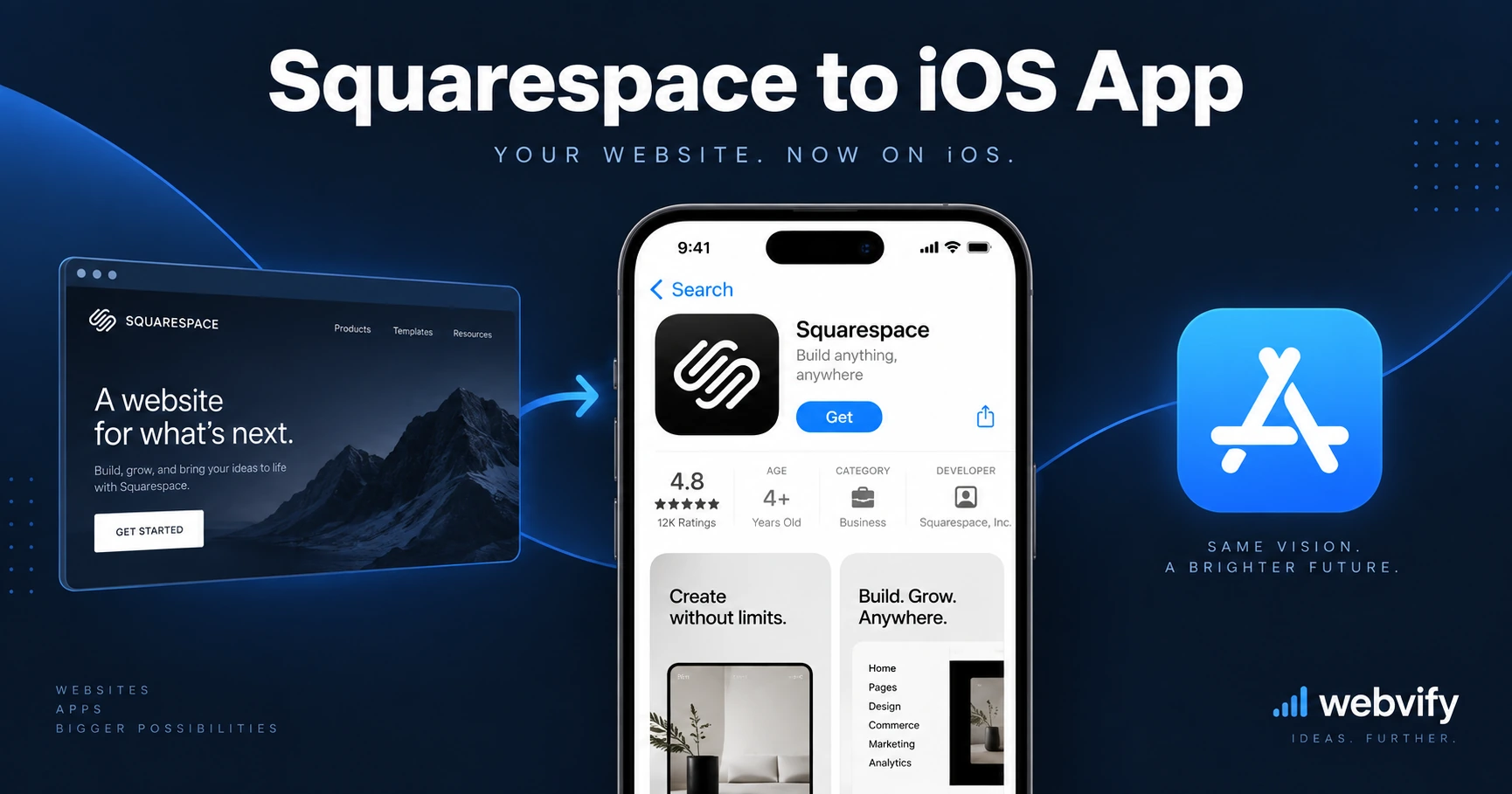
No App Store export from Squarespace? Here's how to turn your Squarespace site into an iOS app — what to watch for, and how to get it approved fast.
Inside this article
Squarespace builds beautiful websites — but when your clients or customers ask for an iPhone app, the platform gives you nothing. There is no "export to App Store" button, no mobile app builder, and no native iOS output.
That gap is exactly what a WebView app solves. This guide covers how to turn your Squarespace site into an iOS app, what to watch out for with Apple's review process, and how to get it live without hiring a developer.
Why Squarespace Doesn't Give You an iOS App
Squarespace is a website builder, not an app publisher. Everything it produces runs in a browser — and Apple's App Store requires a native binary, not a URL.
This doesn't mean your Squarespace site can't become an iOS app. It means you need something in between: a wrapper that packages your existing website into a native iOS container and submits it to the App Store under your developer account.
That's what a WebView app does. Your Squarespace site renders inside a native iOS shell. From the user's perspective it looks and behaves like an app — it installs on the home screen, sends push notifications, and appears in App Store search.
How Converting a Squarespace Site to an iOS App Works
The conversion process has three phases: build, comply, and submit.
Build: A service (or developer) wraps your Squarespace URL inside a native iOS container — a WKWebView shell. Your existing site content loads inside it. No redesign needed, no content migration, no code rewriting.
Comply: Apple has specific rules for WebView apps. The two that matter most are Guideline 4.2 (Minimum Functionality — your app must offer a meaningful experience beyond just repackaging a website) and Guideline 3.1.1 (in-app purchases — if you sell digital goods, Apple requires its payment system for in-app transactions). More on both below.
Submit: You need an Apple Developer account ($99/year). The submission goes through App Store Connect. Apple reviews it within 24–48 hours for most new apps.
Services like Webvify handle all three phases end-to-end — you provide the URL, they handle the build, compliance checks, and App Store submission under your developer account.
Squarespace-Specific Things to Know Before You Start
Not every Squarespace feature behaves the same inside a WebView. A few things to audit before submitting:
Squarespace Scheduling / Acuity: Booking flows work inside a WebView without issue. The calendar picker and payment confirmation all render correctly. No special handling needed.
Squarespace Commerce (physical goods): Physical product checkout — credit cards, PayPal — works normally in a WebView. Apple has no restriction on payment for physical goods. Your store can process orders without any changes.
Squarespace Commerce (digital goods and memberships): This is where Apple's Guideline 3.1.1 applies. If you sell digital downloads, courses, or memberships through Squarespace's built-in commerce, those purchases are considered digital content. Apple requires that you offer an in-app purchase option, or redirect users to an external browser for checkout. The simplest fix: redirect your checkout page to open in Safari. This is the same pattern used by Udemy, Coursera, and most major digital-content apps.
Member Areas: Squarespace Member Areas use cookie-based login. After a user logs in, the session persists inside the WebView normally. No extra configuration is required for gated content to work.
Custom domain: Apple requires the app to use a live custom domain — not a Squarespace subdomain. Make sure your Squarespace site is connected to a custom domain before submitting.
Getting Through Apple Review
Apple's review process for WebView apps is predictable once you know what they check. The two common rejection reasons for Squarespace apps are:
Guideline 4.2 — Minimum Functionality: Apple rejects apps that do nothing beyond what a mobile browser already does. Your Squarespace app needs to pass this bar. Push notifications are the clearest differentiator — an app that can send push notifications to users does something a mobile browser can't. This is usually enough. If your Squarespace site has a booking system, an ordering flow, or a members area, those features also help demonstrate native-level value.
Guideline 3.1.1 — In-App Purchases: If your Squarespace site sells digital content and you don't route checkout to an external browser, your app will be rejected. The fix is straightforward: detect digital-product checkout pages and open them in Safari instead of the in-app browser. A developer or managed service handles this during the build phase.
If you use Webvify, both of these are handled before submission. The build includes push notification infrastructure, and the team checks your Squarespace setup for IAP conflicts as part of the onboarding process. See the App Store submission guide for a full checklist of what Apple reviews.
After Launch — Updating Your App Without Touching Code
One of the biggest advantages of a WebView app: when you update your Squarespace site, your app updates automatically. No re-submission to Apple, no new version, no developer needed.
Change your homepage layout, add new products, update your menu, publish a new Member Area course — it all appears in the app immediately because the app is rendering your live Squarespace site.
The only time you'd need to submit an update to App Store is if you change the app's native functionality — the push notification setup, splash screen, or app icons.
How Long Does It Take?
From the moment you start to the moment your app appears in the App Store:
Getting your custom domain connected and your site polished: already done (you have a Squarespace site).
Build and compliance check: 1–3 business days with a managed service.
Apple review: 24–48 hours for most first-time submissions.
Total: most Squarespace owners have their iOS app live within a week. If you've already gone through the Wix-to-iOS process, you'll find Squarespace even more straightforward — fewer third-party plugin conflicts and cleaner mobile rendering out of the box.
FAQ
Can I turn my Squarespace site into an iOS app without coding?
Yes. You don't write any Swift or Objective-C. A WebView wrapper packages your existing Squarespace URL into a native iOS container. Managed services like Webvify build, configure, and submit the app for you — you provide the URL and your Apple Developer account, and they handle the rest.
Will Squarespace updates automatically appear in my iOS app?
Yes. Because the app loads your live Squarespace site, any change you make in Squarespace — new pages, updated products, new blog posts — appears in the app immediately with no re-submission to Apple.
What happens if I sell digital products on Squarespace — will Apple reject my app?
If your Squarespace store sells digital goods (downloads, courses, memberships), Apple's Guideline 3.1.1 requires you to either offer Apple's in-app purchase or redirect checkout to an external browser. Without this fix, your app will be rejected. A developer or managed service applies this redirect during the build phase before submission.
Ready to turn your Squarespace site into an iOS app? Webvify handles the build, Apple compliance check, and App Store submission — start at webvify.app.