

How to Turn Your Softr App Into a Mobile App (Without a Developer)
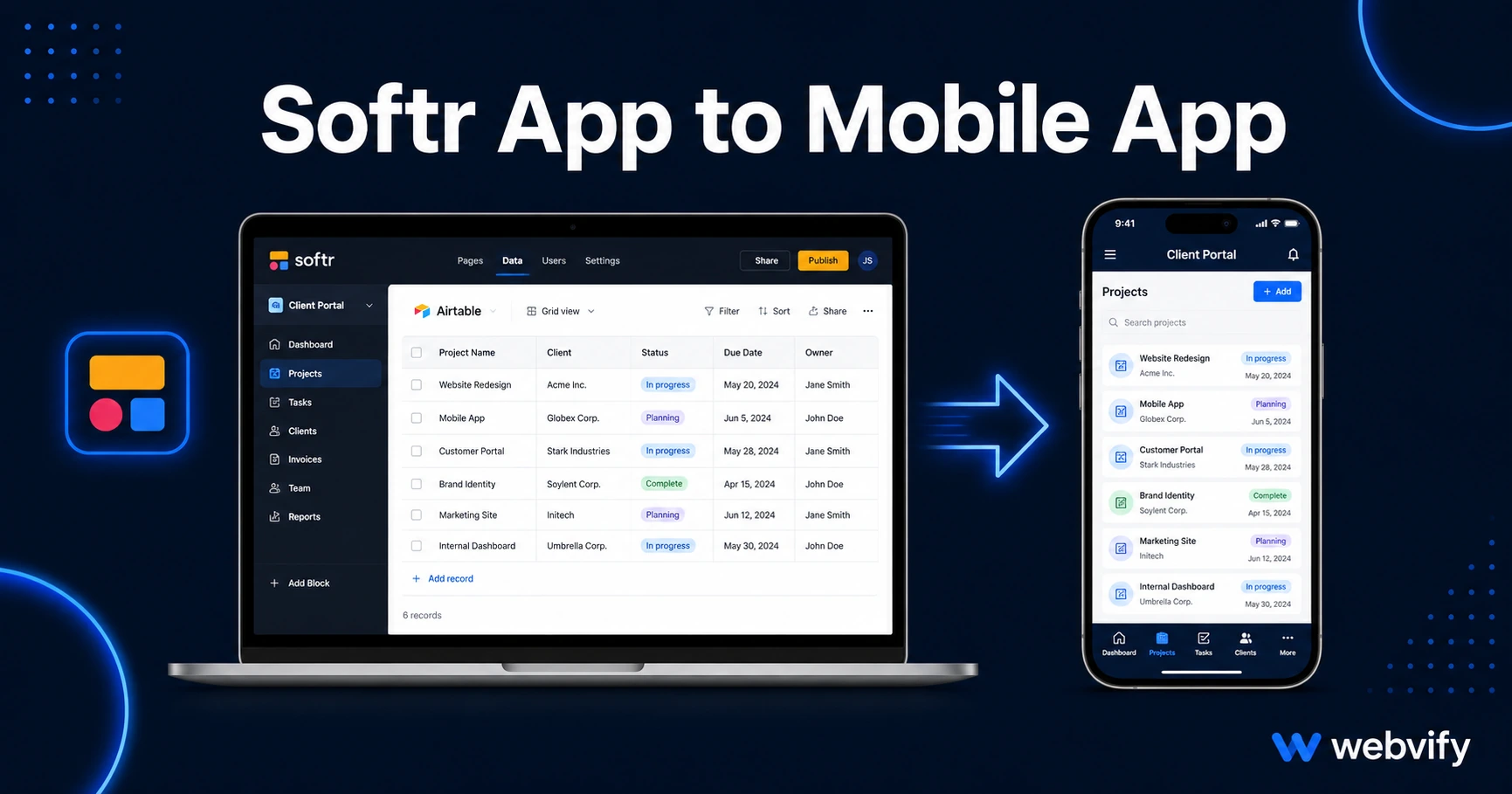
Built a portal on Softr? Here's how to turn it into an iOS and Android app — no developer needed. Covers App Store submission, IAP rules, and common gotchas.
Inside this article
Softr generates a web URL. The App Store requires a native binary — and that gap trips up thousands of no-code builders every year.
You built your client portal, internal tool, or Airtable-powered app on Softr. It works great in the browser. Now your users want it on their phone — pinned to their home screen, sending push notifications, listed on the App Store and Google Play. The problem is that Softr doesn't export a native app. That's not a flaw; it's just how the tool is built. But the path from Softr to the App Store exists, and it doesn't require a mobile developer.
Why Softr Apps Don't Go Straight to the App Store
Softr outputs a responsive web app hosted at your custom domain (or a softr.app subdomain). It runs beautifully in a browser. But Apple and Google both require apps submitted to their stores to be native binaries — compiled packages that the operating system can install directly on a device.
A WebView wrapper solves this. It's a lightweight native shell that loads your Softr URL inside a real iOS or Android app container. The wrapper passes all the native API checks, gives users an icon on their home screen, and unlocks push notifications. Your Softr content stays exactly as-is — every update you make in Softr appears in the app instantly, with no resubmission needed.
This approach is the same pattern used to publish portals, SaaS tools, and membership sites built on Webflow, Next.js, Bubble, and Replit — platforms that all face the same "web URL vs. native binary" gap. If you want to explore how the approach works across different platforms, this guide on converting your Bubble app covers the same core concept.
What You Need Before Submission
Before wrapping your Softr app, a few requirements must be in place.
Custom domain. Your Softr app must be live at a domain you own — for example, portal.yourcompany.com. Apple and Google reject apps that load from *.softr.app subdomains because they don't consider vendor subdomains to represent a real, owned product (Guideline 2.1). Connect your custom domain in Softr's settings before anything else.
Mobile responsiveness. Softr's templates are generally responsive, but if you've done heavy custom CSS or your Airtable views produce wide tables, check every screen at 375px width (iPhone SE viewport). Anything that requires horizontal scrolling in a WebView will trigger Guideline 4.2 ("Minimum Functionality") during review.
Apple Developer Account. You need an Apple Developer account ($99/year) to submit to the App Store, and a Google Play Developer account ($25 one-time) for Android. Both require identity verification, which takes 24–72 hours if you haven't done it before.
A tested login flow. If your Softr app uses password protection, magic link login, or SSO via Google/Microsoft, the reviewer needs a test account. Apple's review team will reject the app if they can't access the content they're reviewing. Prepare a demo account with enough data to show the app's core value.
The IAP Trap: Softr Membership Sites and Digital Content
This is the most common rejection point for Softr apps — and most builders don't know about it until their app gets rejected.
If your Softr app sells digital access — membership tiers, gated course content, paid portal subscriptions — Apple requires you to route that purchase through Apple's In-App Purchase (IAP) system and pay the 30% cut (Guideline 3.1.1). There's no workaround: you cannot take direct Stripe payments for digital content inside an iOS app.
The standard fix, used by Udemy, Coursera, and thousands of other platforms, is to disable the in-app purchase flow and redirect users to your website to complete the transaction. Display a message like "To purchase a subscription, visit yourcompany.com" and link out to a Safari page. Users who already subscribed on the web can log in normally — only the purchase flow is affected.
This rule does not apply to physical goods, in-person services, or B2B SaaS where the app is just a client portal for an existing contract. If your Softr app is a team dashboard or a field service tool, you likely don't have this issue at all.
Services like Webvify handle this compliance check as part of the build — they review your Softr app structure, flag the IAP issue if it applies, and configure the wrapper correctly so you don't hit it during review.
What the App Store Submission Process Actually Looks Like
Once your Softr app is wrapped, the submission process is the same as any other app.
First, archive and upload the native binary to App Store Connect or Google Play Console. Then fill in the store listing — app name, description, screenshots in the right device frame sizes, and a support URL. Next, complete the compliance questionnaires: Apple's export compliance form and Google's Data Safety form both need to be filled accurately. Finally, submit for review. Apple takes 24–48 hours on average; Google takes 1–7 days.
The process feels bureaucratic because it is. Each form has specific questions about privacy, data collection, and content. Getting them right on the first pass is the difference between a 48-hour approval and a 2-week back-and-forth with the review team.
This is where an end-to-end service like Webvify removes the friction. You provide your Softr URL, they handle the build, the App Store submission, and the admin panel setup — without you touching Xcode or Android Studio.
Push Notifications: The Main Reason to Have an App
The App Store listing is valuable for credibility and discoverability. But the real day-to-day value of converting your Softr app is push notifications.
Browser notifications on mobile are unreliable — iOS blocks them entirely unless users opt in through a very specific prompt, and even then delivery rates are low. Email competes with everything else in the inbox and averages 20–30% open rates.
Push notifications sent through a native app reach the lock screen directly and see 60–90% open rates for well-timed, relevant messages. For a Softr-powered portal or membership site, this means you can ping users when a new record appears in their Airtable view, when a deadline approaches, or when you want to bring a dormant member back.
This is the same mechanic covered in more depth in this guide on push notifications vs email for small businesses.
FAQ
Can I submit a Softr app to the App Store myself?
Yes — but only after you have an Apple Developer account and have wrapped your Softr web app in a native binary. Softr doesn't generate this binary for you. You'll need either a developer or a service that creates the WebView wrapper and handles the submission, including all App Store Connect forms and compliance questionnaires.
Will updates to my Softr app appear automatically in the mobile app?
Yes. Because the native wrapper loads your Softr URL at runtime, any change you make inside Softr — editing records, updating layouts, adding Airtable fields — appears in the app the next time a user opens it. You only need to resubmit to the App Store if you change the binary itself, such as updating the app icon, splash screen, or push notification configuration.
What happens if my Softr app uses Airtable as the data source?
Nothing special needs to change. Airtable data flows through Softr's interface just as it would in the browser — the WebView wrapper is transparent to your data layer. The only Airtable-related issue to watch for is wide table views that don't collapse cleanly on small screens, which can cause Guideline 4.2 failures during Apple's review. Test every view at mobile width before submitting.
Your Softr app is already doing the hard work — managing data, serving your users, running your business logic. Getting it onto the App Store and Google Play is a packaging and compliance problem, not a rebuild. Start with Webvify to get your Softr app live on both stores without touching code.