

How to Publish Your Bubble App to the App Store and Google Play
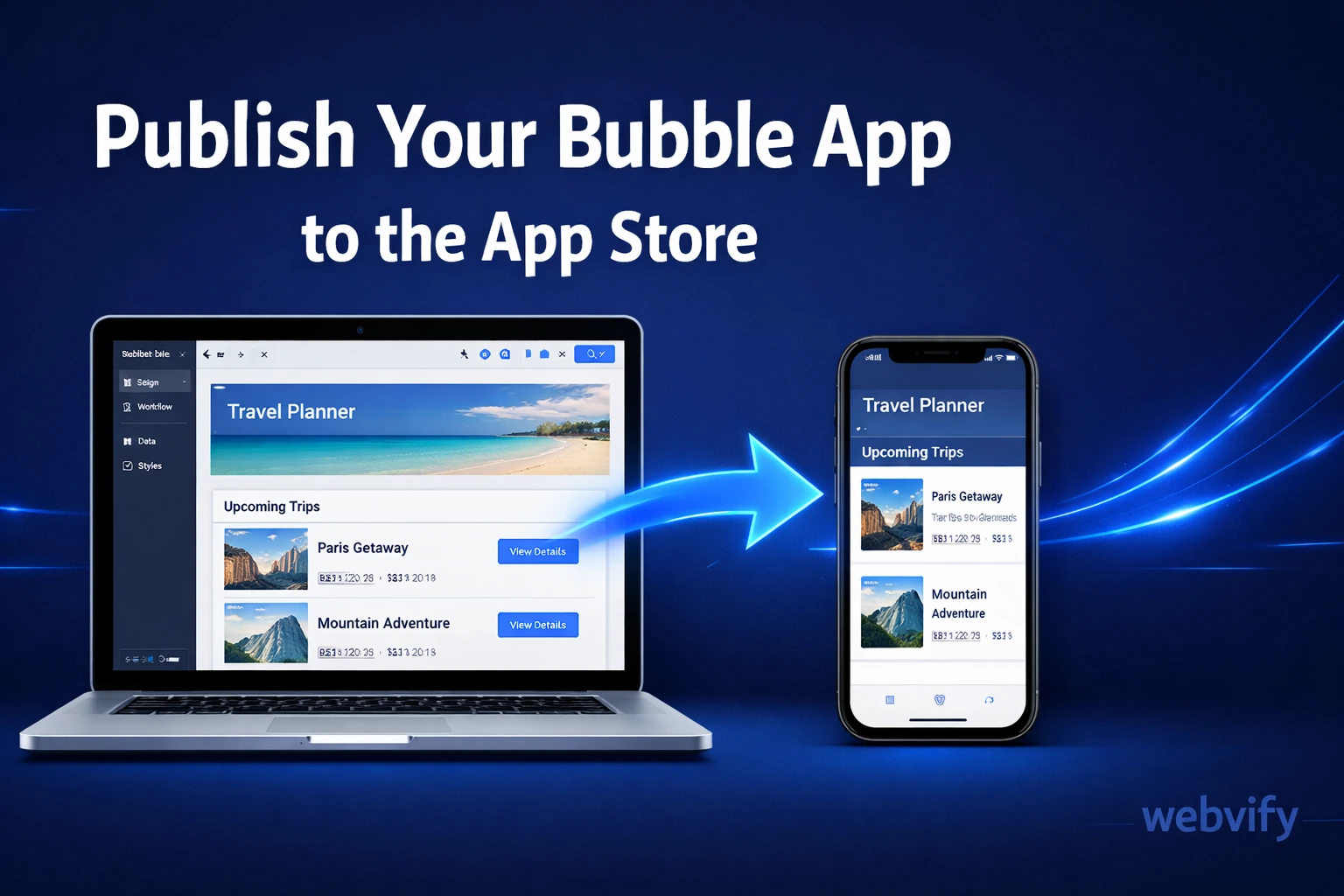
Built your app on Bubble but stuck at App Store submission? Here's exactly how to get your Bubble app live on iOS and Google Play — without a developer.
Inside this article
- How to Publish Your Bubble App to the App Store and Google Play
- Why Bubble Apps Don't Automatically Ship to the App Store
- What a WebView Wrapper Does
- What Apple and Google Require From a Bubble App
- How to Wrap Your Bubble App for iOS and Android
- What to Do If Your Bubble App Gets Rejected
- How Long Does It Take?
- FAQ
How to Publish Your Bubble App to the App Store and Google Play
Bubble builds powerful web apps. But when your users ask "Is there an iPhone app for this?" — most Bubble builders hit a wall.
The App Store doesn't accept web apps directly. It accepts native binaries. That gap between what Bubble produces and what Apple requires is exactly where most Bubble projects get stalled.
Here's how to close that gap and get your Bubble app live on iOS and Android.
Why Bubble Apps Don't Automatically Ship to the App Store
Bubble is a no-code platform that generates web applications — apps that run in a browser at a URL. That's genuinely useful. Your users can access the app on any device without installing anything.
But the App Store and Google Play don't distribute URLs. They distribute installable native apps. When someone taps "Get" in the App Store, they're downloading a binary package — not a bookmark.
This means your Bubble app, no matter how polished, can't be submitted to the App Store as-is. You need a native shell to contain it.
What a WebView Wrapper Does
A WebView wrapper is a thin native app that loads your existing web app inside it. Think of it as a picture frame: the frame is native, the content inside is your Bubble app.
When a user installs the app, they see a native app icon on their home screen. When they open it, your Bubble app loads inside a full-screen WebView — no browser chrome, no URL bar. It looks and feels like a native app.
This approach works because Bubble apps are responsive web applications. They're already built to run in a browser engine. A WebView is exactly that — a browser engine embedded in a native container.
The result: your Bubble app, packaged as a proper iOS and Android app, submittable to both stores.
If you've converted a WordPress or Wix site to an app using the same method, the process is essentially identical — the same submission workflow applies here.
What Apple and Google Require From a Bubble App
Before you build the wrapper, you need to know what the stores actually require. Submitting without understanding these requirements is the most common reason Bubble apps get rejected.
Apple App Store requirements:
- A valid Apple Developer account ($99/year)
- An Xcode-compiled .ipa binary targeting iOS 16 or later
- App icons in all required sizes
- Screenshots in the exact pixel dimensions Apple specifies
- Privacy policy URL (required for any app that collects user data — and Bubble apps almost always do)
- App Store Connect listing: name, description, category, keywords
Google Play requirements:
- A Google Play Developer account ($25 one-time fee)
- A signed .aab (Android App Bundle) or .apk
- Feature graphic (1024×500), screenshots, icon
- Privacy policy URL
- Data safety form (you'll need to declare what data your Bubble app collects)
One rule that trips up many Bubble developers: Apple Guideline 4.2 — Minimum Functionality. Apple requires that apps offer a native experience — not just a thin web wrapper with no added value. If your Bubble app is feature-rich and provides clear value, this isn't a problem. If it's a simple marketing site wrapped in a WebView, it may get rejected. Build real utility into your app.
How to Wrap Your Bubble App for iOS and Android
The wrapping process has two paths:
Path 1: Do it yourself. You build the native wrapper using Xcode (for iOS) and Android Studio (for Android), configure the WebView to point to your Bubble app URL, add splash screens and icons, sign the builds, and submit through App Store Connect and the Google Play Console. This takes time, requires some familiarity with Xcode and Android Studio, and you'll need a Mac to build the iOS version.
Path 2: Use a service. Services like Webvify take your existing web app URL, build the native wrappers for both platforms, and handle the full App Store submission process — developer accounts, signing, screenshots, listing — everything. For Bubble app builders who want to ship fast without learning mobile toolchains, this is the practical path.
The second path is especially useful if you're publishing apps for clients. Building and maintaining a mobile dev workflow per client project adds overhead that doesn't scale. For a broader look at how this model works, see how web developers offer mobile apps to clients without learning mobile dev.
What to Do If Your Bubble App Gets Rejected
Rejection happens. The most common reasons and how to address them:
"App is primarily a webview." This is the 4.2 rejection. The fix: ensure your app has a clear, specific function. Add a push notification opt-in. Make the loading experience fast and smooth. Document the app's purpose clearly in the App Store description — reviewers read it.
"Missing privacy policy." Add a publicly accessible privacy policy URL to your Bubble app and include it in App Store Connect. Bubble apps that use authentication, user-generated content, or analytics always need one.
"App crashes on launch." Usually a WebView configuration issue or a network timeout on load. Implement a proper splash screen and a fallback for slow connections.
"Screenshots don't match the app." Take screenshots of the actual running app on a simulator or device at the required dimensions. Don't use design mockups.
Most rejections are fixable within 24–48 hours with a resubmission.
How Long Does It Take?
Building the wrapper and preparing the submission: 1–2 days if you're comfortable with the tools.
Apple's review: typically 24–48 hours for first-time submissions. Can be longer if the review team has questions.
Google Play: usually 1–3 days for new apps.
Total from "Bubble app URL" to "app live in both stores": approximately 1 week, assuming no major rejections.
If you're handling this for a client, build in buffer time. A second-round submission after a minor rejection is common.
FAQ
Can any Bubble app be submitted to the App Store?
Most Bubble apps can be wrapped and submitted, but Apple reviews each app for minimum functionality. Apps that provide clear, specific utility — booking systems, client portals, ordering platforms — pass review consistently. Pure marketing sites or apps with very limited functionality may face Guideline 4.2 rejections. Build something that does something genuinely useful.
Do I need a Mac to publish my Bubble app to the App Store?
Yes — building an iOS binary (.ipa) requires Xcode, which only runs on macOS. You need a Mac to produce the iOS submission package. If you don't have one, services like Webvify handle the build environment so you don't need to.
How much does it cost to publish a Bubble app to iOS and Google Play?
Minimum store fees: $99/year for an Apple Developer account, $25 one-time for Google Play. If you're doing the wrapping and submission yourself, that's your only cost. If you use a service, pricing varies — done-for-you services typically bundle build, submission, and App Store management into a single fee. For Bubble builders publishing apps for clients, the service approach is often more cost-effective than the time investment of learning the submission process.
Ready to get your Bubble app into the hands of iOS and Android users? Webvify handles the build, the native wrapper, and the full App Store submission — so you can focus on the product, not the toolchain.