

How to Get a Mobile App for Your Real Estate Business (Without a Developer)
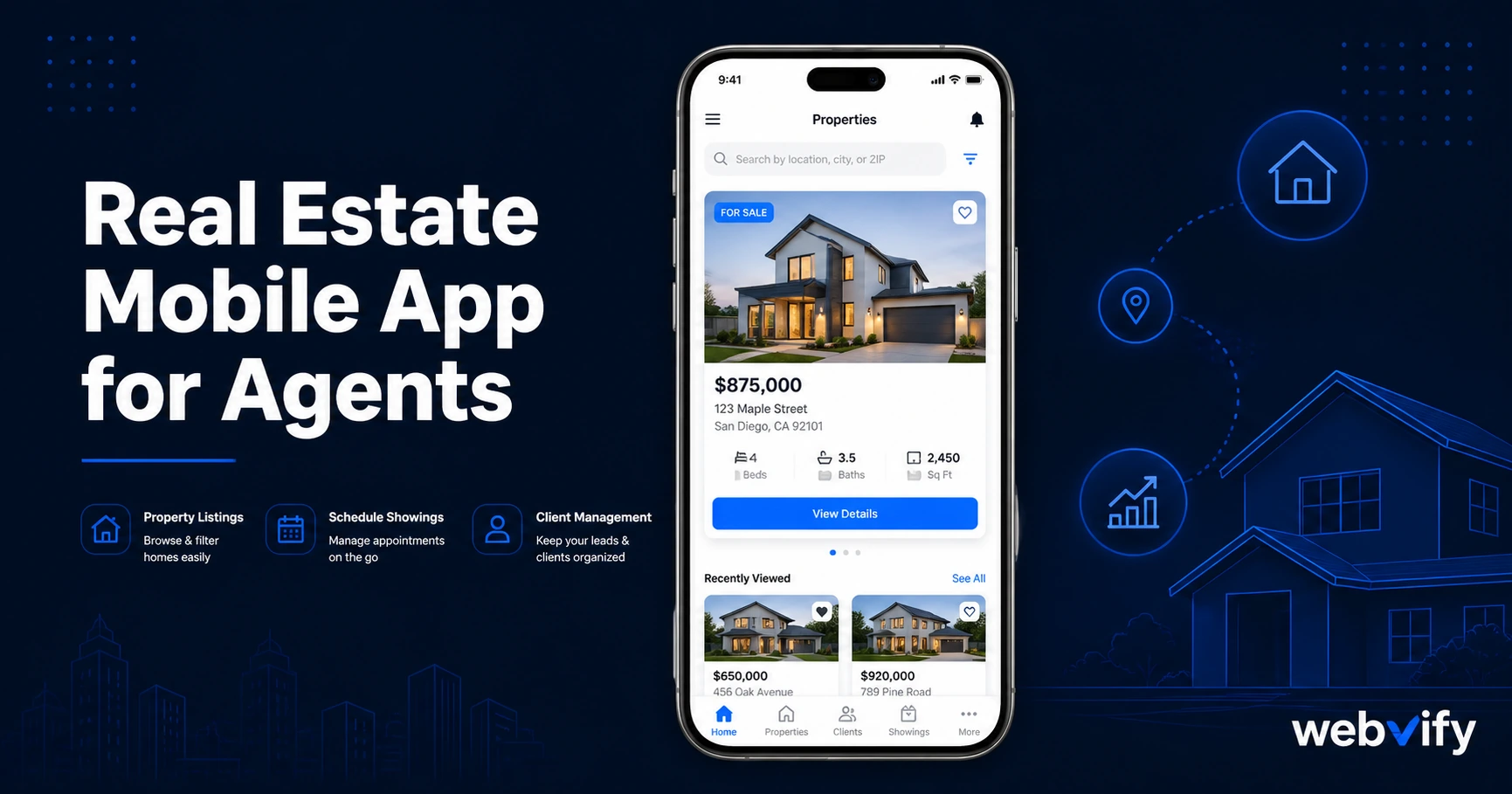
Real estate agents are invisible between transactions. A mobile app puts your brand on buyers' home screens. Here's how to launch one without a developer.
Inside this article
72% of homebuyers use a mobile device to search for properties. Almost none of them are using their agent's app — because most agents don't have one.
That's the problem. Buyers spend months on Zillow and Realtor.com before they ever contact an agent. By the time they're ready to make an offer, your brand barely registers against the portals they've been living in.
A branded mobile app for your real estate business changes that equation.
Why Real Estate Agents Need a Mobile App in 2026
The real estate market is relationship-driven, but relationships require visibility. The average buyer takes 10 weeks from initial search to first contact with an agent. During those 10 weeks, they're building habits — and those habits are mostly Zillow and Google.
An agent with a mobile app on a prospect's home screen is present during that 10-week window. An agent with only a website is not.
The same logic applies between transactions. The average homeowner moves every 8–10 years. Most agents don't have a reliable way to stay visible to past clients in that window. Email newsletters achieve 25–30% open rates on a good day. A push notification from your app reaches the lock screen directly — at 60–90% open rates.
Home screen presence is the simplest answer to the invisible-between-transactions problem that most real estate agents accept as unavoidable.
What a Real Estate Mobile App for Agents Actually Includes
A real estate mobile app doesn't require building a new platform from scratch. For most agents and small brokerages, the most practical approach is a WebView app — a mobile app that wraps your existing website (including any IDX listing portal, CRM, or contact forms) and publishes it to the App Store and Google Play under your brand.
This means:
Instant listing updates. Your IDX feed already updates in real time. Your app shows the same listings — no separate system to maintain.
Push notifications for new listings. When a new property matches a saved search, you can send a push notification directly to buyers who have your app installed. That's a touchpoint Zillow doesn't give you.
Home screen presence. Your logo, your brand, on a client's phone. Not Zillow's. Not Realtor.com's.
App Store credibility. Having a listed app on the App Store signals legitimacy — particularly relevant for independent agents and boutique brokerages competing against larger franchises.
Services like Webvify handle the entire process end-to-end: they build the WebView app from your existing website, handle App Store and Google Play submission under your own developer accounts, and give you an admin panel to manage it after launch.
Push Notifications: The Listing Alert Advantage
The most valuable feature of a real estate mobile app isn't the app itself — it's the notification channel.
Email alerts for new listings average 25–30% open rates. Browser-based push notifications require opt-in and are easily blocked. SMS alerts work but feel intrusive for non-urgent messages.
A push notification from a branded app sits at the intersection of urgency and permission. Buyers who installed your app have already opted in. The notification appears on their lock screen — not buried in an inbox. Average open rates for mobile push notifications run 60–90%.
For a buyer in an active market, a 10-minute head start on a new listing matters. Agents who can deliver that through their own app create a real differentiator — not just a feature comparison talking point, but a tangible service difference that clients remember.
If you're already running an appointment-based side of your business — buyer consultations, open house sign-ups — the same push notification system applies. This appointment booking guide covers how it works for businesses with regular client touchpoints.
How to Get a Real Estate Mobile App Without a Developer
The technical barrier to launching a real estate mobile app is lower than most agents assume. Here's the process:
Step 1: Your existing website becomes the app foundation. Any modern IDX-integrated website works. The WebView wrapper loads your site inside a native app shell — no content rebuild required.
Step 2: Submission to App Store and Google Play. This is where most self-service tools fall short. Apple's review process requires a developer account ($99/year), an Xcode-signed binary, and compliance with App Store guidelines. For real estate apps, the key requirement is that the app provides genuine utility — push notifications, saved searches, and contact forms all satisfy this.
Step 3: Post-launch management. Once the app is live, you update it by updating your website. No separate content system to maintain. No developer needed for ongoing changes.
The entire process — from existing website to live App Store listing — typically takes days, not months. Agents who've been deferring an app because they assumed it required a large development budget are often surprised by the actual cost.
What to Look for in a Real Estate App Service
Not all web-to-app services are equal. When evaluating your options:
Does it handle App Store submission end-to-end? Many tools build the app file but leave the submission to you. Apple's developer portal is not intuitive for non-technical users. Look for a service that handles submission under your own developer accounts — not theirs.
Does it support push notifications? Some WebView wrappers don't include a notification channel. This is the highest-value feature for real estate — confirm it before committing.
Does it support IDX integration? If your listings come from an IDX feed, confirm that dynamic listing pages load correctly in the WebView environment. JavaScript-rendered pages can have edge cases worth testing.
Is the app listed under your brand? It should appear in the App Store under your business name, not the service provider's name.
For agents who serve clients with ongoing touchpoints between transactions — similar to how coaches and consultants use apps for retention — the same push notification playbook applies. See how service businesses approach mobile retention for a related use case.
FAQ
How much does a real estate mobile app cost?
Costs vary significantly by approach. Custom native app development runs $30,000–$150,000 or more. A WebView app through a managed service costs a fraction of that — typically a one-time project fee with no ongoing per-seat charges. The $99/year Apple Developer account fee and $25 one-time Google Play registration are separate costs you'd pay regardless of which approach you use.
Do real estate apps get approved on the App Store?
Yes — real estate is a well-established App Store category. The key requirement is genuine utility: push notifications for listing alerts, contact forms, and saved search functionality all satisfy Apple's Guideline 4.2 (Minimum Functionality). A WebView wrapper that includes those features has a straightforward approval path.
Can I update my real estate app without a developer?
With a WebView app, yes. Your app loads your existing website — any update to your website is instantly reflected in the app. You don't need to submit an update to the App Store for content changes. Updates to the stores are only needed if you change the native app shell itself or notification configuration.
Your existing website is the foundation. Getting it onto the App Store and Google Play doesn't require a developer or a six-figure budget. Webvify converts your existing site into a fully branded real estate app and handles the entire process end-to-end — from building to submission to your admin panel.