

Push Notifications for Small Business: Get Customers to Come Back Without Ad Spend
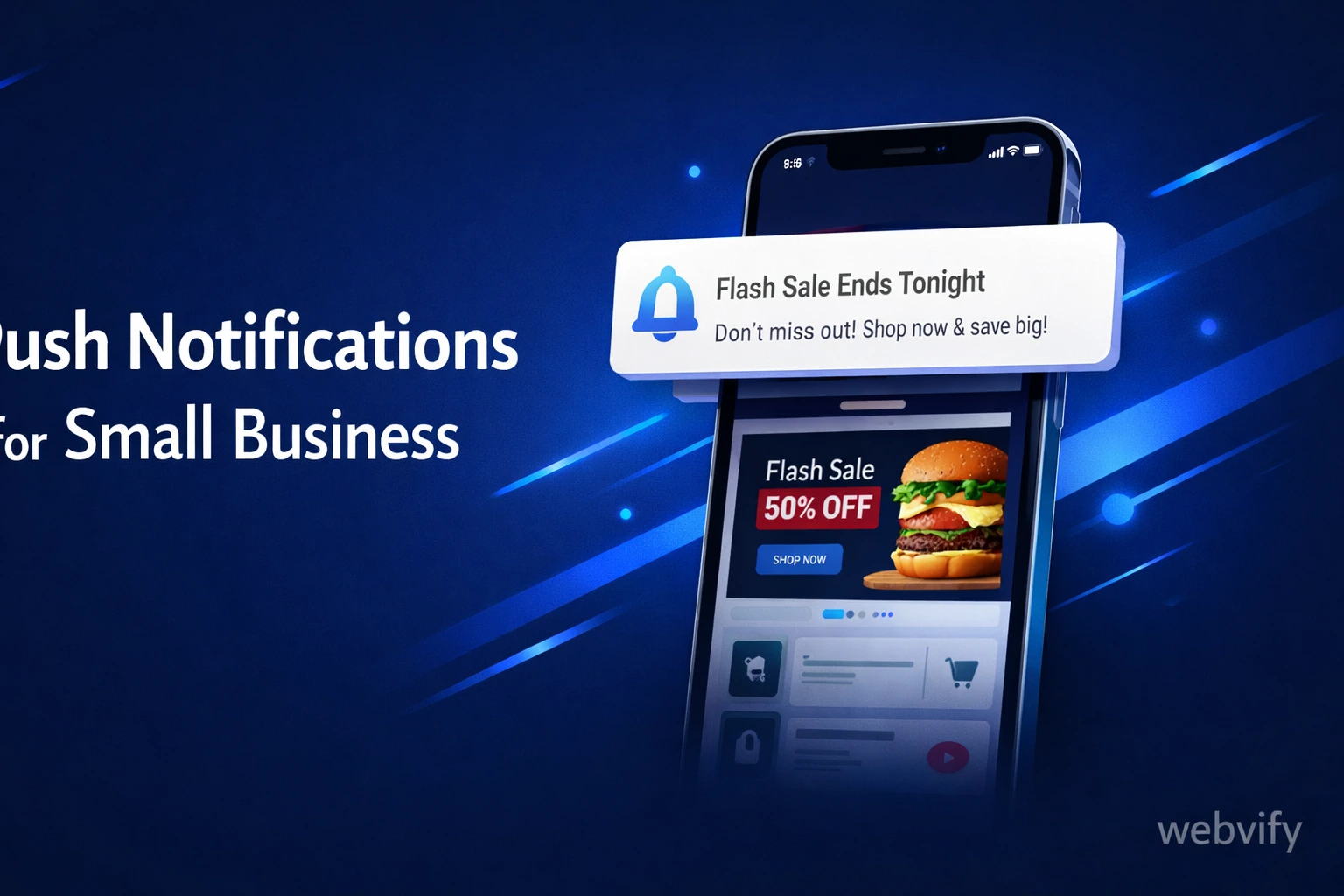
Push notifications bring customers back without ad spend. Here's how small businesses set them up — and how to get started without a developer.
Inside this article
Most small businesses invest heavily in getting a customer through the door the first time — and have almost no reliable way to reach that customer again. Push notifications change that: a direct line to your customer's phone screen, no ad budget required per message, no email open rate to worry about.
This guide covers exactly how small businesses use push notifications, what kinds of messages actually work, and how to get set up without hiring a developer.
Why Push Notifications Outperform Email for Small Businesses
Email open rates average around 20–25% on a good day. Push notification open rates run between 40–70% depending on the platform and message relevance. For a small business, that difference matters: the same promotion that reaches 1 in 5 email subscribers reaches nearly 1 in 2 push subscribers.
The timing advantage is even more significant. A "Today only: 15% off" email might get opened tomorrow, or next week, or never. A push notification appears on the lock screen within seconds of sending — while the offer is still live.
For businesses where repeat visits drive revenue — restaurants, salons, boutiques, fitness studios, local services — push notifications are one of the highest-ROI channels available, once the infrastructure is in place.
What Types of Push Notifications Work Best
Not all push notifications are created equal. The ones that drive results share two traits: they're relevant, and they have a clear reason to act now.
Time-limited promotions. "Flash sale — ends tonight at 8pm" converts because it creates urgency. "We have a sale on" doesn't. The expiry is the point.
Personal re-engagement triggers. "You haven't visited in 30 days. Come back and try our new autumn menu." This works because it's relevant to that specific customer's behaviour, not a broadcast to everyone.
Operational updates. "Your order is ready for pickup" or "Your appointment is confirmed for Thursday at 3pm." These are the push notifications customers actively want — they're not marketing, they're service.
Seasonal and contextual moments. "Summer bookings are now open — grab your preferred time before it fills up." Timing the message to something happening in the customer's world makes it feel personal rather than promotional.
What doesn't work: daily messages with no specific reason, generic "Check out our website" notifications, and anything sent after 9pm. Irrelevance is the fastest way to get uninstalled.
How to Actually Get Push Notifications — Without Building an App
Here's the part most small business owners don't know: push notifications require a native mobile app. You cannot send them from a website alone — not through Safari, not through Chrome, not through any browser workaround that feels reliable at scale on iOS.
Building a native app from scratch costs €10,000–€50,000 and takes months. That's not a realistic option for most small businesses.
The practical path is a WebView app: a mobile app that wraps your existing website in a native container, publishes it to the App Store and Google Play under your brand, and adds push notification capability on top. You don't change your website. The app looks and behaves natively on the stores. And once it's live, you get a dashboard to send push notifications yourself — no developer needed after setup.
Services like Webvify handle the entire process end-to-end: building the app, submitting it to both stores, and providing the admin panel where you manage and send notifications. If you already have a website, you can have a published app with push notifications live within days.
If you run a restaurant and want to see how this works in practice, this guide covers the full restaurant app setup →. If your business runs on WordPress, here's how the conversion works →.
Getting Your Customers to Download the App
Push notifications only reach customers who've installed your app. Getting those first installs is the crucial step — and for small businesses with an existing customer base, it's more achievable than it sounds.
In-store QR codes. A printed card at the counter or table — "Download our app for exclusive offers" with a QR code — converts walk-in customers at the moment they're most engaged with your business.
Email announcement to your existing list. Your current email subscribers are the highest-intent audience you have. A single email explaining the app and offering a first-install incentive can move a meaningful percentage to install quickly.
Receipt footers. "Download the app and get 10% off your next order" on every printed or digital receipt turns a passive touchpoint into an acquisition moment over time.
First-install offer. A discount, a free item, or early access to bookings — unlocked only after installing — gives customers a concrete reason to act now rather than later. The install is the hard part; once they have the app, your push notification channel is open.
The goal for the first 90 days is to build a subscriber base that makes the channel worthwhile. Even 200–300 active app users is enough to drive meaningful repeat traffic from a single well-timed push notification.
Building a Simple Push Notification Strategy
Push notifications work best as part of a structured retention loop rather than one-off blasts.
A basic approach that works for most small businesses:
A new customer makes their first purchase or visit. At checkout or via a receipt prompt, they download the app. Immediately on install, a welcome notification goes out — something specific, not generic: "Thanks for joining. Here's 10% off your next visit, valid for 14 days."
At the 21-day mark, if they haven't returned, a re-engagement push fires: "It's been a while — here's what's new." At 45 days, one final attempt before the customer goes dormant.
Alongside this, broadcast notifications go to your entire subscriber base at meaningful moments: new menu items, seasonal promotions, flash sales, local events you're participating in.
This cadence — automated triggers plus curated broadcasts — keeps your business visible without requiring constant ad spend. Over time, customers who've installed the app spend significantly more per year than non-app customers, largely because the channel keeps repeat visits happening.
FAQ
Do I need a developer to set up push notifications for my small business?
Not anymore. WebView apps wrap your existing website and add push notification capability through a managed service. You provide your website URL; the service builds and submits the app. After launch, you send push notifications from an admin dashboard — no code involved. The only technical step is the initial setup, which the service handles for you.
How much does it cost to send push notifications to customers?
Once your app is live, sending push notifications costs nothing per message. You pay for the app setup and any ongoing service fee — not per send. This makes push notifications significantly cheaper than SMS marketing (which charges per message) and more reliable than organic social (which depends on algorithm reach).
What's a realistic open rate for small business push notifications?
For retail and food service businesses, 7–15% open rates are typical for broad sends. Well-timed, relevant messages — like a flash deal sent at lunchtime to a restaurant's app subscribers — can reach 20–30%. As a baseline, if your messages are relevant and not too frequent, 10% is a solid target for a new push notification program.
Ready to add push notifications to your small business?
Webvify converts your existing website into a fully branded mobile app on the App Store and Google Play — and gives you a push notification dashboard to start reaching customers directly. The whole process is handled for you, from build to submission to launch.