

How to Turn Your PrestaShop Store Into a Mobile App (Without a Developer)
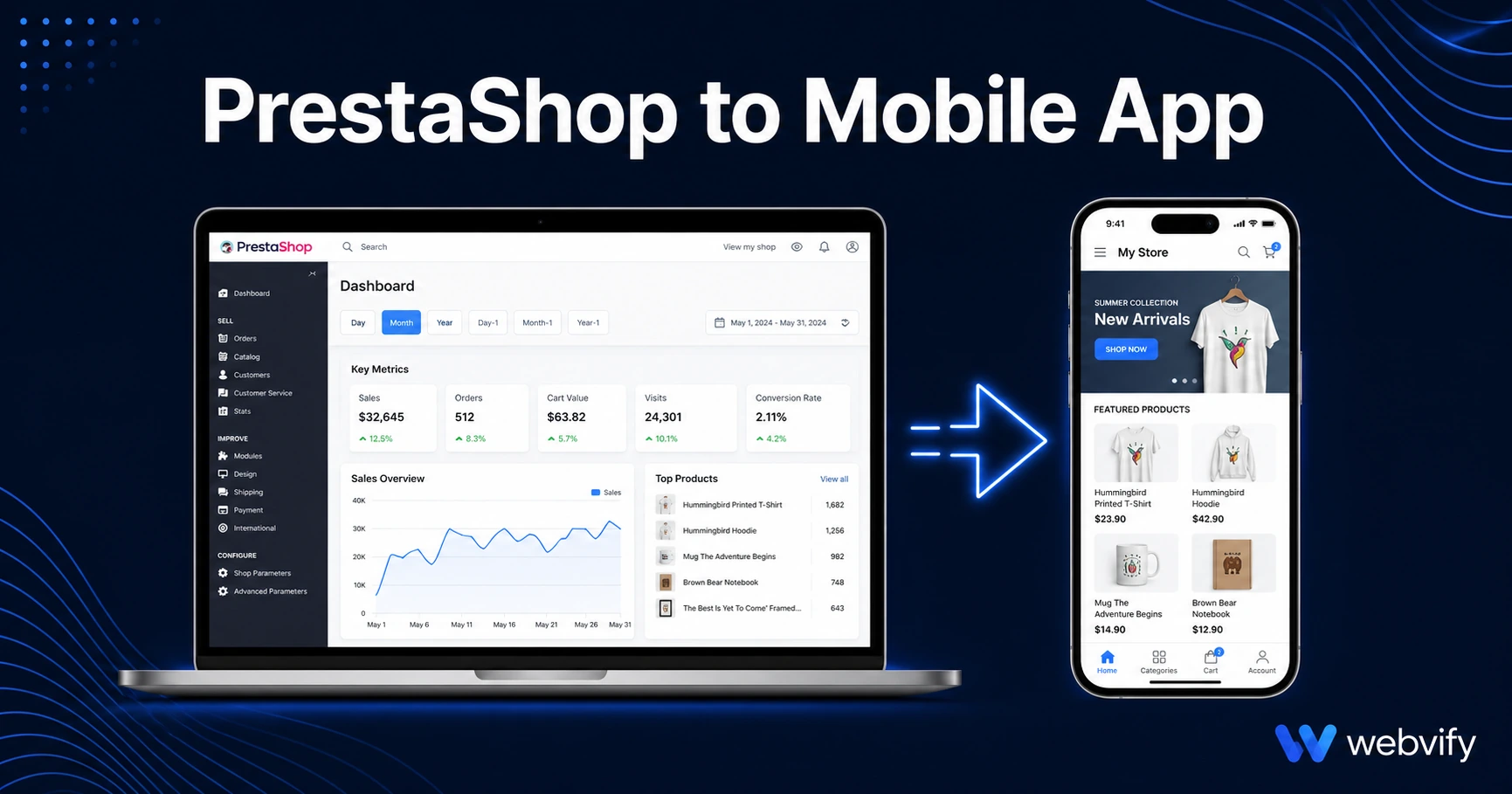
PrestaShop has no App Store export — but your store can be live on iOS and Android in days. Here's how to convert it without rebuilding or hiring a developer.
Inside this article
PrestaShop powers over 300,000 active online stores. None of them have a built-in path to the App Store.
That's not a flaw in the platform — PrestaShop is a web e-commerce tool, and it does that job well. But your customers increasingly expect a branded app: faster checkout, push notifications, a home screen icon they recognize. If you're waiting for PrestaShop to solve this, you'll wait a long time.
The good news: your existing store can be live on iOS and Android in days, without rebuilding anything or hiring a mobile developer.
Why PrestaShop Store Owners Are Missing Mobile Revenue
Mobile traffic accounts for more than 60% of e-commerce sessions globally. But mobile web conversion rates are consistently 40–60% lower than desktop. A dedicated PrestaShop mobile app closes that gap.
With an app, customers can:
- Receive push notifications for flash sales, restocked items, and abandoned cart reminders
- Check out faster with saved payment credentials
- Tap your icon directly from their home screen instead of searching for your URL
The gap isn't your products or your pricing. It's where you show up — or don't — when someone opens their phone.
What "PrestaShop Mobile App" Actually Means
There is no official PrestaShop mobile app builder. The platform is built for web delivery — it generates HTML, CSS, and JavaScript served in a browser. It does not export an app binary.
A WebView mobile app solves this by packaging your existing website inside a native app shell. The result is a fully published iOS and Android app that:
- Loads your real PrestaShop storefront — no duplicate content or cloned product catalog
- Sends push notifications via your own app
- Appears under your brand name on the App Store and Google Play
- Runs under your own developer accounts, not a third party's
You are not rebuilding your store. You are giving it an app wrapper — and that's everything customers need.
The Submission Bottleneck: Where Most Store Owners Get Stuck
Wrapping a website is straightforward. What stops most PrestaShop owners is the App Store and Google Play submission process.
Both Apple and Google require compliance steps that most non-developers have never touched. Common rejection triggers on first submission:
- Apple Guideline 4.2 (Minimum Functionality): An app that only displays a website can be rejected. The fix is enabling push notifications, which adds clear standalone functionality and satisfies this requirement.
- Google Play Data Safety form: You must declare exactly what data your app collects — email addresses, billing information, payment data — and how it is stored and used. PrestaShop stores collect significant customer data, and this form must be accurate.
- Custom domain requirement: Both Apple and Google require the app to load from a real domain (e.g.,
yourstore.com). If your store is hosted on a subdomain or a shared plan without a custom domain, resolve this before submission.
If this sounds like a lot, it is — for a first-timer. Services like Webvify handle the packaging, compliance configuration, and submission end-to-end. You provide the store URL and branding; they deliver the live app. If you want to understand the full App Store submission process, this guide walks through every step →.
PrestaShop-Specific Gotchas You Need to Know
Digital Goods and Apple's 30% Rule
If your PrestaShop store sells digital goods — downloadable files, software licenses, digital subscriptions — Apple's rules require in-app purchase (IAP) for any digital content consumed on the device. This means Apple takes 30% of those transactions processed through the app.
The standard workaround is to redirect digital purchase flows to an external browser, where Stripe or PayPal processes the transaction normally. This is the pattern used by Udemy, Coursera, and most digital course platforms. Physical goods shipped to customers are fully exempt — your standard checkout works without modification.
PS Checkout and Stripe on iOS
If you use PS Checkout (Stripe-based) for payments, the IAP rule applies only to digital goods. For physical products, Stripe processes normally inside the WebView. Before submission, test your checkout flow specifically on a mobile browser — payment pages that redirect to external URLs sometimes break WebView navigation if not configured correctly.
Responsive Theme Compatibility
Older PrestaShop installations using non-responsive themes will display poorly on small screens. Before wrapping your store, confirm your theme scales correctly from 320px wide upward. PrestaShop's default Classic and Hummingbird themes are responsive. Heavily customized or older community themes may need updates before the app is ready for submission.
Module Compatibility
Some PrestaShop modules use popup-based interfaces, browser-specific JavaScript, or redirect flows that behave unexpectedly inside a WebView. Before submission, walk through your full purchase flow in Chrome on Android and Safari on iOS. If something breaks in mobile browser, it will break in the app. Catching this early prevents rejection delays.
For similar e-commerce platform considerations, the same principles apply when converting a Magento store to a mobile app → — the IAP rules and responsive theme checks are nearly identical.
How the Conversion Process Works
A PrestaShop-to-app conversion follows five stages:
1. Pre-launch audit — Custom domain confirmed, mobile responsiveness verified, IAP-affected digital goods identified and redirected.
2. App build — WebView wrapper configured with your store URL, app name, icon, and splash screen. Push notification infrastructure set up via Firebase (Android) and APNs (iOS).
3. App Store and Google Play submission — App binary submitted under your developer accounts. Compliance forms completed: Data Safety (Google), privacy policy link, content rating questionnaire.
4. Review — Apple typically reviews within 24–48 hours. Google Play is usually faster. Rejections add one review cycle — budget 3–5 business days for first-time submissions.
5. Live — Your PrestaShop store appears on both stores under your name, with push notifications active and an admin panel to manage campaigns after launch.
FAQ
Can I send push notifications to customers through my PrestaShop mobile app?
Yes — push notifications are one of the primary reasons to convert a PrestaShop store to a mobile app. They let you reach customers directly on their lock screen with flash sales, abandoned cart reminders, and new arrivals. Open rates for push notifications are significantly higher than email. The system is configured during the app build and managed through an admin panel post-launch.
Will my PrestaShop modules and payment gateway work inside the app?
Most modules that function correctly in a mobile browser will work inside the app. The main exceptions are modules using browser-specific popups or external redirect flows that break WebView navigation. Test your checkout flow in a mobile browser before submission — this catches the majority of compatibility issues. Payment gateways like PS Checkout (Stripe) work for physical goods; digital goods require the IAP browser-redirect workaround.
How long does it take to get a PrestaShop app live on the App Store?
From build to live, the typical timeline is 5–10 business days for a managed service. App Store review itself takes 24–48 hours. First-time submissions occasionally receive a rejection for Guideline 4.2 (Minimum Functionality) or IAP compliance — each rejection adds one review cycle. A done-for-you service handles these rejections on your behalf.
Your PrestaShop store already has the product catalog, the checkout flow, and the customer base. The only thing missing is the app. Webvify converts your existing store into a fully branded iOS and Android app and handles the entire submission process — so you're live on both stores without touching a line of code.