

Best Plobal Apps Alternatives in 2026 (For Shopify Stores)
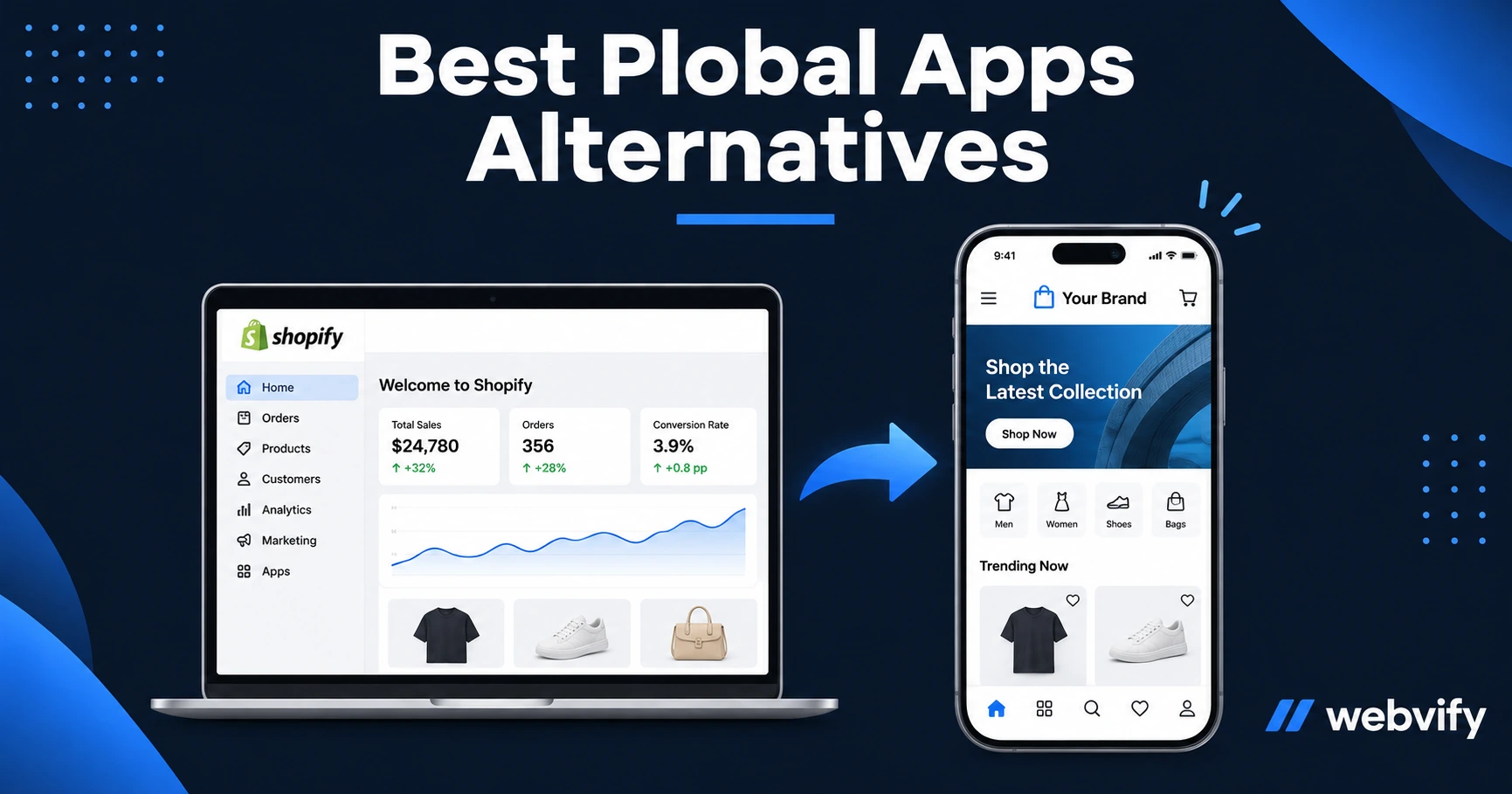
The best Plobal Apps alternatives in 2026 — what each costs, who handles App Store submission, and which one actually lets you own your app listing.
Inside this article
Plobal Apps' biggest hidden cost isn't on the pricing page. It's that some plans submit your app under Plobal's own Apple developer account — meaning your App Store listing disappears the moment you cancel your subscription.
That's the trap that sends Shopify merchants searching for alternatives. This guide compares the best Plobal Apps alternatives in 2026, with a focus on three things: who actually owns the app listing, what submission looks like in practice, and what you'll pay over the first year.
Why Shopify Stores Look for Plobal Apps Alternatives
Plobal Apps builds solid Shopify mobile apps. The product is polished and the React Native approach gives it a native-feeling UI. But at $299 to $749 per month, it's priced for high-volume stores — and the developer account situation creates long-term risk for everyone else.
When an app is submitted under a provider's Apple and Google developer accounts, you're renting the listing, not owning it. Cancel the subscription, and the app goes dark. Your customers receive an automatic removal notification from Apple. The download count, the reviews, the App Store URL — all of it belongs to whoever owns the account.
Merchants who discover this mid-contract often look for alternatives. Some want a lower monthly cost. Others want the listing under their own accounts from day one.
Three Filters That Matter More Than Features
Before comparing providers, here are the three questions that separate a good fit from an expensive mistake:
1. Whose developer account does the app live under? This is the ownership question. If the provider submits under their own Apple and Google developer accounts, you're renting the app — not owning it. When you cancel, the listing is gone.
2. Is App Store submission included or separate? Some tools provide the build file and leave submission to you. If you're not technical, navigating Apple's developer portal and Google Play Console is a real barrier. Look for providers that include submission as part of the service.
3. Does it use your existing Shopify store or rebuild it? Rebuilding your store into a new platform creates two systems to maintain. Any update to your Shopify theme, product catalog, or pricing has to be synced manually. A wrapper that uses your live Shopify storefront means one source of truth.
The Best Plobal Apps Alternatives for Shopify Stores in 2026
| Provider | Approach | Submission Included | Submitted Under | Starting Price |
|---|---|---|---|---|
| Webvify | WebView wrapper | Yes, done-for-you | Your own accounts | Custom |
| Tapcart | React Native | Yes | Tapcart's accounts | $299/mo |
| Vajro | React Native | Yes | Vajro's accounts | $99/mo |
| Shopney | React Native | Yes | Shopney's accounts | $149/mo |
| Appbrew | React Native | Yes | Appbrew's accounts | $499/mo |
Webvify
Webvify wraps your existing Shopify store in a fully branded mobile app — no content migration, no rebuild. Your Shopify theme, product pages, collections, and checkout work inside the app exactly as they do on the web.
The app is submitted to both the App Store and Google Play under your own Apple and Google developer accounts, so you own the listing outright. Cancel Webvify tomorrow and your app stays live. No hostage situation.
Webvify handles everything end-to-end: build, compliance, and submission. After launch, you manage push notifications, app settings, and updates through a web-based admin panel — no developer needed.
For physical goods Shopify stores, there are no Apple IAP complications — Apple's 30% rule (Guideline 3.1.1) only applies to digital goods, not physical products or in-person services. If you sell digital products or subscriptions, Webvify handles the compliance setup so you don't hit a rejection wall.
Services like Webvify remove the entire submission and maintenance burden, so you get the app live without learning Xcode or App Store Connect.
Read our guide to turning your Shopify store into an iOS app →
Tapcart
Tapcart builds a React Native app connected to your Shopify store via API. The design is polished and native-feeling, with strong support for push notifications, deep links, and custom blocks. Submission is included.
The limitation: Tapcart submits under its own Apple developer account on most plans, which creates the same ownership risk as Plobal Apps. At $299/month, it's also positioned for established stores with meaningful monthly GMV.
Vajro
Vajro is well-known among fashion and lifestyle Shopify stores, particularly for its live video selling features. It's one of the more affordable React Native options at $99/month for the entry tier.
App Store submission is included, but check carefully — Vajro submits under its own accounts, and account ownership terms vary by plan. The app listing is tied to your subscription.
Shopney
Shopney offers a drag-and-drop app builder on top of Shopify with solid multilingual support. The starting price of $149/month makes it one of the more accessible options for smaller stores.
Submission is included, though Shopney submits under its own developer accounts on most plans. For merchants who want their own App Store identity, this matters.
Appbrew
Appbrew targets high-GMV Shopify stores with a fully custom React Native build. It's the most expensive option in this comparison, starting around $499/month, and requires more back-and-forth during setup than simpler tools. Best suited for stores doing seven figures or more in annual revenue.
Webvify vs Plobal Apps: Side-by-Side
| Feature | Webvify | Plobal Apps |
|---|---|---|
| App approach | WebView | React Native |
| Submission | Done-for-you, included | Included |
| Developer accounts | Your own Apple and Google accounts | Plobal's accounts (some plans) |
| App Store ownership | You own the listing | Tied to subscription |
| Content rebuild | No — uses live Shopify storefront | No |
| Pricing model | Flat project fee | $299–$749/mo subscription |
The core difference: Webvify gives you the listing under your own accounts from day one. With Plobal Apps, the account situation depends on which plan you're on — and the monthly cost adds up fast.
Which Alternative Is Right for You?
Choose Tapcart or Shopney if your Shopify store has strong monthly GMV, you want native-feeling animations, and you're comfortable with the developer account tradeoff.
Choose Vajro if live video selling is a priority and you want the lowest entry price among React Native options.
Choose Webvify if you want the app submitted under your own Apple and Google developer accounts, don't want to rebuild your Shopify store, and prefer a done-for-you service over a self-serve tool.
See how Shopify mobile app builders stack up across all options →
FAQ
Does Plobal Apps submit under my developer account?
It depends on the plan. Some Plobal Apps plans submit the app under Plobal's own Apple and Google developer accounts, which means your listing is tied to your subscription. If you cancel, the listing is removed. Review their current account ownership terms before committing.
Can I transfer my Plobal Apps app to another provider?
If your app is submitted under Plobal's developer account, you cannot transfer the listing. The App Store entry belongs to whoever owns the developer account. You would need to publish a new app under your own account and ask existing users to download the new version — meaning you lose your review history and download count.
How much do Plobal Apps alternatives cost per year?
Monthly subscription options range from $1,188/year (Vajro at $99/mo) to $8,988/year (Appbrew at $499+/mo). Webvify charges a flat project fee rather than a recurring subscription, which typically costs less over 12 months for most Shopify stores.
Your Shopify store already works. The app should be an extension of it — not a rebuild that ties you to someone else's account.
Get your Shopify store on the App Store and Google Play with Webvify →