

New Year Push Notification Campaign Guide: Get Your App Ready for January
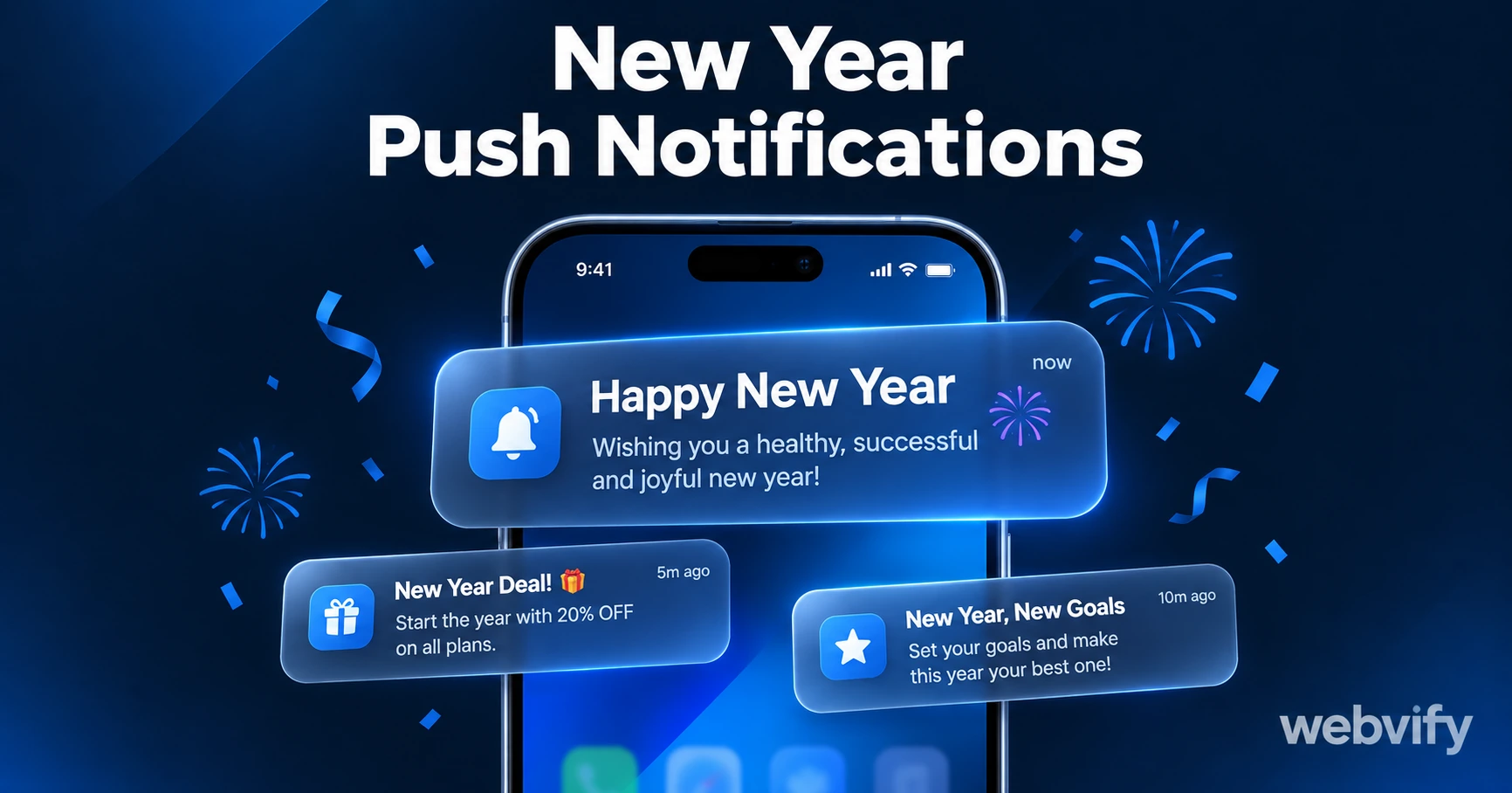
5-message New Year push notification sequence with copy templates for small businesses. Start December 27th, capture January before competitors do.
Inside this article
- Why New Year Push Notifications Convert Better Than You Expect
- The 5-Message New Year Push Notification Sequence
- New Year Push Notification Templates by Business Type
- Your New Year Campaign Timeline
- Segment Your New Year Push Notifications for Better Results
- How New Year Campaigns Differ From Black Friday
- Frequently Asked Questions
The highest-performing push notification window of the year isn't Black Friday. It's the week between Christmas and New Year — when customers are relaxed, their phones are in hand, and they're actively thinking about what they want to change.
Most businesses miss this window entirely because they're winding down in December while their competitors are gearing up.
Here's the five-message sequence that works, with exact copy templates you can use starting this week.
Why New Year Push Notifications Convert Better Than You Expect
Black Friday works on urgency and scarcity. New Year works on something more powerful: identity. When someone sees a New Year push notification from your business on January 1st, they're in a mindset of fresh starts, new commitments, and buying decisions tied to who they want to become.
That psychological window is narrow — January 1st through the second full week of January. After that, resolution energy fades fast. Your sequence needs to land during this window, which means starting your campaign before December 31st.
Push notifications hit 60–90% open rates versus 20–30% for email. During the holiday period when people are checking their phones constantly, those numbers skew even higher.
The 5-Message New Year Push Notification Sequence
This sequence covers the full conversion window from pre-New Year setup through post-New Year follow-up.
| # | Send Timing | Message Focus |
|---|---|---|
| 1 | Dec 27 | Teaser — set the expectation |
| 2 | Dec 31 (morning) | New Year's offer launch |
| 3 | Jan 1 | Happy New Year + reinforce the offer |
| 4 | Jan 3 | Urgency — campaign ending soon |
| 5 | Jan 7 | Last chance — final push |
Message 1 — Dec 27 (Teaser): "Something's coming January 1st. Worth opening." Keep it short. Curiosity before the holidays lands well because competition is low.
Message 2 — Dec 31, 9 AM (Launch): "New Year, new reason to come back. [Your offer] starts midnight — open to claim yours." This should be your most valuable offer or your lowest-friction re-engagement hook.
Message 3 — Jan 1, 10 AM (Happy New Year): "Happy New Year! [Your offer] is live through January 7th. See what's new." Keep it warm. Jan 1 is about connection, not hard sell.
Message 4 — Jan 3 (Urgency): "Your New Year [offer] expires Friday. Here's what people are saying so far." Social proof plus deadline works together here.
Message 5 — Jan 7 (Last Chance): "Tonight at midnight, your [offer] expires. Don't miss it." Classic last-chance format. Short and direct.
New Year Push Notification Templates by Business Type
The sequence above is universal — the copy needs to match your business.
Fitness and wellness (gyms, yoga studios, coaching): Dec 31: "New Year resolution? Start with [30-day offer/trial]. Don't just plan it — book it." Jan 1: "Happy New Year. Your first class is on us this week. Tap to book."
Retail and e-commerce: Dec 31: "New Year, new arrivals. Shop what's new before it sells out." Jan 1: "New year, same great taste — here's 15% off your first January order."
Service businesses (salons, spas, cleaning, HVAC): Dec 31: "New year, new you. Book your [service] before our January slots fill up." Jan 3: "2 spots left for our January [service] offer. After that, standard pricing returns."
Restaurants and cafes: Dec 31: "New Year's Eve or New Year's Day — we're open. See today's menu." Jan 2: "Post-holiday reset? Today's [dish/special] is exactly what you need."
If you're using a service like Webvify that manages your push notification infrastructure, you can schedule all five messages in advance before December 25th and run the entire campaign hands-free.
Your New Year Campaign Timeline
The mistake most businesses make is starting too late. Here's the schedule:
December 20–24: Write and schedule all 5 messages. Set audience segments (see next section).
December 25: Nothing. Let the holiday pass.
December 26–30: Soft review. Confirm that scheduled pushes are configured correctly.
December 31 through January 7: Let the sequence run.
January 8–10: Review opens and conversions. What landed? This data feeds your Valentine's Day and Q1 campaigns.
The two-week pre-campaign setup window is what separates businesses that drive January revenue from those that scramble through the first week of the year.
Segment Your New Year Push Notifications for Better Results
A single broadcast to your entire list is better than nothing. Segmented messages are better still.
Three segments worth splitting out:
Active users (opened a push or made a purchase in last 60 days): Give them an exclusive offer. They're your best customers and deserve to feel it.
Lapsed users (90–180 days silent): Use the New Year framing directly — "It's been a while. New year, new reason to come back." This segment responds to re-engagement framing more than deal offers.
New installs (downloaded in last 30 days): They haven't converted yet. New Year is a natural window to push an introductory offer: "Your first [purchase/session/order] on us — a New Year gift from us."
If your push tool supports it, run these as three separate campaigns rather than one. The lift in conversion is typically 15–20% over a single broadcast. For a deeper look at segmentation strategy, this guide on push notification segmentation covers the mechanics.
How New Year Campaigns Differ From Black Friday
If you've already run your Black Friday and Cyber Monday sequences, New Year is different in one key way: the buying intent is not about price. It's about starting fresh.
That means leading with transformation, not discounts. "New year, new training routine — your first month is on us" outperforms "20% off, this weekend only" in January every time. Save the discount hook for Black Friday. Use the resolution hook for January.
Frequently Asked Questions
When should I start sending New Year push notifications?
Send the first teaser message on December 27th — not January 1st. By the time the calendar flips, the businesses that started early have already captured the attention of their most engaged customers. The full 5-message sequence runs December 27th through January 7th.
How many push notifications can I send during New Year without annoying customers?
Five messages spread over 12 days is the right ceiling. Any more and you risk opt-outs. Space them so no two messages land within 24 hours, and make sure each one delivers genuine value — a real offer, useful information, or a warm greeting — not just a reminder that your business exists.
Do New Year push notifications work for service businesses, not just retail?
Yes — service businesses often see better New Year results than retail because the resolution mindset applies directly. A January gym class, a fresh cleaning, a dental checkup, a financial review — these are things people actively want to book in January because of the "new year, new habits" psychology. Lead with the outcome, not the offer.
The window opens December 27th. The businesses that start scheduling now will capture the January momentum. The ones that start planning January 2nd will watch it pass.