

How to Get a Mobile App for Your Photography Business (Without a Developer)
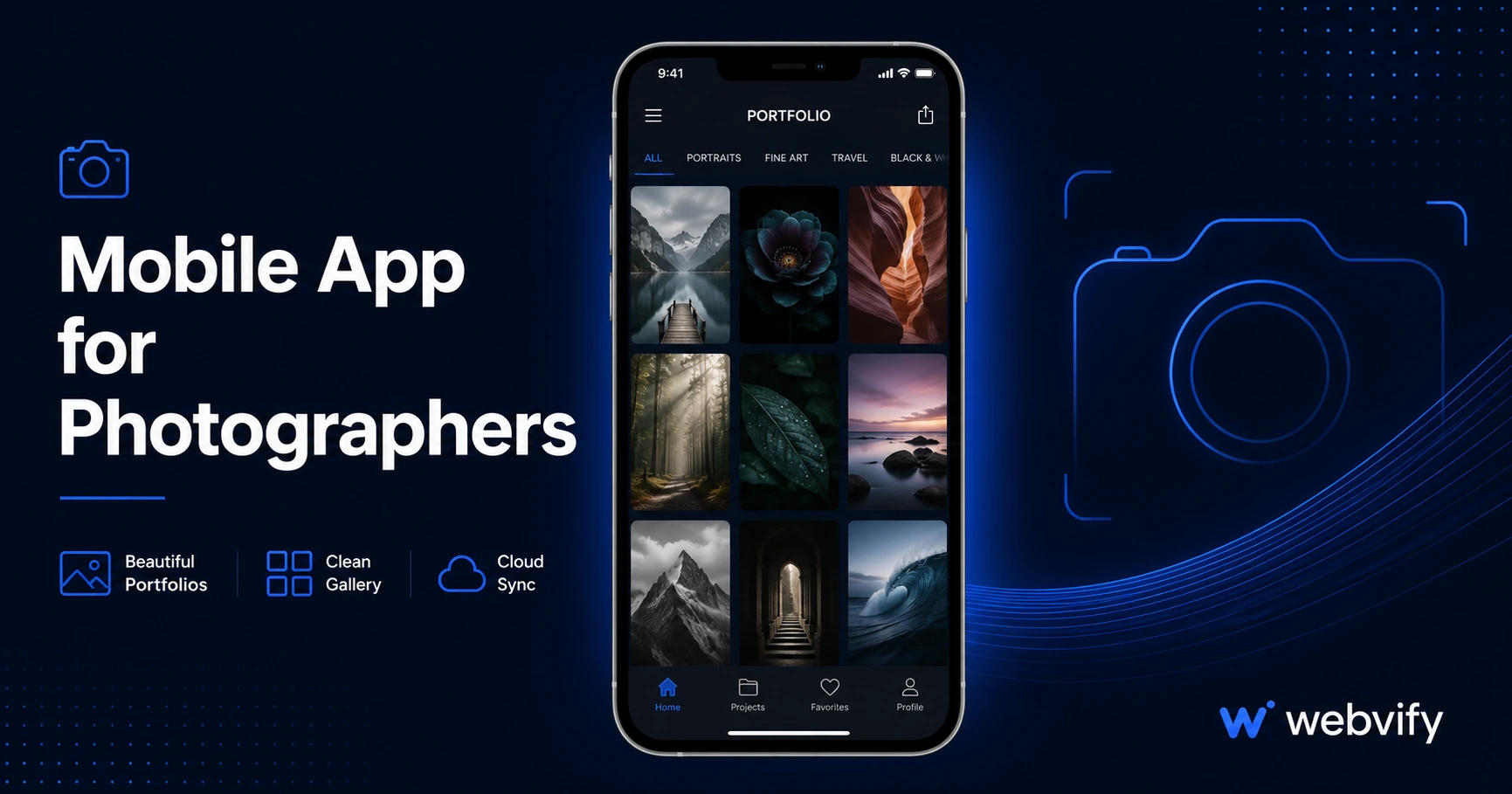
Want a mobile app for your photography business? Here's how to get one on the App Store without coding — and why push notifications make clients book again.
Inside this article
- Why Photographers Lose Repeat Clients (It's Not What You Think)
- What a Mobile App for Photographers Actually Includes
- Do You Need a Mobile App for Your Photography Business, or Is Your Website Enough?
- Getting Your Photography App on the App Store: What the Process Looks Like
- How Photographers Use Push Notifications Effectively
- FAQ
Most photography clients book once, love the experience, and then forget your name by the time their next milestone rolls around. That gap — between the shoot and the rebooking — is where photographers lose thousands of dollars every year.
A mobile app for your photography business puts your brand on your client's home screen and lets you reach them directly with push notifications. This guide covers what a photographer app actually does, whether you need one, and how to get it live on the App Store and Google Play without writing a single line of code.
Why Photographers Lose Repeat Clients (It's Not What You Think)
The most common assumption is that clients don't come back because they found someone cheaper or better. In most cases, that's not true. The real reason is simpler: they forgot you exist.
Between a newborn shoot in January and a family portrait session in October, nine months pass. During that time, your client receives exactly zero touchpoints from you unless they happen to scroll past an Instagram post. By the time they're ready to book, they search Google, find someone with better SEO, and that's the booking you lost.
Push notifications change this. A well-timed message — "Summer mini sessions are open, slots go fast" — sent directly to the lock screen of every past client gets read. Email open rates in photography hover around 25–30%. Push notification open rates run 60–90%. The difference is not marginal; it's the entire game.
What a Mobile App for Photographers Actually Includes
A photographer app built on your existing website isn't a native rebuild. It's a WebView wrapper — your site packaged inside a native app shell that lives on the App Store and Google Play. Here's what that means in practice:
Your existing site, inside an app. Your portfolio, booking form, pricing page, and contact form work exactly as they do now. You don't rebuild or maintain a second system.
Push notifications. Send messages to everyone who has installed your app. Announce mini sessions, seasonal promotions, or new gallery releases. Clients opt in when they install the app, so you're only reaching people who already like your work.
App Store presence. Having a listing on the App Store signals professional credibility in a market saturated with photographers. Clients searching "photographer in [city]" on the App Store will find you — a channel most photographers don't compete on at all.
Home screen real estate. Your logo on a client's phone home screen is worth more than any social media follow. It's a daily reminder that you exist, without requiring you to post anything.
Do You Need a Mobile App for Your Photography Business, or Is Your Website Enough?
A mobile-responsive website is necessary. A mobile app is the layer above it that handles retention.
Your website handles discovery — SEO, referrals, Google Maps, portfolio browsing by new leads. Your app handles everything that comes after: rebooking reminders, seasonal campaigns, gallery notifications, loyalty offers.
If your business model is one-time shoots only and you have no interest in repeat clients, a website alone is probably fine. But if portrait, wedding, newborn, or commercial photography is your business, you're in a repeat-client model whether you've framed it that way or not. The families who book today are the families who book senior portraits, graduation shoots, and anniversary sessions over the next decade.
Services like Webvify handle the full process end-to-end — building the app, submitting it to the App Store and Google Play under your own developer accounts, and giving you an admin panel to send push notifications and update settings without touching code.
Getting Your Photography App on the App Store: What the Process Looks Like
The submission process is often what stops photographers from moving forward. The assumption is that it requires a developer. It doesn't, but it does require navigating Apple's and Google's requirements correctly.
Step 1: Your website must be on a custom domain. Apple does not approve apps that load content from generic subdomains or third-party platforms without a custom URL. If you're on a platform like Squarespace or Wix, your custom domain (yourstudio.com) must be active.
Step 2: Your site must be mobile-responsive. The app wraps your existing site, so whatever renders in a mobile browser is what clients see in the app. If your site breaks on mobile, fix it before building the app.
Step 3: Booking and payment flows. If you collect deposits or payments through an in-app purchase flow (inside the app shell), Apple's Guideline 3.1.1 applies and they take 30%. The standard approach — which services like Webvify implement by default — is to route any purchase or booking confirmation to an external browser, the same way Airbnb and Ticketmaster handle in-app purchases. This avoids the fee entirely.
Step 4: Apple Developer Account. You'll need an Apple Developer account ($99/year) and a Google Play Developer account ($25 one-time) registered in your name or business name. The app publishes under your accounts — not the platform's.
If this sounds involved, that's because it is, which is why most photographers either skip it entirely or hand it off to a service that handles submissions as part of the package. If you want to learn the full App Store review process, this guide covers App Store submission step by step.
How Photographers Use Push Notifications Effectively
The mistake most businesses make after getting an app is sending too many generic notifications. Photographers have a natural advantage here: every shoot produces a gallery reveal moment, which is a legitimate reason to message every past client.
Gallery notifications. When a client's gallery is ready, a push notification beats email. It's immediate, it's personal, and it drives gallery views within hours instead of days.
Seasonal campaigns. "Holiday mini sessions open — 6 spots available" sent as a push notification to 200 past clients will fill those sessions faster than any Instagram story.
Referral prompts. "Know someone planning a wedding this year? Share this with them and you'll both get 10% off your next session." This kind of message works because it's private and direct.
Reactivation campaigns. "It's been a year since your family session — kids change fast. Book a 2026 update." Sent to clients who haven't booked in 12 months, this message is relevant, timely, and conversion-ready.
For more on how push notifications work as a retention tool for service businesses, this guide covers the open-rate data and implementation strategy.
FAQ
How much does a mobile app for a photography business cost?
A WebView-based photography app typically runs $500–$2,000 as a one-time build fee, plus $99/year for the Apple Developer account and $25 one-time for Google Play. That compares to $50,000–$300,000 for custom native development. The ongoing cost is your developer account fees — the app itself doesn't require monthly software subscriptions if you go with a done-for-you service that publishes under your accounts.
Do I need to rebuild my photography website to get an app?
No. A WebView app wraps your existing website — portfolio, booking system, galleries, contact forms — and packages it as a native app on the App Store and Google Play. Your site stays exactly as it is. The app is a native shell that loads your existing content. If your current booking platform (HoneyBook, Dubsado, Pixieset, ShootProof) works in a browser, it works inside the app.
Will my photography app get approved by Apple?
Yes, with the right setup. Apple approves WebView apps daily. The two most common rejection reasons are: loading content from a non-custom domain (use yourstudio.com, not a platform subdomain) and including in-app payment flows that violate Guideline 3.1.1 (route bookings and payments to an external browser instead). Both are standard issues that experienced submission services resolve before submission.
A mobile app for your photography business won't replace great work, strong referrals, or an optimized website. But it does solve the single biggest revenue leak in most photography businesses: the client who loved you and just forgot to come back.
If you're ready to get your photography app live on the App Store and Google Play, Webvify handles the full process — build, submission, and admin panel — without requiring you to touch Xcode or write code.