

How to Get a Mobile App for Your Personal Training Business (Without a Developer)
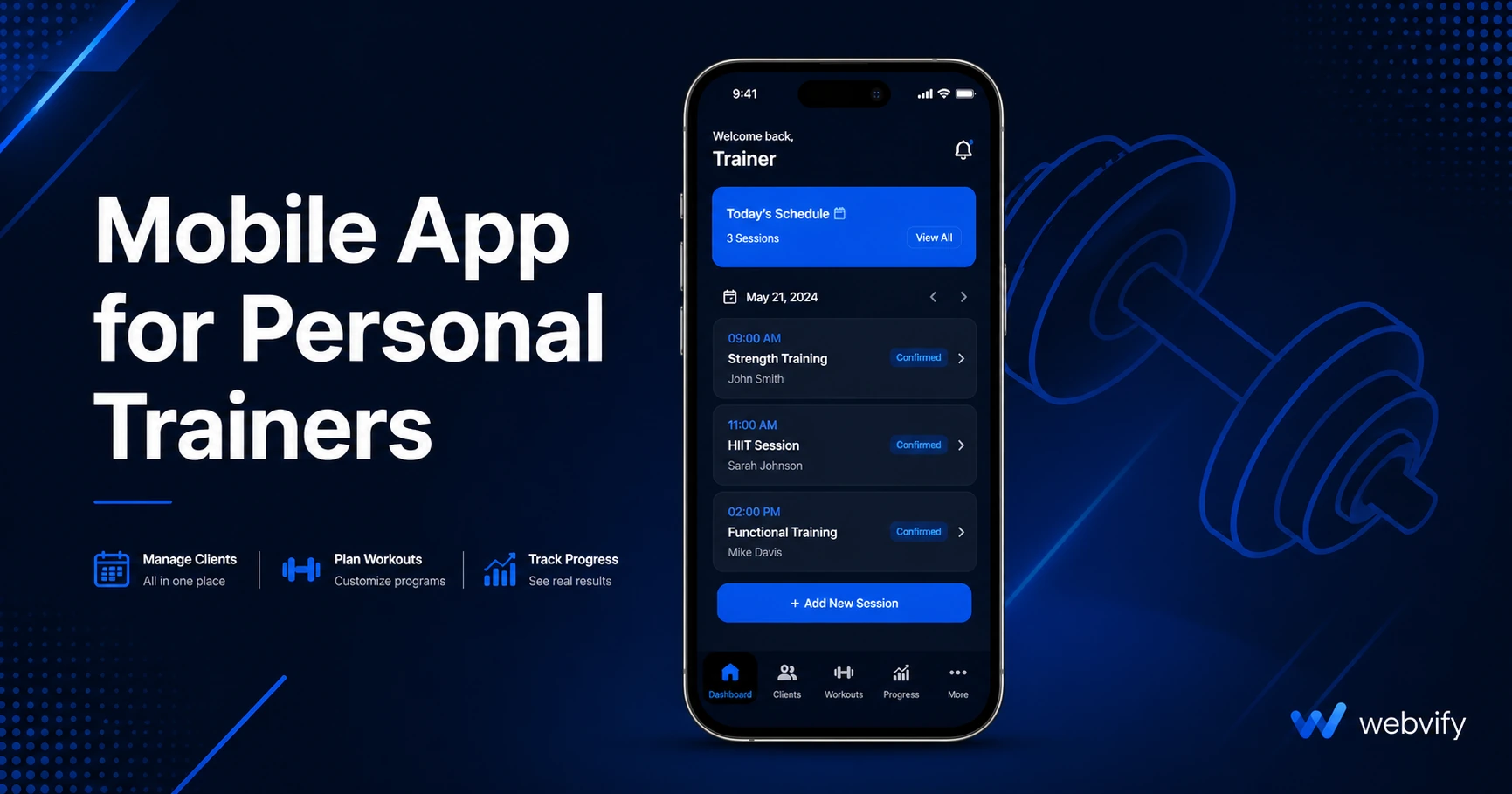
How personal trainers get a branded mobile app on the App Store without a developer — push notifications, booking, App Store submission, and costs covered.
Inside this article
Personal training clients don't quit because you're a bad trainer. They drift away between sessions — and by the time they cancel, they've already mentally moved on.
A mobile app puts your brand on their home screen. Every time they unlock their phone, they see your logo. Every push notification you send lands directly on their lock screen. That gap between sessions — the one where clients lose momentum and motivation — shrinks significantly when you have a direct channel to their phone.
Why Personal Trainers Lose Clients Between Sessions
Most trainers handle client communication through text, email, or a third-party scheduling platform. These work, but none of them put your brand front and center.
SMS reminders get buried in promotional message threads. Emails sit unread. And if you're using a shared platform like Trainerize or PT Distinction, your client's "app" is actually that platform's app — listing dozens of other trainers alongside you, building their brand equity, not yours.
The trainers building the strongest retention aren't always the ones with the best programming. They're the ones who stay visible between sessions, send timely reminders, and give clients a reason to stay engaged with their brand outside the gym.
What a Mobile App for Personal Trainers Actually Needs
Before you evaluate solutions, get clear on what you need. For most personal trainers, the essentials are:
Home screen presence. Your app — with your logo and name — installed on each client's phone. This alone changes how clients perceive your business versus trainers who only exist in a browser bookmark.
Push notifications. Session reminders, cancellation policy nudges, motivational check-ins, promotional offers for new packages. Push notifications from your own branded app reach the lock screen directly, with open rates consistently above 60% — far higher than email.
Booking access. Clients should be able to view your schedule and book sessions without leaving the app. If you already use Acuity, Mindbody, or a calendar booking plugin on your website, you don't need to rebuild that system — you need an app that opens your existing booking page natively.
Your branding. Not a shared platform app. Your own listing on the App Store and Google Play, under your business name.
Content delivery. Workout videos, nutrition guides, client check-in forms — these can all live on your existing website. An app that wraps your current site means no duplicate content to maintain.
How to Get a Mobile App for Your Personal Training Business
There are three realistic paths:
Custom development. A developer builds a native iOS and Android app from scratch. Full control, highest cost — typically $20,000–$80,000 upfront, plus ongoing maintenance. The right call for a franchise or multi-location operation. Not the right call for a solo trainer or small studio.
Generic fitness app platforms. Software like Trainerize or PT Distinction is well-built for managing clients, but your clients download the platform's app — not your app. You're growing their brand presence on your clients' phones, not your own.
Convert your existing website into a branded app. If you already have a website with your booking system, content, and brand, a WebView app converts that site into a fully branded mobile app — published on the App Store and Google Play under your name. No rebuilding. No new content system to maintain. No developer needed.
This third option is the right fit for most personal trainers: it turns the asset you already manage into an app, without creating a second system to keep in sync.
For a parallel example in another fitness category, the guide on how to get a mobile app for your gym covers this exact process with gym-specific details. And if you run online coaching or digital programs alongside your in-person work, this guide on mobile apps for online coaches covers the digital subscription and IAP rules that apply when selling programs through an app.
The App Store Submission Problem Most Trainers Don't Expect
Building your app is only half the job. Getting it on the App Store requires an Apple Developer account ($99/year), a Google Play account ($25 one-time), and navigating both review processes.
Apple's review typically takes 24–72 hours for most apps. Google Play is 3–7 days for new submissions. Both stores have compliance requirements your app has to meet.
One rule catches many fitness businesses off guard: Apple's Guideline 3.1.1. If you sell sessions or packages using Stripe or PayPal inside the app, Apple requires either routing those transactions through their own payment system (which takes a 30% cut) or redirecting users to an external browser for checkout.
The simplest fix: disable in-app payment flows and direct clients to your website's booking page for new purchases. Session reminders, push notifications, content access, and check-in forms all work fine inside the app — Apple's payment rules only apply when digital goods or services are sold directly through the app itself.
Services like Webvify handle the full submission process — app build, developer account setup, App Store submission, and Google Play submission — so you're not navigating the Apple developer portal yourself.
What to Look for in a Web-to-App Service
Not all web-to-app tools handle submission the same way. When comparing options, focus on three things:
Who handles App Store submission? Some tools give you an app file and leave submission to you. For most personal trainers, you want a service that handles it end-to-end — the Apple Developer portal is not built for non-technical users.
Do you own the developer accounts? Your app should be published under your own Apple and Google accounts — not the provider's. If you ever switch services, your App Store listing and your reviews should remain yours.
Is there an admin panel after launch? You need to be able to send push notifications, update your app's URL, and manage basic settings without contacting a developer. A self-service admin panel is non-negotiable for post-launch management.
FAQ
How much does a mobile app for a personal trainer cost?
A custom-built app runs $20,000–$80,000. A web-to-app service that converts your existing website typically costs $500–$2,000 as a one-time fee or under $100/month as a subscription, plus the Apple Developer fee ($99/year) and Google Play registration ($25 one-time). For most personal trainers, the web-to-app route delivers the core value — push notifications, home screen presence, branded App Store listing — at a fraction of the cost of custom development.
Do I need Apple's in-app purchase system to sell training sessions through my app?
Only if you process payments directly inside the app using Stripe, Square, or PayPal. If your app opens your existing website booking page — where clients pay through your website's checkout — Apple's 30% rule doesn't apply. Most personal trainers avoid the IAP issue entirely by directing clients to their website for bookings and using the app for notifications, content, and engagement.
How long does it take to get a personal trainer app on the App Store?
With a web-to-app service, building typically takes 1–3 business days. Apple's review adds 24–72 hours. From start to live, most trainers can have their app on the App Store within a week. Google Play typically adds another 3–7 days for the initial submission review.
Ready to put your training brand on your clients' home screens? Webvify converts your existing website into a fully branded mobile app — built, submitted, and live on the App Store and Google Play without a developer.