

Mobile App for Locksmiths: Win More Repeat Calls and Stop Losing Customers to Silence
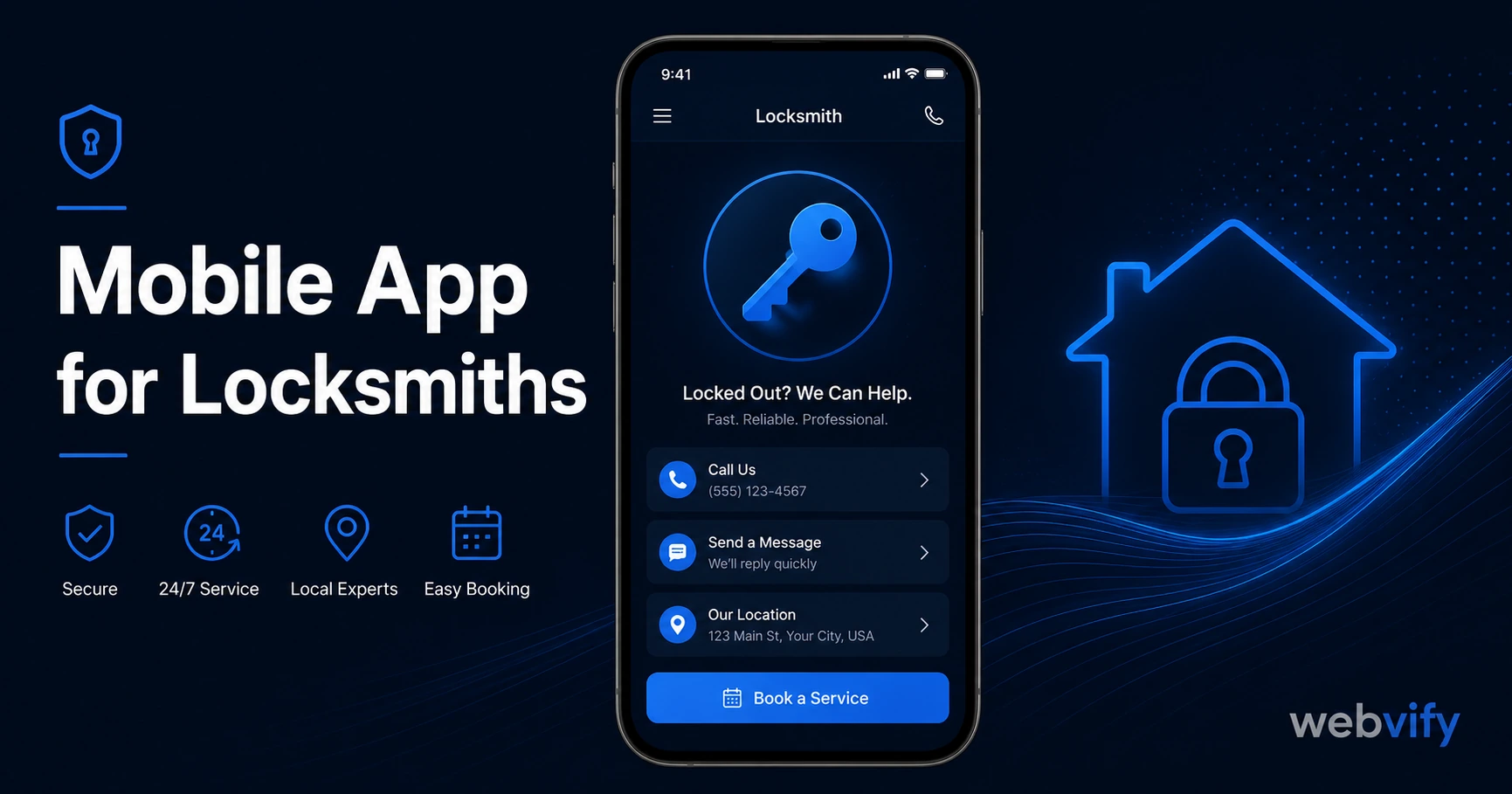
A mobile app helps locksmiths win repeat jobs through push notifications. Here's what it costs, which campaigns work best, and how to get it done without a developer.
Inside this article
Most locksmith customers call you once — in a panic — then never again. Not because you did bad work. Because by the time they need you again, they've already Googled a different number.
A branded mobile app changes that equation. With push notifications and home screen presence, you stay visible between emergency calls — and that visibility is what turns a one-time customer into a repeat one.
Why Locksmiths Lose Repeat Business (And What the Data Says)
The locksmith industry has one of the lowest repeat-call rates in home services. The average homeowner needs a locksmith once every 3–7 years for a major job. Emergency lockouts are even more random — a customer might not need you again for years, or they might need you again next week when their teenager loses their keys.
The problem isn't loyalty. Customers who had a good experience with you would happily call you again. The problem is memory. When someone locks themselves out at 11pm, they Google "locksmith near me" and call whoever appears first. Your previous customer — the one you gave a fair price to and got there in 30 minutes — is doing the same Google search, because your number isn't somewhere convenient.
Push notifications reach the lock screen directly with a 60–90% open rate, compared to 20–28% for email. That means a well-timed message puts your business in front of a past customer before they go to Google.
What a Locksmith Mobile App Actually Does
A mobile app for your locksmith business is not a complex piece of software. It's your existing website wrapped into a branded app, published under your name on the App Store and Google Play. When a customer downloads it, your number and your services are always one tap away.
Here's what it enables:
Push notifications. Send seasonal reminders, security tips, or re-engagement messages directly to past customers' lock screens — no email open rate required.
Home screen presence. Your logo sits on the customer's phone alongside their banking app and their delivery apps. That's prime real estate that a business card or a website URL can't replicate.
App Store credibility. In a trust-sensitive trade where customers hand over their house keys or car, appearing on the App Store signals legitimacy. A branded app sets you apart from the "guy with a van" competitor who only has a Yelp listing.
One-tap contact. In an emergency, customers don't have time to search. If your app is on their phone, they tap it. That's the difference between you getting the call and your competitor getting it.
The Three Push Notification Campaigns That Work for Locksmiths
Not all push notifications are equal. Generic "hello, we're still here" messages get ignored. These three campaign types are tied to real triggers that make a locksmith message feel useful, not spammy.
Campaign 1: The Back-to-School Security Check (August) Every August, families change routines — new drivers, kids getting their own keys, college students leaving. A simple message: "Back-to-school season is a good time to rekey your locks if you've had key copies made. Tap for a quick quote." This lands as helpful, not promotional.
Campaign 2: The Home Sale / Move-In Reminder (Ongoing) In any neighbourhood with active real estate, new homeowners are the highest-value prospect there is — they almost always rekey after purchase. If you've done work for existing customers, a message reminding them about rekeying when they move (or as a gift for someone they know who just moved) is a high-ROI trigger.
Campaign 3: The 12-Month Dormant Reactivation One year after a customer's last job, send a simple message: "It's been a while. If you've made key copies since we last worked together, a rekey is worth considering. Reply for a free quote." This recovers customers who had a great experience but simply haven't needed you since.
If you want to see how similar campaigns work for other home-service trades, the mobile app for HVAC guide and mobile app for electricians guide cover the same seasonal timing logic in detail.
How to Get a Locksmith Mobile App (Without a Developer)
The barrier most locksmith business owners face isn't cost — it's not knowing where to start. Here's the straightforward path.
Step 1: You need a website. The app wraps your existing website. If you have a site (even a simple one), you already have the content for the app. No rebuild required.
Step 2: Someone packages the app and submits it. This is the part most people assume requires a developer. It doesn't. Services like Webvify handle the full process: building the WebView app, submitting it to both the App Store and Google Play under your developer accounts, and giving you an admin panel to send push notifications after launch.
Step 3: Promote the app to past customers. A QR code on your invoice or a text to your contact list is enough to seed the first installs. Once customers have the app, your push notifications reach them directly.
The whole process — from sign-up to live App Store listing — takes days, not months. There's no code to write and no App Store compliance maze to navigate yourself.
What Locksmiths Should Look for in an App Service
Not all app builders are the same. If you're evaluating options, here are the questions that matter:
Does it wrap your existing site or require rebuilding? Rebuilding your content in a new platform is a time trap. Look for a service that converts your existing website directly.
Who handles App Store submission? Apple and Google have specific requirements for WebView apps. Some app services give you the app file and leave submission to you. Others handle it end-to-end. If you don't have a developer, you want the latter.
Who owns the developer account? Your app should be published under your own Apple Developer and Google Play developer accounts — not the service provider's. This matters for brand ownership and if you ever want to switch providers.
Is there an admin panel for push notifications? The ability to send push notifications without touching any code is the core retention tool. Make sure it's included, not an upsell.
FAQ
How much does a mobile app for a locksmith business cost?
The cost depends on whether you use a custom developer or a done-for-you app service. Custom development for a branded app with push notifications typically runs $8,000–$25,000 upfront plus ongoing maintenance. Done-for-you WebView app services range from $500–$2,000 for setup, with lower monthly costs than custom development. The App Store also requires a $99/year Apple Developer account and a one-time $25 Google Play account fee.
Do I need a developer to get a locksmith app on the App Store?
No. Done-for-you app services handle the full submission process. Apple reviews WebView apps the same as native apps — the compliance requirements (Guideline 4.2 Minimum Functionality, custom domain, no login-gating on launch) are the main hurdles, and a managed service navigates those for you. Most locksmiths can have their app live within a week without writing a single line of code.
Will customers actually download a locksmith app?
Emergency service customers have high motivation. The key is timing: ask for the download at the end of a successful job, when your credibility is highest. A simple "scan this QR code to save our number as an app" on the invoice converts well. Even modest download numbers — 50–100 past customers — mean 50–100 households where your number is one tap away when an emergency happens.
Your last locksmith customer probably had a great experience. The question is whether they'll remember you in three years when they lock themselves out again — or whether they'll Google someone else. A branded app with push notifications is the only system that keeps you visible between emergencies without requiring any ongoing effort from you.
Ready to turn your website into a mobile app? Get started at Webvify →