

Mobile App for Life Coaches: Keep Clients Accountable Between Sessions
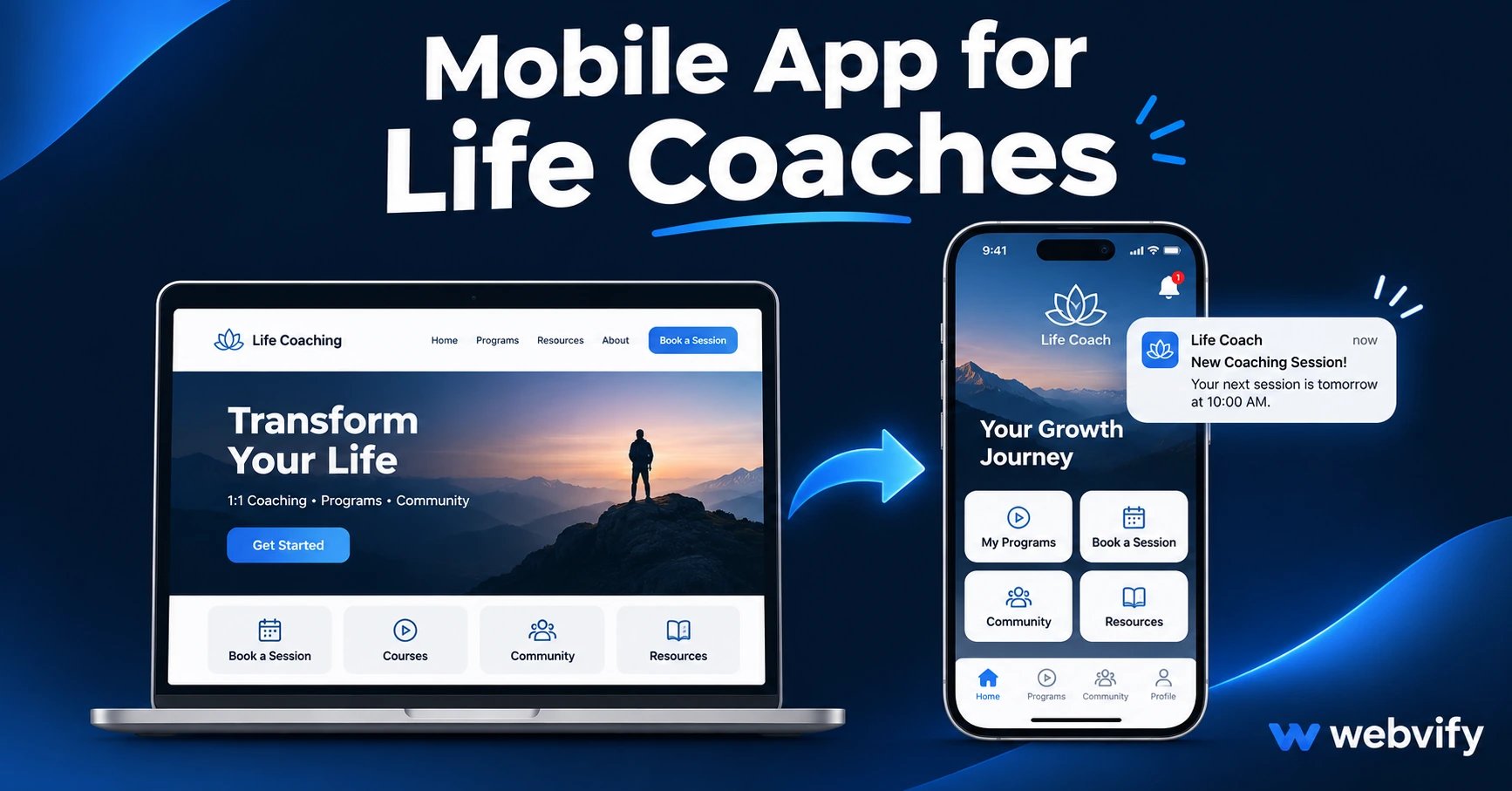
A mobile app for life coaches keeps clients accountable between sessions with push notifications. What it does, what to look for, and how to launch without a developer.
Inside this article
The most common reason life coaching clients quit isn't a bad program — it's the 6-day gap between sessions where nothing pulls them back to their goals. By the time Thursday's call comes around, they've missed three days of their commitments and feel too embarrassed to show up.
A mobile app for life coaches changes that equation. Your clients stop relying on a Zoom link buried in their inbox and start opening an app with your name on their phone's home screen. Push notifications land on their lock screen on Tuesday afternoon — not in a Gmail promotions folder.
Why Life Coaching Clients Fall Off Between Sessions
Life coaching is built on momentum. What happens inside a session is only part of the equation; the work between calls is where transformation actually sticks or breaks. The problem is that most coaches have no reliable touchpoint between sessions beyond email — and email is easy to ignore.
Push notifications aren't. The open rate for push notifications is typically 60–90%, compared to 20–30% for email. That's the difference between a client who checks in with their accountability journal on Wednesday and one who shows up to Friday's session having done nothing.
A dedicated mobile app for life coaches puts your brand on the most used device in your client's life. Every time they check their phone, your app icon is there. Every push notification you send bypasses the inbox entirely and lands directly on the lock screen. That's a fundamentally different level of access than email or WhatsApp ever provides.
What a Mobile App for Life Coaches Actually Does
A coaching app isn't a client portal replacement — it's the engagement layer that sits on top of whatever tools you already use.
Home screen presence. When your app is on a client's home screen, your brand is visible multiple times a day without them actively doing anything. That passive visibility keeps the coaching relationship alive between sessions in a way that bookmarked browser tabs never do.
Push notifications. This is the core value proposition for any service business with repeat sessions. Send session reminders 24 hours before a call, mid-week accountability nudges, new content alerts when you upload a worksheet, or a simple "How is your week going?" message that shows you're thinking of them. None of these require building a notification system from scratch. If your coaching content lives on a website, Kajabi site, or web-based portal, a WebView app wraps it inside a branded mobile experience with push notification capability built in.
A branded experience under your name. Your app appears on the App Store and Google Play as your business — your name, your icon, your brand colors. Not a generic coaching platform. That distinction matters for client trust and professional positioning.
Services like Webvify handle the entire process end-to-end: building the app from your existing website, enabling push notifications, and submitting it to both stores under your brand name. No Xcode. No developer account setup. No App Store rejection cycles.
If you run your coaching on an appointment-based model, this guide on appointment booking mobile apps covers the scheduling and rebooking angle in more detail.
The Three Push Notification Campaigns Every Life Coach Needs
The difference between coaches who keep clients for 6 months and those who lose them after 3 is usually not program quality — it's between-session touchpoints. Here are the three campaigns that move the needle most:
1. Session reminder sequence (24 hours + 1 hour) "Your coaching call is tomorrow at 2pm. Take 5 minutes tonight to review your commitments from last week." Clients show up better prepared. No-show rates drop. The investment in the call feels higher, so they're less likely to cancel.
2. Weekly accountability nudge (mid-week) "It's Wednesday — how is this week's goal tracking?" This is the highest-ROI message for life coaches. It doesn't require a reply. It just re-activates the client's connection to their commitment when it's most likely to be drifting.
3. Program renewal prompt (Day 85–90 for 3-month programs) "You're in the final 2 weeks of your program. Book your next 3 months before the end of the month to lock in your current rate." Most coaches lose clients at program completion simply because they don't ask at the right moment. This prompt asks at the right moment.
What to Look for in a Life Coach App
Not every web-to-app solution works for a coaching business. Here's what matters:
| Feature | Why It Matters for Life Coaches |
|---|---|
| Push notifications included | Core retention mechanism — confirm it's in the plan |
| App Store submission handled | Most coaches don't have Apple developer accounts |
| Branded under your name | Professional positioning; not a generic platform |
| Works with your existing site | Kajabi, Teachable, Webflow, WordPress — no rebuild |
| Admin panel to send notifications | You need to send pushes without developer help |
Avoid services that provide a build file and expect you to handle App Store submission yourself. The Apple Developer review process requires a $99/year enrollment, specific technical knowledge, and patience with a 24–72 hour review window that can result in rejection if your app doesn't meet their guidelines. For coaches, that's not a reasonable time investment. Look for a done-for-you service. For a full breakdown of the submission process, see this guide on submitting apps without a developer.
How to Get a Mobile App for Your Life Coaching Business
The process is simpler than most coaches expect:
-
You need a website or web-based coaching portal. If your programs, booking page, and content live at a URL — Kajabi, Teachable, Thinkific, WordPress, Webflow — you're ready. No new platform needed.
-
Choose a web-to-app service that handles submission end-to-end. Not a tool. A service. The difference is who handles the App Store and Google Play side.
-
Submit your site URL and brand assets. Your app builder takes your URL, wraps it in a native mobile shell with your icon and brand colors, enables push notifications, and handles the submission to both stores.
-
Set up your notification campaigns. Once the app is live, build your three core sequences (session reminder, weekly nudge, renewal prompt) in the admin panel. These run automatically.
-
Promote the app to your clients. Add a download link to your onboarding email, your website, and your post-session follow-up. For most coaches, 60–80% of active clients install within the first two weeks of launch.
Frequently Asked Questions
How much does a mobile app for a life coaching business cost?
A done-for-you web-to-app service typically costs $50–$200 per month depending on the provider and plan. That's significantly lower than custom app development, which starts at $20,000–$50,000. Most life coaches recover the monthly cost within one retained client per quarter.
Do I need my own Apple Developer account to publish a coaching app?
Yes — Apple requires every app on the App Store to be published under a developer account ($99/year enrollment). A done-for-you service like Webvify handles the submission and manages the technical requirements, but the account should be under your name so you own the app listing and aren't dependent on the service provider's account.
Does a life coaching app work if I use Kajabi, Teachable, or a web portal?
Yes. A WebView app wraps your existing web content inside a native mobile shell. Any URL-based coaching portal — Kajabi, Teachable, Thinkific, a custom WordPress or Webflow site — can be turned into a branded mobile app without rebuilding anything. The content updates live on your existing platform; the app is the branded delivery layer.
Your clients are spending 4+ hours a day on their phones. A mobile app for life coaches doesn't just give you a new channel — it puts you on the same device, at the same level of access, as the apps they already open every day.
Get your life coaching app live on the App Store and Google Play with Webvify →