

How to Get a Mobile App for Your Childcare Center (Without Hiring a Developer)
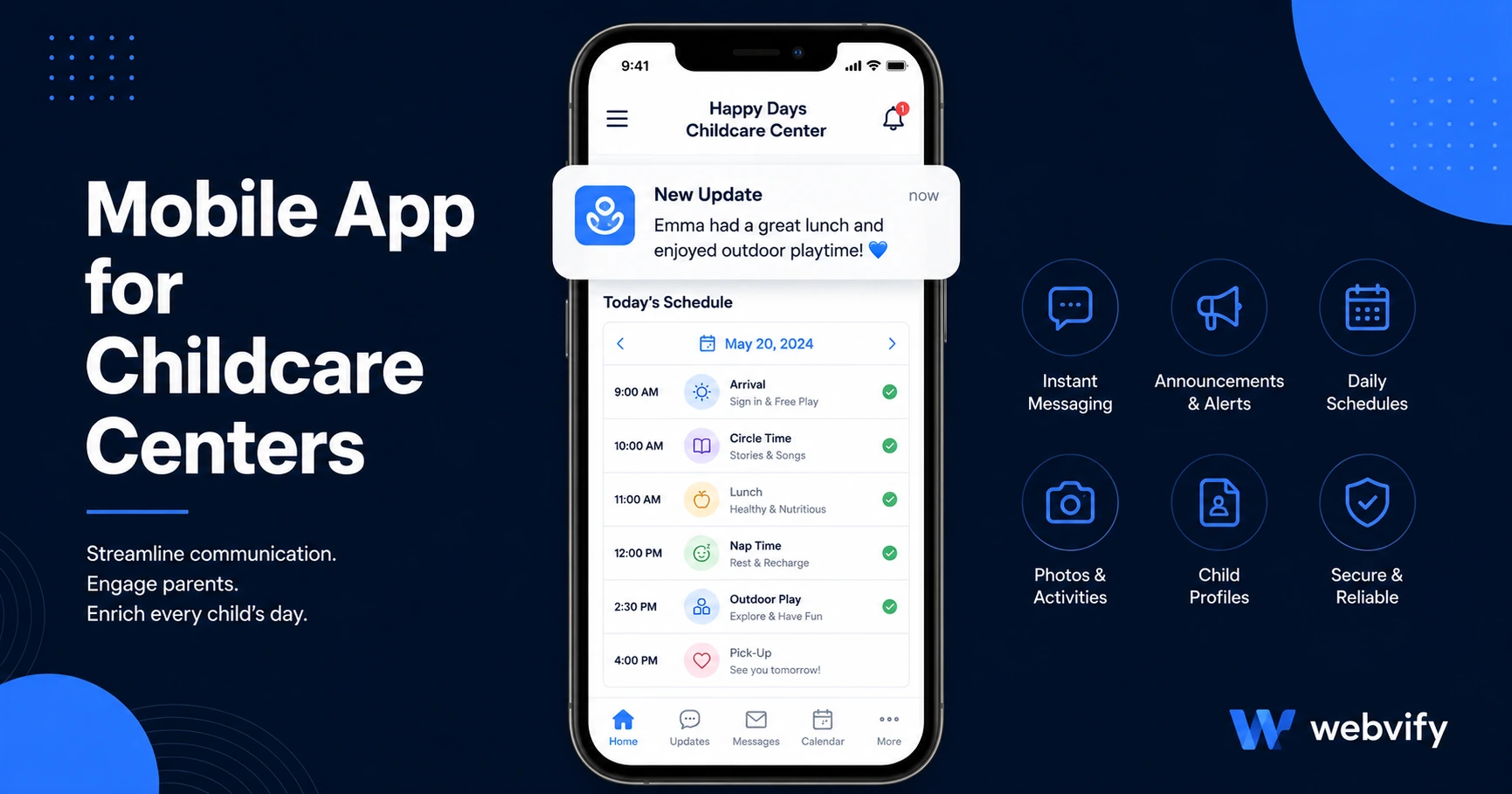
Childcare centers with a branded app cut parent communication time and look more professional. Here's how to get one live on App Store and Google Play in days.
Inside this article
- Why Childcare Centers Need a Mobile App
- What Parents Actually Want From a Childcare App
- How Push Notifications Solve the Daily Communication Problem
- How to Get a Mobile App for Your Childcare Center Without Building From Scratch
- What to Look for When Choosing a Childcare App Service
- Frequently Asked Questions
- Get Your Childcare Center App Live
Most childcare centers manage parent communication through three platforms, two group chats, and a printed newsletter sent home in a backpack. A branded mobile app for your childcare center replaces all of them — and it's now achievable without hiring a developer.
Why Childcare Centers Need a Mobile App
Parent expectations have shifted. They're used to getting delivery updates, pharmacy reminders, and school alerts straight to their lock screen. When your childcare center sends a closure notice via email on a Friday afternoon, there's a real chance it goes unseen.
A mobile app puts your updates exactly where parents already check dozens of times each day. Push notifications reach 60–90% of recipients, compared to 20–25% for email. That gap matters when you need to communicate a schedule change at 7 a.m.
Beyond communication, having your center on the App Store and Google Play changes how prospective parents perceive you. A branded app signals stability and professionalism in a way that a Facebook page cannot.
What Parents Actually Want From a Childcare App
Before building anything, it's worth understanding what parents find genuinely useful.
Real-time updates are the top request. Parents want to know about closures, special events, or schedule changes without checking multiple platforms. A single push notification covers what currently requires a text, an email, and a Facebook post.
Event reminders — picture day, parent-teacher conferences, holiday schedule changes — arrive on the lock screen and actually get read. Compare that to a group email buried under 40 other messages.
Easy schedule access. If your booking or enrollment system is already online, your app can surface it directly without any rebuilding. Parents tap once and reach your existing form.
Emergency alerts. A push notification is the fastest way to reach a parent when something urgent happens. It doesn't depend on them checking their email or being in the right Facebook group.
How Push Notifications Solve the Daily Communication Problem
Most childcare centers piece together parent communication from several tools: a Facebook group for general updates, text chains for urgent news, email newsletters, and sometimes a separate app for billing or check-in. Parents need to check four places. Your staff needs to post to four places.
A push notification from your mobile app reaches every parent who has it installed — in one action. Services like Webvify include an admin panel that lets you send push notifications from a browser with no technical skills required. You type your message, tap send, and it appears on parents' lock screens within seconds.
This also creates a direct communication channel you fully own — not rented from Facebook or subject to WhatsApp group size limits.
For more on how push notifications work for service businesses, our guide to push notifications for small businesses covers the mechanics and open-rate benchmarks in detail.
How to Get a Mobile App for Your Childcare Center Without Building From Scratch
The most practical path for most centers is a WebView app — a branded mobile app that loads your existing website inside a native app shell. This approach works well when:
- You already have a website with your center's information, enrollment forms, and calendar
- Your booking or communication tools are web-based (most are)
- You want to launch quickly without rebuilding content in a new system
A WebView wrapper converts your existing site into an app submitted to the App Store and Google Play under your center's name. Parents find it by searching your center, download it, and receive your push notifications from that point forward.
The key bottleneck for most centers isn't building the app — it's navigating App Store submission. Apple requires an Apple Developer account ($99/year), a compliant app binary, and a review process that can trigger rejections if the submission isn't handled correctly. Services like Webvify manage this end-to-end: they build the app, submit it under your accounts, and hand you an admin panel to manage it.
If you want to understand exactly what the App Store submission process involves, our guide to submitting an app to the App Store without a developer walks through each step in plain language.
What to Look for When Choosing a Childcare App Service
Not all mobile app services work the same way. When evaluating options, focus on these factors:
App Store submission ownership. Some tools give you an app file but leave the App Store submission to you. For most childcare center owners, the Apple Developer portal is unfamiliar territory. Look for a service that handles submission under your own developer accounts so the app is published in your center's name.
Admin panel for daily use. Once the app is live, you need to send push notifications and manage your listing without calling a developer. A built-in admin panel is non-negotiable.
No content rebuilding required. If a service requires re-entering all your center's information into a proprietary system, you now have two sources of truth to maintain. A WebView-based service uses your existing website — any update to your site automatically appears in the app.
Ongoing support. App Store and Google Play policies update regularly. A service that handles your initial submission but leaves future updates to you creates a new dependency you may not be ready for.
Frequently Asked Questions
How much does a mobile app for a childcare center cost?
Custom-built native apps typically cost $30,000–$150,000 and require ongoing developer fees for updates. WebView wrapper services that convert your existing website into an App Store app range from a few hundred to a few thousand dollars for a done-for-you build. The key difference is that the WebView approach uses your existing website rather than rebuilding everything from scratch.
Do I need to know how to code to get my childcare app live?
No. The technical work — building the app binary, submitting to Apple and Google, managing developer accounts — is handled by the service you choose. Once your app is live, you use an admin panel in your browser to send push notifications and update content, similar to managing a website.
Can parents use the app to book sessions or contact staff?
Yes. If your existing website already has booking forms, contact pages, or a parent portal, those features are automatically accessible inside the app. The app loads your website, so any functionality your site has is available inside the app without rebuilding it.
Get Your Childcare Center App Live
Parents expect modern communication from the services they trust with their children. A branded mobile app on the App Store isn't just a communication tool — it's a signal that your center is established, stable, and worth enrolling in.
Webvify converts your existing childcare center website into a fully branded App Store and Google Play app, handles the entire submission process, and gives you an admin panel to send push notifications directly. No developer needed.