

Mobile App for Bike Shops: Keep Riders Coming Back for Service All Season
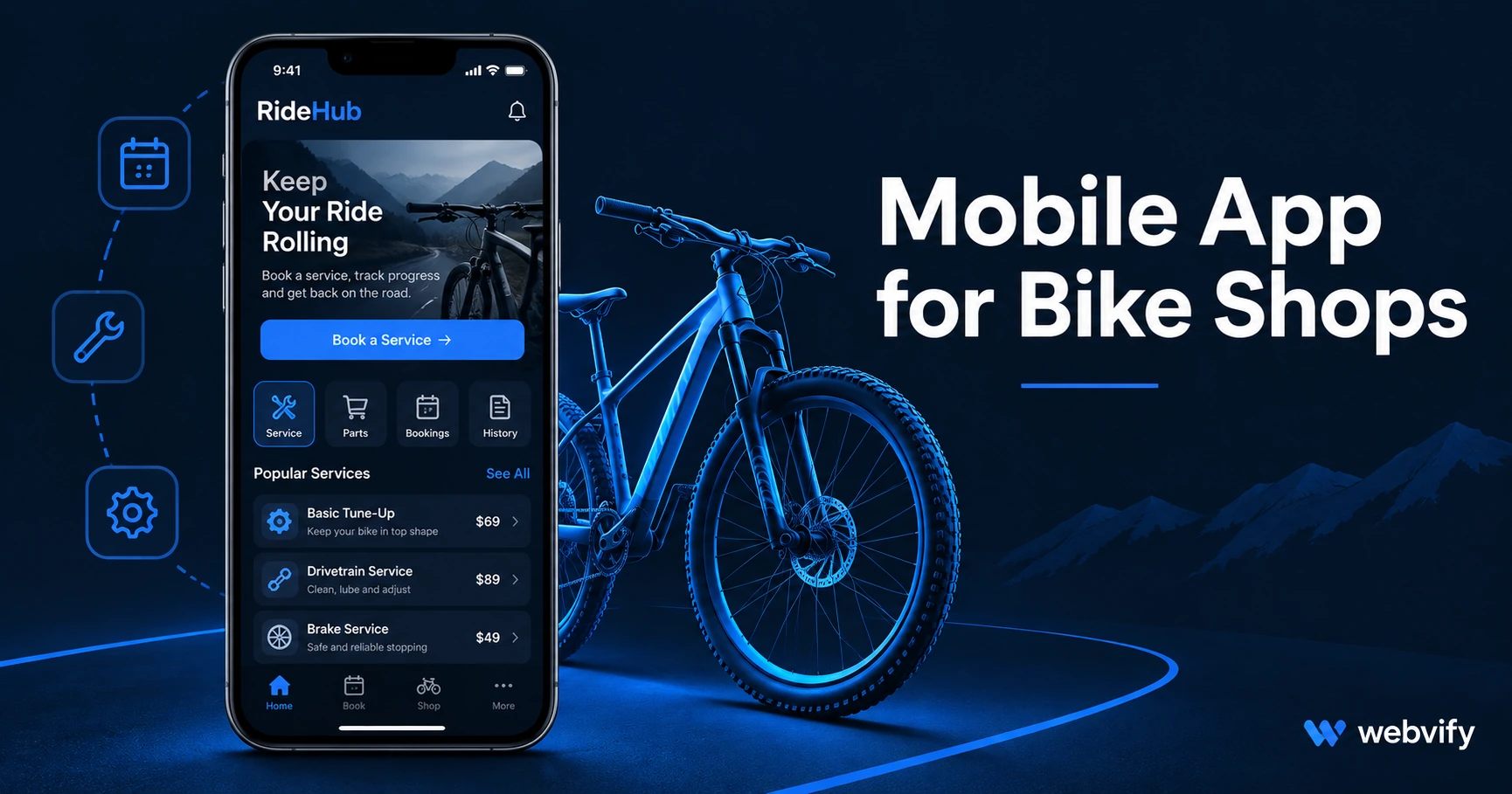
A mobile app puts your bike shop on customers' home screens before they forget you exist. Here's how to get one — and the 3 push campaigns that drive repeat service.
Inside this article
Spring hits, riders dig out their bikes — and most of them search Google instead of calling you back. Not because you did anything wrong. Because you disappeared from their radar the moment they walked out of your shop.
A mobile app solves that. It puts your shop's name on customers' home screens and lets you reach them directly with push notifications — before they remember a competitor. Here's what a bike shop app looks like, what it costs, and the three push campaigns that actually drive repeat service visits.
Why Bike Shop Customers Stop Coming Back
Most bike shops don't have a service quality problem. They have a visibility problem.
A customer brings in their bike for a spring tune-up, has a great experience, and then disappears for eight months. When their derailleur skips mid-ride in October, they search Google for a bike shop. Your name doesn't come up in their head because it was never somewhere they could see it.
Push notifications through a mobile app have a 60–90% open rate. Compare that to the 20–30% you get from email, or the 2–5% of followers who actually see your social posts. The channel makes the difference. For a full breakdown of why push beats email for small businesses, see Push Notifications vs Email: The Real Comparison.
A branded app on a customer's home screen keeps your shop visible between visits — without ad spend or algorithm luck.
The 3 Push Campaigns Every Bike Shop Needs
Not all push sequences deliver equal return. For a bike shop, three campaigns consistently generate the highest repeat-visit rate.
1. The Spring Tune-Up Window (February–March)
Send a push in late February: "Spring is almost here — book your annual tune-up before slots fill up." Seasonal notifications outperform generic promos because they're tied to something the customer is already thinking about. You're not interrupting — you're answering a question they haven't asked yet.
2. The 90-Day Post-Service Follow-Up
After any repair or service, schedule a push at Day 90: "Time to check your brake pads and chain lube before your next long ride." This is proactive service — it builds loyalty and creates a return visit without discounting anything.
3. The Winterization Alert (September–October)
For shops in seasonal climates: "Getting your bike ready for storage? Book a pre-winter check now." This one fills October slots that would otherwise sit empty. Customers appreciate the reminder; you fill the calendar during a slower month.
These work because they match the customer's actual riding life. They're not promotional noise — they're genuinely useful.
What a Mobile App for a Bike Shop Actually Includes
A mobile app for your bike shop is not something you build from scratch. It's your existing website — your service booking form, your parts pages, your contact page — packaged as a native iOS and Android app and published on the App Store and Google Play under your shop's name.
When customers open it, they see your site exactly as designed, with the feel of a real app. They can book a service, browse your inventory, and contact you — and you can push notifications to them whenever you choose.
The app sits on their home screen. Your name stays visible.
If you're running a Shopify-powered shop, your store works inside the app without any rebuilding. If you take service bookings through Acuity, Calendly, or a platform-native booking tool, those forms work inside the WebView app without changes on your end.
Services like Webvify handle the full process — building the app, submitting it to both stores, and handing you an admin panel to send push notifications yourself after launch. No developer, no Xcode.
Getting Your App on the App Store and Google Play
App Store submission is the step that stops most bike shop owners. Here's what's actually involved.
Apple App Store: You need an Apple Developer account ($99/year). Apple reviews WebView apps under Guideline 4.2 (Minimum Functionality) — your app needs to offer genuine value beyond just wrapping a website. Push notifications satisfy this requirement. Review typically takes 24–48 hours.
Google Play: A Google Developer account is a one-time $25 fee. Google now requires a 14-day closed testing period with at least 12 testers before your app goes public. This is the step most DIY submissions fail on — it's straightforward with a managed service that guides you through it.
Neither store requires a developer if you use a managed WebView service. The submission process is compliance, not coding. For a full walkthrough, see How to Submit Your App to the App Store Without a Developer.
How Much Does a Mobile App for a Bike Shop Cost?
Custom development starts at $50,000–$150,000 for a basic build, plus $15,000–$30,000 per year in maintenance. That's built for enterprise budgets.
A WebView app using your existing website costs a fraction of that. Managed services typically charge a setup fee plus a monthly subscription — hundreds of dollars, not tens of thousands. Your existing website stays as-is; the app layer is added on top.
| Option | Setup Cost | App Store Submission | Ongoing Cost |
|---|---|---|---|
| Custom development | $50K–$150K | You handle | $15K–$30K/year |
| DIY WebView builder | $0 | You handle | $50–$200/mo |
| Managed WebView service | Setup fee | Included | Subscription |
For most independent bike shops, the repeat service revenue from two or three recaptured customers covers the first year's cost.
The App Store Visibility Factor
There's a secondary benefit most bike shop owners overlook: App Store discoverability.
When someone searches "bike shop [your city]" in the App Store — or asks Siri for a nearby shop — businesses with a native app listing can appear. That's a distribution channel entirely closed off if you only have a website.
It also signals credibility. Customers handing over bikes worth $500–$5,000 are making a trust decision. An App Store listing alongside your Google profile is the kind of legitimacy signal that shifts that decision in your favour.
Frequently Asked Questions
How long does it take to get a bike shop app on the App Store?
With a managed WebView service, the typical timeline is 2–4 weeks. The build takes a few days; Apple's review takes 24–48 hours; Google Play's mandatory 14-day closed testing period is usually the longest step. Your total time depends mainly on how quickly you can gather 12 testers for the Google Play testing phase.
Do I need to rebuild my website to get a mobile app?
No. A WebView app wraps your existing website in a native app shell. Your booking forms, product pages, and contact details all work inside the app without any changes. The app updates automatically whenever you update your website — there's no separate content system to maintain.
Can I send push notifications myself, or do I need a developer?
Once your app is live, you send push notifications directly from an admin panel — no developer needed. You choose the message, the timing, and the audience. The seasonal campaigns outlined above — spring tune-up window, 90-day service follow-up, winterisation alert — take about five minutes each to schedule.
Ready to get your bike shop on customers' home screens before the next riding season starts? Get started with Webvify — everything from build to App Store submission, no developer required.