

How to Turn Your Mighty Networks Community Into a Mobile App
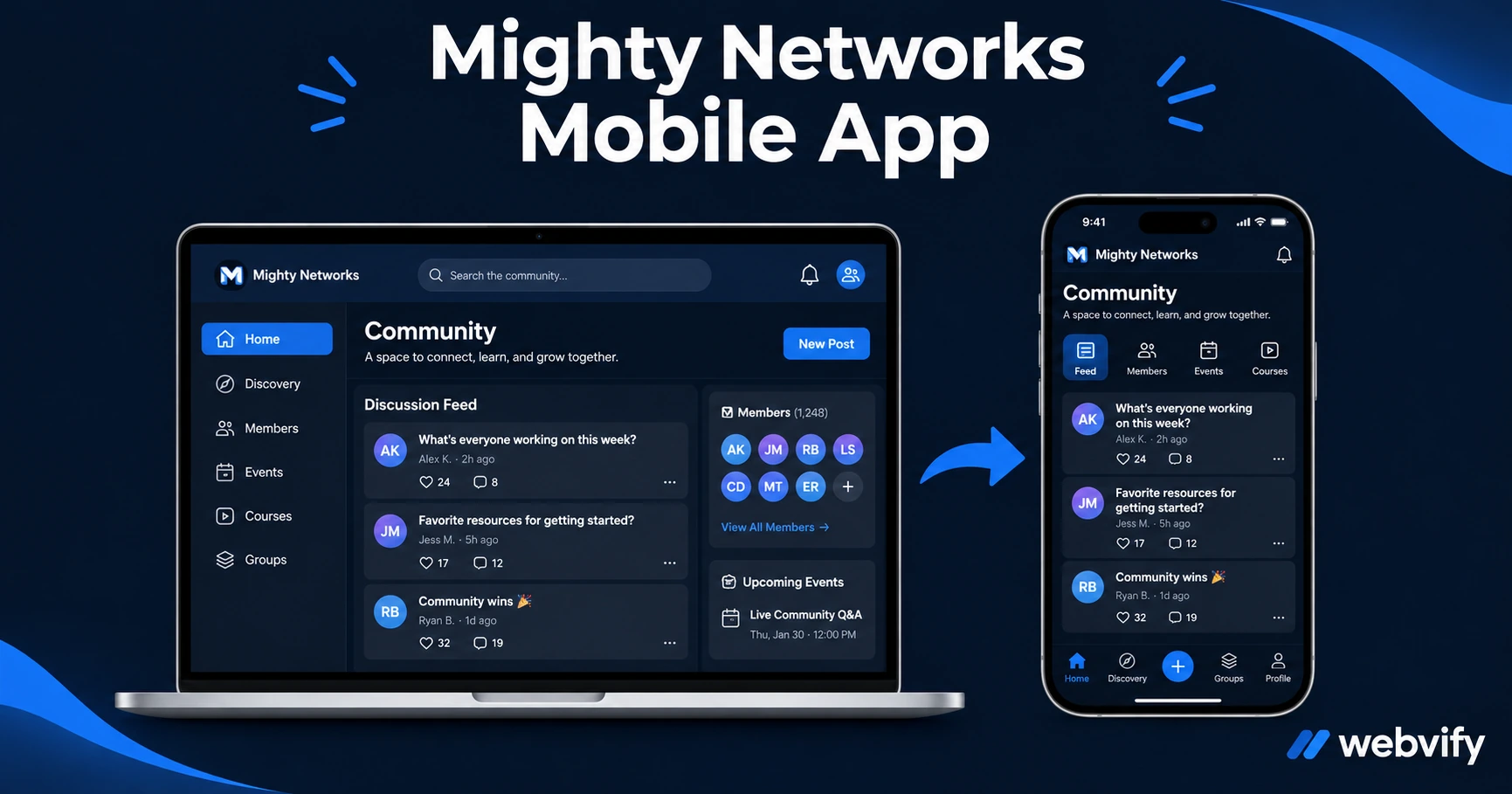
Mighty Networks has an app — but it's not yours. Here's how to get a branded mobile app for your Mighty Networks community without Mighty Pro pricing.
Inside this article
Mighty Networks has an app. It just isn't yours. When your members open it, they see the "Mighty Networks" logo — not your brand, not your community name, not your icon.
Why Your Members See "Mighty Networks," Not You
Mighty Networks' standard mobile experience runs inside a shared platform app. Your community exists alongside thousands of other creators. Members who search your brand name on the App Store won't find it. What they find is the generic Mighty Networks app — not yours.
Mighty Networks does offer a white-labeled app product — Mighty Pro — that gives your community a fully branded App Store listing. But Mighty Pro is priced for creators at significant scale, adding hundreds of dollars per month on top of your base subscription. For most community builders and course creators, the economics only work at a large membership base.
For everyone else, there's a faster path.
The WebView Approach: Your Community, Your App
A WebView app takes your Mighty Networks community web URL and packages it as a native iOS and Android app — submitted under your developer accounts, branded with your name and icon, listed separately on the App Store.
Your members search your brand name, find your app, and install it. Push notifications come from your app, not from Mighty Networks' platform. The App Store listing is yours to manage.
This is the same approach used by community platforms, online learning sites, and content creators to get their own branded mobile presence without rebuilding their content elsewhere. Services like Webvify handle this end-to-end — from building the WebView wrapper to submitting it to the App Store and Google Play under your own developer accounts — so you don't need Xcode or a developer to get started.
If you've already built your community on Circle.so, the process is similar — the Circle.so to mobile app guide walks through the same steps.
What Works Inside a Mighty Networks WebView App
Mighty Networks' web interface is fully mobile-optimized. The core features translate well inside a WebView wrapper:
- Discussion feeds and posts — members can read, reply, and engage without friction
- Courses and content — Mighty Networks' learning modules render cleanly on mobile screens
- Live events and recordings — calendar views and video content load through WebView
- Member profiles and direct messages — standard social interactions work as expected
- Login and authentication — email, Google, and Apple sign-in persist via cookies, so members stay logged in between sessions
A properly configured WebView app preserves session state, so members aren't forced to re-authenticate every time they open the app.
The One Thing to Watch: Membership Sales
If you sell memberships or paid tiers through Mighty Networks, Apple has a rule that applies before you submit your app.
Apple Guideline 3.1.1 requires that digital goods or subscriptions purchased inside an iOS app use Apple's in-app purchase system — at a 30% fee. This includes membership upgrades, premium community access, and paid courses sold through Mighty Networks' native checkout.
The fix is simple: redirect purchase flows to an external browser. Members who want to upgrade tap a button that opens Safari and completes the transaction there. The app itself handles content access and community interaction — not checkout.
Platforms like Udemy, Coursera, and Patreon all use this same pattern. It keeps you compliant with Apple's rules without routing revenue through Apple's payment system.
If your community is free, or if members join and pay entirely outside the app, this rule doesn't apply.
Step-by-Step: From Mighty Networks to the App Store
1. Confirm your Mighty Networks site uses a custom domain App Store Guideline 4.2 (Minimum Functionality) requires apps to show substantive dynamic content. Running your community on your own domain — such as community.yourbrand.com — gives reviewers the clearest signal of a real, branded app.
2. Choose a web-to-app service Managed services like Webvify handle the full end-to-end process: building the WebView wrapper, configuring push notifications, and submitting to both the App Store and Google Play under your Apple Developer Account ($99/year) and Google Play Developer Account ($25 one-time).
3. Set up push notifications Push notifications are the primary retention advantage of a native app over a mobile website. Set up notification campaigns: new posts in key spaces, upcoming events, and re-engagement pings after 7 days of inactivity. Push notification open rates run 60–90%, compared to 20–30% for email.
4. Handle the IAP redirect if you sell memberships If you sell paid memberships or courses through Mighty Networks, configure checkout links to route to an external browser before submitting to Apple. This is a one-time configuration step.
5. Submit to App Store and Google Play Apple's review takes 24–48 hours. Google Play takes 7–14 days for new accounts. Both require a privacy policy, content rating questionnaire, and at least three App Store screenshots. A managed service prepares all of this as part of their process.
For coaches and educators already running communities on Mighty Networks, this workflow fits naturally alongside the broader mobile app strategy for online coaches.
FAQ
Can I use Mighty Networks' own branded app feature instead?
Yes — Mighty Networks offers Mighty Pro, their white-label native app solution. It includes a fully branded iOS and Android app built on Mighty Networks' infrastructure. The tradeoff is cost: Mighty Pro is priced for creators at significant scale. A WebView wrapper is a more accessible path for communities that need an independent App Store presence without Mighty Pro's pricing tier.
Will push notifications work in a Mighty Networks WebView app?
Yes. Push notifications in a WebView app are handled at the native layer — outside Mighty Networks' platform entirely. You send notifications through your app's admin panel, not through Mighty Networks' notification system. This gives you full control over timing, targeting, and content.
How long does it take to get a Mighty Networks app on the App Store?
With a managed service, the build and configuration process typically takes 2–5 business days. Apple's review adds 24–48 hours. Most Mighty Networks communities can go from starting to live on the App Store in under two weeks.
Ready to put your Mighty Networks community in the App Store under your own brand? Webvify handles the full process — from building the app to submitting it under your developer accounts. Start here →