

How to Turn Your Memberstack Site Into a Mobile App (Without a Developer)
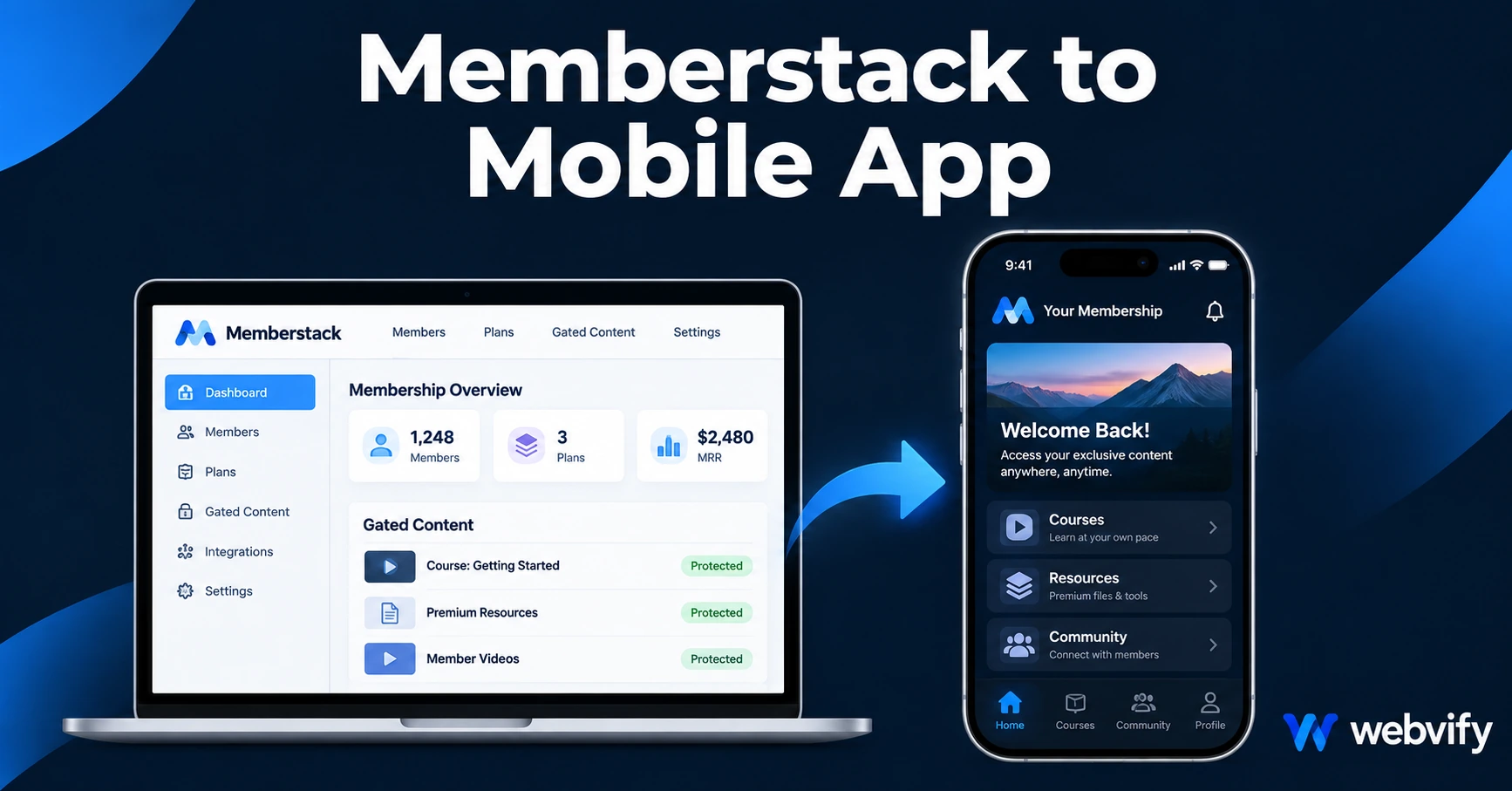
Turn your Memberstack membership site into a branded iOS and Android app without a developer. Here's what works, what breaks Apple's rules, and how to get it done.
Inside this article
Your Memberstack site works. Your gated content loads fast, your members are paying, and the member portal is clean. What you don't have is a branded iOS and Android app — and that gap is costing you retention every single month.
Members who access a service through a home screen icon stick around longer than members who rely on a browser bookmark. That's not a theory — it's the same reason every major SaaS platform eventually ships a mobile app. With a memberstack mobile app, your brand is on their phone, not buried in a browser tab.
This guide explains exactly how to convert your Memberstack site into a published iOS and Android app: what works in a WebView wrapper, the one Apple rule that trips up most membership sites, and how to fix it before you submit.
What Works in a Memberstack Mobile App
Memberstack is built on your existing website — your content lives on your domain, and the member portal runs inside your pages. That makes it a strong WebView candidate. A WebView app wraps your website in a native shell and publishes it to the App Store and Google Play as a standalone app.
Here's what transfers cleanly to a Memberstack mobile app:
- Gated content — pages protected by Memberstack load normally inside a WebView. The login wall works, the gating logic is enforced, and content is accessible once a member authenticates.
- Member portal and account pages — Memberstack's member portal (profile, billing history, settings) renders correctly in a WebView. Members can manage their accounts without leaving the app.
- Community features — if you've integrated a community tool (Circle, Slack embed, Mighty Networks) alongside your Memberstack gating, those pages load in WebView just like they do on desktop.
- Email login and social login — both OAuth and password-based login flows work inside a WebView. Session cookies persist between app launches, so members stay logged in.
- Custom domains — Memberstack works on your own domain, which is a requirement for App Store approval. If your Memberstack portal lives on a subdomain (e.g., members.yourdomain.com), that counts.
If you're running a WordPress or Webflow site with Memberstack layered on top, the same logic applies — the full site converts, Memberstack behavior included. For the WordPress path, this guide covers the full conversion process →
The One Thing That Will Get Your Memberstack App Rejected
This is the part most tutorials skip, and it's the reason membership site apps get rejected on their first App Store submission.
Apple Guideline 3.1.1 states that any app selling digital content — subscriptions, memberships, courses, downloads — must offer those purchases through Apple's in-app purchase (IAP) system, with Apple taking a 30% cut.
Memberstack processes payments through Stripe. That's perfectly fine on the web. Inside an iOS app, it's a violation.
If your app contains a "Join Now" or "Subscribe" button that opens a Stripe checkout, Apple will reject the app during review. The reviewer will cite Guideline 3.1.1 and ask you to either implement IAP or remove the purchase flow from the app entirely.
This catches a lot of membership site owners off guard. They submit the app, wait 48 hours, and get a rejection with a form response about in-app purchases. The fix is straightforward — but you need to know about it before you submit.
How to Fix the IAP Problem (The External Browser Pattern)
The simplest and most widely used fix is what platforms like Udemy, Coursera, and Netflix use: redirect purchase flows to an external browser.
When a non-member visits your app and taps a button to sign up or subscribe, that action opens Safari (on iOS) or Chrome (on Android) rather than completing the transaction inside the app. The user signs up on the web, and once they're a member, they log in through the app as normal.
This is not a workaround that Apple will penalize — it's explicitly allowed. You're not trying to hide a Stripe checkout from Apple; you're routing sign-ups to the web where Stripe is permitted.
Practically, this means:
- Any "Get Access," "Start Free Trial," or "Subscribe" buttons in your app should trigger an external browser open, not an in-app checkout
- Login flows for existing members can stay inside the app — Apple only restricts the initial purchase, not access for people who already paid
- Trial activations and discount redemptions that go through Stripe also need to route externally
If your Memberstack site uses a free tier (members sign up without paying), the IAP rule doesn't apply to that flow — only paid plan upgrades.
For a detailed walkthrough of the submission process itself, this guide covers every step of the App Store submission →
Memberstack Mobile App: The Submission Process
Once your site is set up correctly — login works, content is gated, purchase flows route externally — the submission process follows the same path as any WebView app.
Apple Developer Account: You need an individual or organization account ($99/year). Apple requires real identity verification; this takes 1–3 days for new accounts.
Google Play Developer Account: One-time $25 fee. Google requires 20 testers to run a 14-day closed testing period before you can go live. This is a newer requirement and catches a lot of first-time publishers.
Minimum Functionality (Guideline 4.2): Apple will reject apps that are "just a website." A Memberstack app typically passes this test because it has user authentication, gated access, and a persistent session — these are app-like behaviors. Push notifications help too.
Push notifications are a major reason to have a Memberstack mobile app beyond just the App Store presence. You can notify members about new content, upcoming live sessions, payment reminders, or community activity — messages that email misses because open rates cap at 25–30%, while push notifications reach 60–90% of active users.
Services like Webvify handle the full build and submission process — WebView wrapper, Apple and Google compliance, App Store submission under your own developer accounts — without you needing to touch Xcode or Android Studio.
After Launch: Keeping Members Active in the App
A Memberstack mobile app isn't just a container for your content — it's a retention tool.
The gap between when a member stops engaging and when they cancel is usually weeks or months. That window is where push notifications earn their keep. A few push campaigns that work well for membership sites:
- New content alert — notify members within 24 hours of publishing new gated content
- Live session reminder — 1 hour before a live call or Q&A, send a push to all active members
- Re-engagement nudge — if a member hasn't logged in for 21 days, send a prompt. This alone recovers a measurable percentage of members who were about to go quiet
- Renewal reminder — 7 days before a subscription renews, send a value reminder. Members who feel the value of what they're getting are less likely to cancel
None of these require a developer. Push notification management is handled through an admin panel, the same way you'd manage an email list.
Frequently Asked Questions
Does Memberstack work inside a mobile app WebView?
Yes. Memberstack's gating, login, and member portal all function correctly in a WebView app. Members can log in, access gated content, and manage their accounts inside the app. The only part that needs adjustment is purchase flows — those should route to an external browser to comply with Apple's in-app purchase guidelines.
Why would Apple reject a Memberstack app?
The most common rejection reason is Guideline 3.1.1 — using Stripe or another third-party payment processor to sell memberships or subscriptions inside the app. Apple requires those transactions to go through its own IAP system (at 30% commission) or be removed from the in-app experience entirely. Routing sign-ups to an external browser is the standard fix.
How long does it take to get a Memberstack mobile app live?
The build itself takes a few days. The App Store review process takes 24–48 hours for most WebView apps. Google Play requires a 14-day closed testing period with at least 20 testers before you can apply for production access. Plan for 2–3 weeks from start to live for both stores.
Your Memberstack site is already doing the hard work. A branded mobile app is the layer that keeps members engaged between visits, reduces churn, and puts your brand on the most valuable real estate a business can own — a customer's home screen.
Ready to get your Memberstack site on the App Store and Google Play? Start with Webvify →