

How to Turn Your MemberPress Site Into a Mobile App (Without a Developer)
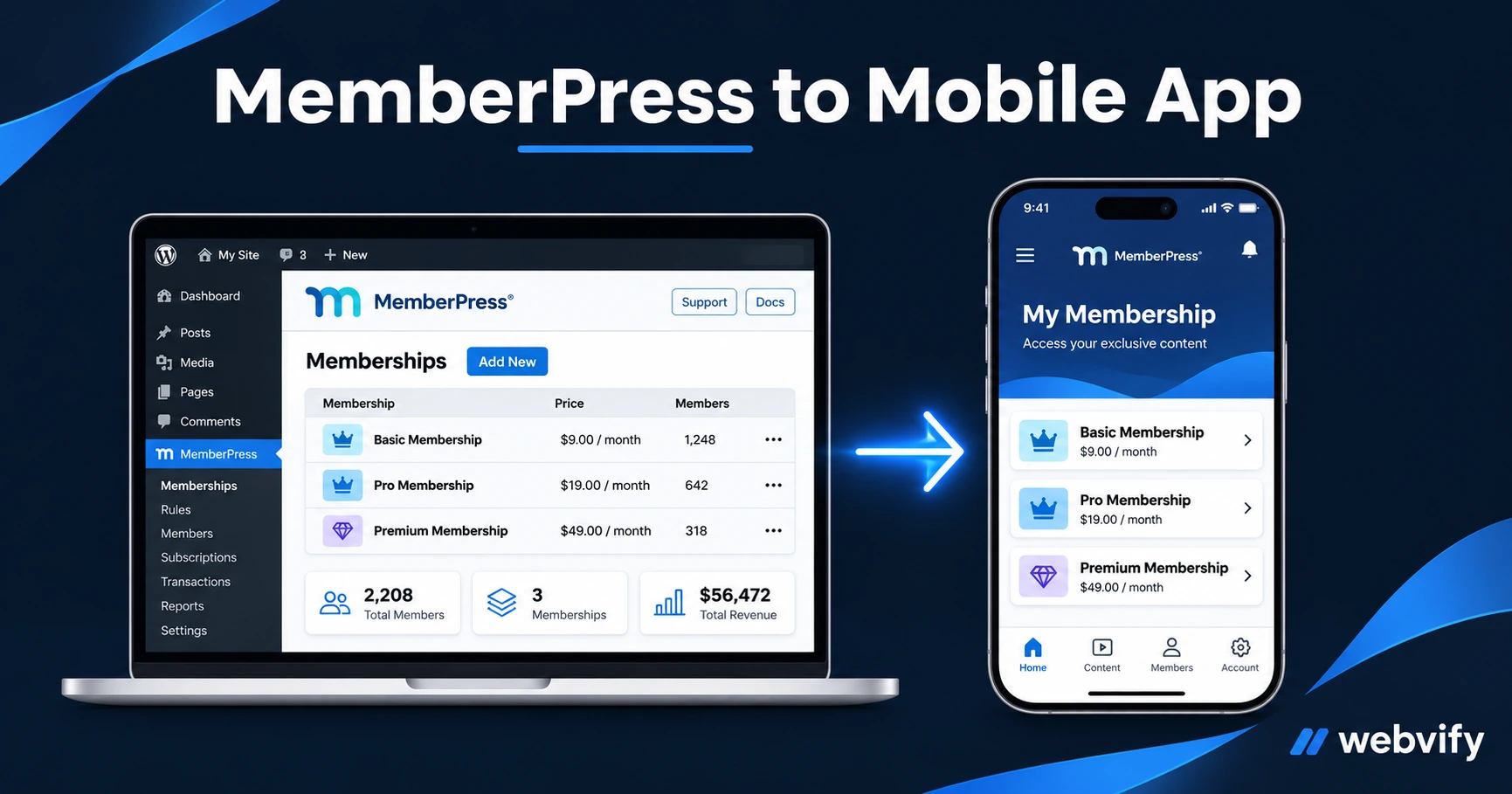
MemberPress has no App Store export — but a WebView wrapper converts it in days. Here's how to avoid the IAP trap and get your membership app live.
Inside this article
MemberPress powers over 60,000 membership sites. None of them ship with a way to get on the App Store — and that's the gap this guide closes.
If your members are logging in on mobile and you're not on their home screen, you're invisible. Browser-based membership sites have no push notification channel, no App Store presence, and no guaranteed home screen placement. A mobile app changes all three.
Here's what it actually takes to turn your MemberPress site into a published iOS and Android app.
Why MemberPress Sites Don't Have Mobile Apps
MemberPress is a WordPress plugin. It outputs a website. The App Store and Google Play both require native binary files (IPA for iOS, AAB for Android) to list an app. No plugin produces those — including MemberPress.
That's the gap. It's not about capability; it's about packaging. Your MemberPress content, login system, course player, and community features all work in a mobile browser. The challenge is wrapping that into something Apple and Google will accept.
The solution is a WebView wrapper: a lightweight native app shell that loads your MemberPress site inside it. Members see your site in a full-screen native container, get push notifications, and can find you in the App Store — without you rebuilding a single page of content.
The Submission Bottleneck: What Actually Blocks Your App
The bottleneck isn't technical — it's compliance. Apple and Google both have requirements that catch most first-time submitters.
On iOS (App Store):
- Your app needs a custom domain (not a subdomain of a hosted platform).
- Apple Guideline 4.2 (Minimum Functionality) requires the app to offer something beyond a plain website. Push notifications satisfy this for membership sites.
- Your submission needs valid metadata: screenshots, a privacy policy URL, age rating, and app description.
On Google Play:
- Google requires an AAB (Android App Bundle) format, not a plain APK.
- You need to pass a 14-day closed testing period with at least 12 internal testers before your app can go public.
- A Data Safety form is required covering what user data the app collects.
None of these require a developer to understand. They do require a tool that produces compliant builds, and a process that handles the submission steps correctly.
The IAP Trap: Apple's Rule That Catches MemberPress Sites Off Guard
This is the most important section to understand before you start.
Apple Guideline 3.1.1 says: if a user can purchase a digital subscription inside your iOS app, Apple takes a 30% cut — and it must go through Apple's payment system, not Stripe.
MemberPress memberships are sold through Stripe (or PayPal). When Apple detects that your app lets users purchase a membership using a third-party payment processor, it rejects the app.
The fix is straightforward: disable in-app purchase flows in the iOS app. When a non-member taps "Join" or "Subscribe," redirect them to your website's checkout in Safari. Members who are already logged in can access all protected content without restriction — only the purchase flow needs the redirect.
This is the same pattern used by Udemy, Coursera, Duolingo, and virtually every subscription-based app on the App Store. It's well-tested and Apple-approved.
For Google Play, the rule is narrower: physical goods and services don't require Google Play Billing. Only pure digital subscriptions sold inside the app need special handling.
Services like Webvify configure this IAP redirect during the build process — you don't need to touch your MemberPress settings or write any code.
What Works Inside a MemberPress WebView App
Here's what your members will get once the app is live:
Full content access. Course players (MemberPress Courses, CoachKit, or LearnDash), gated content pages, PDF downloads, and video embeds all render inside the WebView exactly as they do in a browser.
Login persistence. Members log in once and stay logged in. Session cookies are preserved across app sessions, so your members never re-enter their credentials after the first sign-in.
Push notifications. This is the channel membership sites typically miss. With a mobile app, you can send notifications for new content, upcoming live sessions, payment reminders, or dormant member reactivation — with open rates of 60–90% versus 25–30% for email.
Home screen presence. Your app icon sits on your members' phones. It's the difference between a browser bookmark and permanent home screen placement. The retention difference is measurable.
For a broader look at what WordPress membership sites can do through an app, see How to Turn Your WordPress Membership Site Into a Mobile App.
Step-by-Step: Preparing Your MemberPress Site for Submission
1. Confirm your custom domain is active. Both stores require a registered custom domain. A site at yoursite.com is fine; a site hosted at a subdomain of a third-party service won't pass review.
2. Test your site on a mobile browser. Open yoursite.com on a phone. If it looks broken or elements are misaligned, fix the mobile responsiveness issues before converting to an app. A WebView app renders what the browser renders.
3. Add push notification capability. This satisfies Apple's Guideline 4.2 Minimum Functionality requirement. It also solves a real retention problem. Set up a lightweight integration before submission.
4. Add a privacy policy page. Both stores require a privacy policy URL that covers what data the app collects. A basic one-page policy is sufficient.
5. Prepare App Store assets. You'll need: an app icon (1024×1024 PNG), 3–5 screenshots per platform showing what members see when logged in, and a short app description.
6. Submit through a managed service. Building the binary, signing it with your Apple developer certificate, navigating Xcode, and submitting via App Store Connect is the step where most MemberPress site owners stall. If you want to skip this entirely, services like Webvify handle the full build-and-submission process — you provide the URL and assets, they deliver a live App Store listing.
For the equivalent process on a LearnDash-powered site, see How to Turn Your LearnDash Site Into a Mobile App.
Frequently Asked Questions
Can I sell MemberPress memberships inside the app?
On iOS, purchases through Stripe or PayPal inside the app will trigger Apple Guideline 3.1.1. The fix is to redirect purchase flows to Safari — existing members can access all content without restriction, and new members complete their purchase in the browser. On Android, Stripe-based membership purchases are permitted unless you're selling pure digital content classified as an in-app product.
Do I need to rebuild my MemberPress content, courses, or community inside the app?
No. A WebView wrapper loads your existing MemberPress site — courses, gated pages, CoachKit sessions, member portal, and all. You don't duplicate or rebuild anything. Any update you make to your WordPress site immediately appears in the app.
How long does it take to get a MemberPress app approved on the App Store?
Apple's review typically takes 24–48 hours for first submissions, though it can take up to 7 days. Google Play's mandatory 14-day closed testing period is usually the longer timeline. Total time from start to live app is typically 2–4 weeks, depending on how quickly you gather testers and assets.
Ready to get your MemberPress membership site on the App Store and Google Play? Webvify handles the full conversion — from building the WebView wrapper to submitting under your own developer accounts.