

How to Turn Your LearnDash Course Into a Mobile App (Without a Developer)
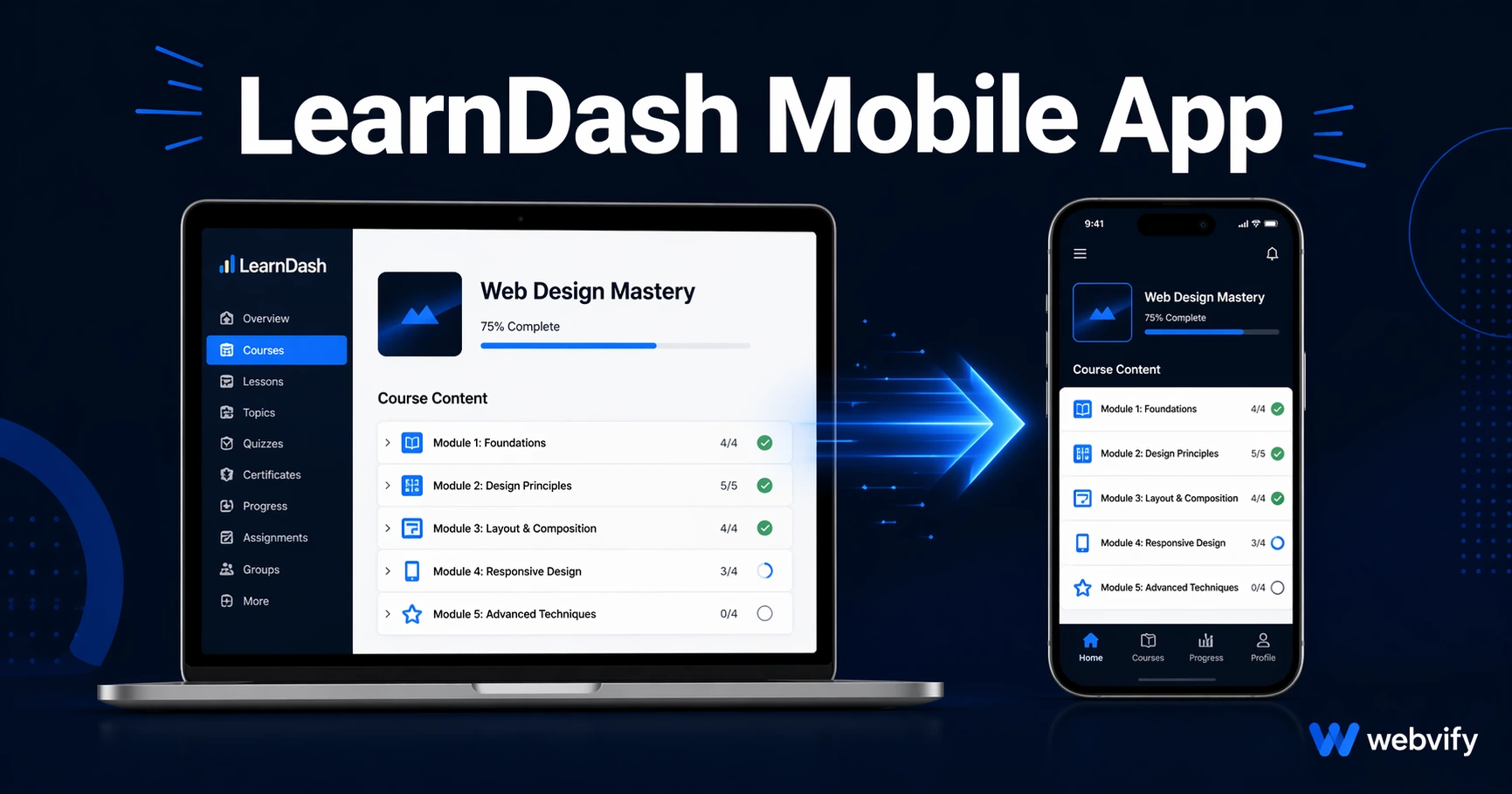
LearnDash has no App Store export. Wrap your course site into a native iOS and Android app and avoid the Apple IAP rejection trap.
Inside this article
- Why LearnDash Course Creators Are Investing in a Mobile App
- The LearnDash App Gap: There's No Built-In Export
- How WebView Apps Work with LearnDash
- The Apple IAP Rule: The Most Common Rejection Trigger for LearnDash Apps
- LearnDash-Specific Compatibility Checks
- Getting Your LearnDash Mobile App Live on the App Store
- Frequently Asked Questions
Running a LearnDash course on WordPress gives you a powerful e-learning platform. It doesn't give your students a mobile app — and that gap is costing you engagement and retention every week.
Why LearnDash Course Creators Are Investing in a Mobile App
Students who access courses on mobile browsers face friction at every step: logging in, finding where they left off, watching video lessons without a full-screen experience. Research consistently shows that mobile apps retain users 3x longer than mobile websites, and course completion rates climb when students can access content with a single tap from their home screen.
Push notifications are the other half of the equation. A mobile app lets you send a message directly to a student's lock screen: "You're 80% done with Module 3 — finish it today." A website cannot do that. Email notifications can, but open rates average 20–30%. Push notifications from a mobile app average 60–90%.
For LearnDash course creators, a LearnDash mobile app isn't a luxury — it's the infrastructure for actually getting students to finish what they start.
The LearnDash App Gap: There's No Built-In Export
LearnDash is built on WordPress, which means your course lives in a browser. There is no "export to App Store" button. You cannot submit a WordPress plugin to Apple or Google — they require a native binary (an .ipa for iOS, an .aab for Android).
This is where most course creators get stuck. The assumption is that building a mobile app means rebuilding all your courses from scratch in a different system. It doesn't.
A WebView wrapper packages your existing LearnDash site — your courses, quizzes, video lessons, and student progress — into a native app shell that runs on iOS and Android. From the student's perspective, it looks and feels like a dedicated app. From the App Store's perspective, it's a legitimate native application you can publish under your own developer account.
If you're also running a membership component alongside your courses, the WordPress membership site to mobile app guide covers the member login and access control nuances in detail.
How WebView Apps Work with LearnDash
A WebView app is essentially a native container that loads your website. When a student opens your app, they see your LearnDash course portal — with your branding, your domain, your content — not a generic web browser.
The key advantage for LearnDash specifically is that nothing needs to be rebuilt or migrated. Your existing:
- Course modules and lessons
- Quizzes and assignments
- Video embeds (YouTube, Vimeo, Loom)
- Student progress tracking
- Zoom or live session integrations
All of it loads inside the app exactly as it does in the browser — because it's the same underlying site.
The performance difference students notice is in access speed (single tap from home screen), push notifications (you control them via the app's admin panel), and the psychological anchoring of having a dedicated app icon. That icon on the home screen is a daily reminder to continue the course.
Services like Webvify handle the end-to-end process — from wrapping your LearnDash site into a native app to submitting it to the App Store and Google Play on your behalf. You don't need to touch Xcode or Android Studio.
The Apple IAP Rule: The Most Common Rejection Trigger for LearnDash Apps
Before you submit a LearnDash mobile app to the App Store, there is one rule that catches almost every first-time course creator: Apple Guideline 3.1.1.
Apple requires that any digital content purchased inside an iOS app uses Apple's In-App Purchase system — at a 30% commission. This applies to course enrollments, membership upgrades, and subscription renewals if the payment happens within the app.
The practical fix is simple: disable payment links inside the app. When a student tries to enroll or upgrade, redirect them to your website in an external browser to complete the purchase. This is how major platforms like Udemy and Coursera handle it. Apple accepts this approach — the app provides access to already-purchased content, and new purchases happen on the web.
For a step-by-step walkthrough of what the App Store submission process actually looks like, see the App Store submission guide for non-developers.
If you're running WooCommerce alongside LearnDash to sell courses, the same rule applies: any digital purchase flow that can be triggered from within the iOS app must either use Apple IAP or be redirected externally.
LearnDash-Specific Compatibility Checks
A few LearnDash configurations need attention before submitting:
Video content: YouTube and Vimeo embeds work inside WebView apps. If you're using a self-hosted video player with a non-standard JavaScript library, test playback on iOS Safari (which uses the same WebKit engine as WebView) before submitting.
Quiz plugins: LearnDash's built-in quiz engine works fine in WebView. Third-party quiz plugins that rely on browser-specific APIs — like clipboard access or camera permissions — may need additional native permission configuration in the app.
File uploads for assignments: If students upload assignment files, the WebView app needs file picker permissions enabled on both iOS and Android. This is a standard app configuration, not a dealbreaker, but it must be specified when the app is built.
Login and session persistence: LearnDash uses WordPress cookie-based sessions. WebView apps preserve cookies across sessions, so students stay logged in — same as a mobile browser. If you're using a third-party OAuth provider (Google login or social login plugins), test that the login flow completes without browser redirects that get blocked.
Custom domain: The WebView app must load your site on a custom domain. WordPress.com-hosted sites or subdomains of third-party services may trigger App Store Guideline 4.2 (Minimum Functionality), which rejects apps that are essentially wrappers around generic web destinations.
Getting Your LearnDash Mobile App Live on the App Store
The submission process requires two developer accounts: Apple Developer Program ($99/year) and Google Play Developer ($25 one-time). Both must be registered in your name or your company's name.
Once you have developer accounts, the steps are:
- Build the WebView app wrapped around your LearnDash site
- Configure push notifications, icons, splash screens, and permissions
- Submit to App Store review (24–72 hours for Apple, 24 hours for Google Play)
- Launch and set up push notification campaigns from the admin panel
The build and submission process is where most course creators hire help. The technical requirements — provisioning profiles, signing certificates, App Store Connect configuration — are manageable but specific. One configuration error and the review gets rejected.
Ready to get your LearnDash course into the App Store? Webvify handles the full process end-to-end — build, submission, and a self-serve admin panel so you can manage push notifications and updates yourself after launch.
Frequently Asked Questions
Can I publish a LearnDash mobile app without rebuilding my courses?
Yes. A WebView app wraps your existing LearnDash WordPress site into a native app without migrating or recreating any content. Your courses, quizzes, video lessons, and student data stay exactly where they are.
Will Apple reject a LearnDash app?
Apple rejects apps that process digital content payments inside the app using non-Apple payment systems. The fix is redirecting enrollment and purchase flows to an external browser. Apps that handle this correctly are approved regularly. Guideline 4.2 (Minimum Functionality) is the other common issue — your course site must function as a genuine app experience, not just a homepage wrapper.
How long does it take to get a LearnDash app on the App Store?
Assuming your developer accounts are set up, Apple's review takes 24–72 hours. Google Play typically takes 24 hours. The build and configuration process before submission takes 1–3 business days depending on the service or developer you use.
Ready to turn your existing website into a branded mobile app without rebuilding it? See how Webvify works →