

How to Turn Your Magento Store Into an Android App (Without a Developer)
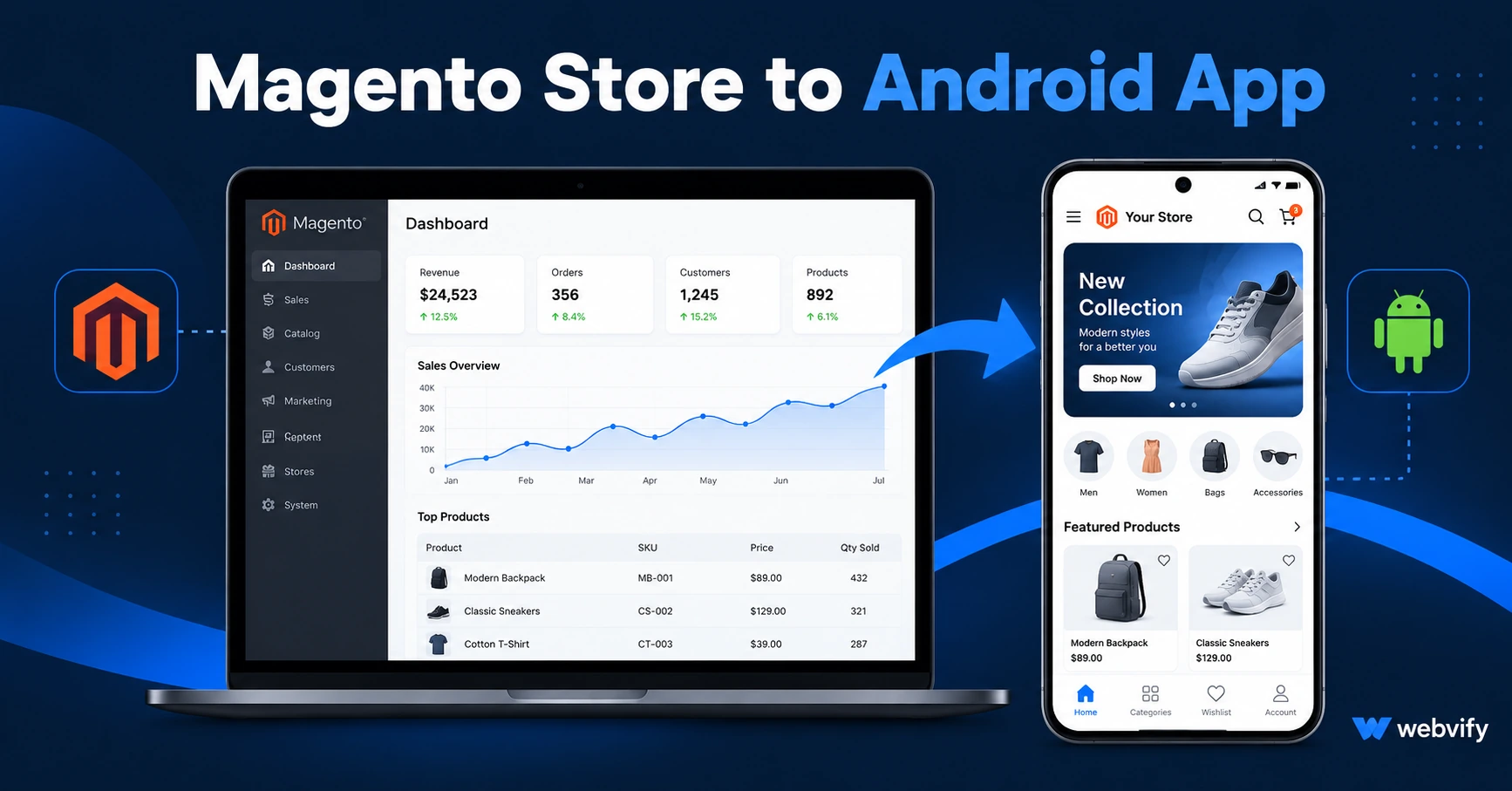
Turn your Magento store into an Android app and publish it to Google Play — no developer needed. Here's what to know about AAB files, Data Safety, and Google Play billing.
Inside this article
More than half of global e-commerce traffic comes from Android devices. If your Magento store only lives in a mobile browser, you're missing customers who install apps, browse longer, and convert at higher rates than mobile web visitors.
The path to a Magento Android app doesn't require rebuilding your store or hiring a mobile developer. A WebView wrapper turns your existing Magento storefront into a Google Play-ready app — your site loads inside a native Android shell, giving customers a home screen icon, push notifications, and a dedicated app experience.
This guide covers exactly how to convert your Magento store to an Android app, including the Google Play requirements that trip up first-timers.
What a Magento Android App Actually Is
A WebView-based Android app loads your Magento storefront inside a native Android container. From a customer's perspective, it behaves like any other app: they find it on Google Play, install it, and shop with a single tap.
From your side, nothing changes. Product updates, pricing, promotions — all managed through Magento Admin as usual. The app stays in sync automatically because it's loading your live site.
This approach works for Magento 2 (Open Source and Commerce editions), Adobe Commerce Cloud, and most Magento 1.x stores that use a mobile-responsive theme. The only hard requirement is that your Magento storefront renders properly on mobile — if it does in a browser, it will in a WebView app.
What Google Play Requires for a Magento Android App
Publishing to Google Play is less technically demanding than the App Store, but it has specific compliance steps that catch store owners off guard.
AAB file format. Google Play now requires Android App Bundle (.aab) format, not the older .apk. Most web-to-app services generate .aab files by default — confirm this before choosing a provider.
Target API level. Google Play requires new apps to target Android 14 (API level 34) or higher. Apps that fall short are blocked from new installs. A reputable service handles this automatically, but it's worth asking directly about their API target compliance.
Data Safety form. Before review, you must complete Google's Data Safety declaration: what data your app collects, how it's used, and whether it's shared with third parties. For a standard Magento WebView app, you'll typically declare browsing history, purchase history, and payment information depending on your store's features.
Content rating questionnaire. Google Play requires a self-rated content classification. For a standard e-commerce store, this is straightforward — a short questionnaire generates an "Everyone" or "Teen" rating based on your product categories.
Google Play Billing Rules for Magento Stores
This is the most common compliance issue for Magento store owners on Android.
If your store sells physical goods — apparel, furniture, electronics, food, hardware — you have no Google Play billing obligations. Customers pay through your existing Magento payment gateway (Stripe, PayPal, Braintree, Authorize.net) inside the WebView. This is fully permitted.
If your store sells digital goods or downloadable content — software, ebooks, digital downloads, licenses, subscriptions — Google's policy requires those transactions to go through Google Play Billing. The standard workaround, used by apps like Spotify and Udemy, is to route digital purchase flows to an external browser: customers complete checkout in Chrome, then return to the app.
For most Magento stores selling physical products, this is a non-issue.
| Store type | Google Play Billing required? |
|---|---|
| Physical goods only | No — use your existing gateway |
| Digital downloads / ebooks | Yes — external browser checkout |
| Software licenses / subscriptions | Yes — external browser checkout |
| Mix of physical + digital | Partial — only digital transactions |
JavaScript and Extension Compatibility
Most Magento 2 storefronts run without issues inside Android WebView. A few common considerations:
Standard checkout works fine. The native Magento 2 checkout flow is fully compatible with WebView. Third-party one-page checkout extensions (IWD, Amasty, etc.) generally work, but test them in a mobile WebView environment before submitting.
Product configurators. Complex multi-step configurators — custom size selectors, bundle builders, visual product customisers — should be tested. Most work without changes; occasionally a JavaScript event listener needs a minor adjustment for touch input.
Magento 1.x. If your store runs Magento 1.x with a responsive theme, the app works. If your theme isn't mobile-optimised, the in-app experience will be the same as in a mobile browser: functional, but not tailored for small screens.
Services like Webvify review your Magento storefront as part of the build process, flagging compatibility issues before they become submission problems.
The Google Play Submission Process: Step by Step
Here's the end-to-end process for getting your Magento Android app live:
1. Google Play Developer Account. One-time $25 registration. Required to publish any Android app.
2. Build. Generate an .aab file targeting API level 34+, configured with your Magento store URL, app icon, and push notification credentials.
3. Closed testing — 12 testers, 14 days. Google requires new apps to complete a closed testing round with at least 12 real testers over 14 days before the app can go to production. This is mandatory. Plan for it early: you'll need 12 email addresses added to your tester list before the countdown starts. If you're working with a service, they typically help coordinate testers.
4. Data Safety and content rating forms. Complete both in the Google Play Console before submitting for production review.
5. Production review. After closed testing, submit for production. Google's review typically takes 3–7 days for a new app.
Total timeline from start to live: typically 3–5 weeks, with the 14-day closed testing period as the biggest variable.
Magento iOS App: Completing the Pair
If you're turning your Magento store into an Android app, you'll likely want an iOS App Store listing too. The process is similar but governed by Apple's own rules — particularly Guideline 3.1.1, which affects Magento stores selling digital goods.
The Magento iOS app guide covers the Apple-specific steps in detail: App Store Connect setup, the IAP compliance path for digital product stores, and how the review process differs from Google Play.
For a platform-agnostic overview of what a web-to-app conversion involves, see How to Convert Your Website to an Android App.
FAQ
Does a Magento WebView Android app work with my existing payment gateway?
Yes. Physical product stores using Stripe, PayPal, Braintree, Authorize.net, or Magento's built-in payment methods can process orders normally inside the app's WebView. Google Play Billing only applies to digital goods — physical product purchases are not affected.
How long does it take to get a Magento store on Google Play?
Typically 3–5 weeks. This includes Google Play Developer account setup ($25, one-time), the mandatory 14-day closed testing period with 12 testers, and Google's production review (3–7 days). A done-for-you service like Webvify coordinates the submission, which reduces the time you personally spend on the process to a few hours.
Will product updates in Magento Admin appear in the Android app automatically?
Yes. Because the app loads your live Magento storefront, every change you make in Magento Admin — new products, price updates, promotions, inventory changes — appears in the app immediately. No app updates required.
Your Magento store already has the content and functionality your customers need. Webvify converts it into a branded Android app and handles the entire Google Play submission process end-to-end — Data Safety form, closed testing coordination, and production review.