

How to Turn Your Magento Store Into an iOS App (Without a Developer)
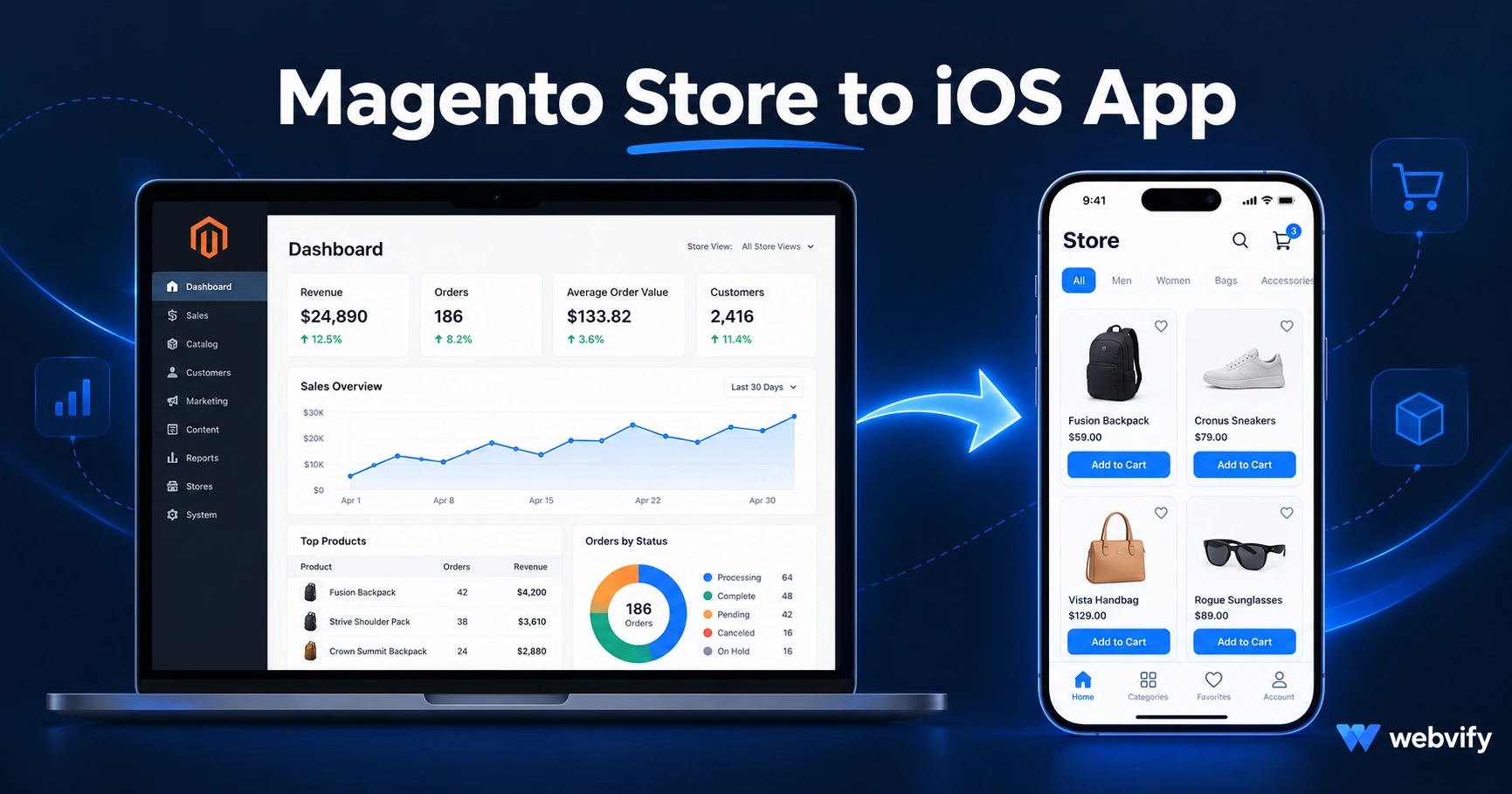
Magento has no native iOS export. Here's how to get your store on the App Store — what Apple checks, what it costs, and how to avoid rejection.
Inside this article
- What a Magento iOS App Actually Is
- Does Magento Have a Native iOS Export?
- How the Conversion to a Magento iOS App Works
- The Apple Guideline That Trips Up Magento Sellers
- Magento 1, Magento 2, and Headless Setups
- Push Notifications and Magento iOS — Why They Matter
- How Much Does a Magento iOS App Cost?
- Frequently Asked Questions
Magento powers some of the best-built ecommerce stores on the web. None of them come with an App Store listing.
What a Magento iOS App Actually Is
Magento has an admin app for managing orders on your phone. That is not the same as a customer-facing iOS app listed under your store name on the App Store.
A customer-facing iOS app wraps your Magento storefront in a native iOS container — giving it an App Store listing, a home screen icon, push notification access, and the trust signals that come from a real installed app. This approach is called a WebView app, and Apple approves them daily for ecommerce stores across every major platform.
The distinction matters because many Magento merchants assume "mobile-optimized site" and "mobile app" are the same thing. A mobile browser still opens in Safari or Chrome. An app lives on the home screen, sends push notifications, and creates a completely different relationship with your customers.
Does Magento Have a Native iOS Export?
Magento does not offer a native iOS export. To get your store on the App Store under your own brand, you have three realistic paths:
Build natively. Hire an iOS developer to rebuild your Magento storefront in Swift or React Native using Magento's API. Cost: $50K–$200K. Timeline: 6–12 months. Your existing catalog, checkout, and customer account system all have to be rebuilt from scratch.
Use a third-party Magento mobile plugin. A handful of Magento Marketplace extensions claim to generate mobile app files from an existing installation. Most require significant developer setup and still leave App Store submission — the hardest part — entirely to you.
Convert your existing Magento URL to a WebView app. This is the fastest path. Your Magento store at shop.yourbrand.com becomes a branded iOS app in the App Store without rebuilding anything. Services like Webvify handle the entire end-to-end process.
For most Magento merchants, the third option is the only one that makes financial or practical sense.
How the Conversion to a Magento iOS App Works
A WebView wrapper takes your existing Magento storefront and packages it inside a native iOS shell. Here is what that process looks like in practice:
Custom domain check. Apple requires apps to load content from a custom domain — not a Magento subdomain or a staging URL. Most Magento stores already use a proper domain like shop.yourbrand.com. If yours doesn't, that setup comes first.
App build. A native iOS container is configured with your Magento store URL, app name, icon, and splash screen. No changes to your Magento installation are required. Your existing catalog, checkout flow, and account pages all load inside the app exactly as they do on mobile browsers.
Apple compliance review. Before submission, the app is tested against Apple's guidelines — specifically Guideline 4.2 (Minimum Functionality) and Guideline 3.1.1 (in-app purchases for digital goods). Both are predictable requirements with known solutions.
Submission. The app is submitted to App Store Connect under your Apple Developer account ($99/year). Apple's review takes 24–48 hours for most first submissions.
App Store listing. Title, keywords, screenshots, and description are set up to drive search discoverability in the App Store alongside your existing Google traffic.
Most Magento stores get approved on the first or second submission when the compliance work is handled correctly before the review cycle starts.
The Apple Guideline That Trips Up Magento Sellers
If your Magento store sells physical products only — clothing, equipment, food, hardware, industrial supplies — Apple's Guideline 3.1.1 does not apply. You have no in-app purchase complications, and the submission is straightforward.
If your Magento store sells digital products, subscriptions, or downloadable files, Apple requires that purchases for those digital items go through Apple's payment system. The documented fix is to redirect checkout flows for digital purchases to an external browser. Physical product browsing, cart, and checkout all run normally inside the app.
This is the same pattern used by major ecommerce and content apps already on the App Store. Apple reviewers expect it for apps that handle digital goods — it is the approved approach, not a workaround.
Magento merchants with mixed catalogs (physical products plus downloadable items) should confirm the checkout routing is correctly configured before submission to avoid a rejection on the first review cycle.
Magento 1, Magento 2, and Headless Setups
Magento 2 stores are the most straightforward candidates for iOS conversion. The Magento 2 frontend is mobile-responsive by default across standard themes (Luma and most popular third-party themes), and most checkout extensions work cleanly in a WebView.
Magento 1 stores can also be converted — the process is the same — but any performance issues, outdated SSL configurations, or mobile layout problems in the existing site will surface during testing. If your Magento 1 store works cleanly in a mobile browser today, it will work in the app.
Headless Magento setups (React, Next.js, or Vue Storefront frontend connected to the Magento backend) work cleanly as WebView targets. The WebView points to your headless frontend URL. These setups often produce the cleanest in-app experience because the frontend is already optimized for performance.
If you run WooCommerce rather than Magento, the same process applies — see our WooCommerce iOS app guide for platform-specific details.
Push Notifications and Magento iOS — Why They Matter
Apple's Guideline 4.2 requires that apps offer meaningful functionality beyond what a mobile website already provides. Push notifications satisfy this requirement clearly, and they are also the strongest business case for launching a Magento iOS app in the first place.
Push notifications reach your customers' lock screens directly. They achieve 60–90% open rates compared to 20–30% for email. For Magento merchants, the most effective push campaigns are: abandoned cart nudges (sent 30–60 minutes after abandonment), new arrival alerts for repeat customers, and seasonal promotion windows.
Browser push notifications on iOS Safari are unreliable and require opt-in every session. App push notifications are persistent, controlled, and significantly more effective for a repeat-customer ecommerce business.
How Much Does a Magento iOS App Cost?
A custom-built native iOS app from scratch: $50K–$200K upfront, plus ongoing developer costs as Magento and iOS both update.
A WebView app with App Store submission included: typically a one-time build fee in the hundreds to low thousands of dollars, plus a monthly fee for push notifications, updates, and App Store management.
For a Magento store that already has a polished, mobile-responsive frontend, the only thing missing is the App Store presence. That is exactly what the WebView wrapper adds.
For the Google Play side of this project, the full process including both platforms is covered in our Magento mobile app guide.
Frequently Asked Questions
Can I submit my Magento store to the App Store myself?
Yes — you'll need an Apple Developer account ($99/year), a Mac with Xcode, and enough technical familiarity to build, sign, and submit an iOS app package. Most Magento merchants work with a managed service because the barrier isn't writing code — it's navigating App Store Connect, handling compliance requirements, and working through Apple's review process to approval.
Will my Magento extensions and third-party plugins work inside the iOS app?
Most Magento frontend extensions work without modification because they are part of your existing storefront. The category to test before submission is anything that renders full-screen overlays — chat widgets, age-gate screens, consent banners. These can cover content inside a WebView. Test your store on a real mobile browser first; anything that works there will work in the app.
How long does it take to get a Magento iOS app live on the App Store?
With a managed service, the typical timeline from start to App Store approval is 5–14 business days. Apple's review itself takes 24–48 hours. The remaining time covers preparation: testing your Magento store in a WebView environment, building the app shell, handling compliance, and preparing your App Store listing assets.
Your Magento store is already built and already running. Webvify converts it into a fully branded iOS app and handles App Store submission end-to-end — no developer account navigation, no Xcode, no review-cycle uncertainty.