

How to Turn Your GoDaddy Website Into a Mobile App (Without a Developer)
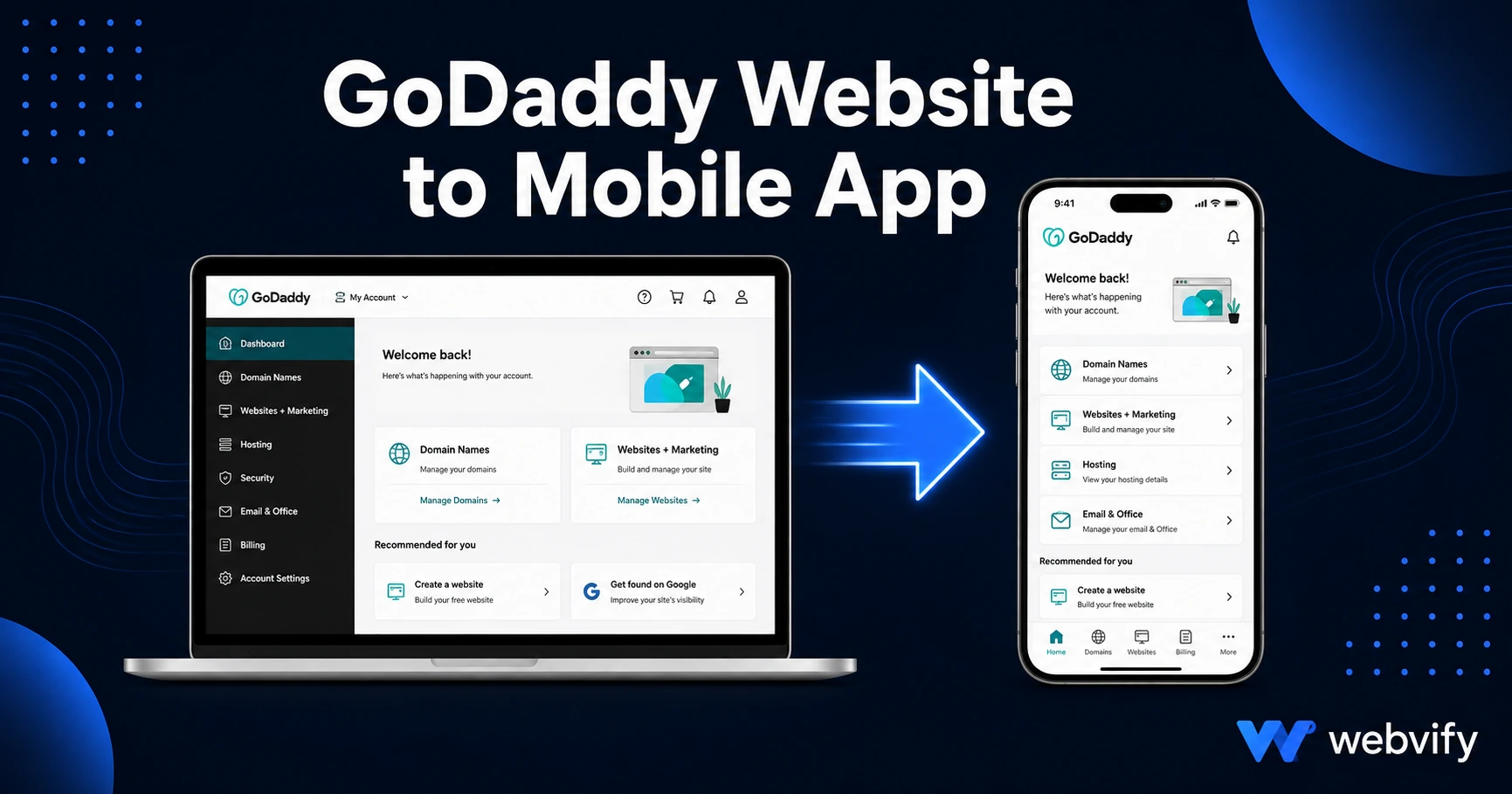
Turn your GoDaddy website into a mobile app for iOS and Android in days — no developer or coding required. Here's exactly how it works and what to watch out for.
Inside this article
GoDaddy hosts over 84 million domain names and powers millions of small business websites — but it has no built-in way to turn any of them into an app on the App Store or Google Play. If your customers search for your business on their phone, they find your website. If they'd rather tap your app icon every morning, they're out of luck — unless you understand how WebView-based app packaging works.
Why GoDaddy Doesn't Include a Mobile App
GoDaddy's Website Builder and managed WordPress hosting are website tools. They publish your site to a web URL. The App Store and Google Play don't accept web URLs — they accept native app packages (IPA for iOS, AAB for Android).
This isn't a GoDaddy-specific limitation. Squarespace, Wix, and Webflow have the same gap. The solution isn't to rebuild your site inside a separate app editor — it's to package your existing GoDaddy website into a native app shell using a WebView wrapper.
A WebView app loads your website URL inside a native iOS or Android container. From the outside, it looks and installs like any other app. From the inside, it's your exact website — same content, same updates, same booking system. When you change something on your GoDaddy site, the app reflects it instantly without any App Store resubmission.
How to Convert Your GoDaddy Website Into a Mobile App
Here's the process at a high level:
Step 1: Confirm your GoDaddy site is mobile-responsive
The app will display your website inside a mobile container. If your site isn't responsive on a phone screen today, the app experience won't be either. Check your site on a real phone before submitting. Most GoDaddy templates are mobile-responsive by default, so this is usually a quick pass.
Step 2: Make sure your site runs on a custom domain
The App Store will reject apps running on GoDaddy subdomains (e.g., yoursite.godaddy.com). You need a custom domain — yourbusiness.com — pointing to your site. If you bought your domain through GoDaddy, you almost certainly have this covered already.
Step 3: Work with a web-to-app service
You'll need a native app wrapper built and submitted under your own Apple Developer account ($99/year) and Google Play Developer account ($25 one-time). A service like Webvify handles the technical build, compliance review, and App Store submission on your behalf — so you don't need to touch Xcode or Android Studio. Your app is published under your business name, not theirs.
Step 4: Publish and manage
Once approved, your GoDaddy mobile app lives on the App Store and Google Play under your business name. If you're on GoDaddy's managed WordPress, your app updates automatically whenever you publish new content.
GoDaddy-Specific Things to Watch Out For
Digital products and Apple's IAP rule
If you sell digital downloads, online courses, or recurring subscriptions, Apple requires you to route those purchases through their in-app purchase system (Guideline 3.1.1), which takes a 30% cut. The standard workaround is disabling in-app checkout for digital items and directing users to a browser to complete the purchase — the same pattern Udemy and Coursera use. Physical goods and service appointments are not affected by this rule.
GoDaddy Online Store (physical products)
If you run a GoDaddy ecommerce store selling physical products, you're in the clear. Your full GoDaddy store checkout — including Stripe or PayPal — will work inside the app without any modifications.
GoDaddy Appointments and booking forms
Booking forms and appointment schedulers work fine inside a WebView app as long as they don't sell digital subscriptions. GoDaddy's built-in appointment tool and third-party plugins like Calendly embedded on your site will work as-is in the app.
GoDaddy Managed WordPress
If your GoDaddy hosting runs a WordPress site, you get real-time content sync — any post or page update on your WordPress backend appears in the app immediately. No app resubmission needed for content changes, which makes ongoing management very low-effort.
For growing your new app's visibility after launch, the App Store Optimization guide for small businesses covers the exact steps to rank higher and convert more App Store visitors into installs.
How Long Does It Take?
- iOS (App Store): Apple's review process typically takes 24–72 hours for first-time submissions. Set up your Apple Developer account in advance — it requires identity verification, which can take a day or two.
- Google Play: First-time submissions require a closed testing phase (12 testers, 14 days before your app can go public). Build in 3–4 weeks for full Google Play availability.
- Total timeline: Most GoDaddy websites are live in both stores within 2–3 weeks from start to finish.
What You Gain That GoDaddy Can't Provide
Turning your GoDaddy website into a mobile app unlocks a channel your website doesn't have: push notifications.
Email open rates for small businesses average 20–30%. Push notifications sent through a branded mobile app reach the lock screen directly and average 60–90% open rates. If you want to alert customers about a flash sale, a new menu item, an open appointment slot, or a seasonal promotion, push beats email every time.
Your app also lives on your customers' home screens — a permanent touchpoint that's more visible than a bookmark and harder to unsubscribe from than an email list.
If you're also managing a Wix site or considering a platform switch, this guide for Wix users covers the same WebView conversion process with Wix-specific nuances.
Frequently Asked Questions
Can I turn my GoDaddy website into an app for free?
There's no free path to an app on the App Store or Google Play. At minimum, you need an Apple Developer account ($99/year) and a Google Play Developer account ($25 one-time). Beyond that, building the WebView wrapper and handling the submission requires developer skills or a managed service like Webvify. Custom development starts at $10,000+; managed web-to-app services cost significantly less and include submission.
Will my GoDaddy website updates show up in the app automatically?
Yes. Because the app loads your live GoDaddy website URL, any change you make on your site — new pages, updated content, new products — appears in the app instantly without resubmitting to the App Store. The only time you need to resubmit is for technical changes to the app wrapper itself, such as adding a new feature or updating the splash screen.
Does the app need to be rebuilt if I redesign my GoDaddy website?
No. You can redesign your GoDaddy site as often as you like — the app will reflect the changes automatically because it loads your website URL. As long as your domain and URL structure stay the same, the app doesn't require any update from your end.
Your GoDaddy website is already 90% of the way to a mobile app — you just need the wrapper and the submission handled. Webvify does both, including App Store and Google Play submission under your business name. Start at webvify.app.