

App Store Optimization for Small Business: A Practical ASO Guide
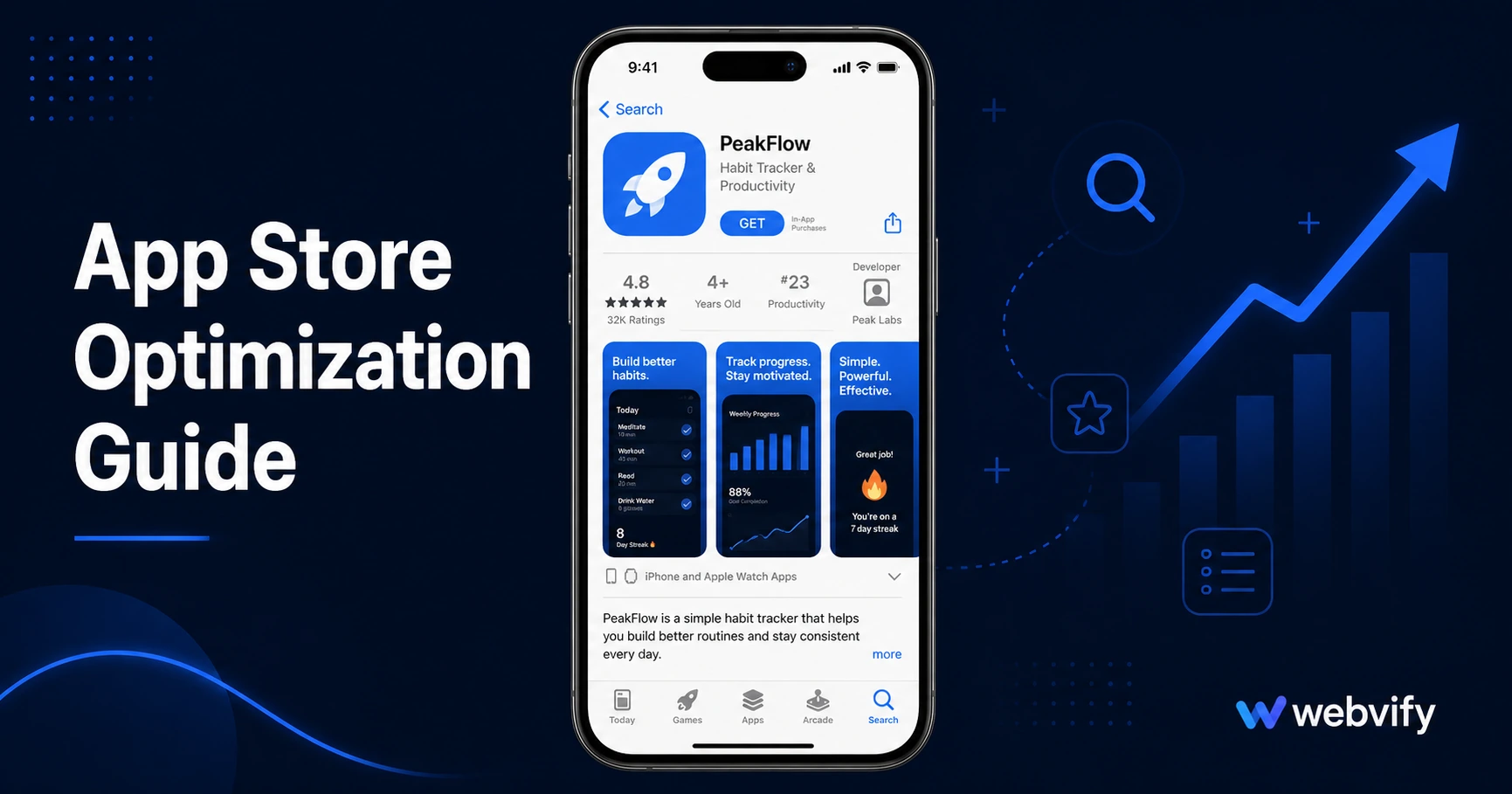
Your app is live — but is anyone finding it? Here's a practical ASO guide for small businesses to rank higher and get more downloads without paid ads.
Inside this article
- App Store Optimization for Small Business: A Practical ASO Guide
- What Is App Store Optimization (and Why It Matters for Small Businesses)
- The Most Important ASO Ranking Factors
- How to Write an App Title and Description That Ranks
- Screenshots and Preview Videos: The Conversion Layer
- Ratings and Reviews: The Signal You Can Actually Control
- How to Track ASO Progress Without Expensive Tools
- FAQ
App Store Optimization for Small Business: A Practical ASO Guide
Your app is live on the App Store. But if your listing isn't optimized, it's sitting invisible in a catalog of 1.8 million apps. App Store Optimization (ASO) is the free, ongoing lever that turns a published app into an organic download channel — and most small businesses never touch it.
This guide covers exactly what to do, in plain language, without needing a marketing agency or a developer.
What Is App Store Optimization (and Why It Matters for Small Businesses)
App Store Optimization is the process of improving your app's visibility inside the App Store and Google Play. When someone searches for "restaurant loyalty app" or "yoga studio booking," the stores rank results using a combination of keyword relevance, ratings, download velocity, and how well your listing matches the search intent.
For a small business, ASO does something paid advertising can't: it works for free, every day, long after you've set it up. A well-optimized listing keeps attracting organic downloads whether or not you're running a campaign.
The mistake most small business owners make is treating app submission as the finish line. It isn't. Submission gets you on the shelf. ASO determines whether customers can find you there.
The Most Important ASO Ranking Factors
Search algorithms on the App Store and Google Play are not public, but years of data from ASO practitioners have identified the factors that move the needle most for small businesses:
App title and subtitle: The title is the highest-weighted field for keyword matching. Every word in your title is indexed. If your business is "Green Leaf Café," your app title should not be "Green Leaf Café" — it should be "Green Leaf Café: Food Ordering App." The subtitle (App Store) or short description (Google Play) is the second most important field.
Keyword field (App Store only): Apple gives you 100 characters of keywords that are invisible to users but indexed by the algorithm. Do not repeat words already in your title. Use all 100 characters. Separate with commas, no spaces.
Ratings and reviews: Apps with more ratings rank higher. The algorithm treats ratings as a signal of user satisfaction and engagement. Getting your first 10–20 ratings changes your ranking position more than almost anything else.
Download velocity: A spike in downloads signals relevance. A consistent trickle of organic downloads builds long-term ranking. This is why ASO and your other marketing channels reinforce each other — when you promote your app on social media or in-store, you're also building the ranking signal that helps future organic discovery.
Update frequency: Apps updated in the last 30–90 days rank better than stale apps. A short update cycle — even cosmetic changes — keeps the algorithm treating your app as active.
How to Write an App Title and Description That Ranks
This is the core of app store optimization for small business listings, and it's where most apps fail.
Title formula: [Brand Name]: [Primary Keyword]
Examples:
- "Sunrise Yoga: Studio Booking App"
- "Oak Street Barber: Appointments & Loyalty"
- "Harbor Fresh: Online Food Ordering"
Keep the full title under 30 characters on App Store (it gets truncated in search results at that point). Front-load the most important keyword.
Description (first three lines matter most): Users see only the first two to three lines before the "Read More" fold. Use this space to state clearly what the app does and who it's for — not marketing language. "Book appointments, get notified about specials, and earn loyalty rewards" is more effective than "Discover the ultimate app experience for our valued customers."
The full description body should include your primary keyword naturally two to three times, plus related terms (e.g., "book a class," "push notifications," "loyalty points," "order ahead"). Write for the reader first. The keywords are a byproduct of clear writing, not the goal itself.
If you're building your app on an existing website, services like Webvify handle the App Store submission including helping you structure your listing correctly — so your app starts with a solid foundation before you begin optimizing.
Screenshots and Preview Videos: The Conversion Layer
ASO is not just about ranking — it's also about converting the people who find you. Screenshots are the single biggest factor in whether someone downloads after seeing your listing.
A few rules that make a measurable difference:
Show what the app does in the first screenshot. Don't put your logo on the first screenshot. Show the most useful screen — a booking interface, a menu, a loyalty card. First impressions in the store are made in under two seconds.
Add a short caption to each screenshot. Most small business apps have no captions. A single line of text at the top or bottom of each screenshot that says "Book and pay in one tap" or "Get notified about today's specials" converts browsers into downloaders.
Localized screenshots outperform generic ones. If your business is in one city, use real location names and recognizable local context when possible.
A preview video is optional but can increase conversion rates by 20–35% for apps that demo well. For service businesses (salons, gyms, restaurants), a 15-second clip showing the booking or ordering flow is more persuasive than static screenshots alone.
Ratings and Reviews: The Signal You Can Actually Control
Every business owner can do one thing that costs nothing and has an immediate ASO impact: ask for reviews at the right moment.
The right moment is when a customer has just had a positive experience — right after they complete a booking, finish a class, or pick up an order. An in-app prompt at this moment (Apple's SKStoreReviewRequest API, or similar) reliably generates 4- and 5-star reviews from satisfied users.
What not to do: ask for reviews in onboarding (before the user has used the app), or ask repeatedly on every session. Both damage conversion and can violate store policies.
Responding to reviews — including negative ones — also improves ranking. The stores factor in developer responsiveness as a signal of an active, maintained app.
For related context on getting your app live and approved in the first place, see How to Submit Your App to the App Store Without a Developer.
How to Track ASO Progress Without Expensive Tools
You don't need a $300/month ASO platform to measure what's working. Both Apple App Store Connect and Google Play Console provide free analytics:
App Store Connect: Under Analytics → Acquisition, you can see "App Store Impressions" (how many people saw your listing in search), "Product Page Views" (how many visited your page), and "App Units" (downloads). The ratio of impressions to product page views measures discoverability. The ratio of product page views to downloads measures listing quality.
Google Play Console: The Acquisition Reports show organic search traffic with keyword-level visibility. You can see which search terms are driving installs and which are driving impressions without installs — indicating keyword relevance without strong conversion.
Check these numbers monthly, not daily. ASO is a slow compounding process. A title update or keyword field change takes 24–72 hours to index and 2–4 weeks to show in ranking data. Patience is part of the process.
Once you understand the benefits of having a mobile app at all, ASO is the natural next step to make sure that investment keeps working.
FAQ
How long does ASO take to show results?
Most changes to your title, subtitle, or keyword field take 24–72 hours to index and 2–4 weeks to appear in search ranking shifts. Rating improvements are faster — a batch of new reviews can move your ranking position within days. ASO is not a one-time task; plan to revisit it every 4–6 weeks.
Do I need a developer to do App Store Optimization?
No. Everything in your App Store listing — title, description, screenshots, keywords, responding to reviews — is managed through App Store Connect (Apple) or Google Play Console (Google). Both are web dashboards you access with your developer account login. No code changes are required.
Does ASO work the same way on App Store and Google Play?
Mostly yes, with a few differences. Google Play indexes your full description text for keywords, so writing naturally keyword-rich descriptions matters more there. Apple has a separate hidden keyword field (100 characters) that Google Play lacks. Both platforms reward consistent ratings, regular updates, and high conversion rates on your listing page.
Your app being live on the App Store is the starting point, not the destination. A well-optimized listing compounds over time — more visibility leads to more downloads, which builds ranking, which leads to more visibility. The businesses that treat ASO as an ongoing practice outperform the ones that published and moved on.
Webvify builds and submits mobile apps for small businesses, handling the entire process from converting your website to getting it live on both stores — so you can focus on optimizing and growing from there.