

How to Turn Your Framer Site Into a Mobile App
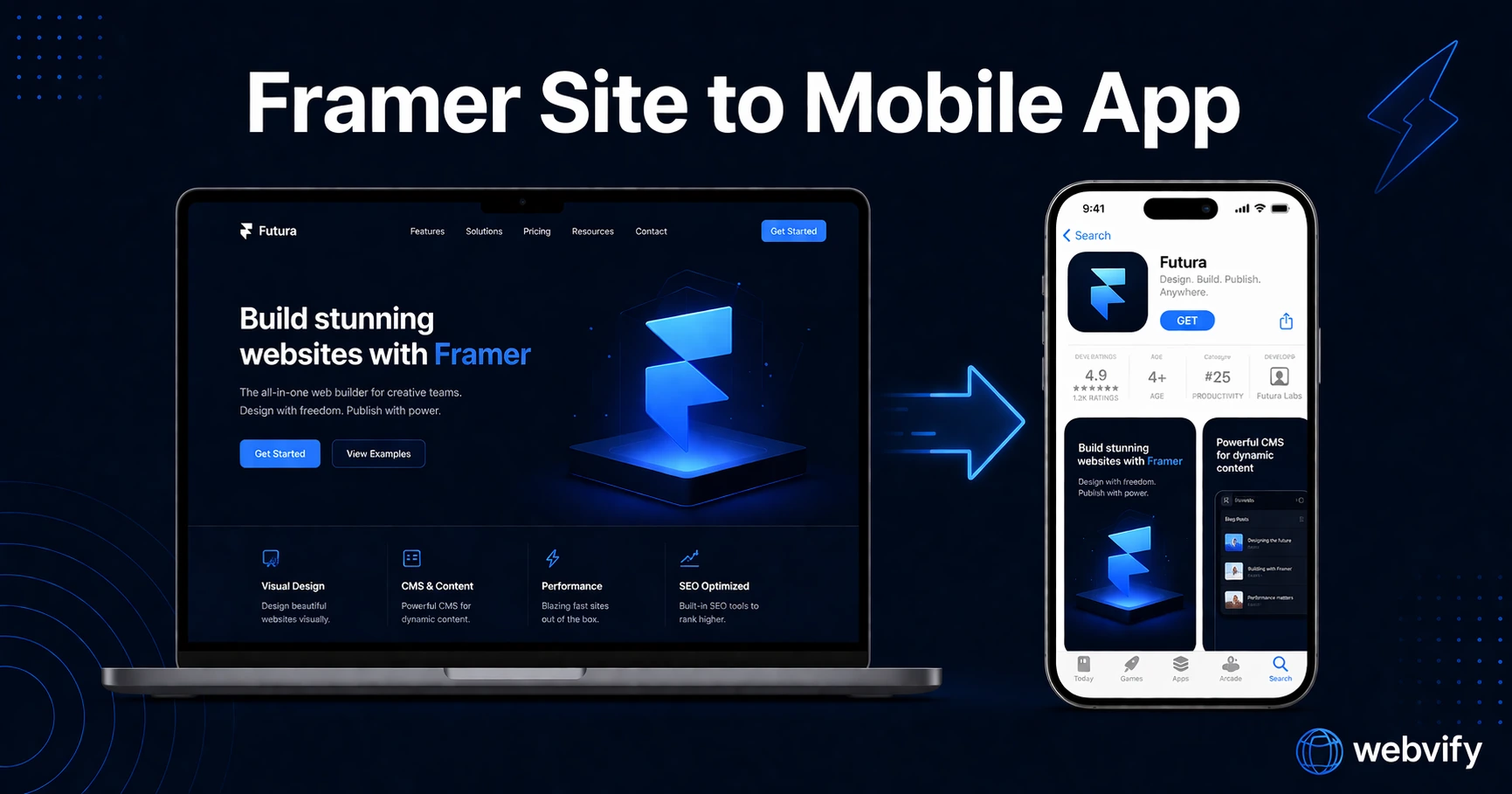
Your Framer site can be on the App Store without rebuilding it. Here's how to wrap and submit it — including Framer-specific gotchas to check first.
Inside this article
Framer builds stunning websites fast. Getting that site onto the App Store takes a completely different skill set — one most Framer users don't have.
Why Framer Doesn't Have an App Export (And What to Do Instead)
Framer is designed to publish websites, not apps. When you hit "Publish" in Framer, your site goes live at a URL — not on the App Store.
To get an app on iOS or Android, you need a binary file (an .ipa for Apple, an .aab for Google Play). Framer has no export for this. It doesn't use Swift, Kotlin, or React Native — the languages Apple and Google require native apps to be built in.
This is where a WebView wrapper comes in.
A WebView wrapper takes your existing Framer URL and packages it inside a native app shell. The result is a real, downloadable app on the App Store and Google Play, built from your existing Framer site without rebuilding anything. Countless apps — from startups to established brands — use this approach to ship a mobile app without a dedicated mobile development team.
What a Framer-to-App Conversion Actually Involves
Converting a framer to mobile app is a three-part process:
1. Wrapping your site — A WebView app shell is configured to load your Framer URL. This includes setting your app name, icon, splash screen, and native features like push notifications.
2. Preparing for App Store submission — Apple and Google both require developer accounts, signed binary files, metadata (screenshots, descriptions, privacy policy), and review compliance. This is where most Framer users hit a wall.
3. App Store and Google Play submission — Apple reviews every app manually, typically within 24–72 hours. Google Play is faster, but rejections happen. You need to know what each store looks for.
Services like Webvify handle all three steps end-to-end — you provide the URL, they deliver the app.
Framer-Specific Considerations Before You Start
Not every Framer site wraps cleanly into an app without some preparation. Here are the main things to check before you begin:
Custom domain — Your Framer site must be on a custom domain, not the default .framer.app URL. Apple doesn't approve apps loading from development subdomains.
Framer Auth — If your site uses Framer's built-in authentication (Members), verify that login flows render correctly inside a WebView. Most do, but it's worth testing before submitting.
Framer CMS content — CMS-driven pages load dynamically from Framer's CDN. This is fine for WebView apps — content updates on your Framer site reflect immediately in the app without requiring an app update.
Framer Commerce — If you're selling digital goods through the app (subscriptions, digital downloads), Apple's In-App Purchase (IAP) rules apply. Physical goods and services are exempt. Review the App Store guidelines before submitting if your site has an e-commerce component.
Animations and interactions — Framer's interaction-heavy designs can feel slightly slower on older Android devices due to JavaScript rendering. Test on a mid-range Android before launch.
If you're using Webflow instead of Framer, the same approach applies — see How to Turn Your Webflow Site Into a Mobile App for platform-specific details.
The App Store Submission Process
This is the part that stops most Framer users cold.
To submit an app to Apple's App Store, you need:
- An Apple Developer account ($99/year)
- A signed
.ipabinary file built in Xcode - App metadata: name, subtitle, description, keywords, screenshots for every device size
- A privacy policy URL
- Age rating information
- App Store Connect setup (bundle ID, provisioning profiles, certificates)
Apple then reviews it manually. First-time submissions take 24–72 hours. If they find a reason to reject — and they do — you start over.
For Google Play, you need:
- A Google Play Developer account ($25 one-time)
- A signed
.aabfile - Screenshots, descriptions, content rating questionnaire
- Privacy policy
Google's review is faster (a few hours to a day), but they also have policies around WebView apps. Apps that simply wrap a website with no added value get rejected. The wrapper needs to feel intentional — proper splash screen, push notifications or other native features, custom icon, full native chrome.
This is why submission isn't just a formality. It requires real experience with both stores.
What Happens After the App Goes Live
Once your framer mobile app is live, you gain capabilities your website doesn't have:
Push notifications — Send alerts directly to users' home screens. No email open rates, no social algorithm. If someone has your app installed, you can reach them instantly.
Home screen presence — Your icon sits on their phone next to their most-used apps. Returning to your site becomes a single tap, not a search.
App Store discoverability — The App Store is a search engine. People search "yoga studio app," "design portfolio app," and thousands of other queries. A web-only presence misses this traffic entirely.
Offline caching — Basic content can be cached, so your app loads something even when connectivity is poor.
All of this comes from your existing Framer site — no redesign, no rebuild.
How Long Does a Framer to Mobile App Conversion Take?
Timeline varies by method:
- Self-service WebView builder: 1–2 weeks if you're comfortable with Xcode and App Store Connect. Faster on Android.
- Done-for-you service (like Webvify): Typically 3–5 business days from submission. The service handles Xcode, signing, and both stores.
- Custom mobile development: 3–6 months minimum, $20,000–$150,000+ depending on scope.
For most Framer site owners — designers, agencies, small businesses — the done-for-you route is the only one that doesn't require becoming a mobile developer.
FAQ
Can you publish a Framer site to the App Store?
Yes. Framer doesn't export natively to the App Store, but a WebView wrapper app can load your Framer URL inside a native app shell. The result is a real App Store app — downloadable, branded, with push notifications — built from your existing Framer site without any rebuild.
Do I need a developer to convert my Framer site into a mobile app?
Not necessarily. Done-for-you services like Webvify handle the full process — building the WebView wrapper, configuring native features like push notifications, and submitting to both the App Store and Google Play. You provide the URL; they handle everything else.
Will my Framer CMS content update automatically in the app?
Yes. Your Framer CMS content is served dynamically from Framer's servers. When you update content in Framer, the app reflects the change on next load — no app update required. You only need to release a new app update if you change native features like the icon, splash screen, or app name.
Turn your Framer site into a real app.
If you have a Framer site and want it on the App Store and Google Play — without learning Xcode or spending months on development — Webvify handles the full process end-to-end.