

How to Turn Your FlutterFlow App Into a Mobile App (Without a Developer)
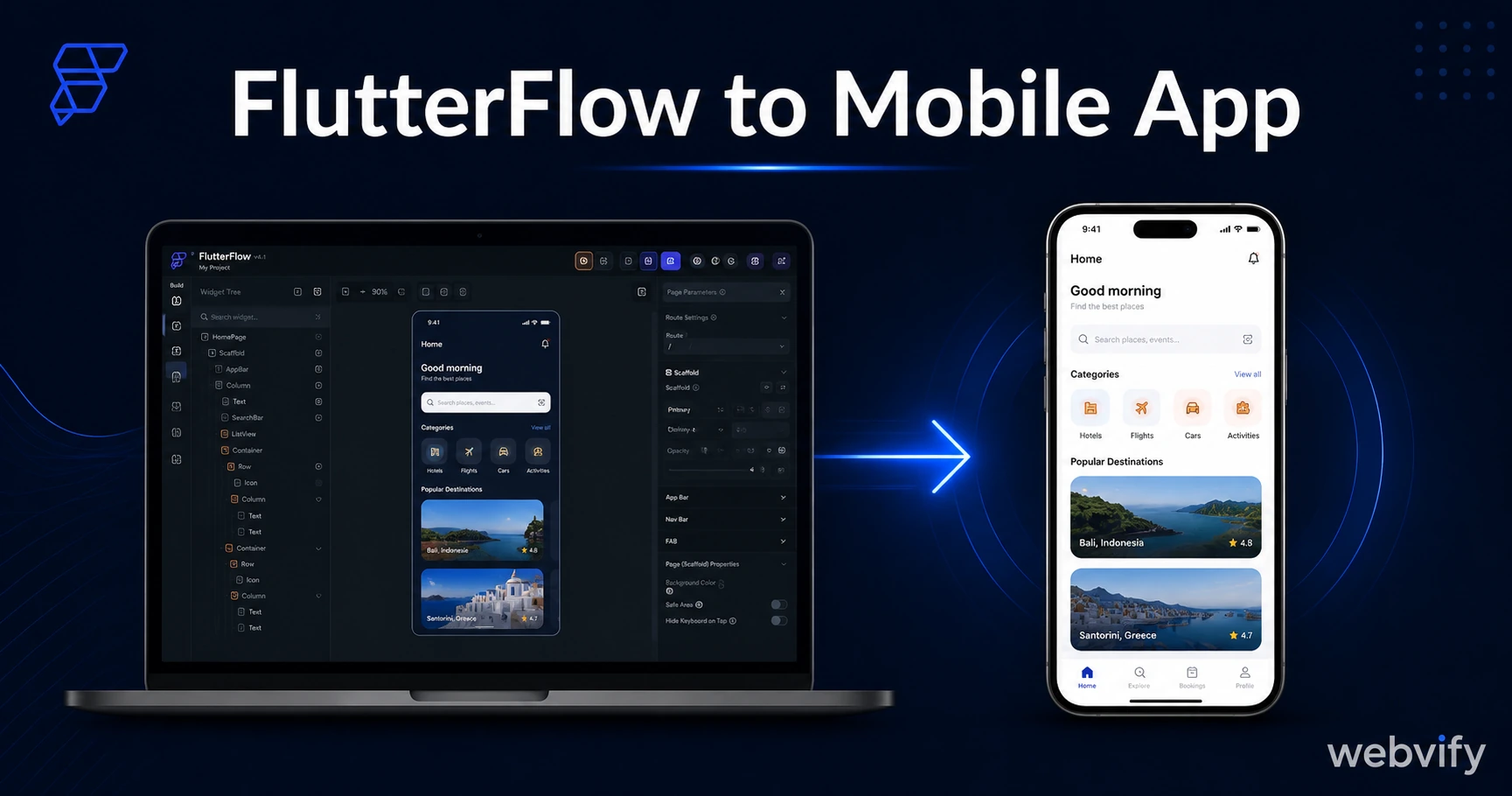
Built something in FlutterFlow and need it on the App Store? Here's what the submission process actually requires — and a faster path if you have a website.
Inside this article
FlutterFlow generates production-ready Flutter code in minutes. Getting that code onto the App Store still takes hours of Xcode configuration, certificate management, and Apple review waiting — none of which FlutterFlow handles for you.
If you built something in FlutterFlow and expected a one-click path to the App Store, here's what you're actually looking at — and what your options are.
What FlutterFlow Actually Builds
FlutterFlow is a visual no-code builder for Flutter — Google's open-source framework for building native iOS and Android apps from a single codebase. When you finish designing in FlutterFlow, you get a Flutter project written in Dart. That project needs to be compiled into a native binary: a signed .ipa file for iOS and a signed .aab file for Android.
No store accepts code. They accept compiled, signed packages — and generating those packages is where the "no-code" label hits its limit.
FlutterFlow handles the visual design layer without code. The flutterflow to mobile app submission path requires you to step outside that visual editor.
What the Submission Process Actually Requires
For iOS (App Store):
- An Apple Developer account ($99/year) — required before anything else
- A signed .ipa file, built either on a Mac running Xcode or via FlutterFlow's cloud build service (available on Pro and Teams plans)
- An App Store Connect listing with icon, screenshots, app description, privacy policy URL, and content rating
- Code signing: distribution certificate + provisioning profile tied to your Apple Developer account
- Apple review: typically 24–48 hours for first submissions, longer for resubmissions
For Android (Google Play):
- A Google Play Developer account ($25 one-time fee)
- A signed .aab file
- A Play Console listing with screenshots, short description, full description, privacy policy
- Content rating questionnaire
- Google review: 3–7 days for new developer accounts
FlutterFlow's higher-tier plans include a "Publish to App Store" feature that automates the build step. In practice, it still requires you to have your Apple Developer account active, your App Store Connect listing created, and your code signing certificates configured. None of that setup is inside FlutterFlow — it's in Apple's portals.
Where FlutterFlow App Store Submissions Get Stuck
The three most common failure points for first-time FlutterFlow publishers:
Code signing errors. Apple's certificate and provisioning profile system is one of the most complex parts of iOS development. FlutterFlow's build service handles the compilation, but when code signing fails — and it will fail at some point — the error messages assume you know what "distribution certificate," "bundle ID mismatch," or "entitlement conflict" means. Fixing these without prior iOS experience is a hours-long troubleshooting session.
Apple Guideline 4.2 — Minimum Functionality. Apps that are too thin get rejected under this rule. If your FlutterFlow project is a prototype, a single-screen demo, or pulls most of its content from a web URL with no native functionality beyond display, Apple will reject it. This rejection hits roughly 1 in 4 first-time submissions across all app types.
Apple Guideline 3.1.1 — In-App Purchases. If your app sells digital content — subscriptions, course access, credits, digital downloads — Apple requires all payments to route through their native payment system, not Stripe or any external processor. FlutterFlow does not automatically redirect payment flows to Apple's system. Missing this requirement is one of the top rejection causes for apps submitted by non-developers.
The 40% first-submission rejection rate for new apps isn't an exaggeration. Most of those rejections hit exactly these three points. Our App Store rejection prevention guide covers the full checklist.
When FlutterFlow Is the Right Choice
FlutterFlow makes sense when you're building a native app from scratch with no existing website, need native features a web wrapper can't provide (complex animations, Bluetooth, advanced camera control, ARKit), have Flutter or Dart experience available to debug build failures, and have budget for FlutterFlow's Pro or Teams plan where the publishing feature is available.
For agencies building custom mobile products, or founders whose product is inherently app-first, FlutterFlow is a genuine productivity tool. The one-time complexity of submission pays off across multiple app releases.
A Faster Path for Businesses That Already Have a Website
Most small businesses asking "how do I get a mobile app" already have a website. If that's you, you don't need to rebuild it in FlutterFlow to get onto the App Store.
A WebView app converts your existing website into a native mobile app shell. The shell passes Apple and Google's review requirements — it's used by thousands of live App Store listings. Your website loads inside it, and you get push notifications, a home screen icon, and a proper App Store listing without touching Xcode or certificates.
Services like Webvify handle the entire process end-to-end: building the WebView app configured for your URL, submitting it to the App Store and Google Play under your developer accounts, and managing the review process. If you've seen similar posts for other no-code builders — the process is the same pattern that works for Lovable, Bolt, and Replit apps that output a URL rather than a native binary. (See: How to Turn Your Lovable App Into a Mobile App.)
The tradeoff is real: a WebView app doesn't give you native animations, Bluetooth access, or a deeply custom UI built in Flutter. For a restaurant, a service business, an online coach, or an e-commerce store, those aren't requirements. What matters is a branded app on the home screen with push notifications — and that, a WebView app delivers in days, not weeks.
Frequently Asked Questions
How long does it take to publish a FlutterFlow app to the App Store?
If your Apple Developer account is already set up and your App Store Connect listing is ready, FlutterFlow's cloud build takes 20–40 minutes. Apple's review adds 24–48 hours on average. For a first submission with no prior experience, expect 5–10 business days from start to live — including time to resolve any rejection and resubmit.
Do I need a Mac to publish a FlutterFlow app to the App Store?
Not necessarily. FlutterFlow's cloud build service (available on Pro and Teams plans) compiles the iOS binary without requiring Xcode locally. You still need an Apple Developer account and App Store Connect set up. If the cloud build fails or produces a rejected binary, a Mac with Xcode is the fallback — and at that point you're doing native iOS development troubleshooting.
Can I publish a FlutterFlow app without any coding knowledge?
The visual design in FlutterFlow is genuinely no-code. The submission process — Apple Developer account setup, code signing, App Store Connect metadata, screenshot sizing, content ratings — requires following technical documentation that many non-developers find difficult. When a rejection happens, reading Apple's feedback and knowing what to fix requires understanding terms that don't appear in any visual builder interface.
Getting a mobile app live on the App Store doesn't have to start with Flutter code. If you already have a website, Webvify converts it into a fully branded mobile app and handles the App Store submission from start to finish — no Xcode, no certificates, no back-and-forth with Apple's review team.