

How to Turn Your Figma Site Into a Mobile App (Without a Developer)
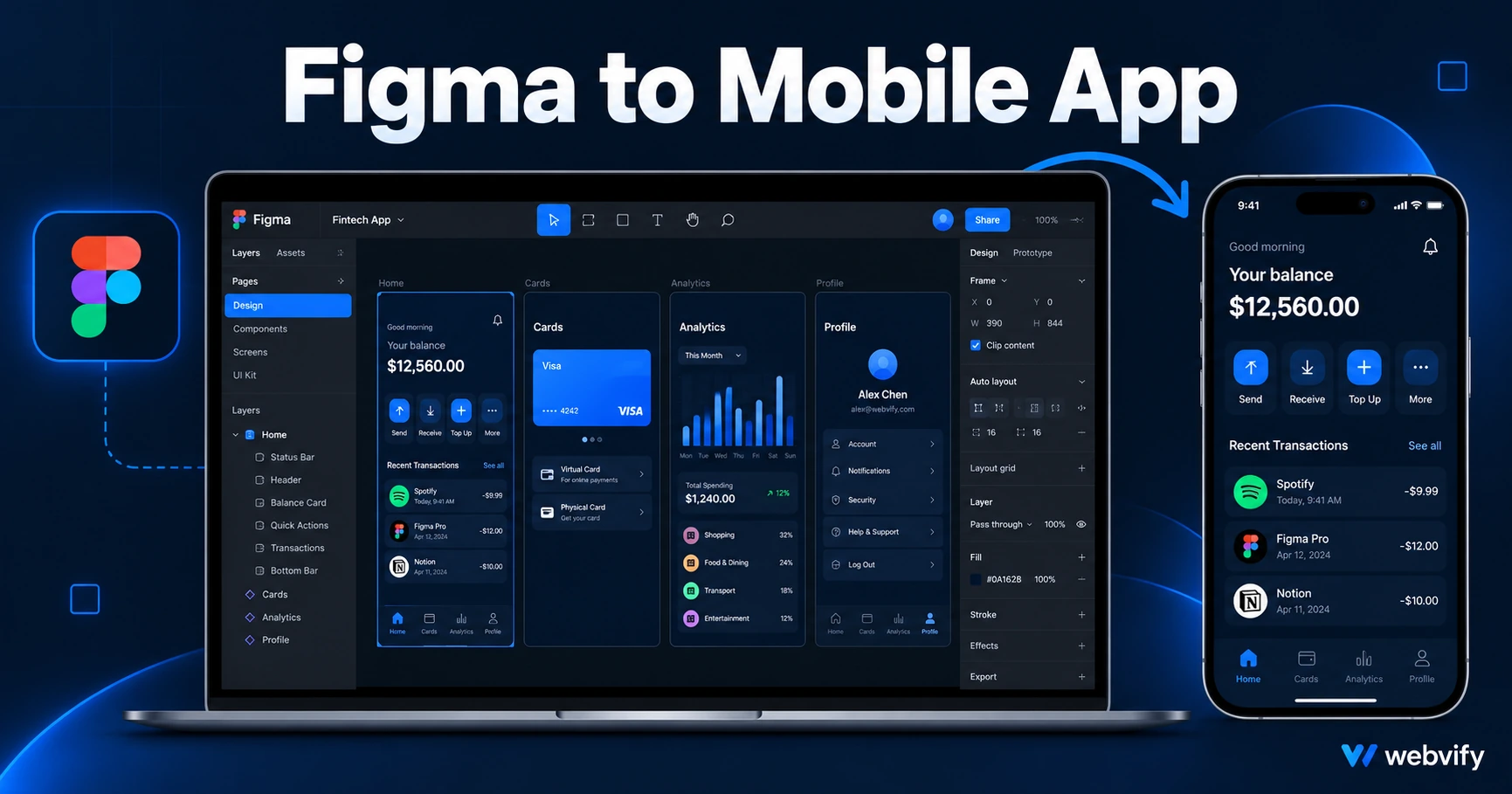
Figma Sites doesn't export to the App Store. Here's how to turn your Figma site into a native mobile app and publish it to iOS and Android without a developer.
Inside this article
Figma Sites is live, your design looks great, and then a client asks for an app. There's no export button — not for the App Store, not for Google Play.
This is the gap Figma hasn't solved: you can design and publish a site, but there's no path from Figma to the App Store without writing native code. The good news is that path exists through a different route.
Why Figma Sites Has No App Store Export
Figma Sites is a web publishing tool. It outputs HTML, CSS, and JavaScript hosted on figma.site (or your custom domain). That's a website — and the App Store doesn't accept websites.
To get on the App Store, you need a native binary: a file Apple and Google can review, sign, and distribute through their stores. That binary wraps your existing web content inside a native shell, giving it an App Store listing, push notifications, and home screen presence.
This approach is called a WebView app. It's how most small business apps work, and Apple and Google approve them every day.
What a WebView Wrapper Does for Your Figma Site
A WebView wrapper is a native iOS and Android app that loads your Figma site's URL inside a native container. From the outside, it looks and behaves like a native app: it has an App Store listing, an icon, launch screens, and can send push notifications.
From the inside, it's your existing site. Every update you push to your Figma site appears instantly in the app without resubmitting to the store.
This approach works for most Figma Sites, with a few things to check first.
What to Check Before Converting Your Figma Site to a Mobile App
Custom domain first. Apple requires a custom domain for App Store approval. A figma.site subdomain won't pass review. Map a custom domain to your Figma Site before beginning the submission process.
No in-app purchases for digital content. If your Figma site sells digital products — templates, courses, ebooks — you can't process those payments inside the iOS app without using Apple's payment system and paying Apple 30%. The simplest fix is redirecting purchase flows to an external browser. Physical goods and service bookings are not affected.
Responsive layout at 390px. Your Figma site already renders on mobile, but test on a 390px viewport before wrapping. WebView renders the site at mobile width by default — if any elements break at narrow widths, fix them in Figma first.
Login and session persistence. If your site has user accounts, verify that cookies and session tokens persist across app relaunches. Most Figma Sites with third-party auth (Google, email link) work fine, but confirm it before submitting.
The Conversion Process: Packaging, Compliance, Submission
Getting a Figma site onto the App Store involves three steps: packaging, compliance, and submission.
Packaging: A WebView app is built in Xcode (iOS) and Android Studio (Android). The build connects to your custom domain URL and wraps it in a native shell. You also need an Apple Developer account ($99/year) and a Google Play Developer account ($25 one-time). Both must be registered in the name of the person or business publishing the app.
Compliance checks: Apple's two most common WebView rejection triggers are Guideline 4.2 (Minimum Functionality) and Guideline 2.1 (App Completeness). Guideline 4.2 requires the app to offer a meaningful experience beyond a basic website frame — push notifications, offline states, or a native splash screen typically satisfy this. Guideline 2.1 means the app must work end-to-end before submission: test accounts provided and all user flows functional.
If you're using Figma to prototype rather than ship, make sure the live URL you submit shows a complete, working site — not a staging page or a prototype under construction.
Submission: Apple's review takes 24–48 hours for first submissions. Google Play takes 3–7 days for new accounts. Both require a privacy policy, a content rating questionnaire, and store screenshots formatted to exact dimensions (6.7" iPhone for App Store, 16:9 for Google Play).
Services like Webvify handle all of this end-to-end — from building the WebView wrapper to submitting under your developer accounts and delivering a tested, working app. You don't open Xcode.
After Launch: What Changes and What Doesn't
Once your app is live, your Figma site and your app stay in sync. When you update content in Figma and publish, the change is live in the app immediately — no App Store update required.
App Store updates are only needed when you change the native shell: the app icon, launch screen, push notification settings, or compliance settings. For most businesses, that happens once or twice a year.
Push notifications are the biggest addition the app provides. Your Figma site visitors see a website. Your app users see notifications on their lock screen — with open rates of 60–90% compared to 20–30% for email. A new product alert, a limited offer, or a re-engagement prompt reaches users directly, without relying on algorithm visibility.
If you've published a design-tool site and want more detail on the iOS submission process, the guide on turning your Framer site into an iOS app covers the Apple workflow in detail — the compliance rules are nearly identical to Figma Sites. Before you submit, it's also worth reviewing the App Store rejection prevention guide for WebView apps to avoid the most common first-submission mistakes.
FAQ
Can I turn a Figma site into an iOS and Android app?
Yes. A WebView wrapper packages your Figma site's URL into a native iOS and Android binary that meets App Store and Google Play submission requirements. You need a custom domain (not a figma.site subdomain), and any digital content purchases must redirect to an external browser to comply with Apple's in-app purchase guidelines.
Does Figma Sites have an App Store export?
No. Figma Sites publishes to the web, not to the App Store. Getting onto iOS and Android requires a separate native wrapper — a WebView app — that packages your site inside a native shell. That file is what Apple and Google review and distribute through their stores.
How long does it take to publish a Figma site as a mobile app?
With a managed service like Webvify, most Figma sites go live on both stores within 5–10 business days. Apple's review takes 24–48 hours; Google Play takes 3–7 days for new accounts. The timeline before submission depends on how quickly developer accounts are set up and how many compliance checks the site clears on first review.
Your Figma site is already the content layer — you don't need to rebuild anything. Get your app live at webvify.app.