

EU App Store Trader Status: What Every Small Business App Owner Needs to Know in 2026
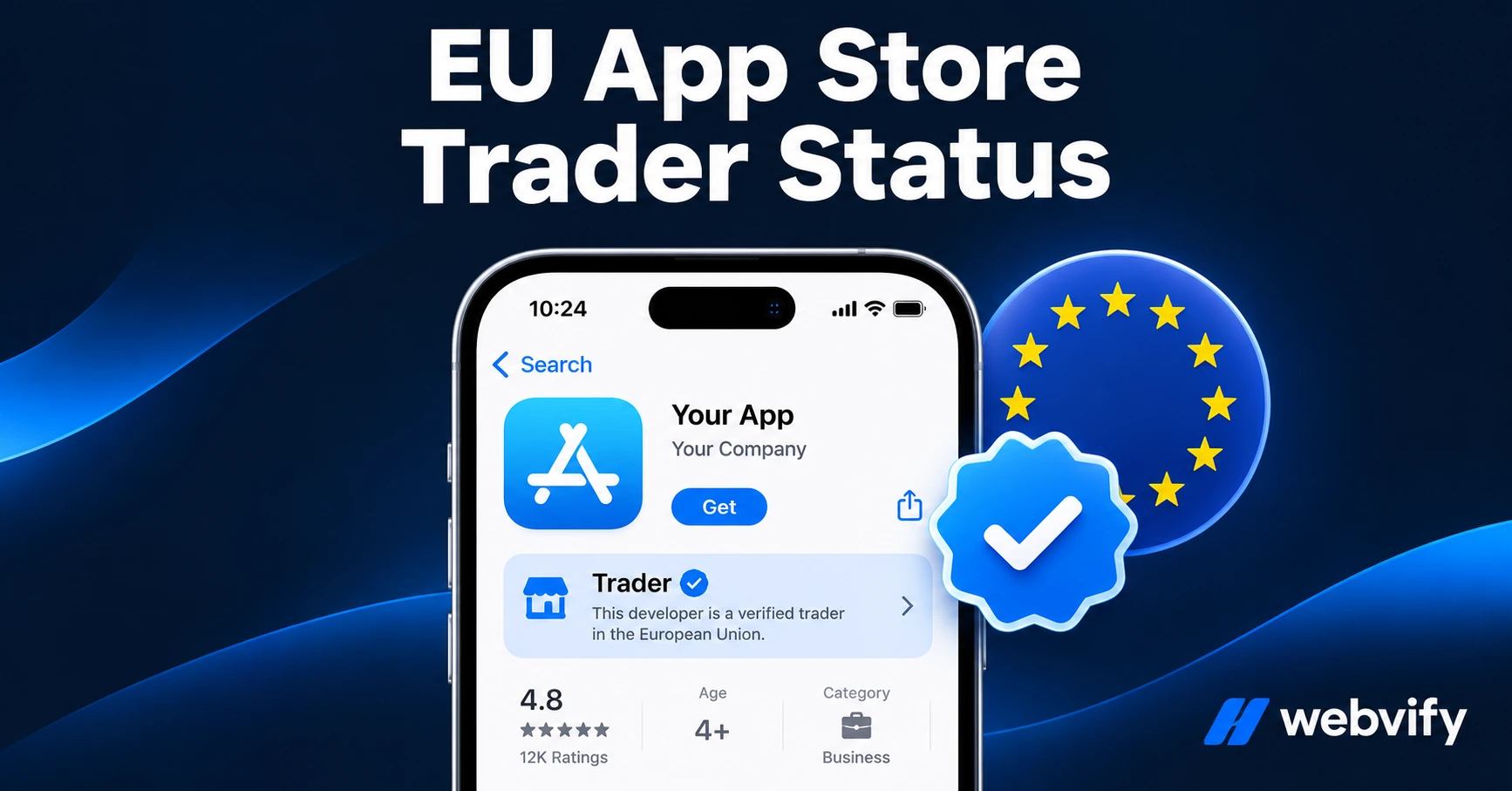
The EU now requires app owners to declare trader status on the App Store and Google Play. Here's what it means, who needs to act, and how to set it up in 10 minutes.
Inside this article
Thousands of small business app owners have had their apps restricted from EU App Stores — not because of a bug or a policy violation, but because they never filled in a single compliance form. The EU trader status requirement is one of the least-discussed steps in mobile publishing, and skipping it is an easy mistake that costs real revenue and visibility.
This guide explains what trader status is, who needs it, and exactly how to set it up on both the App Store and Google Play before it affects your listing.
What Is EU App Store Trader Status?
Trader status is a disclosure requirement introduced under the EU Digital Services Act (DSA). The law requires online marketplaces — including Apple's App Store and Google Play — to verify whether the businesses using their platforms are "traders" (companies and sole traders selling to consumers) or private individuals.
If you run a business and your app serves customers in EU countries, you're a trader. As a trader, both Apple and Google are required to display your contact information — business name, registered address, phone number, and email — directly on your app's store listing page for users in EU countries.
This isn't optional. Apps that don't complete trader status verification can be delisted from EU App Stores without warning. Apple began enforcing this in late 2024 and enforcement has continued through 2026.
Who Needs to Declare Trader Status?
You need to declare trader status if:
- Your app is published for a business (sole trader, limited company, or other commercial entity)
- You sell physical goods, digital products, services, or subscriptions through your app — or if the app is a free tool for an existing paid business
- You have users in any EU member state
You're only exempt if you're a genuinely private individual publishing an app with no commercial activity attached. For virtually every small business owner publishing a branded app, trader status is required.
The key point: even free apps from businesses require trader status. It's not about whether you charge inside the app — it's about whether the entity publishing the app is a commercial entity serving EU consumers. A free loyalty app for a local coffee shop? Trader status required. A free booking app for a yoga studio? Same.
How to Set Up Trader Status on the App Store
Apple manages trader status through App Store Connect. Here's how to complete it:
- Log in to App Store Connect with your Apple Developer account
- Go to Apps → select your app → App Information
- Scroll to the EU Trader Information section (this section only appears if your account has EU distribution enabled)
- Fill in your registered business name, registered address, phone number, and business email
- Save and submit
Apple reviews the information within 24–48 hours. Once approved, your contact details appear on your app's product page in EU country stores. The information is not shown to users outside the EU.
Common mistake: Using a personal address or mobile number instead of registered business details. Apple expects the contact details you would legally be required to provide a customer — your registered business name and a working email address are the minimum. A residential address is fine if that's where your business is registered.
If you haven't yet set up your App Store listing, our App Store Connect guide for beginners → walks through every section including trader status.
How to Set Up Trader Status on Google Play
Google Play manages this at the developer account level in Play Console:
- Log in to Play Console with your developer account
- Go to Account details (this is account-level, not app-level)
- Under Developer contact details, verify or add your business address, phone, and email
- For published apps, also check the app-level Store Presence → Store Listing to confirm contact details are displaying correctly for EU users
Google processes this within a few hours. Your details then appear in the "Developer contact" section on your Play Store listing.
Google Play also sends compliance reminders to accounts missing required trader information, so you may already have a warning in your Play Console inbox if this step is incomplete. Our Google Play Console guide for beginners → covers how to navigate the full console setup.
What Happens If You Don't Declare Trader Status?
Apps that miss trader status verification can be:
- Removed from EU App Stores without prior warning (Apple has already begun enforcement rounds)
- Limited in visibility on Google Play with a compliance flag that suppresses store placement for EU users
- Targeted by EU national authorities, which can investigate businesses that fail to meet consumer-facing disclosure requirements under the DSA
For small businesses, the practical risk is straightforward: your app stops appearing in EU stores and you don't find out until a customer reports a failed download, or you notice a sudden drop in EU installs.
The fix takes under 10 minutes. There's no fee, no complex review, and no technical work involved. The barrier is simply knowing you need to do it.
Services like Webvify handle the full App Store and Google Play submission process for you — including compliance checks for requirements like trader status — so your first submission includes everything needed for EU distribution from day one.
FAQ
Does EU trader status apply to free apps?
Yes. If a free app is published by a business entity — even if users pay nothing inside the app — the business is considered a "trader" under the DSA. You need to declare trader status whenever your app is published by a commercial entity serving EU consumers, regardless of whether the app itself generates revenue.
What information does Apple or Google show on the store listing?
Both platforms display your business name, registered address, phone number, and email address on the app's product page in EU countries. This is visible to any user browsing from an EU country. The information is not shown in non-EU stores — US, UK, Australian, and other non-EU listings are unaffected.
Can my app be removed without warning if I skip this?
Apple can and does restrict or remove apps in EU stores that haven't completed trader status verification, sometimes without prior notice — particularly during enforcement sweeps. Google Play sends compliance warnings first, but repeated non-compliance also results in removal or visibility restrictions. Setting this up proactively takes less time than recovering from a delisting and chasing customer support.
Ready to publish a fully compliant app to the App Store and Google Play — with every submission requirement handled for you? Webvify handles it end-to-end →