

How to Turn Your Ecwid Store Into a Mobile App
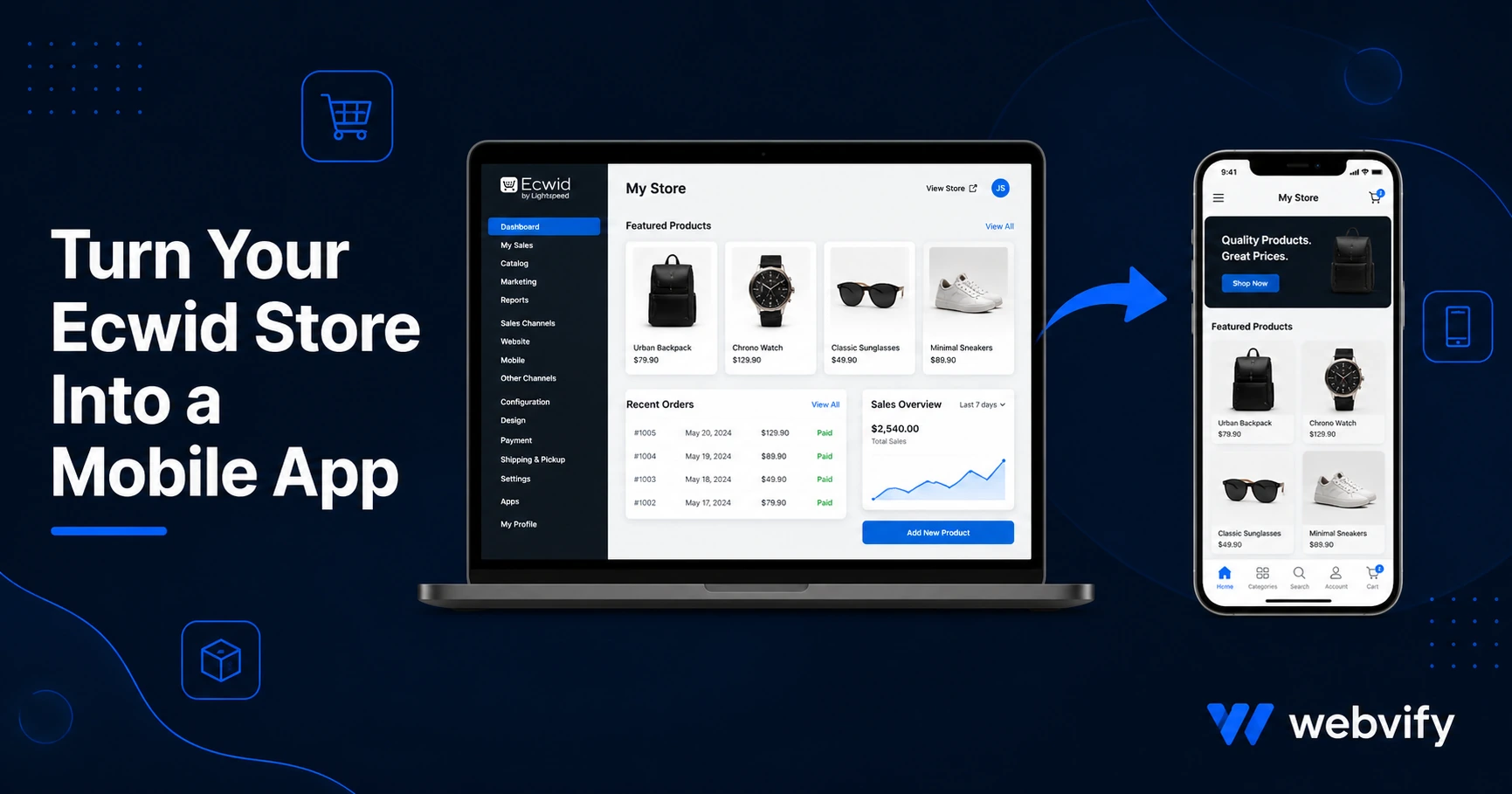
Ecwid has no App Store export. Here's how to turn your Ecwid store into a branded mobile app on iOS and Android — without hiring a developer.
Inside this article
Your Ecwid store works well on desktop. On mobile, you're fighting browser tabs, abandoned carts, and zero push notification access. There's no "Export to App Store" button inside Ecwid — and there never will be.
The good news: you don't need Ecwid to add that feature. A WebView wrapper turns your existing Ecwid storefront into a fully branded mobile app that runs on iOS and Android, without rebuilding anything.
This guide explains exactly how it works, what Ecwid-specific issues to watch for, and what the end result looks like.
Why Ecwid Doesn't Come With a Mobile App
Ecwid is a hosted e-commerce platform that embeds into any website — Wix, Squarespace, a standalone Ecwid Instant Site, or a custom domain. It generates responsive HTML that looks good on mobile browsers.
But "mobile-friendly website" and "mobile app" are not the same thing. A mobile app:
- Lives on the home screen, not in Safari or Chrome
- Can send push notifications to customers
- Loads faster after first install (reduced friction at checkout)
- Has its own listing on the App Store and Google Play — with ratings, reviews, and discoverability
Ecwid's roadmap has never included a native app builder. The platform is focused on the web layer. Everything beyond that — App Store presence, push notifications, home screen placement — requires a separate approach.
How a WebView App Works for Ecwid
A WebView app is a native iOS or Android shell that loads your existing Ecwid store URL inside it. The shopping experience your customers already know stays intact. What you add is everything a mobile app provides: App Store listing, home screen icon, push notification access, and a branded splash screen.
This approach works because your Ecwid store already runs on a responsive URL. The app wraps that URL and presents it inside a native container. There's no rebuilding product listings, no duplicating content, no second system to manage.
Services like Webvify handle this end-to-end — from building the WebView shell to submitting it under your developer accounts on the App Store and Google Play. You don't touch Xcode or the Google Developer Console.
Ecwid-Specific Issues to Resolve Before Submission
1. Apple IAP Rule for Digital Goods (Guideline 3.1.1)
If you sell physical products through Ecwid, this doesn't apply to you. If you sell digital goods (eBooks, downloadable files, online courses, digital templates), Apple's App Store Guideline 3.1.1 requires that purchases of digital content inside an iOS app use Apple's in-app purchase system — meaning Apple takes a 30% cut.
The standard fix is to redirect digital purchase flows to an external browser. When a user taps "Buy" on a digital product, the app opens Safari instead of completing the transaction inside the app. This is the same pattern used by Amazon, Udemy, and Kindle. Physical product checkout remains fully functional inside the app.
2. Payment Gateway Compatibility
Most payment gateways work inside WebView apps — Stripe, PayPal, Square, and Ecwid Payments all render correctly. The edge cases to watch for:
- 3D Secure redirects: Some banks redirect to an external authentication page during checkout. Test your checkout flow on both iOS and Android before submission.
- Custom payment redirects: If your Ecwid store uses a regional payment provider that opens a popup or new tab during payment, that popup won't work inside WebView by default. A well-configured WebView app handles this with link-handling rules.
3. Custom Domain Requirement
Apple requires that WebView apps point to a domain you own — not a third-party subdomain. If your Ecwid store runs on an Ecwid Instant Site URL (like yourstore.ecwid.com), you'll need to connect a custom domain before submission. Ecwid supports custom domains on paid plans. This is a straightforward DNS change that takes under 30 minutes to configure.
4. Google Play Data Safety Form
Google requires every app on the Play Store to complete a Data Safety disclosure. You'll need to declare which user data your app collects (typically email addresses at checkout, location if you use it) and whether it's shared with third parties. This isn't a technical barrier — it's a form — but it needs to be filled out accurately before Google approves the submission. Your app developer or submission service handles this during the review process.
What Push Notifications Add to an Ecwid Store
This is where a mobile app pays for itself quickly. Email open rates for e-commerce stores average 20–30%. Push notifications land on the lock screen and see open rates of 60–90%.
For an Ecwid store, push notifications unlock:
- Abandoned cart recovery — send a push an hour after someone leaves the checkout
- Order status updates — shipped, out for delivery, delivered (reduces support tickets)
- Flash sale alerts — reach opted-in customers instantly, no email delay
- New product drops — customers who install your app are already your most engaged buyers
None of this is possible through mobile browsers. The app install is the moment a customer moves from anonymous browser visitor to an identified, reachable audience member.
For more on what mobile app conversion rates look like versus mobile web, our guide on mobile app development costs covers the numbers in detail →.
What the Submission Process Actually Looks Like
The App Store and Google Play submission steps are often the biggest perceived barrier. In practice, the steps are:
- Create developer accounts — Apple Developer Program ($99/year), Google Play Console ($25 one-time). The app is published under your accounts, not a third party's.
- Build the app binary — the WebView shell configured with your Ecwid URL, brand colors, app icon, and splash screen.
- App Store review — Apple's review typically takes 24–48 hours. Google Play is usually 1–3 days for first submissions.
- Go live — your store appears in both stores with your brand name and your App Store listings.
Doing this yourself requires Xcode on a Mac, Android Studio, and familiarity with both review processes. Most Ecwid store owners hand this off to a service that handles it end-to-end.
If you want a walkthrough of the technical steps, our App Store submission guide covers the full process →.
FAQ
Can I turn my Ecwid store into a mobile app without a developer?
Yes. A WebView app wraps your existing Ecwid store URL into a native app shell. You don't need to rebuild your store or write any code. Services that specialize in web-to-app conversion handle the build and App Store submission on your behalf. The result is a fully branded app published under your own developer accounts.
Does an Ecwid mobile app work with Ecwid Instant Sites?
It does, with one condition: you need to connect a custom domain to your Ecwid store before App Store submission. Apple does not approve apps that point to third-party subdomains (like yourstore.ecwid.com). Connecting a custom domain is available on Ecwid paid plans and typically takes under 30 minutes to configure.
How long does it take to get an Ecwid app live on the App Store?
From start to live, most Ecwid store apps go live within 5–10 business days. The build itself takes 1–2 days. Apple's review adds another 1–3 days. Google Play runs in parallel. The main variable is how quickly your developer accounts are set up and whether your checkout flows require any adjustments for the IAP rules.
Your Ecwid store already has the product catalog, the checkout, and the customers. The app adds the home screen placement, push notifications, and App Store listing that turn one-time buyers into repeat customers.