

How to Turn Your Drupal Site Into a Mobile App (Without a Developer)
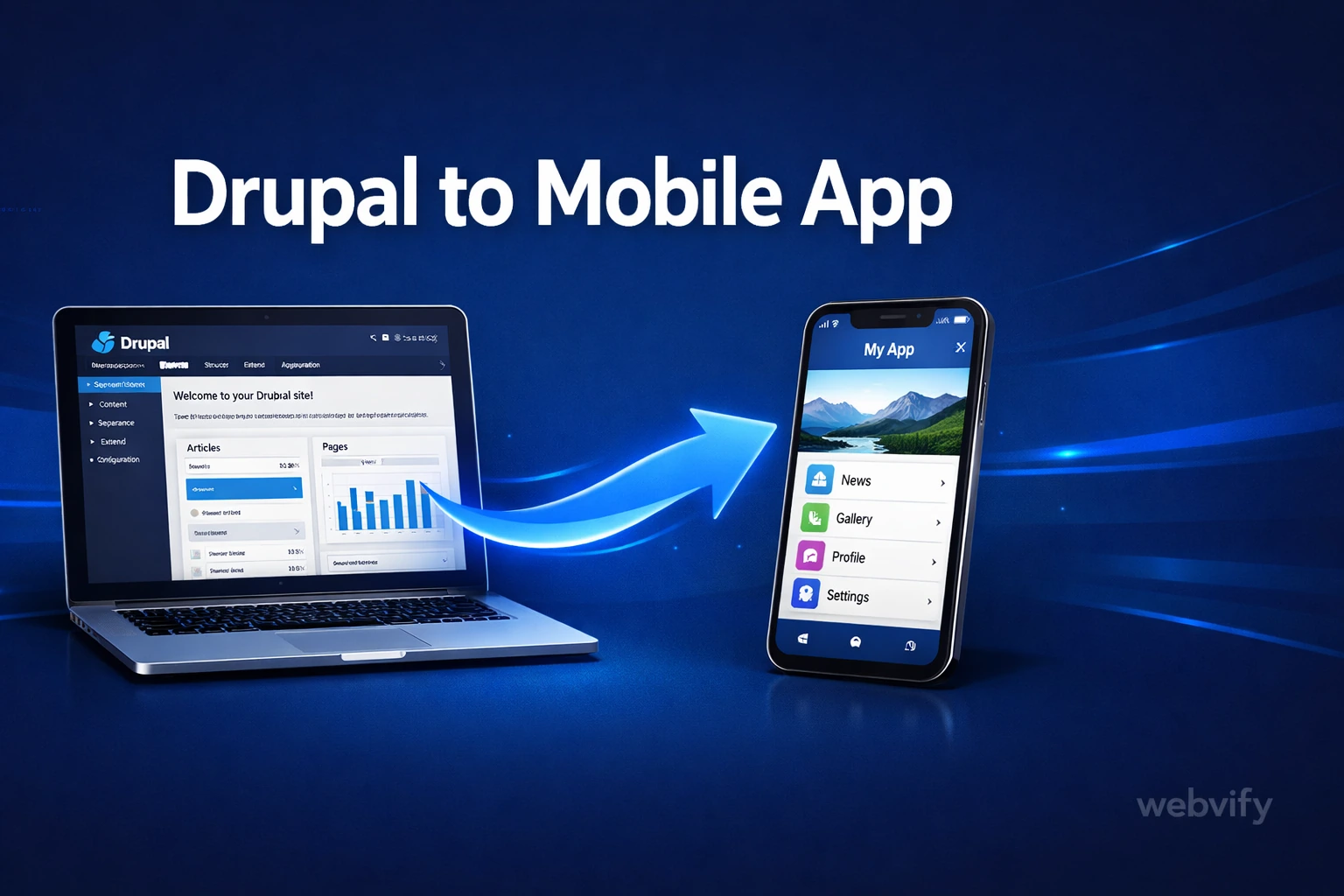
Drupal has no App Store export — here's how to wrap your existing site as a fully branded iOS and Android app without rebuilding it or hiring a developer.
Inside this article
Drupal runs more than 1.3 million websites worldwide — and not one of them ships natively to the App Store. If your clients or stakeholders are asking "where's the app?", Drupal itself has no answer for you.
That gap is fixable. The solution isn't rebuilding your Drupal site from scratch — it's packaging what already exists as a mobile app and submitting it to the stores.
Why Drupal Sites Don't Have a Mobile App Path
Drupal is a powerful CMS. It handles complex content architecture, multi-language sites, enterprise access control, and custom workflows better than almost any other platform. But "powerful CMS" and "App Store ready" are two separate things.
Publishing to the App Store requires a native binary — a compiled file in a format Apple or Google can review and list. Drupal doesn't produce that. Neither does WordPress, Wix, or Webflow. The gap isn't a Drupal limitation specifically; it's just that the web and the app stores are two different distribution channels with two different technical requirements.
The practical path that thousands of businesses use: wrap the Drupal site inside a WebView container, compile that into a real native binary, and submit it to the stores. Your Drupal content, URLs, and admin workflow stay exactly the same. The app just loads your site with native chrome around it — push notification support, home screen icon, biometric login, and offline fallback.
What a Drupal Mobile App Actually Looks Like
When built correctly, a Drupal WebView app is indistinguishable from a purpose-built native app to the average user. Here's what you get:
- Home screen presence. Your branded icon on users' phones — not a bookmark in Safari.
- Push notifications. Send announcements, content updates, or reminders directly to devices.
- App Store and Google Play listings. Credibility, discovery, and the trust that comes from being in the stores.
- Native gestures and navigation. Swipe-back, bottom nav bars, and smooth transitions replace the browser's chrome.
Content updates still happen in Drupal. If you publish a new node, change a view, or update a page, it's live in the app immediately — no resubmission needed.
Drupal-Specific Things to Know Before You Start
Not all Drupal setups wrap cleanly on the first try. A few things to check before you start:
Custom domain is required. Both Apple and Google require your app to load a domain you control — not a subdomain provided by a hosting platform or a raw IP address. If you're not already on a custom domain, that's step one.
Digital downloads and subscription content need special handling. Apple's App Store requires that digital goods sold inside an app use Apple's In-App Purchase system. If your Drupal site sells digital content — eBooks, downloadable assets, membership access — you'll need to either route purchases through IAP or ensure that content is behind a login flow that was established outside the app context. Physical goods and bookings are exempt.
Drupal 7 vs. Drupal 10. If you're still on Drupal 7, your themes may not be fully responsive. The app will expose mobile layout issues that desktop users never see. It's worth a mobile browser audit before wrapping. Drupal 9+ sites with modern themes rarely have this problem.
Views and exposed filters. If your site uses exposed filters or AJAX-heavy Views displays, test them on mobile browsers before wrapping. WebView apps handle standard JavaScript well, but some complex Drupal Views with custom AJAX callbacks can behave inconsistently on mobile.
Member-gated content. If your Drupal site has logged-in content — a community, a membership section, a client portal — make sure the login flow works without pop-up blockers and that cookies persist correctly inside the WebView. Most Drupal setups handle this fine, but it's worth verifying before submission.
Services like Webvify handle this audit as part of the build process — they test your Drupal site in a real WebView environment before submission so these issues surface before Apple sees them.
The Submission Process: What Actually Takes Time
Getting the app built is the easy part. Getting it into the App Store is where most Drupal site owners get stuck.
Apple requires a paid developer account ($99/year), a signed binary in a specific format, screenshots in multiple device sizes, a privacy policy URL, and a review by a real person at Apple who can reject the submission for vague reasons. Google Play is similar, though the review process is more automated.
If you're not a mobile developer, this process can take weeks to navigate for the first time — and rejections reset the clock.
The faster path is using a service that manages the build and submission end-to-end. Webvify converts your Drupal site, handles the developer account setup, compiles the binary, and submits to both stores on your behalf. You approve the design, and they handle the rest.
If you've already gone through App Store submission before and just need a refresher on what Apple checks, this guide covers the full submission process in detail: How to Submit Your App to the App Store Without a Developer →
How Long Does It Take?
For a typical Drupal site with no major compatibility issues, the timeline looks like this:
Build and testing: 1–3 days. This includes setting up the WebView wrapper, testing all core site flows on real iOS and Android devices, and configuring push notifications.
App Store submission: 1–7 days for Apple (24–48 hours is common, but up to 7 days for first-time submissions or rejections). Google Play is typically 24–72 hours.
Total: Most sites are live in both stores within 2 weeks. Some faster, some slower depending on Apple's review feedback.
Compare that to building a native Drupal app from scratch: 3–6 months and $40,000–$150,000 in development cost. The WebView wrapper approach isn't a compromise — it's the right solution for the vast majority of Drupal site owners who want a branded mobile app without a rebuild.
How to Get Started
Option 1: Do it yourself. If you have development experience, you can use React Native WebView or Capacitor.js to wrap your Drupal site, set up Apple and Google developer accounts, and handle the binary signing and submission process yourself. Expect to spend 2–4 weeks the first time.
Option 2: Use a managed service. If you want to skip the submission process entirely, services like Webvify convert your Drupal site into a fully branded app and handle App Store submission for you. You get an admin panel to manage push notifications and settings after launch.
If your setup runs on WordPress instead of Drupal, this guide covers the same process: How to Convert Your WordPress Site into a Mobile App →
FAQ
Can I keep using Drupal to manage content after the app is live?
Yes. The app loads your Drupal site just like a mobile browser does. Any content you publish, edit, or unpublish in Drupal is reflected in the app immediately — no app update needed. Your existing editorial workflow stays exactly the same.
Will my Drupal modules still work inside the app?
Most Drupal modules that affect front-end display work correctly inside a WebView app. Modules that rely on browser-specific APIs (like some print or PDF generation tools) may not behave as expected on mobile. Modules that affect server-side content generation are completely unaffected. A quick mobile browser test on your existing site will surface any issues before you start.
Do I need a separate Drupal installation or theme for the app?
No. You wrap the same Drupal site you already run. If your current theme is responsive — which is standard for any Drupal 9 or 10 installation — it will display correctly inside the app without changes. You may choose to refine mobile navigation or add a splash screen, but you don't need a separate Drupal environment.
Your Drupal site already has everything users need. The only missing piece is a way to get it onto their home screens. That's exactly what Webvify does — convert your existing site into a fully branded iOS and Android app, handle the App Store submission end-to-end, and give you an admin panel to manage it going forward.