

How to Turn Your Carrd Website Into a Mobile App (Without a Developer)
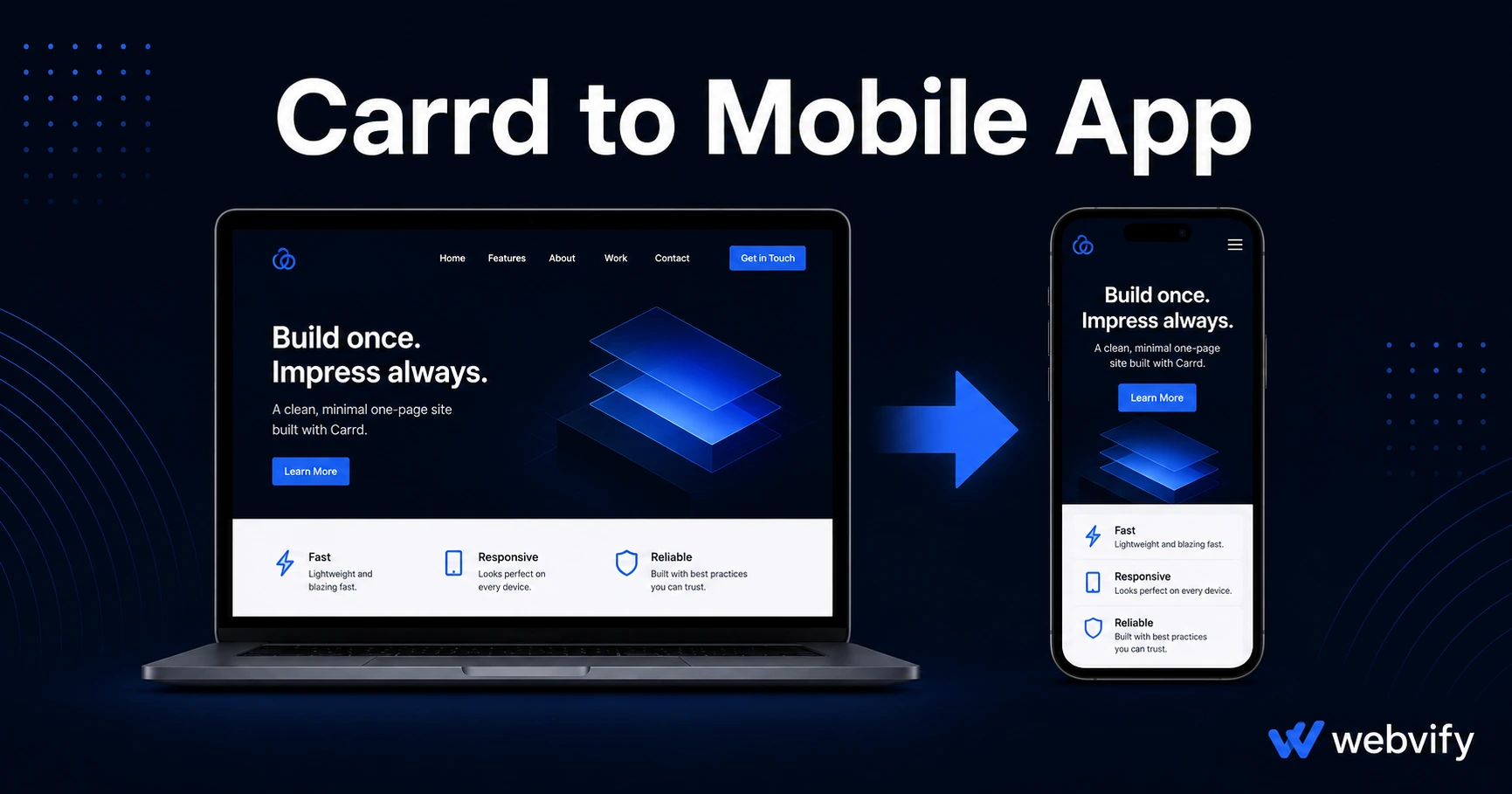
Built your site on Carrd? Here's how to publish it to the App Store and Google Play — without a developer, without rebuilding anything, in under a week.
Inside this article
- Why Carrd Has No App Store Export — and Why That's Not a Dead End
- What Apple and Google Actually Need Before They Approve Your App
- How to Convert Your Carrd Site to a Mobile App: Step by Step
- What Makes Carrd Especially Suited for a WebView App
- Push Notifications: What Carrd App Owners Actually Use Them For
- Frequently Asked Questions
Carrd builds great one-page sites. The App Store and Google Play don't. Getting from a Carrd URL to a live mobile app is the gap most Carrd users have no idea how to close — and the answer is simpler than you think.
Why Carrd Has No App Store Export — and Why That's Not a Dead End
Carrd is built for the web. It creates HTML/CSS/JavaScript pages served from a browser, and the App Store requires a native binary — either Swift code for iOS or Kotlin for Android. These are fundamentally different things, and Carrd has never offered a built-in way to bridge them.
But that gap isn't Carrd's fault, and it doesn't mean you need to rebuild your site somewhere else. A WebView app wraps your existing Carrd URL inside a native mobile app shell. The app is submitted to the App Store and Google Play as a genuine native binary. When someone opens it, your Carrd site loads inside it — indistinguishable from any other app to the average user.
This is how thousands of small businesses publish their websites as apps. Carrd works well for this because it's already mobile-responsive by default, which removes one of the biggest WebView compatibility issues.
What Apple and Google Actually Need Before They Approve Your App
The first thing to understand: App Store approval is not about whether your site was built on Carrd. Apple doesn't look at your CMS. They look at whether your app meets a set of technical and content guidelines.
For a Carrd-based WebView app, the two requirements that matter most are:
A custom domain. You can't submit a myname.carrd.co URL to the App Store. You need a domain you own — something like yourbrand.com. Carrd's Pro plan supports custom domains starting at $19/year. If you don't have one yet, get it before you start the submission process.
Minimum Functionality (Guideline 4.2). Apple rejects apps that offer nothing beyond what a browser already does. Your Carrd site needs to provide real value — a booking form, a portfolio, a service page, a link in bio for your business, event information. Most real business use cases pass this test easily. A blank page or pure link tree with no content will not.
If you're selling digital goods or subscriptions (courses, digital downloads, memberships), you'll also need to handle Apple's in-app purchase requirement (Guideline 3.1.1) — those payment flows should redirect to your external website or browser rather than process inside the app. If you're selling physical products or services (consultations, appointments, physical goods), this rule doesn't apply.
How to Convert Your Carrd Site to a Mobile App: Step by Step
The process has two parts: getting your app built and getting it approved.
Getting your app built. A WebView app for a Carrd site takes one to three business days to build with a service like Webvify. You provide your Carrd URL, your business name, and your app icon. The team packages it as a native iOS binary and Android binary, branded with your name.
Getting it approved. This is where most first-time app submitters get stuck. Both Apple and Google require you to set up a developer account before you can submit — Apple Developer Program at $99/year, Google Play at a one-time $25 fee. You'll also need to fill out the App Store review form, the Google Play data safety questionnaire, and a privacy policy page (required by both stores).
If this sounds like a lot, services like Webvify handle the submission end-to-end. You provide the domain, icon, and app name — they handle the technical packaging, store accounts, compliance, and submission. If you want to understand the full submission process before diving in, the App Store submission guide for small businesses covers each step in detail.
What Makes Carrd Especially Suited for a WebView App
Not all website platforms convert to apps equally. Carrd has a few characteristics that make it a good candidate:
Mobile responsiveness is built in. Every Carrd template is designed to work at mobile screen sizes out of the box. You won't run into horizontal scrolling or broken layouts inside the app.
No login walls by default. Most Carrd sites are public pages — portfolios, service pages, landing pages, contact forms. There's no complex authentication flow to worry about, which eliminates a common WebView compatibility issue.
Fast load times. Carrd sites are lean — single-page, static HTML with minimal dependencies. They load quickly inside a WebView, which matters for app review and for user experience.
Easy to update. When you update your Carrd site, the change appears in the app immediately. No app update required, no App Store review. This is one of the core advantages of the WebView approach over traditional app development — your content is always live.
If you're planning to expand your site to include a booking system, online store, or members area in the future, you can convert your broader website to a mobile app the same way once you've made those additions.
Push Notifications: What Carrd App Owners Actually Use Them For
A mobile app does something your Carrd site can never do on its own: send push notifications directly to a user's lock screen.
Push notifications have open rates of 60–90% compared to 20–30% for email. For Carrd users, the most common use cases are:
Launch announcements. New product, new service, new event — push a one-tap notification to everyone who has your app installed.
Limited offers. A time-sensitive discount or availability window reaches app users immediately, with no algorithm deciding who sees it.
Seasonal promotions. For service businesses (photographers, consultants, coaches), seasonal campaigns can be scheduled in advance and sent automatically.
New content. Bloggers, creators, and professionals who update their Carrd site regularly can notify followers every time something new goes live.
Push notifications are opt-in at install — users agree when they open your app for the first time. Unlike email lists, there's no double opt-in friction. And unlike social media posts, there's no algorithm filtering who sees it.
Frequently Asked Questions
Can I publish my Carrd site to the App Store without changing the site?
Yes, as long as your site is on a custom domain and provides genuine content (not just a link page). You don't need to rebuild anything on Carrd — the WebView approach packages the existing URL. If your site has digital goods with Stripe or Gumroad payments, those checkout flows need to redirect to a browser instead of processing inside the app.
How long does it take to get a Carrd app approved on the App Store and Google Play?
Apple's review typically takes 24–48 hours once the app is submitted. Google Play is usually 3–7 days. The setup — developer accounts, compliance forms, and binary preparation — takes another 3–5 business days if done with a managed service. Most Carrd apps are live within 7–10 days from start to finish.
Do I need to update my app every time I change my Carrd site?
No. Changes to your Carrd site appear in the app automatically — no App Store update required. You'd only need to submit an app update if you change something about the app itself (icon, name, or core configuration), not if you edit your site content.
Your Carrd site is already halfway to a mobile app. The only thing missing is the native shell that gets it into the App Store. Webvify handles that end-to-end — from packaging to submission to the admin panel you'll use to manage it after launch.