

How to Turn Your BigCommerce Store Into an Android App (Without a Developer)
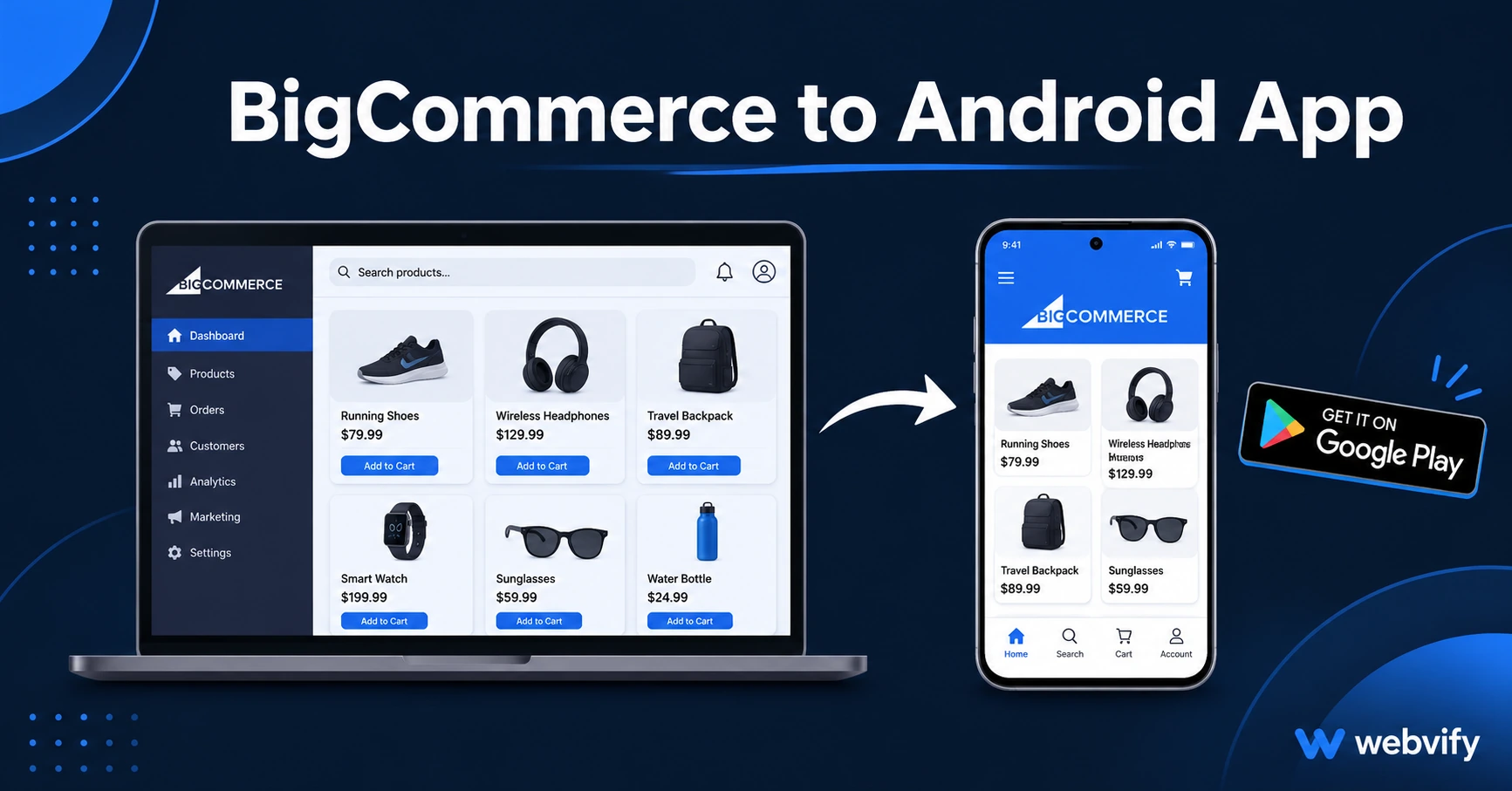
Turn your BigCommerce store into an Android app without a developer. Here's how Google Play submission works, what to avoid, and how to launch in weeks.
Inside this article
- Why BigCommerce Doesn't Have a Built-In Android App Path
- How a WebView Wrapper Turns Your BigCommerce Store Into an Android App
- BigCommerce-Specific Requirements to Know Before You Build
- The BigCommerce to Android App Conversion Process, Step by Step
- What Your BigCommerce Android App Can Do After Launch
- Frequently Asked Questions
Android holds 72% of the global smartphone market. If your BigCommerce store doesn't have an Android app, most of your mobile customers are one competitor-app-install away from forgetting you exist.
BigCommerce doesn't offer an Android export. There's no button in your admin panel that produces an app file ready for Google Play. The path from your storefront to the Play Store runs through a WebView wrapper — a lightweight native Android shell that loads your existing website inside a proper app, complete with push notifications, a home screen icon, and a real Google Play listing under your brand name.
This guide explains exactly how the BigCommerce to Android app process works, what platform-specific issues to watch for, and how to get your store live on Google Play without writing a single line of code.
Why BigCommerce Doesn't Have a Built-In Android App Path
BigCommerce is a hosted e-commerce platform. It handles your storefront, checkout, inventory, and shipping — not mobile app submissions. Publishing to Google Play requires a compiled Android App Bundle (AAB file), a verified Google Play Developer account, a completed Data Safety declaration, and a mandatory 14-day closed testing period before your app can go public.
That's a completely separate technical process from running an online store. Most BigCommerce merchants aren't set up for it, and they shouldn't have to be.
How a WebView Wrapper Turns Your BigCommerce Store Into an Android App
A WebView wrapper is a native Android shell that loads your BigCommerce storefront URL inside a proper app container. To Google Play and to your customers, it behaves like a real Android app: it has its own launcher icon, a splash screen, full push notification support, and a Play Store listing with ratings, reviews, and organic discoverability.
The key advantage for BigCommerce store owners is that your existing storefront carries over without any rebuilding. Your product catalog, checkout flow, promotions, and theme all load live inside the app. When you update products or run a sale on your BigCommerce site, the app reflects those changes automatically — because it's loading your live store, not a copy of it.
Services like Webvify handle the wrapper build and the complete Google Play submission process end-to-end. You don't touch Android Studio, the Play Console, or the Data Safety form. If you're also considering iOS, the BigCommerce iOS app guide covers the Apple-specific steps and differences.
BigCommerce-Specific Requirements to Know Before You Build
Custom domain first. Google Play requires your app to point to a real domain (e.g., yourstore.com) — not a subdomain like yourstore.mybigcommerce.com. Most BigCommerce stores already have a custom domain active, but confirm yours is resolving correctly before starting the build process.
Google Play Billing for digital goods. If your store sells physical products — clothing, homewares, electronics, accessories — there are no in-app purchase restrictions. But if you sell downloadable files, software licenses, or digital subscription access, Google Play Billing rules apply to purchases made inside the Android app. The standard fix is routing digital checkout flows to an external browser, keeping physical product purchases fully in-app. Check your product catalog type before you build.
Data Safety form. Every Google Play submission now requires a completed Data Safety declaration covering what data your app collects, how it's used, and whether it's shared with third parties. For a BigCommerce storefront this maps to standard checkout data: name, email, shipping address, and payment information (handled by BigCommerce's payment processors, not your app directly). A managed submission service handles this form for you.
Android API target level. Google Play requires all apps to target a recent Android API level. For new submissions in 2026 this means Android 14 (API 34) or higher. Your provider should build to the current requirement automatically, but confirm this upfront — a submission that targets an outdated API level will be rejected.
Mobile responsiveness check. BigCommerce's default themes (Cornerstone and most marketplace themes) are fully mobile-responsive. Before building, browse your storefront on a phone to confirm product pages, navigation, search, and checkout all work cleanly on a small screen. Fix any layout issues on your storefront first — they'll appear in the app too.
The BigCommerce to Android App Conversion Process, Step by Step
The process follows a predictable sequence once you've confirmed the requirements above.
Your provider builds the Android wrapper from your BigCommerce store URL, configuring push notification support, custom icon, splash screen, and app branding. They package it as a signed AAB file ready for Play Console upload.
You register a Google Play Developer account at play.google.com/console for a one-time $25 fee. Identity verification (government-issued photo ID) is now required by Google — plan for 1–2 business days for verification to clear.
The closed testing phase is the longest part. Google requires a minimum of 12 real testers to interact with your app for at least 14 consecutive days before the app is eligible for production. Your provider will typically help you source testers or provide them as part of the service. The Google Play closed testing guide walks through this step in detail.
After the testing period, your provider submits for production review. Google Play review typically takes 1–3 business days. Once approved, your app is live on Google Play and searchable by your brand name.
Total timeline from start to live: typically 3–5 weeks, driven almost entirely by the 14-day closed testing requirement.
What Your BigCommerce Android App Can Do After Launch
Push notifications. You can message customers who've installed your app directly to their lock screen — flash sales, new arrivals, back-in-stock alerts, and cart abandonment prompts. Push notification open rates run 60–90% compared to 20–30% for email. For a store running regular promotions, this alone justifies having an app.
Google Play discoverability. Your store appears in Play Store search results for your brand name and category terms. This is a separate discovery channel from organic website SEO — customers who search "your brand name app" on their Android phones now find you.
Home screen presence. Customers who install your app have your icon on their phone. That visibility is worth considerably more than a browser bookmark — it shapes where they go first when they're ready to buy.
Ongoing updates. Because the app loads your live BigCommerce storefront, product changes and promotions update automatically with no app release required. Structural updates (new Android API requirements, push notification library changes) happen once a year on average.
Frequently Asked Questions
Does a BigCommerce WebView app get approved on Google Play?
Yes. Google Play approves WebView wrapper apps that pass the 14-day closed testing period and meet the technical requirements. BigCommerce storefronts are mobile-responsive and function well inside a WebView shell, which means Play Store approval is straightforward when the submission is prepared correctly.
Do I need a developer to get my BigCommerce store on Google Play?
No. A managed service like Webvify handles the wrapper build, Play Console setup, Data Safety form, and the full submission and testing process. You provide your store URL, branding assets (icon and splash screen), and access to your Play Console account — they handle everything else.
How long does it take to get a BigCommerce Android app live on Google Play?
The process typically takes 3–5 weeks from start to live. Most of that time is the mandatory 14-day Google Play closed testing period. The wrapper build takes a few days, and final review after testing runs 1–3 days.
Your BigCommerce store is already mobile-ready. Getting it onto Google Play is the step that puts you in front of Android customers where they shop — inside an app, not a browser tab.