

How to Turn Your BigCommerce Store Into an iOS App (Without a Developer)
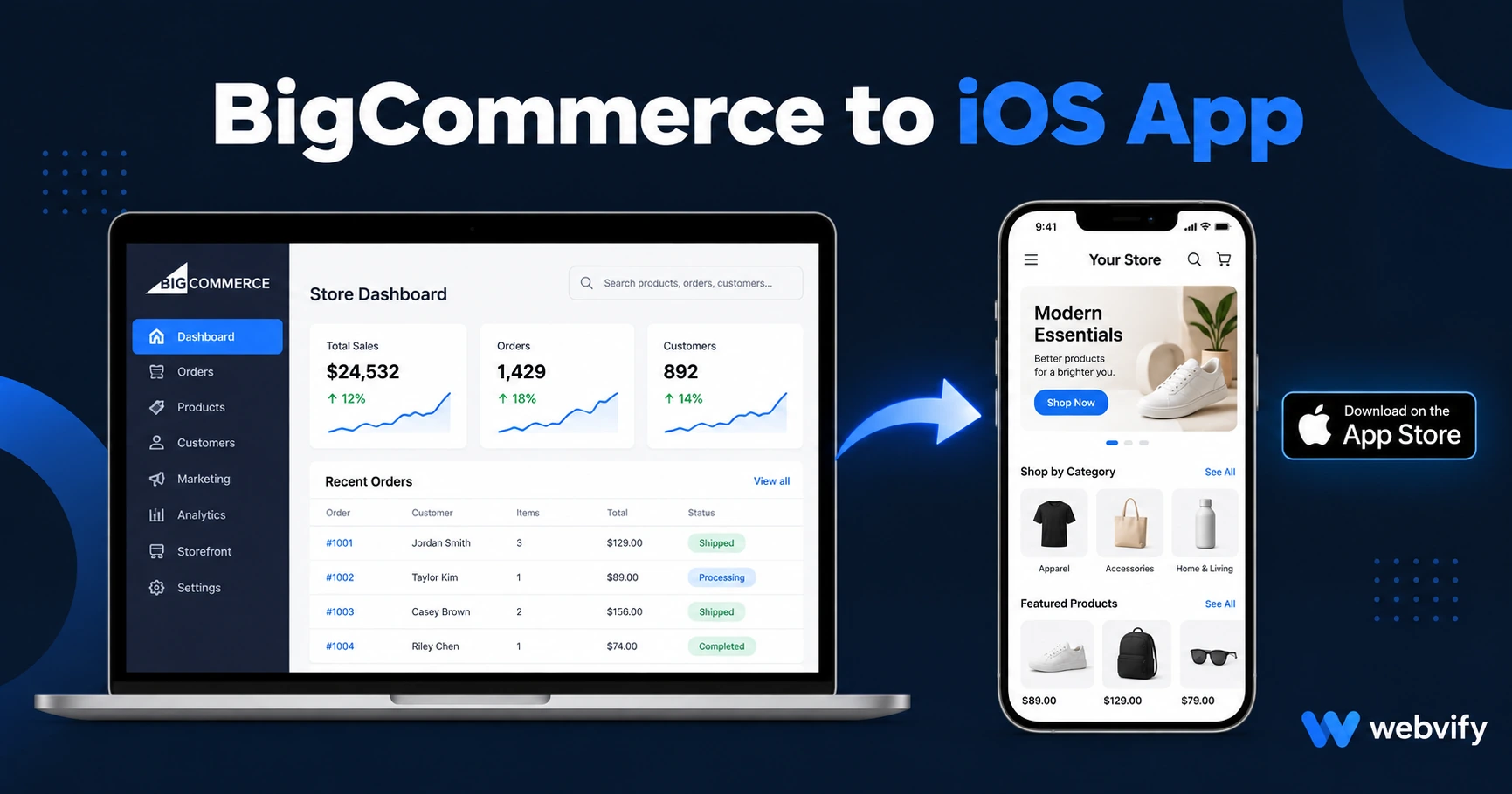
BigCommerce has no native iOS export. Here's how to get your store on the App Store — what Apple checks, what costs, and how to avoid rejection.
Inside this article
- What a BigCommerce iOS App Actually Is
- Does BigCommerce Have a Native iOS Export?
- How the Conversion to a BigCommerce iOS App Works
- The Apple Rule That Trips Up Most BigCommerce App Submissions
- What BigCommerce Headless Setups Need to Know
- App Store Minimum Functionality — and How Push Notifications Solve It
- How Much Does a BigCommerce iOS App Cost?
- Frequently Asked Questions
Mobile browsers are where your customers start. The App Store is where they stay. BigCommerce gives you a fast, mobile-optimized storefront — but it does not publish that store to the App Store under your brand.
What a BigCommerce iOS App Actually Is
BigCommerce offers a management app ("BigCommerce Mobile") for tracking orders on your phone. That is not the same as a customer-facing iOS app listed under your store name on the App Store.
A customer-facing iOS app wraps your BigCommerce storefront in a native iOS container — giving it an App Store listing, a home screen icon, push notification access, and the trust signals that come with a real app. This approach is called a WebView app, and Apple approves them daily for ecommerce stores across every platform.
Does BigCommerce Have a Native iOS Export?
BigCommerce does not offer a native iOS export. To get your store on the App Store under your brand, you have three options:
Build natively. Hire an iOS developer to rebuild your store in Swift or React Native. Cost: $50K–$150K. Timeline: 6–12 months. The store you already have doesn't transfer — it gets rebuilt from scratch.
Use a BigCommerce partner. Some third-party BigCommerce ecosystem apps offer mobile features, but most target store management or point-of-sale workflows, not a branded customer-facing app on the App Store.
Convert your existing BigCommerce URL to a WebView app. This is the fastest path. Your store at store.yourdomain.com becomes a branded iOS app in the App Store without rebuilding anything. Services like Webvify handle the entire process end-to-end.
For most store owners, the third option is the only one that makes financial or practical sense.
How the Conversion to a BigCommerce iOS App Works
A WebView wrapper takes your existing BigCommerce storefront and packages it inside a native iOS shell. Here is what that process looks like:
Custom domain check. Apple requires apps to load content from a custom domain, not a BigCommerce subdomain like store-xxxx.mybigcommerce.com. Most stores already have a custom domain like store.yourdomain.com. If yours doesn't, this is the first step.
App build. A native iOS container is configured with your store URL, app name, icon, and splash screen. No changes to BigCommerce are required. The store your customers already use becomes the app.
Apple compliance review. The app is tested against Apple's guidelines before submission — specifically Guideline 4.2 (Minimum Functionality) and Guideline 3.1.1 (in-app purchases for digital goods).
Submission. The app is submitted to App Store Connect under your Apple Developer account. Apple's review typically takes 24–48 hours.
App Store listing. Title, keywords, screenshots, and description are set up to drive discoverability alongside your regular search traffic.
Most BigCommerce stores are approved on the first or second submission when compliance is handled correctly from the start.
The Apple Rule That Trips Up Most BigCommerce App Submissions
If your BigCommerce store sells physical goods only — clothing, furniture, supplements, hardware — you have no in-app purchase issues. Apple's Guideline 3.1.1 does not apply to physical products.
If your store sells digital products, subscriptions, or downloadable content, Apple requires that in-app purchases for those digital items use Apple's payment system. For most BigCommerce sellers in this category, the fix is to redirect checkout flows to an external browser for digital purchases. Physical product browsing, cart, and checkout run normally inside the app.
This is the same pattern used by major ecommerce and content apps already on the App Store. It is not a workaround — it is the documented approach, and Apple reviewers expect it.
If your store is physical-goods only, you can skip this consideration entirely.
What BigCommerce Headless Setups Need to Know
If you run a headless BigCommerce setup with a Next.js or Gatsby frontend connected to BigCommerce's API, the conversion process is the same. The WebView points to your headless frontend URL rather than the default Stencil storefront URL.
One thing to verify before submission: test third-party scripts on mobile. Pop-up widgets, chat overlays, and age-gate screens can render as blank white overlays inside a WebView. These are easy to catch and fix before submission, but catching them late can cost you review cycles.
If you are using headless BigCommerce with Vercel or Netlify for hosting, these setups work cleanly in WebView. Custom domains from both hosts are App Store compliant.
App Store Minimum Functionality — and How Push Notifications Solve It
Apple's Guideline 4.2 says apps must have enough functionality to justify their existence on the App Store beyond what a website already provides. For BigCommerce apps, push notifications satisfy this requirement clearly.
Push notifications let your store send messages directly to a customer's lock screen — new arrivals, low-stock alerts, abandoned cart nudges. They achieve a 60–90% open rate compared to 20–30% for email. Apple reviewers treat push notifications as a clear functional addition that no mobile browser can match.
Adding push notifications to your BigCommerce iOS app also makes the business case obvious: customers who install your app buy more frequently, with less ad spend to bring them back.
How Much Does a BigCommerce iOS App Cost?
A custom-built native iOS app from scratch: $50K–$150K upfront, plus $5K–$20K per year in maintenance.
A WebView app with App Store submission included: typically a one-time build fee of $500–$2,500, with a monthly fee for push notifications, updates, and management.
The WebView approach delivers 90% of the value at roughly 5% of the cost. For a BigCommerce store that already has a mobile-responsive frontend, the only thing missing is the App Store presence — and that is what the wrapper provides.
For the Android side of this project, the process mirrors what is covered in our BigCommerce mobile app guide, which also covers Google Play submission.
Frequently Asked Questions
Can I submit my BigCommerce store to the App Store myself?
Yes, but you will need an Apple Developer account ($99/year), Xcode on a Mac, and enough technical familiarity to build, sign, and submit an iOS app package. Most BigCommerce store owners work with a managed service for this reason. The barrier is not writing code — it is navigating App Store Connect, resolving compliance issues, and managing the review process through to approval.
Will my BigCommerce Stencil theme work inside an iOS app?
Any BigCommerce storefront that is mobile-responsive works in a WebView app. All default BigCommerce themes (Cornerstone and standard Stencil themes) are mobile-responsive and App Store ready. Heavily customized themes should be tested on a real mobile browser before submission to make sure nothing breaks at mobile viewport widths.
How long does it take to get a BigCommerce iOS app approved on the App Store?
With a managed service, the typical timeline from start to App Store approval is 5–14 business days. Apple's review itself takes 24–48 hours — the rest is preparation, testing, and compliance work before the submission is sent. Building a native app from scratch takes 6–12 months.
Your BigCommerce store is already built. Getting it onto the App Store is the next step. Webvify converts your store into a fully branded iOS app and handles App Store submission end-to-end — no developer required.