

Best WordPress Mobile App Builders in 2026: An Honest Comparison
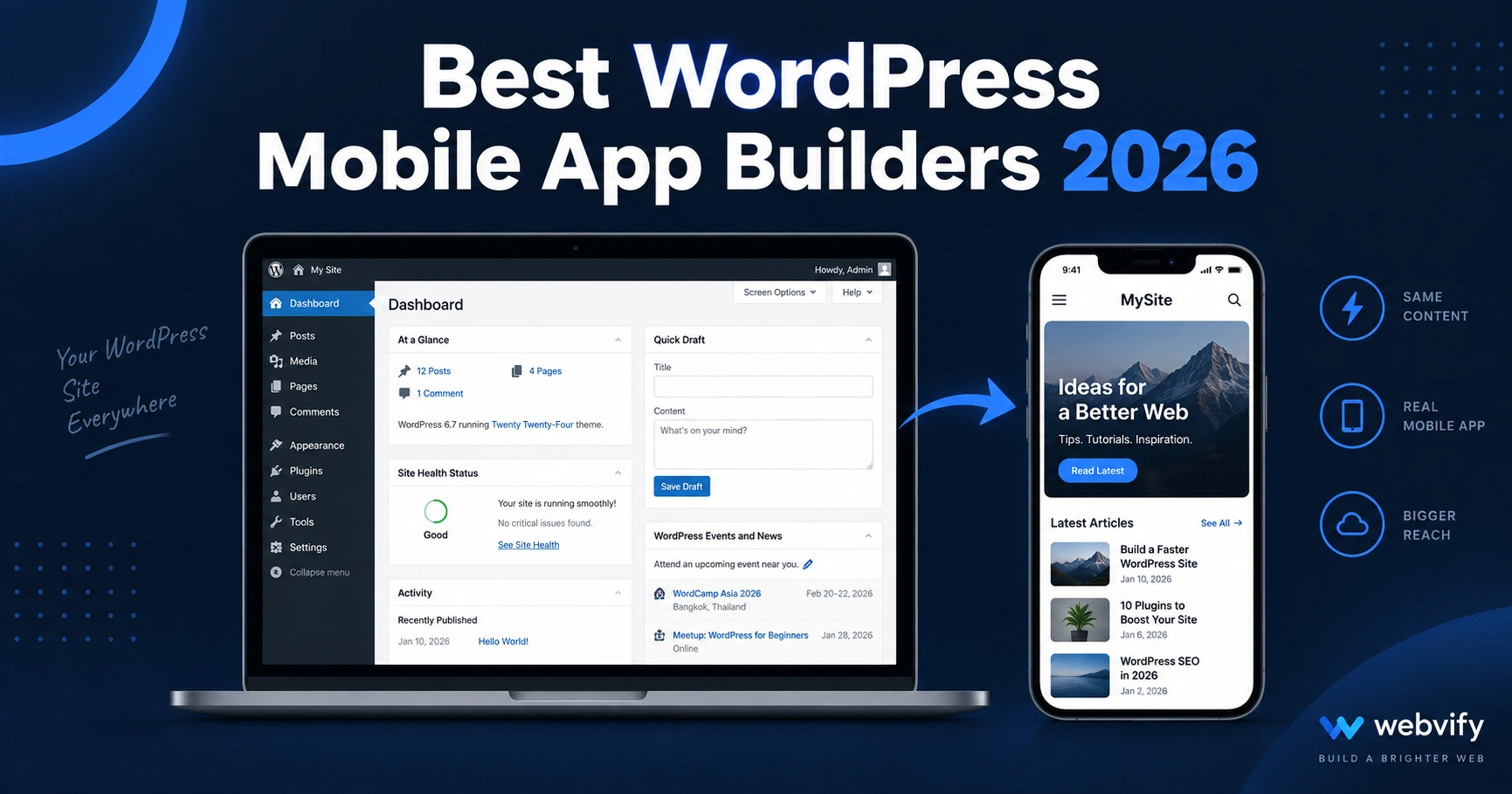
Comparing the best WordPress mobile app builders in 2026. From done-for-you WebView wrappers to developer tools — find the right fit for your site.
Inside this article
WordPress runs 43% of all websites on the internet — but none of them ship an iOS or Android app on their own. If you want your WordPress site on the App Store and Google Play, you need a WordPress mobile app builder to bridge that gap.
The right one depends on your site type, your technical comfort, and how much of the process you want to handle yourself. Here's what to know before you choose.
What Makes a WordPress Mobile App Builder Worth Using
Not all tools approach the problem the same way, and the differences matter more than most comparison posts let on.
Does it wrap your existing WordPress site, or make you rebuild it? The fastest and most maintainable path is a WebView wrapper — a tool that converts your live WordPress URL into a native app. Any update you make in WordPress shows up in the app automatically, with no duplication. Tools that require you to rebuild your pages, products, or posts inside a separate editor create a second system you have to maintain in parallel.
Who handles App Store and Google Play submission? Building the app is only half the work. Getting it approved by Apple and Google involves developer accounts ($99/year for Apple, $25 one-time for Google), compliance requirements, and review processes that regularly reject first-time submissions. Some builders hand you the app file and leave the rest to you. Others handle the entire end-to-end process, including rejection handling.
What happens to the app when you update your WordPress site? A good WebView-based builder reflects your WordPress updates instantly. Builder tools that use a parallel editor need manual syncing.
The Best WordPress Mobile App Builders in 2026
WebView Wrapper Services (Done-for-You)
WebView wrapper services package your existing WordPress site as a native app — the site still runs on your WordPress backend, but users open it through a real iOS and Android app on their home screen.
Webvify converts any WordPress site into a fully branded mobile app and handles the entire process end-to-end — build, App Store submission, Google Play submission, all under your own developer accounts, plus an admin panel for managing push notifications and settings after launch. You don't touch Xcode, the Apple developer portal, or Android Studio. For non-technical WordPress site owners, this is the clearest path to a live app without becoming a part-time mobile developer.
One note for WordPress membership sites and course platforms: Apple's Guideline 3.1.1 requires that digital subscriptions sold inside an iOS app go through Apple's payment system (with a 30% cut). The fix is routing purchase flows to an external browser. A managed service like Webvify handles this configuration for you. For a detailed walkthrough, this guide covers WordPress membership sites specifically.
Other WebView services include Median.co (formerly GoNative) and Natively. Both wrap your existing WordPress URL without rebuilding content, but leave App Store and Google Play submission to you — which is a significant difference if you've never navigated Apple's developer portal.
WordPress Plugin Builders
AppPresser is a WordPress plugin that builds a React Native app connected to your site's REST API. It gives developers deep control and produces a more customized app experience than a WebView wrapper. The trade-off is that it requires React Native development skills to set up, customize, and maintain. App Store submission is the user's (or their developer's) responsibility. It's well-suited to agencies building bespoke app projects for clients — not for WordPress site owners who want to avoid technical work.
Self-Service App Builders with WordPress Integration
AppMySite offers a WordPress plugin that connects your site to its app-building platform. You can preview an app in their dashboard without developer help, and they offer submission guidance. It works well for straightforward WordPress sites, though WooCommerce stores with subscriptions or membership plugins require additional configuration to handle Apple's IAP rules correctly. Submission support is available but is a separate process the user leads.
Which Type Is Right for Your WordPress Site?
The fastest narrowing question: how much do you want to own?
If you want the app built, submitted, and live without managing any technical steps yourself — a managed done-for-you service is the right choice. You'll pay more per month than a self-service tool, but you're paying for the App Store expertise and the end-to-end process, not just the software.
If you have a developer on your team or are comfortable navigating developer portals — a tool like AppPresser, Median.co, or AppMySite gives you more control at a lower ongoing cost.
If your WordPress site has digital subscriptions, courses, or memberships — prioritize whichever builder has the clearest guidance (or handles it for you) on Apple's IAP compliance. That step catches more first-time submissions than any other.
If you've already compared options for a Shopify or WooCommerce store, the decision framework there is similar. The WooCommerce comparison covers the same criteria from that angle.
What Happens After Your WordPress App Is Live
Once your app is on the App Store and Google Play, push notifications become your most direct line to customers. Push open rates average 60–90%, compared to 20–30% for email. For content-driven WordPress sites, new post alerts keep readers engaged without depending on social media algorithms. For WooCommerce stores, abandoned cart reminders and flash sale alerts tend to perform well. For service businesses using WordPress booking plugins, appointment reminders and rebooking nudges drive the highest return.
Your app also shows up in App Store and Google Play search — adding a second organic discovery channel alongside Google web search.
FAQ
What is the easiest way to get a WordPress site on the App Store?
The easiest path is a managed WebView wrapper service. These tools convert your existing WordPress site into a native app and handle App Store and Google Play submission on your behalf. You don't need to learn Xcode, manage developer accounts, or navigate Apple's review process yourself.
Can I turn my WooCommerce store into a mobile app?
Yes. WebView-based tools wrap your WooCommerce store without rebuilding your product catalog or checkout flow. If your store sells digital products or subscriptions, make sure the builder you choose handles Apple's Guideline 3.1.1 compliance — which requires digital purchase flows to route through Apple's payment system (or redirect to an external browser to avoid it).
How much does a WordPress mobile app cost?
Costs vary significantly by approach. Managed done-for-you services typically start at $99–$399 per month and include App Store submission. Self-service tools range from $29–$99 per month but require you to handle submission yourself. Add $99/year for an Apple Developer account and $25 one-time for a Google Play account regardless of which builder you choose.
Ready to turn your WordPress site into a mobile app without touching a line of code? Webvify handles the build, the App Store submission, and the admin panel — so you can focus on your business.