

Best WooCommerce Mobile App Builders in 2026: An Honest Comparison
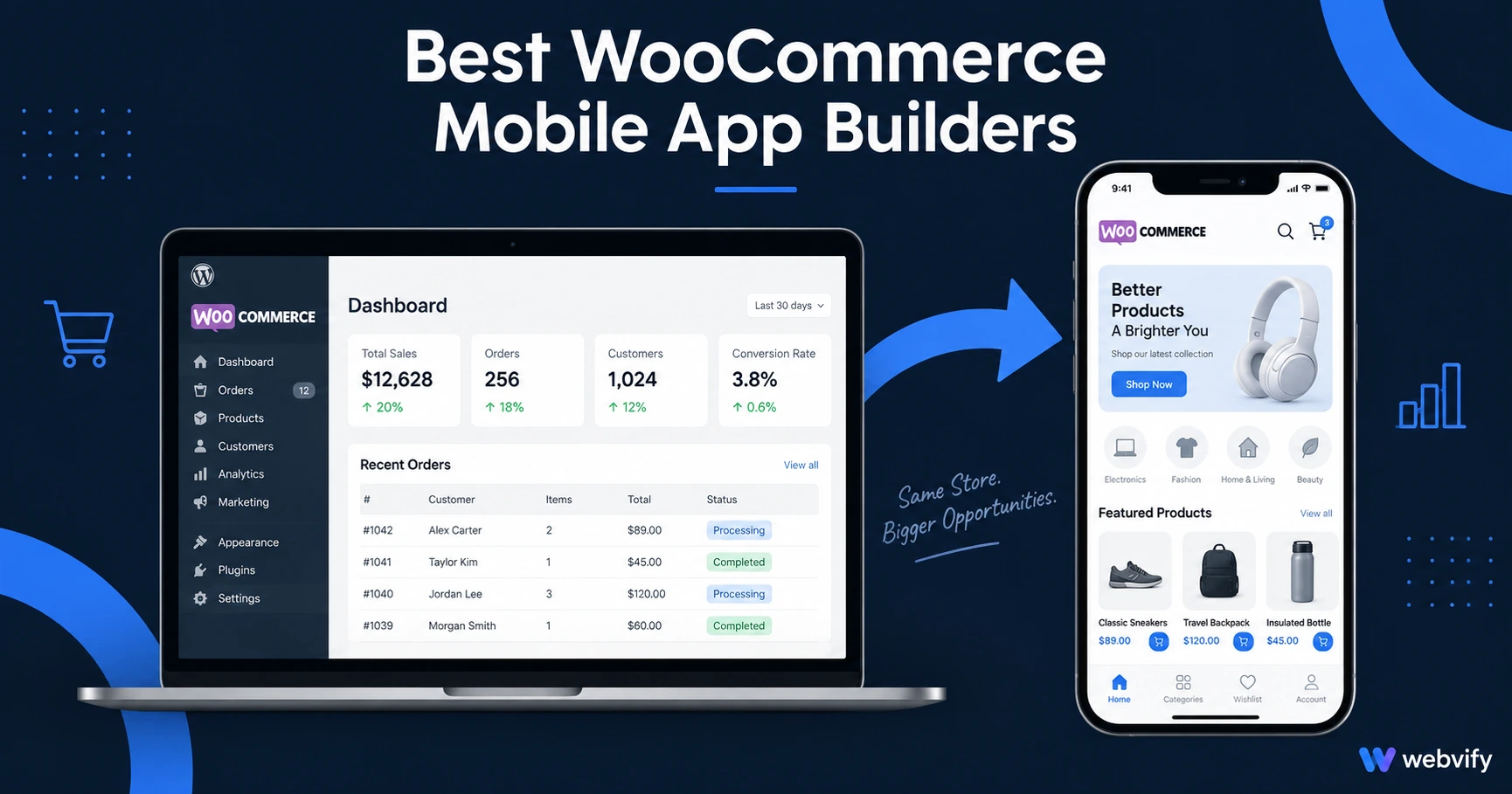
The best WooCommerce mobile app builders in 2026 — who handles App Store submission, what they cost, and which fits stores that already have a website.
Inside this article
Most WooCommerce store owners who search for a mobile app builder expect to find a simple tool that converts their existing site. What they find instead is a list of options that solve completely different problems — and choosing the wrong category means rebuilding everything from scratch.
This guide breaks down the five most-used WooCommerce mobile app builders in 2026, what each one actually does, and how to pick the right one for a store that already has a website.
Why WooCommerce Stores Need a Mobile App in 2026
Mobile traffic accounts for more than 60% of WooCommerce store visits, but mobile web conversion rates average 1–2% — less than half the desktop rate. A dedicated mobile app changes that equation: push notifications reach customers directly on the lock screen with 60–90% open rates (compared to 20–30% for email), and a home screen presence drives repeat purchases that a browser tab simply can't.
The fastest path isn't building a new app from scratch. It's packaging the WooCommerce site that already exists.
The Two Categories You Need to Know
Before comparing tools, it's worth understanding the split that most comparison articles skip.
Rebuild-from-scratch builders (Appy Pie, AppInstitute) require you to recreate your store — products, categories, checkout — inside their editor. You end up with two systems to maintain: your WooCommerce site and their app. That's ongoing overhead most store owners don't account for upfront.
Website converters / WebView wrappers (Webvify, GoNative/Median, Natively, MobiLoud) take your existing WooCommerce site and package it as a native iOS and Android app. No content duplication. No parallel system.
For stores that already have a live WooCommerce site, the second category is almost always the right call.
The Best WooCommerce Mobile App Builders in 2026
1. Webvify
Webvify converts your WooCommerce site into a fully branded iOS and Android app and handles the entire process end-to-end — from building the WebView app to submitting it to the App Store and Google Play under your own developer accounts.
The key differentiator is who does the work. Most tools provide an app file or a build dashboard and leave App Store submission entirely to you. Webvify handles everything, including navigating Apple's compliance checklist and responding to any rejection notices.
After launch, you manage push notifications and app settings through a self-service admin panel — no developer needed for ongoing updates.
Services like Webvify sit in a different category than self-service tools: if you've already done the hard work of building your WooCommerce store, converting it to a mobile app should not require learning Xcode.
Best for: WooCommerce store owners who want a branded app live quickly without navigating Apple Developer accounts, Xcode, or App Store compliance requirements.
2. MobiLoud
MobiLoud is a managed service similar to Webvify — it converts your existing site into a native app and handles App Store submission. The distinction is pricing: MobiLoud starts at $399/month with App Store submission as a separate tier, making it more expensive for stores in the early growth stage.
It is a credible option, but better suited to higher-revenue stores where the monthly cost is a smaller percentage of revenue.
Best for: Established stores with $50K+ annual revenue that want a premium managed service with extensive support.
3. GoNative (now Median)
GoNative/Median wraps your WooCommerce URL as a WebView app and offers deep customization — plugins for offline mode, biometric authentication, JavaScript bridges for native features. The catch: App Store submission is entirely on the user. You need an Apple Developer account, access to a Mac with Xcode, and the patience to navigate Apple's compliance process independently.
Best for: Developers building apps for their own stores, or for clients who have in-house technical resources willing to manage the submission process.
4. Natively
Natively offers a self-service platform for converting websites to apps at a lower price point than MobiLoud. The same limitation applies: you get the app file and build infrastructure, but you handle App Store submission yourself. There is no done-for-you submission option.
Best for: Store owners who are already comfortable navigating the App Store and Google Play submission process and want a lower-cost self-service option.
5. Appy Pie
Appy Pie is a drag-and-drop app builder. To use it for WooCommerce, you recreate your store inside their platform from scratch — products, categories, images, checkout flow — not by connecting your existing site. You end up running two parallel systems: your live WooCommerce store and their app version. That's an ongoing content maintenance cost that rarely makes sense for established stores.
Best for: Simple use cases without an existing website, or stores that want a standalone app experience completely disconnected from their site.
What to Check Before Choosing a WooCommerce App Builder
Who submits to the App Store? This is the biggest variable. Managed services (Webvify, MobiLoud) handle this for you. Self-service tools (GoNative, Natively) deliver the app file and stop there. If you are not technical, done-for-you submission is the feature that matters most.
Does it wrap your existing site, or require rebuilding? Rebuilding your WooCommerce catalog from scratch in a third-party editor doubles your maintenance overhead. Confirm the tool works by wrapping your existing URL before committing to a plan.
Digital goods compliance: If your store sells digital products — courses, downloads, subscriptions — via Stripe, Apple's Guideline 3.1.1 applies. Your iOS app cannot process those payments in-app; purchase flows must route to an external browser. A reputable managed service handles this automatically. If you sell only physical goods, this is not an issue.
Push notifications included? Not all WooCommerce app builders include push notifications in their base plan. Confirm push is included — it is the primary customer retention mechanism. For stores already running email campaigns, push notifications consistently outperform email for WooCommerce stores on open rates and direct revenue.
FAQ
What is the best WooCommerce mobile app builder for a small store?
For a WooCommerce store that already has a live site, a WebView-based managed service is the fastest and most cost-effective path. Webvify converts your existing site without requiring a content rebuild and handles App Store and Google Play submission end-to-end. No developer, no Mac required.
Do I need to rebuild my WooCommerce catalog for a mobile app?
No — not if you use a website converter. Tools like Webvify, MobiLoud, and GoNative wrap your existing WooCommerce site as a native app. Your product catalog, pricing, and checkout flow stay on your site; the app displays them automatically. Only rebuild-from-scratch builders (Appy Pie, AppInstitute) require you to recreate products manually.
Can a WooCommerce mobile app sell products on iOS and Android?
Yes, with one caveat. Physical product stores have no restrictions — the checkout runs through your existing payment gateway. For digital products (downloads, courses, subscriptions) on iOS, Apple's Guideline 3.1.1 requires purchase flows to route to an external browser. A managed service handles this compliance step during submission; a self-service tool leaves it to you.
The Bottom Line
The fastest path to a WooCommerce mobile app in 2026 is one that wraps your existing site and handles the App Store process end-to-end. If you want your app live without learning Xcode or navigating Apple's compliance portal, Webvify is built for exactly that.
Get your WooCommerce store on the App Store and Google Play today →