

Best Adalo Alternatives 2026: Ranked by Price, Features & App Store Access
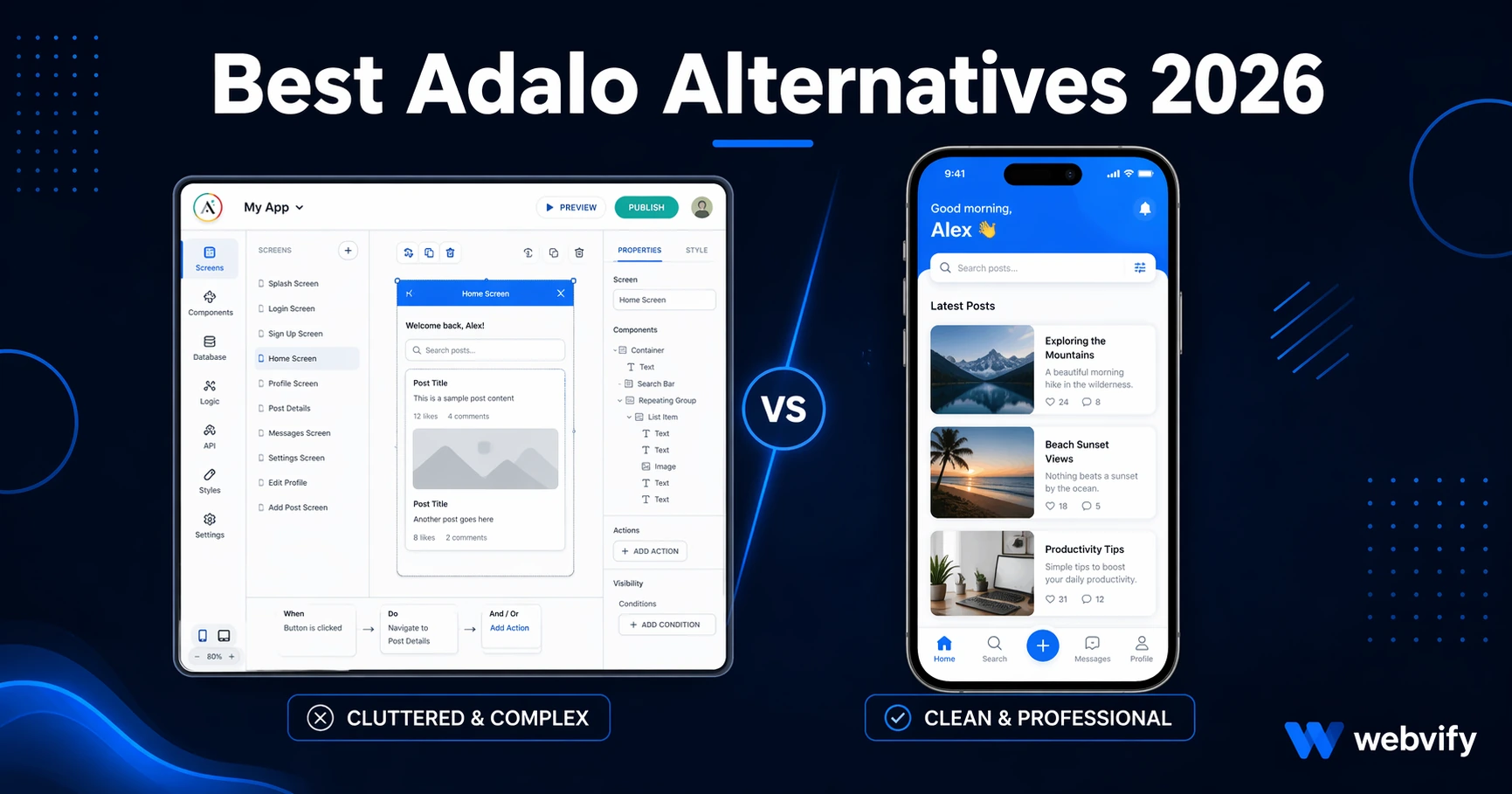
Adalo forces you to rebuild your whole app from scratch. These alternatives let you keep your existing website and still publish to the App Store — compared by real cost and time.
Inside this article
Best Adalo Alternatives in 2026 (For Businesses That Already Have a Website)
Adalo lets you build mobile apps without writing code. But once you start using it, one thing becomes obvious: everything has to live inside Adalo. If you already have a website, a blog, or an online store, none of that comes with you. You rebuild from scratch — in a proprietary drag-and-drop editor.
That's the reason most people start looking for Adalo alternatives.
What Adalo Does Well (and Where It Falls Short)
Adalo is a genuine no-code tool. You can design screens, connect a database, add logic, and publish to the App Store and Google Play — all without touching code. For brand-new apps built from a blank slate, the concept works.
Where Adalo consistently causes problems:
You have to rebuild all your content inside Adalo. Your existing website, CMS, product catalog, or membership database doesn't transfer. You enter everything manually into Adalo's proprietary data layer. If your content already lives somewhere else, you're now maintaining two systems.
App Store submission is your responsibility. Adalo provides the app file, but navigating Apple's developer portal, compliance requirements, and review process is entirely on you. For non-technical business owners, this step alone is where projects stall.
Performance can be sluggish. Adalo apps are known to load slowly compared to WebView-based or native apps, particularly on older Android devices.
Pricing scales with usage. Database records, team members, and custom domains are gated behind higher-tier plans. What starts as affordable can grow quickly.
If any of these friction points match your situation, the alternatives below are worth knowing.
The Best Adalo Alternatives in 2026
1. Webvify — For Businesses That Already Have a Website
If you already have a website, Webvify takes a fundamentally different approach: it converts your existing site into a mobile app rather than asking you to rebuild inside a new platform.
Your website content, your CMS, your Shopify or WooCommerce store — it's already there. The app wraps it natively and publishes it to the App Store and Google Play. You don't create a second content system to maintain.
The bigger differentiator is the submission process. Webvify handles App Store and Google Play submission end-to-end — you don't navigate Apple's developer portal, content compliance requirements, or binary submission pipelines yourself. That's the step where most self-service tools leave you on your own. (If you're curious what that process actually involves, this guide covers how to submit an app to the App Store without a developer.)
After launch, you get an admin panel to manage push notifications, update settings, and monitor your app without touching any code.
Best fit: SMB owners, e-commerce stores, restaurants, service businesses, coaches, and anyone who already has a working website and wants it live as an app — without rebuilding anything.
2. Glide — For Spreadsheet-Based Internal Tools
Glide builds apps from Google Sheets or Excel data. If your content already lives in a spreadsheet — product inventory, a service directory, employee schedules — Glide can turn it into a functional app quickly.
The trade-off is scope. Glide is designed for structured data display, not complex consumer apps or content-heavy websites. If your use case goes beyond simple data views, it hits its limits fast. It's also best suited for internal tools or small-team apps rather than branded consumer experiences published to the App Store.
3. Bubble — For Custom Logic and Complex Workflows
Bubble is the most powerful no-code option on this list. You can build multi-user apps, complex conditional logic, API integrations, custom databases, and sophisticated workflows — all visually. If Adalo feels too limited for what you're building, Bubble is the step up.
The trade-off is learning curve and cost. Bubble takes real time to learn. It's also a from-scratch platform — your existing website doesn't carry over. If you already have a site and just want it as an app, Bubble doesn't accelerate that process at all.
4. AppMySite — For WordPress and WooCommerce Owners
AppMySite integrates with WordPress and WooCommerce directly. It reads your existing posts, pages, and products through a plugin and converts them into an app. No manual data re-entry.
The limitation is submission. AppMySite provides the app package, but getting it approved on the App Store and Google Play is still your job. Navigating Apple's compliance requirements, setting up developer accounts, and handling review feedback requires technical confidence most SMB owners don't have.
For a closer look at the difference in what's handled for you, see our Webvify vs AppMySite comparison.
5. Natively (GoNative) — For Developers and Technical Teams
Natively wraps your existing website in a WebView container and generates an app binary. If you have a mobile-responsive site and know what you're doing, it's fast to set up.
The trade-off is that it's a self-service developer tool. Configuration, App Store submission, compliance, and rejection handling are all on you. There's no managed service layer — it assumes you can navigate Apple and Google's requirements without hand-holding.
How to Choose the Right Adalo Alternative
The decision usually comes down to two questions.
First: do you already have a website?
If yes, tools that wrap or integrate with your existing site will be faster and cheaper than tools that ask you to rebuild. Webvify, AppMySite, or Natively are the relevant options — the difference between them is how much you want handled versus doing yourself.
If no, you're starting from scratch. Adalo, Glide, and Bubble are all valid depending on the complexity you need.
Second: who handles App Store submission?
This is where many no-code tools leave you exposed. Generating an app file is the easy part. Getting it approved on Apple and Google — with the right developer account setup, privacy policy, content compliance documentation, and binary specifications — is where projects get stuck. Our breakdown of no-code mobile app pricing in 2026 covers what's actually included versus hidden across major platforms.
If you want that entire process handled, look at managed-service options like Webvify.
FAQ
Is there a free Adalo alternative?
Glide has a free tier for simple internal apps. Most consumer-grade app builders that publish to the App Store require a paid plan, plus your own Apple Developer account ($99/year) and Google Play account ($25 one-time fee). Those store fees apply regardless of which platform you use.
What is the best Adalo alternative for a small business that already has a website?
For a business with an existing website, the most practical alternative is a web-to-app service. Rather than rebuilding your content inside a new platform, these services convert your existing site directly into a native app. Webvify is the strongest option in this category because it handles App Store and Google Play submission end-to-end — not just the app build.
Can you export your app from Adalo to another platform?
Adalo doesn't provide a data export path to other platforms. If your app was built entirely inside Adalo's database, you'd need to rebuild on a new platform. If your app was displaying content that already exists on a website or CMS, switching to a web-to-app approach means you don't need to migrate anything — your website is already the source of truth.
Ready to Get Your App Live Without Rebuilding Everything?
The core frustration with Adalo is the rebuilding tax — duplicating content you already have somewhere else just to fit inside a proprietary editor.
If you have a working website, the faster path is converting it directly. Webvify wraps your existing site, handles App Store and Google Play submission end-to-end, and gives you an admin panel to manage everything after launch. Most businesses are live within days — not weeks of rebuilding.