

How to Turn Your WordPress Site Into an iOS App (Without a Developer)
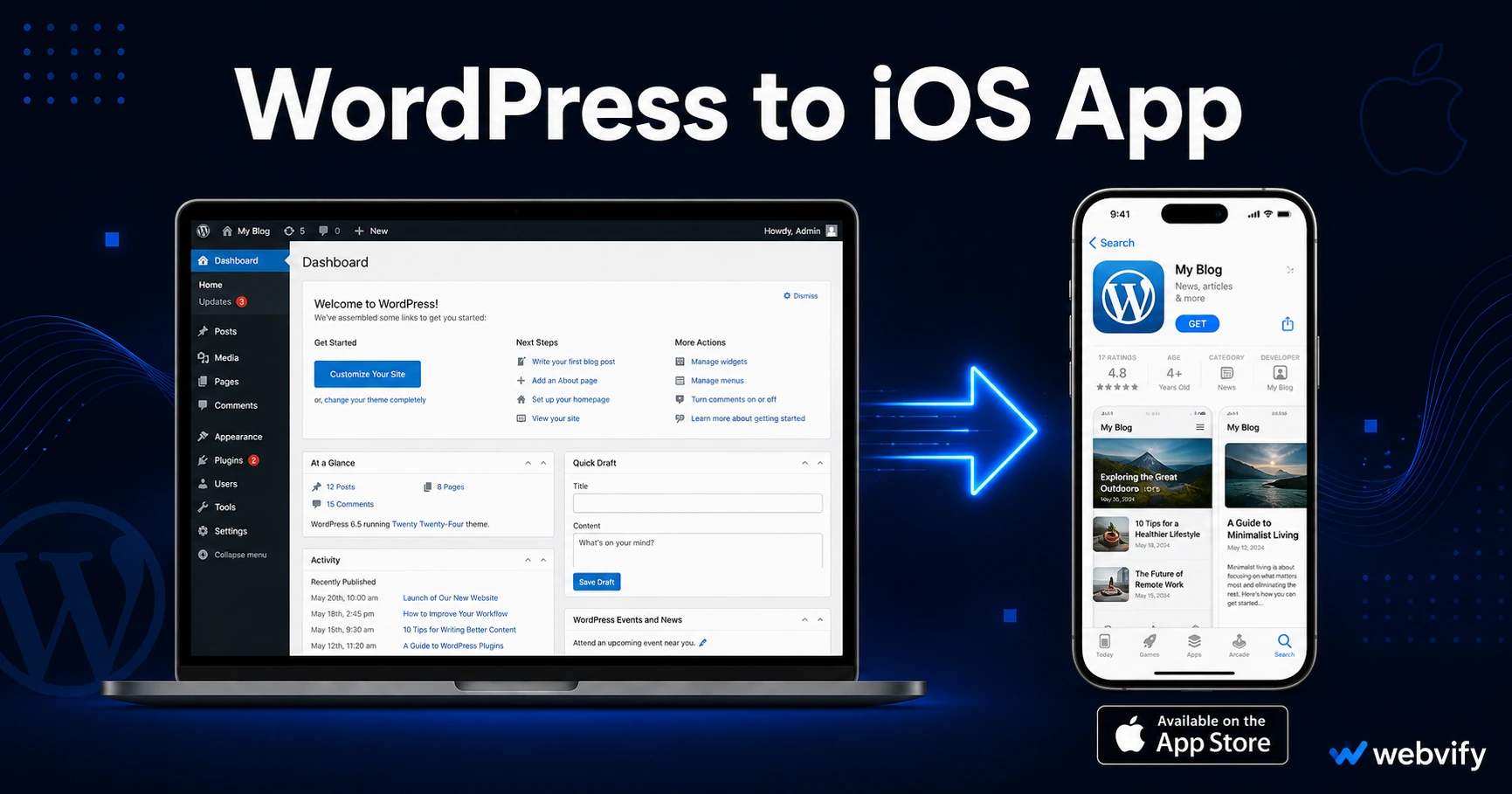
WordPress has no App Store export. Here's how a WebView wrapper gets your site on iOS — plus the exact Apple guidelines that trip up WooCommerce and membership sites.
Inside this article
Apple reviews 150,000 apps per week and approves the vast majority — including thousands built from existing websites using a WebView wrapper. Getting your WordPress site into the App Store isn't the hard part. Avoiding the three guidelines that specifically catch WordPress-powered apps is.
Why WordPress Has No Native App Store Export
WordPress powers 43% of the web, but its architecture is browser-based. There's no "Build for iOS" button in your dashboard, and the WordPress.com mobile app is for managing your site — not a branded app under your name that customers download from the App Store.
The path to an iOS app starts with wrapping your WordPress site inside a native iOS container — a WebView app. This approach packages your existing site into a binary file Apple can review. You're not rebuilding anything; you're giving your site a native shell. The WebView loads your live WordPress URL, so site updates appear in the app automatically without resubmission.
What Apple Actually Reviews (and Why WordPress Sites Pass)
Apple's review team checks two things when evaluating a WebView-based app.
First, Guideline 4.2 — Minimum Functionality. The app must offer more than just a "thin wrapper" around a website. In practice, this means your WordPress site must be mobile-responsive, have real functionality — WooCommerce, a booking system, a login area, membership content — and load on HTTPS with a custom domain.
Second, the general app completeness check: a privacy policy URL, a 1024×1024 icon, App Store screenshots, and a description that accurately reflects what the app does.
WordPress sites with WooCommerce, contact forms, booking plugins, or membership areas pass this test routinely. A static brochure site can still pass, but the App Store listing needs to be honest about what functionality users get.
The Apple Rule That Catches WordPress Sites Off Guard
This one matters if your WordPress site sells anything digital.
Apple's Guideline 3.1.1 states that any in-app purchase of digital content — subscriptions, downloadable files, online courses, membership access — must use Apple's In-App Purchase system (which takes a 30% cut) or be completed outside the app entirely.
That creates a specific trap for WordPress:
WooCommerce digital downloads (PDFs, files, software licenses) — selling these inside the app will trigger a rejection. The fix: redirect the purchase button to an external browser. The user completes the transaction on Safari and returns to the app with access.
Membership plugins (MemberPress, Restrict Content Pro, Paid Member Subscriptions) — subscriptions to gated content must not be completed inside the app using a standard credit card form. Route new memberships to your website's browser checkout.
WooCommerce physical products — no issue. Selling physical goods inside a WebView app is fully allowed under Apple's guidelines.
The fix is always the same: disable or redirect in-app checkout for digital goods. It's not a rebuild — it's a conditional link swap. Services like Webvify handle this as part of the conversion process so you don't need to find the right filter hook in your theme.
Your WordPress iOS Checklist Before Submission
Before an iOS app built from your WordPress site can be submitted, these must be in place:
Custom domain. Your app must load from yourdomain.com, not mysite.wordpress.com or a third-party subdomain. If you're on WordPress.com paid plans, map your custom domain first.
Mobile-responsive theme. Test your site at 390px width. Overlapping elements, cut-off buttons, or horizontal scroll will fail Guideline 4.2. Most modern WordPress themes pass, but heavily customized older themes may need fixes.
Privacy policy page. Every App Store submission requires a privacy policy at a URL you control (e.g., yourdomain.com/privacy-policy). WordPress privacy policy generators work fine.
Apple Developer account. You need an individual ($99/year) or organization account. Organization accounts require a D-U-N-S number and take 1–5 business days to verify — plan for this lead time.
For a side-by-side look at the full process on both platforms, our WordPress to mobile app guide covers the complete picture. If you're also targeting Android, the WordPress to Android app guide walks through Google Play specifics step by step.
How the App Store Submission Process Works
Converting a WordPress site to an iOS app involves five steps:
1. App Store Connect setup — Create an app record with your bundle ID, app name, and App Store category. This is done inside Apple's developer portal.
2. App metadata — Upload screenshots (minimum iPhone 6.5" size), your app icon, a description, a support URL, and your privacy policy link.
3. Binary submission — A WebView wrapper built in Xcode produces the binary file Apple reviews. This is the step most WordPress owners can't handle without a developer, because it requires a macOS machine and familiarity with Apple's build toolchain.
4. Review wait — Apple's review takes 24–48 hours for most apps. First-time submissions occasionally reach 72 hours.
5. Release — After approval, the app goes live. From this point forward, content changes you make in WordPress appear in the app automatically — no resubmission required.
Keeping Your iOS App Updated After Launch
One major advantage of the WebView approach: your iOS app and your WordPress site are the same thing. Theme changes, new WooCommerce products, new pages, and plugin updates all appear in the app automatically when you publish them to WordPress.
The only changes that require App Store resubmission are updates to the native binary itself — the app's name, bundle ID, icon, or adding native SDK-based features like push notifications. Routine WordPress content updates require no App Store action at all. For a site that updates frequently, this is a significant operational advantage over a native app with its own codebase to maintain.
FAQ
Can I turn my WordPress site into an iPhone app without coding?
Yes. A WebView wrapper packages your WordPress site into a native iOS binary without requiring Swift or Objective-C. You need an Apple Developer account ($99/year) and a few prerequisites: a custom domain, a responsive theme, and a privacy policy page. Services like Webvify handle the packaging, compliance review, and App Store submission so you don't need to open Xcode.
Does Apple approve WebView apps built from WordPress sites?
Apple approves WebView-based apps regularly, including apps built from WordPress sites. The key requirements are that the site loads on HTTPS with a custom domain, is mobile-responsive, and offers real functionality beyond a static page. Sites with WooCommerce, booking systems, membership areas, or interactive content pass Guideline 4.2 routinely. Digital goods sold inside the app must route through Apple's IAP system or redirect to an external browser — this is the main compliance step for WordPress sites.
How long does App Store review take for a WordPress app?
Apple's review typically takes 24–48 hours for first-time submissions and 12–24 hours for updates. Allow up to 72 hours if your submission triggers a manual review, which is common with first submissions. Apple Developer account enrollment adds 1–5 business days if you're setting up a new organization account — factor that into your timeline before launch.
Ready to publish your WordPress site as an iOS app? Webvify converts your existing WordPress site into a fully branded App Store-ready app — no developer, no Xcode, no guesswork. Get started at Webvify