

How to Turn Your WooCommerce Store Into an Android App (Without a Developer)
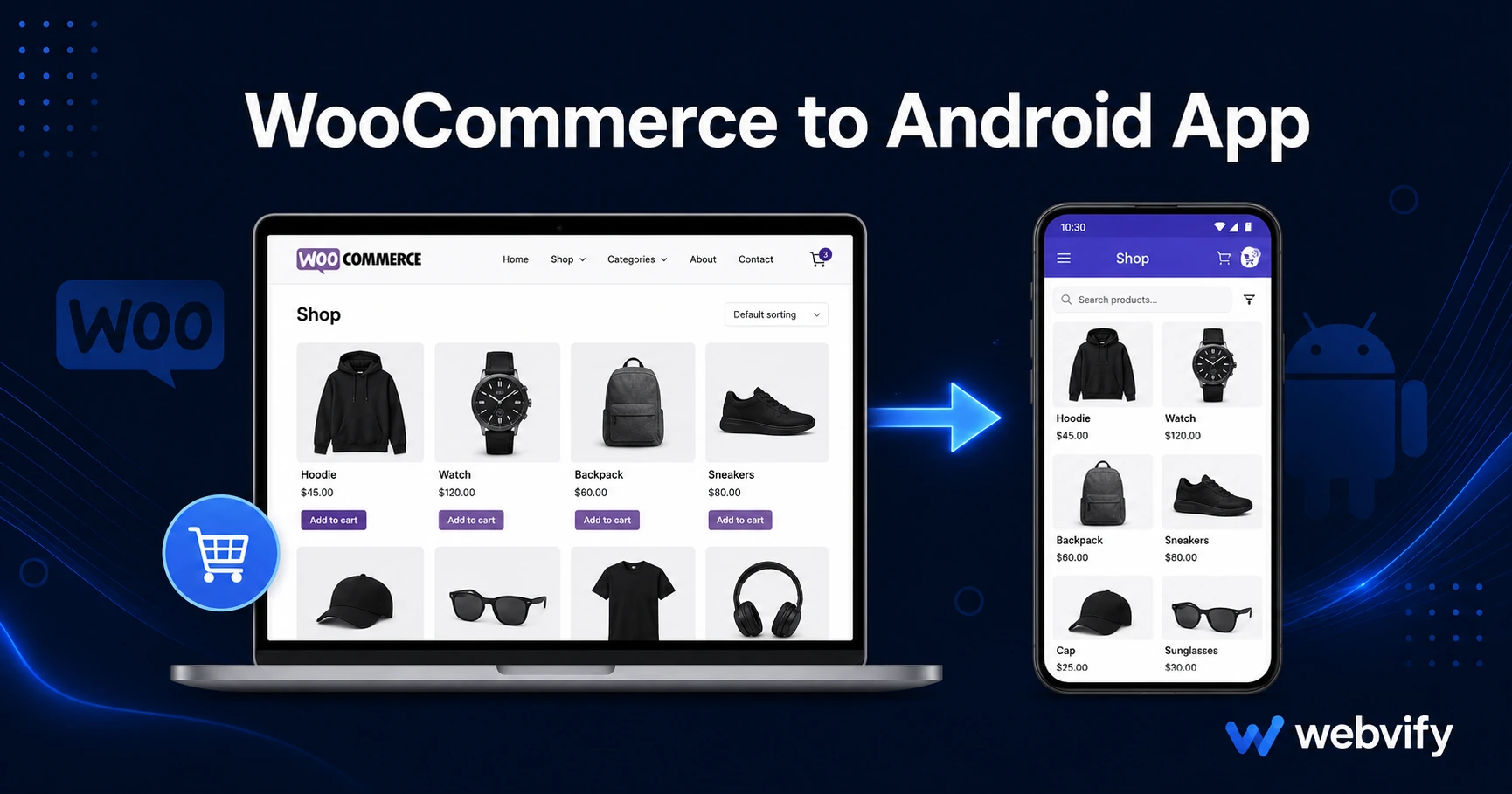
WooCommerce has no Android export. Here's how to convert your store into a Google Play app in days — no coding, no developer required.
Inside this article
Google Play reaches over 3 billion Android devices. Your WooCommerce store has no built-in path to get there — but converting it into an Android app is simpler than most store owners expect.
WooCommerce is built for the web. It doesn't generate Android apps, and no plugin changes that fundamental limitation. What does work is wrapping your existing WooCommerce site in a native Android shell — called a WebView app — and submitting it to Google Play under your own brand. No rebuilding your store. No duplicating your product catalog.
This guide walks through how a WooCommerce to Android app conversion works, what Google Play requires before approval, and what you gain once the app is live.
Why WooCommerce Has No Android Export (and Why That Matters)
WooCommerce is a WordPress plugin. It renders your store as a website, which works in a browser but is invisible inside the Google Play Store. Google Play only lists apps — not websites.
Android holds roughly 72% of the global smartphone market. Most of your mobile visitors arrive on Android, browse your store in Chrome, and leave without any persistent connection to your brand. No home screen icon. No push notifications. No way for them to find you by name in the Play Store.
A WooCommerce Android app changes all of that. Once it's live, customers can install it with one tap, search for your brand by name on Google Play, and receive push notifications directly on their lock screen — none of which a browser can deliver.
What a WooCommerce to Android App Actually Is
The most practical approach for an existing WooCommerce store is a WebView app: a native Android wrapper that loads your WooCommerce site inside it. From the customer's perspective, it behaves like a standard Android app. From your side, your website stays the single source of truth.
This matters because it means you rebuild nothing. Your existing WooCommerce theme, checkout flow, and payment setup all carry over. Any update you make in WordPress — new products, price changes, sale banners — appears in the app automatically, without a Play Store resubmission.
Services like Webvify handle the packaging and Google Play submission end-to-end, so you don't navigate the Play Console yourself. You keep ownership of your developer account; the service manages the build and submission process.
What Google Play Requires Before Approving Your App
Google Play has specific compliance requirements that catch store owners off guard the first time.
Target API level. Google Play requires apps to target Android API level 34 or higher. Your WebView app must meet this technical specification or it will be rejected before review even begins.
Data Safety form. Every app must declare what data it collects, how it's used, and whether it's shared with third parties. Even if your store uses only Stripe or PayPal and stores no card data directly, you still need to complete this form accurately.
AAB file format. Google Play requires Android App Bundle (.aab) format, not the older .apk format. Confirm that whoever builds your app is producing an AAB.
Custom domain. Your WooCommerce store must be on a custom domain — yourstore.com — not a hosting provider subdomain. This is a Google Play compliance requirement for WebView apps.
Digital goods and Play billing. If your store sells physical products only, you can skip this. If you sell digital downloads — e-books, software, courses — Google requires in-app purchase integration rather than direct Stripe or PayPal checkout. Most WooCommerce stores sell physical goods and aren't affected.
If your store is already on a custom domain and sells physical products, the compliance path is straightforward.
How to Convert Your WooCommerce Store Into an Android App
The process has three phases: preparation, packaging, and submission.
Preparation means verifying your store is mobile-responsive and loads correctly inside a WebView. Most modern WooCommerce themes — Storefront, Flatsome, Astra — handle this without changes. Check that your checkout flow completes without popups or redirect loops that break inside a WebView environment.
Packaging is where the native Android shell gets built around your WooCommerce site URL. This is the technical step — it requires either developer tools or a service that handles it for you. The output is an Android App Bundle (.aab) file ready for Play Store upload.
Submission involves creating a Google Play developer account ($25 one-time fee), completing the store listing (screenshots, description, content rating), filling in the Data Safety form, and uploading the .aab file. Google typically reviews and approves apps within 24–72 hours.
For the iOS side of this same project, the WooCommerce to iOS app guide covers App Store-specific requirements, including the key differences in how Apple handles digital goods compared to Google.
What You Gain Once the App Is Live
The Google Play listing is the starting point, not the end goal.
Push notifications let you reach customers on their lock screens. Abandoned cart reminders, flash sale alerts, and restock notifications sent via push average 60–90% open rates — compared to 20–30% for email. For a WooCommerce store, that's a direct revenue channel.
Home screen presence means your brand icon lives on the phone alongside Instagram and the customer's banking app. Customers who install your app are far more likely to return than those who bookmarked your site — app sessions convert at 3–5% versus 1–2% for mobile web.
Google Play discovery means customers can find your store by name without knowing your domain. That's a distribution channel your website doesn't have.
If you've already launched and want to grow installs, how to increase app downloads covers 10 practical channels that work after launch — most of them free.
FAQ
Can I convert my WooCommerce store to an Android app without rebuilding my products?
Yes. A WebView wrapper loads your existing WooCommerce site — no product migration, no content re-entry. Your catalog, checkout, and payment setup stay exactly as they are. Any change you make in WordPress reflects in the app automatically.
Does my WooCommerce store need to be on a custom domain to get on Google Play?
Yes. Google Play requires apps to load a custom domain. If your store is on yourstore.com, you already meet this requirement. A store hosted on a provider subdomain would need to upgrade to a custom domain first.
How long does it take to get a WooCommerce Android app live on Google Play?
The full process — build, compliance checks, and Google Play review — typically takes 5–10 business days from start to finish. Google's review itself usually completes within 24–72 hours. Total time from decision to live app: under two weeks in most cases.
Ready to get your WooCommerce store on Google Play? Webvify handles everything from the Android build to Play Store submission — no developer needed. Start at webvify.app