

Webvify vs Newly: Which Is Right for Your Business?
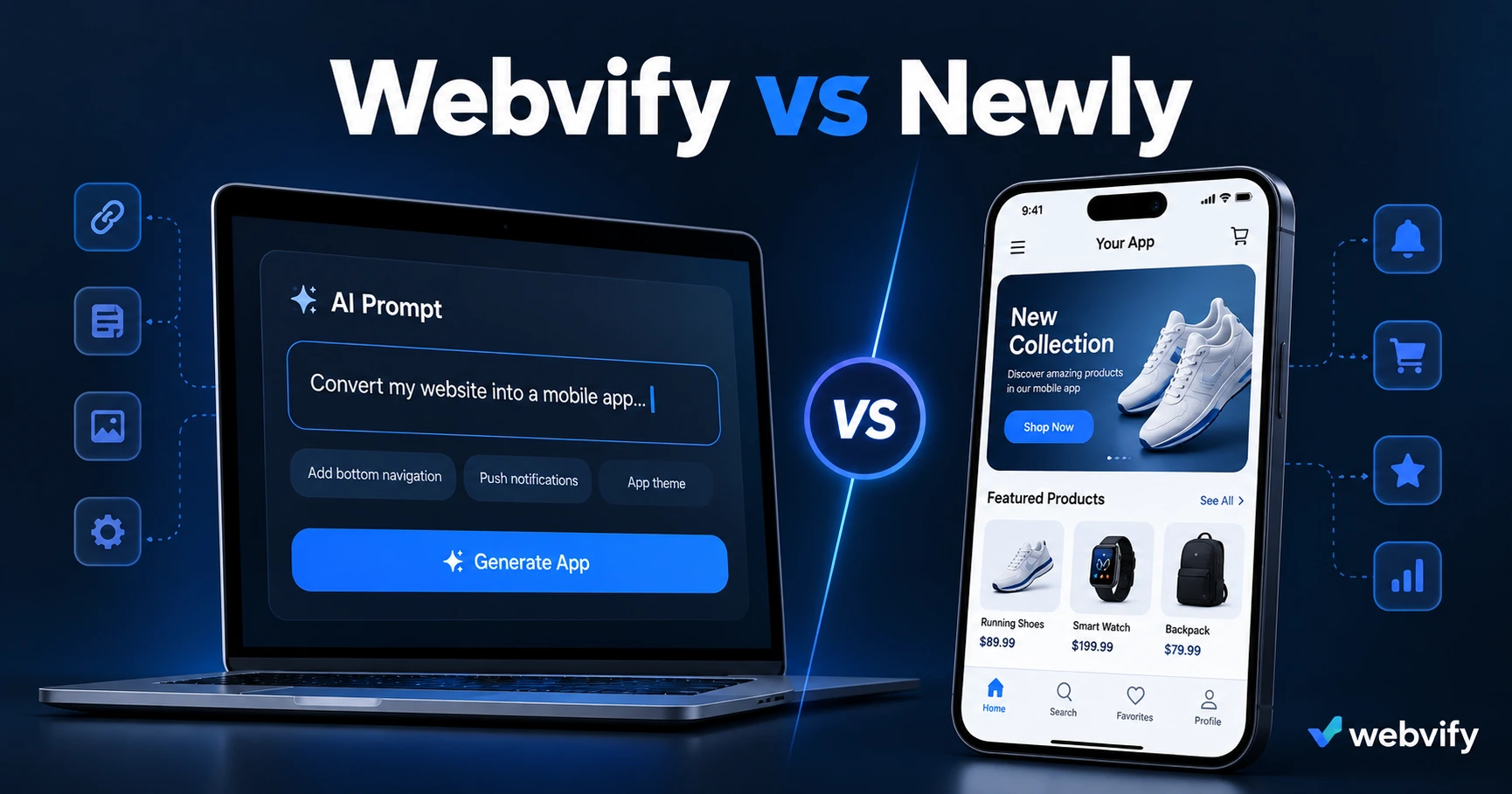
Newly uses AI to build apps from a prompt. Webvify converts your existing website. Here's how to pick the right tool for your situation.
Inside this article
Two small businesses. Both want a mobile app. One has a Shopify store they've built over three years. The other has a product idea and no website yet. They need completely different tools — and mixing them up wastes months.
Newly and Webvify both help you get a mobile app without a traditional development team. But they solve different problems, and choosing the wrong one means rebuilding work you've already done.
What Is Newly?
Newly (newly.app) is an AI-native app builder that generates a mobile app from a text prompt. You describe what you want — "a booking app for my fitness studio with a membership tier and push notifications" — and Newly's AI produces a working codebase. At $25/month, it's one of the more accessible AI code generators targeting small business owners who want a custom app built from scratch.
The appeal is obvious: no developers, no long project timelines, no six-figure quotes. You describe the app, AI builds it.
The limitation is just as obvious: Newly creates a new product. If your business already has a website — your product catalog, your booking system, your content, your customer accounts — none of that transfers. You start over, rebuilding the same things you already have, just in a different place.
What Is Webvify?
Webvify takes a different approach entirely. Instead of building a new app, it converts your existing website into a fully branded iOS and Android app. The technical term is a WebView wrapper — your website runs inside a native shell that makes it feel like an app, gets listed on the App Store and Google Play under your name, and unlocks push notifications, home screen presence, and app store discoverability.
Webvify handles the entire process end-to-end: building the app, submitting it to Apple and Google, and managing the review process. After launch, you get an admin panel to send push notifications and manage app settings without touching any code.
If you're already running a Shopify store, a WordPress site, a Webflow project, or any other web platform, your existing work carries over automatically. Nothing gets rebuilt.
Webvify vs Newly: The Core Difference
The simplest way to decide is one question: Do you already have a website?
If yes → Webvify converts it. No rebuild. Your content, your products, your booking system, your customer data — all live in the app from day one.
If no → Newly can generate a starting point from a prompt. You're building something new, which is what the tool is designed for.
| Newly | Webvify | |
|---|---|---|
| Starting point | No existing product | Existing website |
| How it works | AI generates code from a prompt | Wraps your site in a native app shell |
| App Store submission | Handled by you | Done for you |
| Content migration | Build from scratch | Automatic — your site is the app |
| Updates | Code changes required | Website changes reflect immediately |
| Price | $25/month | Done-for-you service (one-time + monthly) |
| Best for | New products, custom logic | SMBs that already have a website |
When Newly Makes Sense
Newly is the right choice when you're genuinely building something new — a product idea that doesn't exist as a website yet, a consumer app with custom logic, or an internal tool that needs device-level integrations your website can't replicate.
It's also relevant if you want full control over the codebase and plan to invest time in customising what the AI produces. AI-generated apps are starting points, not finished products — the real work begins after the initial generation.
One thing to plan for: App Store submission is your responsibility with Newly. Apple and Google both require compliance steps — Developer account setup, data safety declarations, content ratings, closed testing periods — and first-time submissions are regularly rejected for technical or policy reasons. If you've never submitted an app before, add several weeks and a significant learning curve to your timeline.
When Webvify Makes Sense
If you've spent time building a website — whether that's a Shopify store with product pages and checkout, a WordPress site with a booking plugin, or a custom web app — rebuilding all of that inside a new AI tool is redundant work.
Webvify gives you an app without touching your existing setup. Your customers see your real website inside a native app shell. Updates you make to your website — new products, new blog posts, price changes — appear in the app immediately because the app is your website.
The practical outcome: instead of spending weeks generating code, debugging AI output, configuring a new backend, and navigating App Store submission for the first time, you have a live app in days. Services like Webvify handle the submission end-to-end — you don't touch Xcode or the Google Play developer console.
For small businesses, the goal isn't a custom codebase. It's customers coming back. A branded app on the home screen with push notifications achieves that without a rebuild. (For a deeper look at how WebView apps compare to custom native builds, see this guide to WebView vs native apps.)
Agencies and freelancers building websites for clients have found this especially useful — offering an app alongside the website becomes a straightforward upsell. The client's website becomes the app without extra development work. (See how web agencies add mobile app services for the full breakdown.)
Pricing: What You're Actually Paying For
Newly charges $25/month for its AI app builder. That covers the generation and hosting of your app's backend. App Store developer accounts ($99/year for Apple, $25 one-time for Google), submission fees, and any rejection handling cost extra time and effort on your end.
Webvify is a done-for-you service — pricing covers the build, App Store and Google Play submission under your developer accounts, and an admin panel for ongoing management. You're not paying for a tool and then figuring out the rest yourself.
Neither is universally cheaper. The right comparison is time-plus-money, not just the monthly fee.
Frequently Asked Questions
Can Newly submit my app to the App Store?
Newly generates the app, but App Store and Google Play submission is handled by you. You'll need an Apple Developer account ($99/year), a Google Play developer account ($25 one-time), and the ability to navigate both platforms' compliance processes. Webvify handles this end-to-end.
Does Webvify work if my website is password-protected or requires a login?
Yes. Login-gated websites work in a Webvify app — the app loads your site and users log in as they would on mobile web. The key requirement is a mobile-responsive website with a custom domain. Webvify's team handles the technical setup, including cookie persistence and session management.
What happens if I use Newly but also have a website?
If you build an app with Newly and separately maintain a website, you're managing two systems with two sets of content, products, and updates. Any change on one platform needs to be replicated on the other. Webvify avoids this by making your website the app — one source of truth for both.
Ready to convert your existing website into an App Store and Google Play app without rebuilding a thing?