

Webvify vs. GoNative: Which Web-to-App Solution Is Right for You?
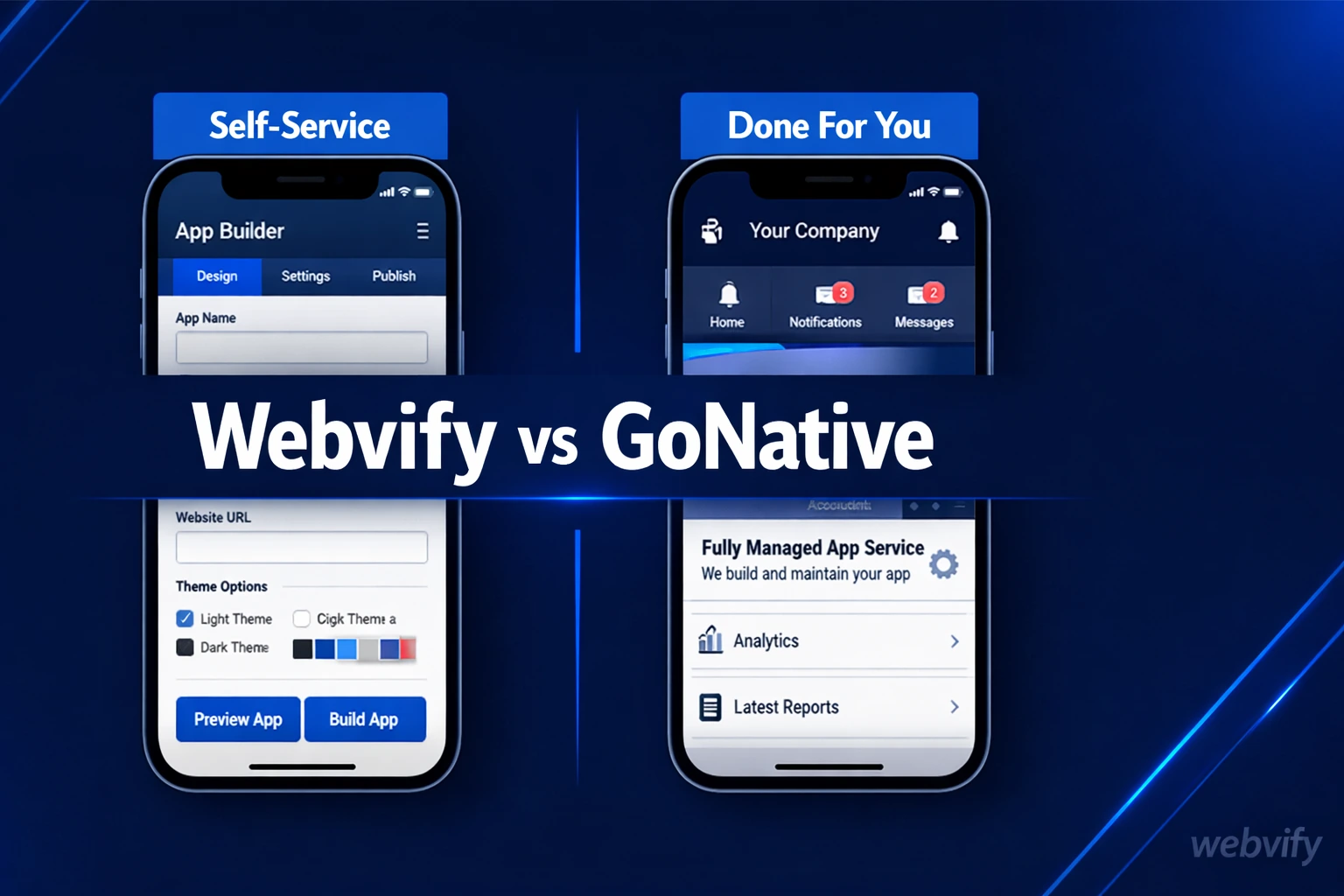
Webvify vs GoNative: both convert websites to iOS and Android apps — but one hands you a tool, the other does the work. Here's which fits your situation.
Inside this article
Most web-to-app platforms stop at building the app. Getting it live on the App Store and Google Play — reviewed, approved, and publicly available — that part is still entirely on you.
When comparing Webvify vs GoNative, the technology is similar: both wrap your existing website in a native app shell using WebView. The real difference is in who does the work to get it published — and that gap matters enormously for non-technical business owners.
What Is GoNative?
GoNative.io is a web-to-app conversion tool that wraps your website URL in a native iOS and Android container using WebView technology. You enter your site's URL, configure the app's appearance and navigation, and GoNative generates the app binary.
The platform is feature-rich for technical users. It supports JavaScript bridging — allowing your web app to access native device capabilities like camera access, biometric authentication, and contacts through custom code. It also handles deep linking, tab bar navigation, and push notifications.
GoNative runs on a monthly subscription model, with plans starting around $49/month for basic features and scaling upward for white-label builds, additional native integrations, and higher-volume usage.
The platform is capable. But it's built for people who can operate it technically — developers, agencies, technical founders.
What Is Webvify?
Webvify is a done-for-you web-to-app service. You provide your website URL and brand details. Webvify's team builds the app, sets up the Apple and Google developer accounts, submits to both stores, handles any review feedback, and delivers a live app — no technical work required on your end.
After launch, you manage push notifications, splash screens, and basic settings through an admin panel. No Xcode, no Android Studio, no developer portal navigation required.
The distinction from most app-building tools isn't what it produces — it's what's included in the service: end-to-end delivery, App Store submission, Google Play listing, and ongoing admin access in a single package.
Webvify vs. GoNative: The Core Difference
Both platforms produce the same type of output — a WebView wrapper app that loads your existing website inside a native shell. The gap isn't in the technology. It's in who handles what happens after the build.
GoNative is a self-service tool. You configure it, test it, and submit the app to the stores yourself. That means opening an Apple Developer account ($99/year), navigating App Store Connect, preparing screenshots and metadata, writing an app description, and handling review correspondence if your app gets rejected.
Webvify is a managed service. Their team handles submission from start to finish. If Apple rejects the build, Webvify resolves it. You don't interact with the developer portal.
For technical users building custom integrations, GoNative's flexibility is the point. For business owners who want a live app without learning App Store submission, that flexibility becomes a bottleneck. Here's what the full App Store submission process actually involves →
Where GoNative Falls Short for Non-Technical Users
GoNative's self-service model works well if you already know how to submit an app. For most business owners, that's exactly the gap they're trying to close.
Developer account setup. Apple requires an Apple Developer Program enrollment ($99/year), business entity verification, and personal ID verification. The process alone takes several days. Google Play has a separate account requirement with its own setup steps.
App Store review rejections. Apple rejects apps for dozens of reasons — insufficient functionality, missing privacy policies, metadata issues, in-app purchase policy violations. GoNative provides the binary. You handle every piece of feedback from Apple's review team directly.
Ongoing compliance. iOS and Android store policies update regularly. GoNative's platform updates, but your accounts, submissions, and review responses remain your responsibility.
A restaurant owner or salon operator who wants a branded app for ordering and loyalty push notifications doesn't need control over the binary — they need the app to be live. The submission overhead is an obstacle, not a feature.
If you're a developer, this isn't a problem. If you're not, it typically is.
When GoNative Makes Sense
GoNative is a solid choice for the right user. If you're a developer building a web app that needs deep native integrations — camera access, biometric login, custom JavaScript bridging between web and native code — GoNative's feature depth is worth exploring.
It's also a reasonable option for agencies that white-label the technology and manage App Store submissions in-house for clients. The platform is well-documented and configurable for that use case.
If your goal as a business owner is to avoid hiring a developer, GoNative does not solve that problem. The submission and maintenance steps still require someone technical. The question is whether that person is you, someone you hire, or a service that includes it.
For agencies looking to add app services without adding technical overhead, the white-label reseller model with Webvify is worth reviewing — it removes the submission complexity entirely from your workflow.
Which One Is Right for You?
Here's a straightforward way to decide:
If you have a developer on your team — or you are one — GoNative gives you direct control over the app at a predictable monthly cost. The flexibility is real and the platform is capable.
If you're a business owner with a website and no developer, and you want an app on the App Store and Google Play without navigating developer portals yourself, Webvify handles the process end-to-end. You stay out of the technical steps.
The underlying WebView technology is roughly equivalent. The experience of getting from URL to live app is not.
Webvify manages the full process — build, App Store submission, Google Play listing, and admin panel — from your website URL to a live branded app, without requiring technical skills on your end. Learn more at webvify.app.
Frequently Asked Questions
Is GoNative the same as Webvify?
Both use WebView technology to convert websites into iOS and Android apps, but they serve different users. GoNative is a self-service developer tool — you configure, test, and submit the app yourself. Webvify is a managed service — their team handles the full process including App Store and Google Play submission.
Does GoNative submit to the App Store for you?
No. GoNative provides the app binary and technical documentation, but App Store and Google Play submission is your responsibility. You'll need your own Apple Developer account and Google Play developer account and will manage any review feedback directly.
Can I switch from GoNative to Webvify?
Yes. If you're currently using GoNative and want to move to a fully managed service, Webvify can handle the conversion, submission, and ongoing management without rebuilding your website. Your existing website URL is all that's needed to get started.
Ready to turn your existing website into a branded mobile app without rebuilding it? See how Webvify works →